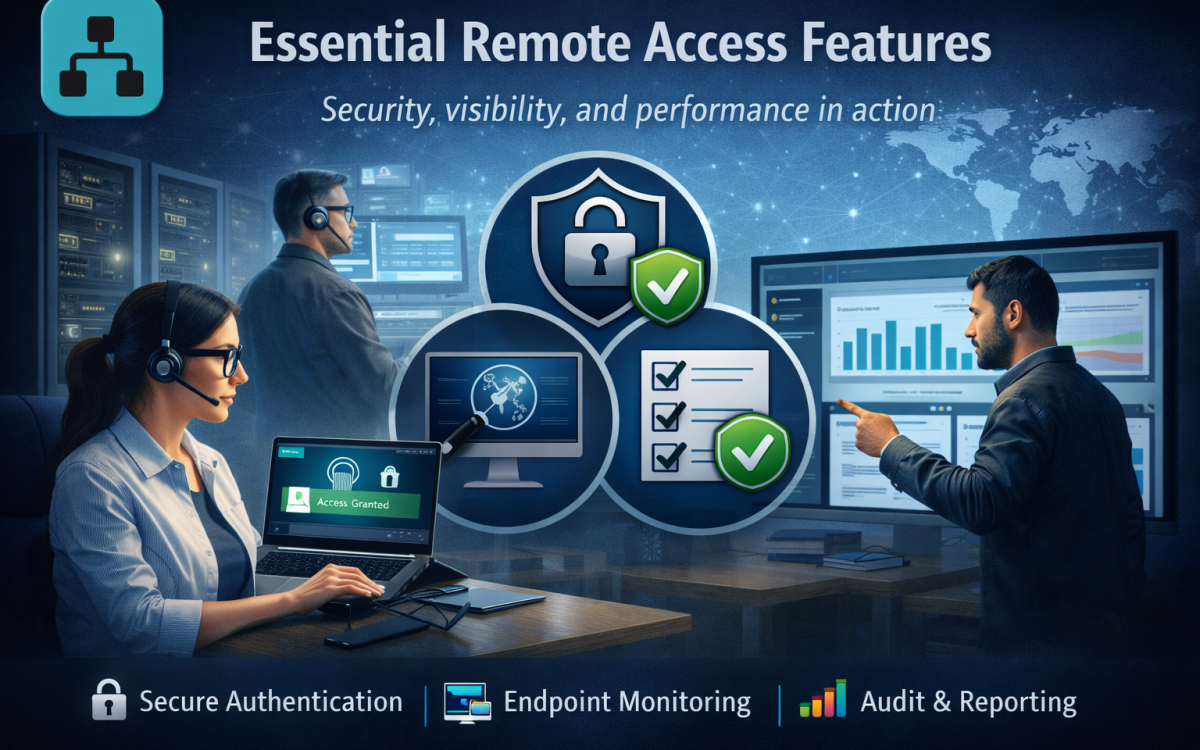
Remote access has shifted from a convenience to a core IT control plane. This listicle outlines five essential features to prioritize and reviews five enterprise-facing vendors through that lens.
Introduction
Remote access tools now sit at the intersection of productivity, security, and operational resilience. For IT teams, the right feature set reduces ticket volume, supports distributed work, and limits exposure when endpoints and identities are outside the traditional perimeter.
Below are five vendors often evaluated for remote access and adjacent controls, followed by practical selection and rollout considerations.
1. SplashTop’s Remote Access
Splashtop’s Remote Access is built around practical, high-availability connectivity for day-to-day remote work and IT support scenarios. It emphasizes fast remote desktop performance and straightforward administration, helping reduce friction when supporting distributed endpoints.
For teams standardizing remote access, it can serve as an Essential Remote Access Tool for remote access within a broader controls stack, especially where consistent user experience and simplified operations are priorities.
Key Points
- Remote desktop access with performance-optimized streaming
- Support for unattended access to managed endpoints
- Authentication and access controls aligned to enterprise policies
- Session logging and administrative visibility
- Centralized management for users, devices, and permissions
Key capabilities typically align to essential features like secure authentication options, device-based access control, and auditing that supports accountability. Performance tuning and reliable session behavior matter when users move between home networks, mobile hotspots, and corporate connections.
At an operational level, the product’s value is often in how quickly IT can onboard endpoints, define access boundaries, and keep remote sessions stable without excessive troubleshooting. That combination can lower support overhead while preserving governance over who can reach which systems and when.
2. CyberArk
CyberArk is often evaluated where remote access overlaps with privileged access and high-impact administrative workflows. Its approach typically focuses on reducing standing privilege, controlling how elevated sessions are initiated, and strengthening oversight for sensitive systems.
This becomes especially relevant when organizations align tooling to formalized remote access guidelines , where auditing, authorization, and session governance are as important as connectivity. CyberArk deployments commonly emphasize policy-driven access paths rather than ad hoc remote entry.
Key Points
- Privileged access controls and policy-based authorization
- Session monitoring features to support oversight and review
- Credential and access lifecycle capabilities aligned to least privilege
- Audit trails designed for compliance and investigations
- Integration patterns with identity and security ecosystems
In practice, IT teams look for tight integration with identity providers, granular policy enforcement, and session controls that can be reviewed and tuned over time. These capabilities help align remote access to least-privilege goals and improve forensic readiness.
Because privileged access programs can be cross-functional, success depends on clear role definitions, ownership of policies, and operational discipline around approvals and reviews. The tool’s feature depth is most valuable when those governance processes are in place.
3. Barracuda Networks
Barracuda Networks is frequently considered when remote access needs to be paired with perimeter controls, secure connectivity, and simplified administration for distributed users. Many teams evaluate it as part of a broader secure access approach that balances usability with centralized enforcement.
A common enterprise driver is protecting endpoints that operate outside managed networks. When remote work includes phones and tablets, aligning policies with mobile device security guidance can help clarify expectations around device risk, authentication, and access boundaries.
Key Points
- Secure remote connectivity with centralized policy enforcement
- Administrative controls for user and access management
- Logging and reporting to support operational visibility
- Security controls designed for remote and branch scenarios
- Integrations with directory services and common IT systems
From a features perspective, IT teams typically look for consistent access policy, logging, and manageable deployment across mixed device fleets. The goal is to avoid fragmented remote access methods that create inconsistent controls and support burden.
Operational fit often comes down to how well the platform integrates with existing directories and how quickly policy changes can be rolled out. Clear reporting and practical administration workflows can be as important as the underlying security primitives.
4. Zscaler
Zscaler is commonly evaluated in organizations shifting remote access away from network-centric models toward identity- and policy-driven access. This approach can reduce reliance on broad network reachability and instead focus on segmented, context-aware connections.
Security teams often weigh remote access decisions against the business impact of incidents, using external benchmarks like an annual data breach report to pressure-test assumptions about credential abuse, lateral movement, and response timelines. In that context, controlling session scope and improving visibility become central requirements.
Key Points
- Policy-driven access controls aligned to identity and context
- Segmentation-oriented approach to reduce broad network exposure
- Centralized logging and visibility for access activity
- Scalable architecture for distributed users and locations
- Integration with identity providers and security monitoring workflows
IT teams typically prioritize consistent policy across users, devices, and locations, with strong logging to support monitoring and investigations. The platform model can also simplify scaling when the workforce is highly distributed.
Implementation success hinges on careful application mapping, staged cutovers, and clear exception handling. Without that discipline, teams can introduce access friction or unintentionally widen access paths during transitions.
5. Trend Micro
Trend Micro is often considered where remote access requirements intersect with endpoint risk management and threat prevention. For many IT teams, the remote-work reality is that endpoint health and configuration drift directly affect the safety of remote connectivity.
In enterprise evaluations, teams typically look for how endpoint controls, telemetry, and policy enforcement can complement remote access workflows. The goal is to reduce the likelihood that a compromised device becomes a high-trust entry point into internal resources.
Key Points
- Endpoint security controls that inform remote access risk decisions
- Telemetry and reporting to improve visibility across device fleets
- Policy management for consistent enforcement and exception handling
- Alerting workflows that support response and remediation
- Integration options to align endpoint and access governance
Feature expectations commonly include strong visibility into endpoint status, actionable alerts, and reporting that helps security and IT operations coordinate on containment and remediation. Tying access decisions to device context can also improve risk-based governance.
Operationally, the value is highest when endpoint policies are standardized and exceptions are tightly managed. Clear workflows for incident response, isolation, and recovery help ensure remote access remains available while still supporting rapid containment when risk rises.
What essential features mean in modern remote access
In enterprise environments, remote access is more than getting a screen on a device. The baseline is secure connectivity plus enough control to support users without turning every exception into a one-off workaround.
The most consistently essential features cluster into five areas: strong authentication and session controls, granular authorization, endpoint posture visibility, auditing, and reliable performance across varied networks.
IT teams should also consider how remote access fits with broader identity, privileged access, and endpoint security programs, since overlapping tooling can either reduce complexity or create confusing policy gaps.
Key technical challenges IT teams run into
Network variability is the first challenge: latency, packet loss, and NAT traversal issues can degrade user experience and drive shadow IT. Tools need adaptive performance and predictable behavior across home, mobile, and restricted networks.
The second challenge is access sprawl. As devices and SaaS apps proliferate, it becomes harder to enforce least privilege and ensure that remote sessions follow the same security expectations as on-prem access.
Finally, visibility is often insufficient. Without session logs, device context, and integration into security monitoring, teams struggle to prove compliance and respond quickly when a credential or device is suspected to be compromised.
Selection priorities that map to the five essential features
Start by mapping users and use cases: help desk support, unattended access to workstations, contractor access, privileged admin workflows, and third-party vendor support. Each use case stresses different feature requirements and failure modes.
Next, validate security controls: MFA/SSO compatibility, role-based policies, just-in-time access (when applicable), session recording, and tamper-resistant audit trails. Integrations with directory services and security tooling typically reduce operational friction.
Finally, test operations at scale. Look for centralized policy, deployment automation, reporting, and predictable licensing. A short pilot should include worst-case network conditions and real support workflows, not only happy path demos.
Implementation context: rollout, governance, and user adoption
Implementation succeeds when governance is explicit. Define who can initiate remote sessions, under what approval path, and how exceptions are granted and reviewed over time.
User adoption depends on reliability and clarity. If the tool is slow, fails frequently, or prompts confusing security steps, teams will route around it.
Operationally, plan for phased deployment, monitoring baselines, and runbooks for common issues (device enrollment failures, identity mismatches, and access revocation). Treat remote access as a living control that needs periodic policy review, not a one-time installation.
Conclusion
The five essential remote access features secure authentication, least-privilege authorization, endpoint-aware controls, strong auditing, and reliable performance should be evaluated as a system, not as isolated checkboxes. The real differentiators show up in how consistently those features operate under real-world conditions.
A practical selection process pairs hands-on pilots with governance planning. Tools that integrate cleanly with identity and security operations usually deliver better long-term outcomes than tools optimized only for initial connectivity.
Finally, treat remote access as a control that evolves. Regular reviews of access scope, logs, and exception patterns help keep remote access both usable for the business and defensible for security teams.
FAQ
What are the most important features to validate in a remote access pilot?
Validate security first: SSO/MFA alignment, role-based access boundaries, and audit logging that your team can actually query and retain.
Then validate operations: deployment at scale, device onboarding/offboarding, and whether help desk workflows are measurably faster.
Finally, test performance under poor network conditions, since user experience problems are a common driver of policy bypass.
How should IT teams balance usability with stricter security controls?
Start with risk-based segmentation: apply stricter controls to privileged workflows and sensitive systems, while keeping standard user access streamlined.
Use consistent identity and device signals so users encounter fewer unexpected prompts.
Measure outcomes using support tickets, session success rates, and incident data to tune policies without guessing.
What logging and auditing capabilities matter most for remote access?
Prioritize logs that answer who accessed what, from where, on which device, and for how long, with timestamps that correlate cleanly to other security telemetry.
Session-level records are especially valuable for investigations and compliance reviews.
Equally important is retention and export: logs should be accessible to security operations without manual, error-prone steps.
When is it worth integrating remote access with privileged access management or endpoint security tools?
It is most valuable when administrators, contractors, or third parties routinely touch sensitive systems, because the blast radius of misuse is higher.
Integrations help enforce least privilege, add device context to access decisions, and improve investigation speed.
If your environment has high endpoint diversity or frequent role changes, integration can reduce gaps created by manual provisioning and ad hoc exceptions.