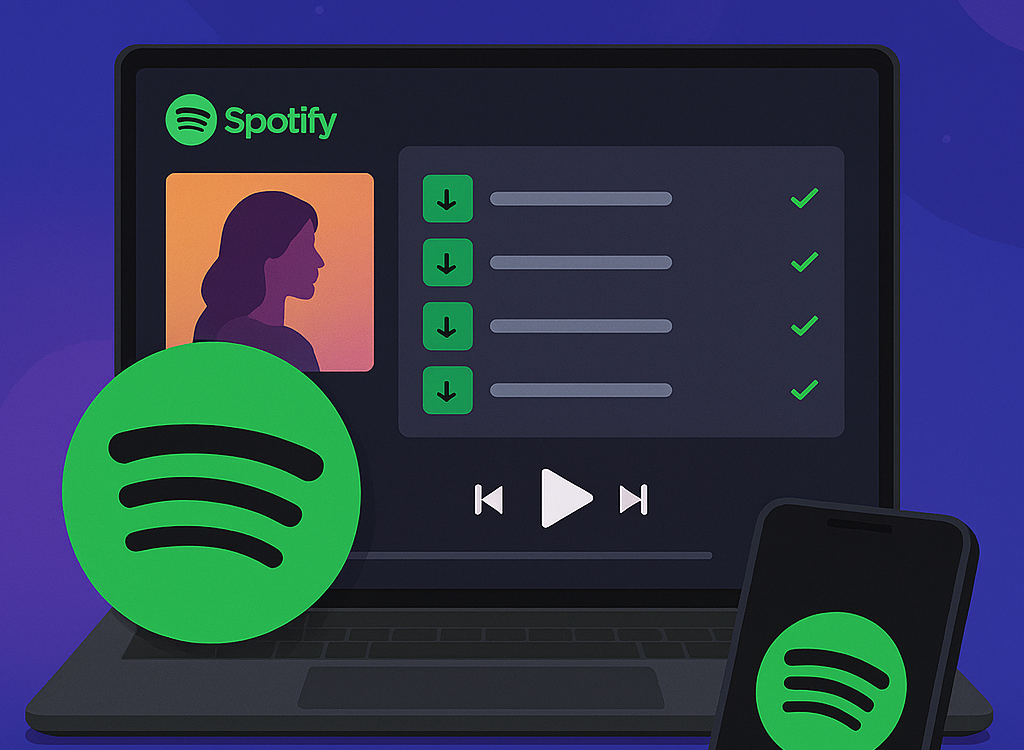
Spotify has revolutionized the way we experience music, offering access to millions of songs and podcasts at our fingertips. However, even the best streaming service has its limitations. The frustration of a playlist buffering endlessly on a morning commute or cutting out mid-song on a flight is all too familiar. To truly enjoy an uninterrupted experience, you need to know how to listen to Spotify offline. While Spotify Premium offers its own offline mode, it comes with strings attached. In this guide, we will explore the standard methods and then reveal the ultimate solution to download Spotify music to MP3 and liberate your music forever using ViWizard Spotify Music Converter.
The Official Way: Spotify Premium Offline Mode
Spotify does allow you to listen to music without an internet connection, but only if you are a Premium subscriber. This feature, known as Offline Mode, lets you download albums, playlists, and podcasts directly within the app.
How it works on mobile:
To enable this, you simply toggle the “Download” button on a playlist. Once downloaded, you can activate Offline Mode by going to Settings > Playback and switching the feature on.
The Desktop experience:
On a Mac or PC, Premium users can click the downward arrow on a playlist to download it. Once finished, you can enable Offline Mode by clicking the … menu > File > Offline Mode.
While this sounds convenient, the official method comes with significant restrictions. Your downloaded songs are encrypted and only playable within the Spotify app. If you cancel your subscription, you lose access to all your downloaded music . Furthermore, downloads expire and require you to log in and reconnect every 30 days to keep them.
The Ultimate Freedom: Listen to Spotify Offline Without Limits with ViWizard
If you want true, permanent ownership of your music, the Spotify Premium method falls short. This is where ViWizard Spotify Music Converter changes the game. Whether you have a Free or Premium account, ViWizard allows you to bypass all of Spotify’s restrictions. It removes DRM protection and converts your favorite tracks into universal audio formats like MP3, FLAC, and WAV.
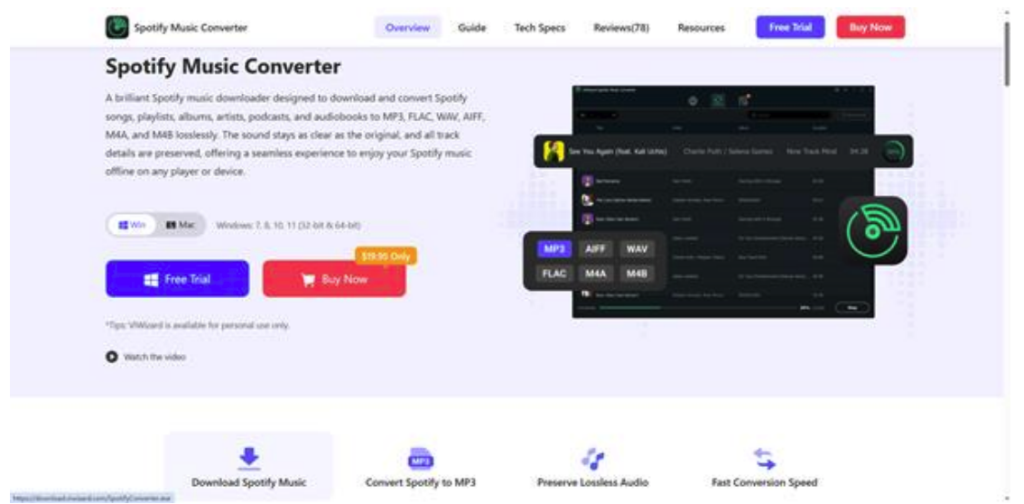
With ViWizard, you are not just renting your music; you own it. You can transfer your playlists to any device—an MP3 player for the gym, a USB drive for the car, or a new phone—without worrying about app limitations or subscription renewals.
Key Features of ViWizard Spotify Music Converter
Listen Offline Without Premium: You don’t need an expensive subscription. ViWizard works with both Free and Premium accounts, letting you download music for keeps.
High-Quality Output: Enjoy your music in pristine quality. ViWizard preserves the original audio quality, allowing you to export files at up to 320 kbps.
Blazing Fast Speed: Don’t waste all day downloading. ViWizard supports batch downloading of entire playlists at up to 15X faster speed on Windows, saving you valuable time.
Perfectly Organized: The software automatically preserves all ID3 tags. This means your downloaded files will retain the correct song titles, artists, album names, and cover art, keeping your library tidy.
How to Download and Listen to Spotify Offline with ViWizard
Using ViWizard to download your Spotify library is incredibly simple. Follow this step-by-step guide to start listening offline on any device, without any limits.
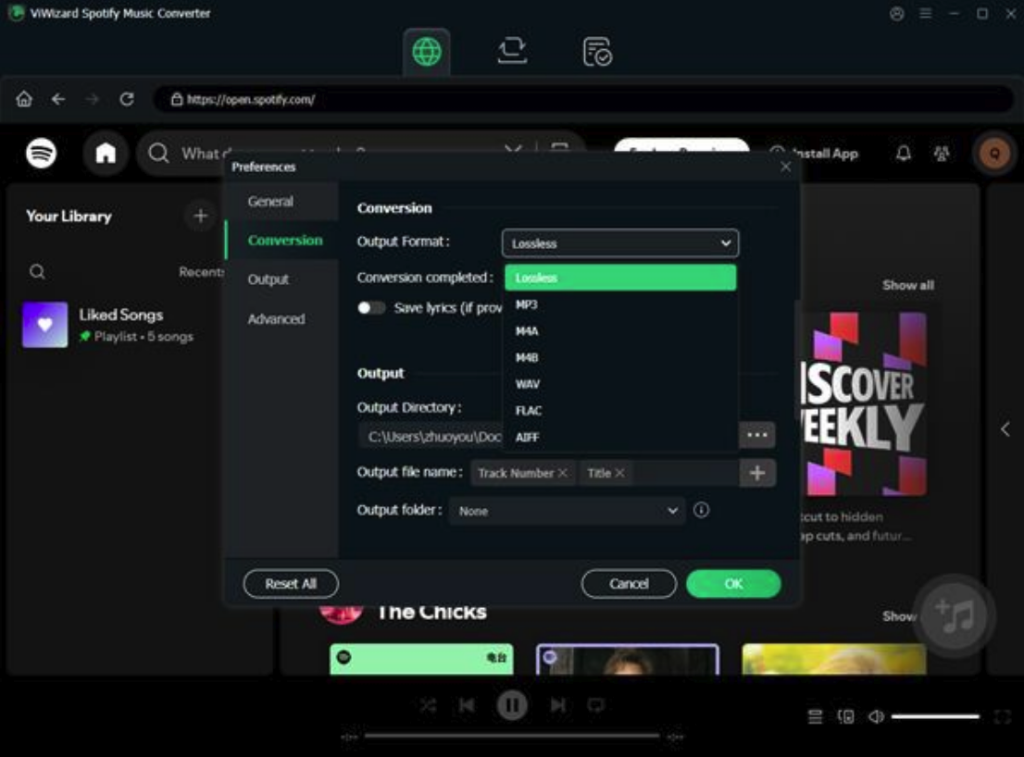
Step 1: Install and Launch ViWizard
Download and install ViWizard Spotify Music Converter on your Windows or Mac computer. Once installed, launch the program. You will see a built-in Spotify web player interface.
Step 2: Log in to Spotify
Within the ViWizard window, log in to your Spotify account. You can use either a Free or Premium account—the tool works seamlessly with both.
Step 3: Select Your Tracks
Browse the Spotify library through the built-in player. Find the songs, albums, or playlists you want to download for offline listening. Simply drag and drop them into the ViWizard conversion list, or click the green “+” button to add them.
Step 4: Adjust Output Settings
Before converting, click the menu icon to access “Preferences.” Here, you can customize your output. To ensure the best experience, set the Format to MP3 and the Bit Rate to 320 kbps. This guarantees high-quality audio that will play on any device.
Step 5: Convert and Download
Once everything is set, click the big “Convert” button. ViWizard will immediately start ripping the tracks, removing DRM, and saving them to your local drive at high speed.
Step 6: Transfer and Enjoy
After conversion, click the folder icon to locate your new music files. You can now copy them to your smartphone, tablet, car stereo, or any other device. Congratulations! You can now listen to Spotify offline permanently, without ever needing the app again.
Conclusion
While Spotify Premium offers a temporary solution for offline listening, the restrictions make it a risky way to build a music library. Downloads expire, and they vanish if you stop paying. For true music lovers who want permanent access, ViWizard Spotify Music Converter is the ultimate tool.
It empowers you to break free from the Spotify ecosystem, giving you the freedom to enjoy your favorite playlists on any device, anywhere, without limits or recurring fees. Don’t let your music be held hostage—take control today.