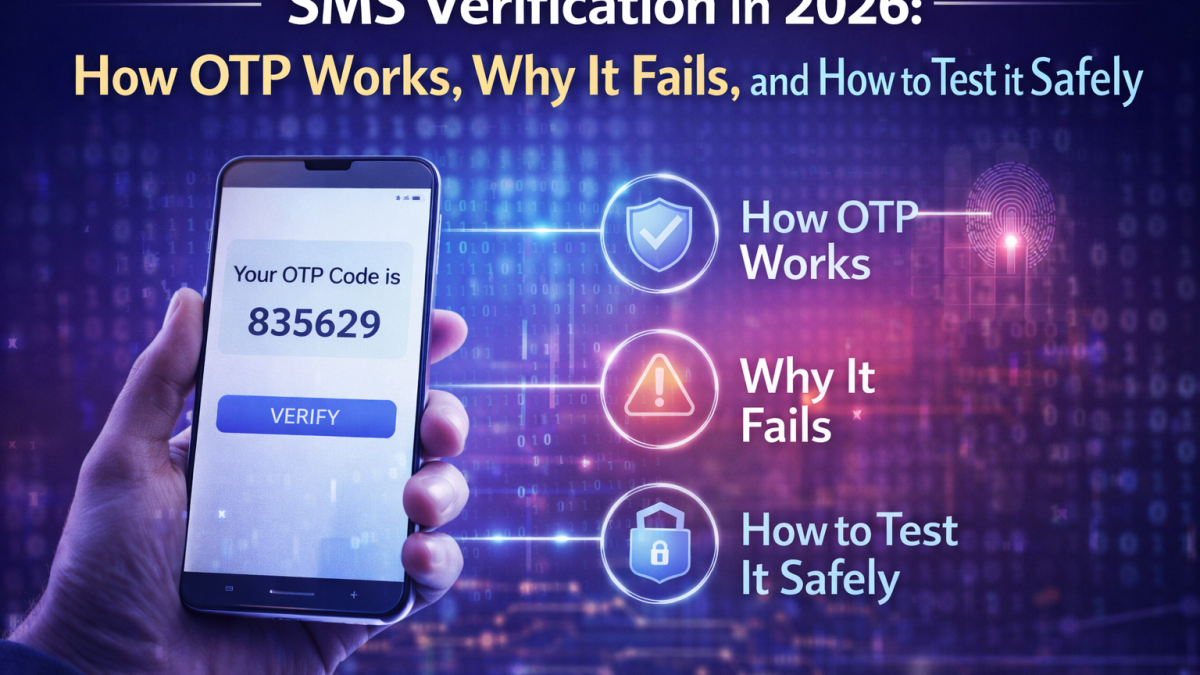
SMS verification is still one of the most common ways websites and apps confirm that a user can control a phone number. You’ve likely seen it as a one-time password (OTP), a short numeric code, or a time-limited login link sent by text message. Despite the rise of authenticator apps and passkeys, SMS verification remains popular because it is familiar, fast to deploy, and works across nearly every device and carrier.
That said, SMS verification is not “set and forget.” Delivery rates vary by country and carrier, messages can be delayed or filtered, and user experience can suffer when the verification flow is brittle. For product teams, QA engineers, and developers integrating sign-in or anti-fraud systems, understanding how SMS verification actually works end-to-end helps you design better flows and test them more reliably.
What “SMS verification” really means
At a high level, SMS verification is a challenge-response step designed to confirm access to a phone number. The typical flow looks like this:
- The user enters a phone number during registration, login, password reset, or high-risk actions (e.g., changing email, adding a payment method).
- Your system generates a time-limited code (OTP) and sends it to the user via SMS through an SMS provider or aggregator.
- The user types the code into your app or website.
- Your backend verifies the code matches and hasn’t expired, then completes the action.
Most OTP codes are valid for 30–300 seconds and should be single-use. A good implementation also rate-limits requests, prevents brute-force attempts, and supports resending with a cooldown. While this seems straightforward, failures often occur at the edges—carrier filtering, delays, phone number formatting issues, and inconsistent behavior across regions.
Why SMS verification can fail (and how to reduce failures)
If you have ever seen a user complain, “I never received the code,” you already know the biggest challenge is deliverability. Here are the most common causes and what teams can do to reduce them:
1) Carrier filtering and spam controls
Carriers and messaging ecosystems continuously fight spam. High-frequency sending, repeated template patterns, suspicious keywords, or mismatched sender identities can lead to filtering. Some regions also require pre-registration of sender IDs or templates for A2P messaging. If your messages are blocked or throttled, the user experience suffers immediately.
Mitigation: Use well-structured templates, avoid marketing language in verification SMS, keep the message concise, and ensure your sending provider is compliant with regional requirements.
2) Routing issues and aggregator coverage
SMS providers route messages through different carriers and partners depending on destination. Coverage quality differs by country and can change over time. A route that worked last month might degrade due to policy changes or carrier updates.
Mitigation: Monitor delivery performance by region and maintain backup routes or secondary providers when possible. If your product is global, “one route fits all” rarely holds.
3) Latency and delayed messages
Even when messages are delivered, delays can be long enough for OTP expiry. If the user receives a code after it expires, they often retry multiple times, triggering rate limits and making the experience worse.
Mitigation: Choose a realistic OTP expiry window, provide a resend cooldown that balances security and usability, and clearly explain timing (“Code expires in 2 minutes”).
4) Phone number formatting and validation errors
Users input phone numbers in different formats. If your system does not standardize to E.164 format or validate country codes correctly, you can accidentally send to the wrong destination or fail to send at all.
Mitigation: Use a proven phone-number parsing library and enforce consistent formatting in your backend.
5) UX issues: confusing screens, unclear errors
Sometimes the SMS is delivered, but users fail to find it (blocked messages folder, dual SIM confusion, notifications disabled). If your UI shows generic errors, support tickets will spike.
Mitigation: Provide clear error messages, allow the user to re-check their phone number, and offer alternative verification methods where feasible.
Security considerations: where SMS verification is strong and where it’s weak
SMS verification can be a useful anti-abuse layer, but it is not perfect security. Threats include SIM swapping, SS7 interception risks (in some contexts), and social engineering. For high-value targets, stronger methods like passkeys or authenticator apps can provide better protection.
However, many teams still rely on SMS verification because it provides a practical friction point that reduces automated abuse and helps with account recovery. The key is to treat SMS verification as part of a layered approach:
- Combine with rate limiting: throttle OTP requests per IP, per account, and per device.
- Use risk-based checks: require verification for suspicious behavior rather than every action.
- Log and analyze: track failure rates and abuse patterns by region and carrier.
- Offer fallback: if SMS is unreliable in a region, provide backup options when possible.
Developer and QA reality: testing SMS verification at scale
Building a reliable OTP flow is one thing—testing it across multiple services, apps, and countries is another. Teams often need to validate that:
- OTP messages are actually delivered and readable
- Templates render correctly (no broken characters, truncation, or encoding issues)
- Expiry times match the UI countdown
- Resend rules behave properly under rapid retries
- Localization works (language, formatting, and right-to-left scripts where relevant)
- Edge cases are handled (dual SIM, roaming, or region-specific restrictions)
In real-world QA, it is common to run repeated test registrations and verification attempts. If you test only with a single physical SIM card, you quickly run into limitations: cost, speed, and inability to cover multiple regions. That is why many developers use dedicated testing workflows and tools that help them validate delivery and OTP parsing without tying tests to a personal number.
Common OTP message formats (and why parsing matters)
Verification messages vary by service. Some send a numeric code, others send alphanumeric codes, and some use login links. Here are a few patterns teams should consider when building parsing logic or displaying messages in support tools:
- Numeric OTP: “Your code is 482913. It expires in 2 minutes.”
- Alphanumeric: “Use code A7K9Q to verify your account.”
- Login link: “Tap to sign in: https://example.com/verify?token=…”
- Regional formatting: messages that include local language, punctuation, or brand names
For support and QA, seeing the full message content can be important. Sometimes the “code” is not the only useful piece of information; you may need to confirm the sender signature, the template text, or whether a service sends a link instead of a code. Designing tools and logs that preserve full SMS content (when allowed and appropriate) helps teams debug issues faster.
Best practices for SMS verification UX
Small UX details can dramatically improve completion rates. Consider these practical improvements:
- Show the destination number clearly (masked, but recognizable) so users know which SIM or device to check.
- Enable quick correction if a user typed the wrong country code.
- Explain the resend rule with a countdown timer rather than a disabled button with no context.
- Handle delayed codes gracefully: if a user enters an older code, show a helpful message and let them request a new one.
- Keep messages short and consistent: avoid unnecessary text that might trigger filtering.
When teams need a broader set of test numbers
For global products, teams often want to test how verification behaves across multiple countries. Regional differences can be significant. Some carriers deliver instantly while others introduce delays, some block certain templates, and some require additional compliance steps. If you’re validating an onboarding funnel or investigating high failure rates in a specific market, having access to multiple regions can reduce guesswork.
In these scenarios, teams may use services that provide temporary access to phone numbers for receiving OTP messages during development and testing. This can help QA replicate user journeys more efficiently, especially when you need to verify behavior for different destinations without maintaining many physical SIM cards.
A practical reference for SMS verification workflows
If you want a structured overview of SMS verification concepts—OTP formats, testing considerations, common failure modes, and terminology—you can use this encyclopedia-style reference: SMS verification service. It’s a useful starting point when you’re documenting your own verification flow or aligning your team on how OTP delivery behaves in the real world.
Final checklist: improving and validating SMS verification
Whether you’re building a new signup flow or troubleshooting an existing one, the following checklist can help:
- Delivery monitoring: track success and delay rates by country and carrier
- OTP policy: set sensible expiry times and single-use rules
- Rate limits: prevent abuse without blocking legitimate users
- Template hygiene: keep messages short, non-promotional, and consistent
- UX clarity: show the number being verified and provide helpful error states
- Testing coverage: validate flows across regions, devices, and edge cases
SMS verification will likely remain part of authentication and anti-abuse strategies for a long time, even as passkeys expand. Teams that treat OTP as a product surface—measuring deliverability, refining UX, and testing across real-world conditions—tend to see higher completion rates, fewer support tickets, and a more resilient onboarding experience.