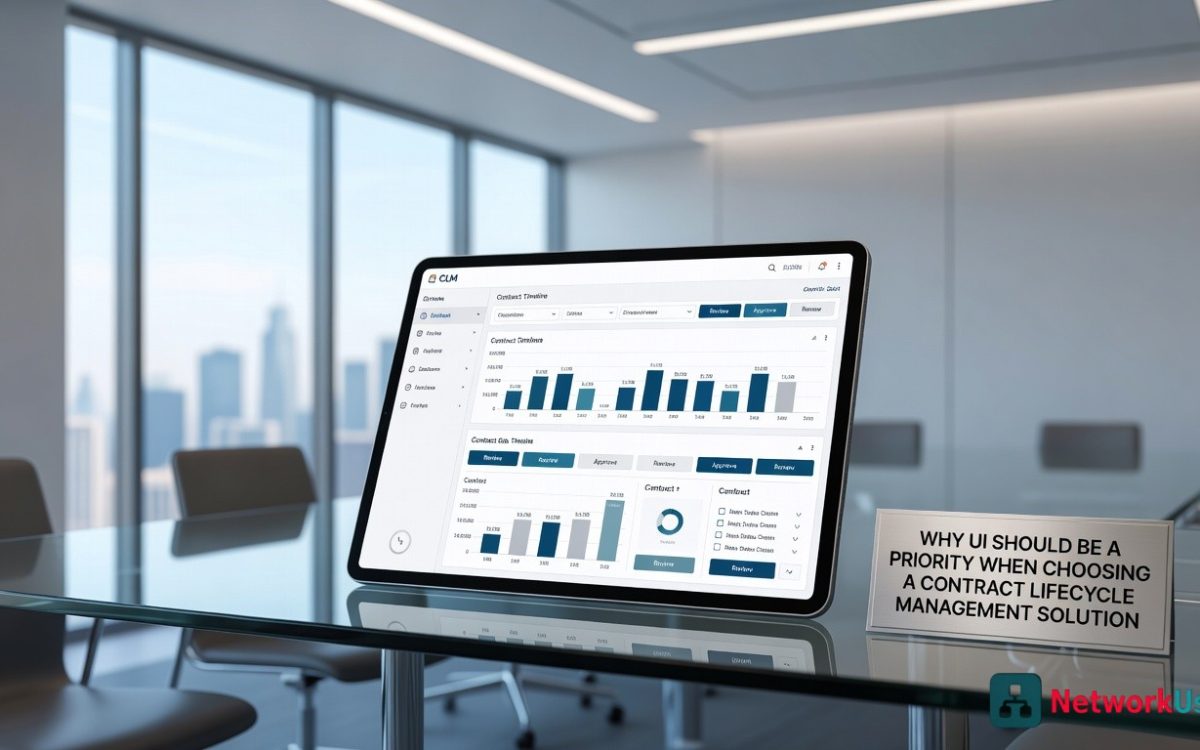
A contract lifecycle management system, or CLM, holds every agreement a business makes. From supplier deals to customer contracts, this software becomes the single source of truth for legal and procurement teams. Yet many buyers focus only on features like approval workflows or template libraries.
They forget to ask a simple question: how easy is this system to use every single day? The user interface, or UI, decides whether a contract lifecycle management solution gets adopted or abandoned. A clean and intuitive UI should rank as a top priority from the very first demo.
First Impressions Drive Daily Use
A person opens a CLM to find a specific clause or check a renewal date. If the dashboard feels cluttered or confusing, frustration sets in immediately. Users lose minutes hunting for basic functions, and those minutes add up to hours of lost productivity. A well-designed UI presents the most common tasks like search, upload, and approve in plain sight. When a contract manager can complete a job in three clicks instead of ten, the software becomes a helper instead of a hindrance.
Poor Design Leads to Costly Mistakes
Contracts carry legal and financial weight, so errors have real consequences. A confusing interface might hide critical fields or make redlining difficult to track. A user could click the wrong version of an agreement or miss an important alert about expiring terms. These small interface-driven errors turn into disputes, missed renewals, or compliance gaps. A thoughtful UI reduces those risks by guiding the user with clear labels, consistent buttons, and logical page flows. Good design acts as a silent partner that prevents slips before they happen.
Training Time Shrinks With Intuitive Layouts
Every new software rollout demands training sessions, user guides, and help desk tickets. A complex UI multiplies those demands. Teams spend weeks learning where to find basic settings or how to run a simple report. On the other hand, an intuitive CLM feels familiar from day one. Buttons behave as expected. Menus follow standard patterns. New hires can navigate without constant hand-holding. Lower training costs and faster onboarding give a direct return on investment. A friendly UI turns reluctant users into regular users.
Adoption Rates Depend On Everyday Experience
A CLM holds no value if people refuse to log in. Sales reps will go back to spreadsheets. Legal teams will draft outside the system. Procurement will store files on shared drives. All those workarounds destroy the promise of centralized contract management. The main culprit for low adoption is almost always a frustrating UI. When the software feels slow, ugly, or illogical, people avoid it. When it feels smooth and responsive, people stay inside it. A priority on UI means a priority on real-world usage, not just feature checklists.
Mobile Access Needs Extra Care
Many professionals review contracts from phones or tablets during travel or remote work. A CLM that works well on a desktop but breaks on mobile creates a serious gap. Tiny buttons, cut-off text, and slow load times make mobile use impossible. A modern UI must adapt to any screen size without losing function. Scrolling should be smooth. Signing should be tap-friendly. Teams deserve a CLM that works in a taxi or on a train. Mobile-first design shows that a vendor truly cares about user experience across every device.
Choosing a contract lifecycle management solution without testing the UI first is a mistake. The most powerful feature set means nothing if users cannot find or use those features. Therefore, when evaluating CLM vendors, ask for a live demo and watch how real clicks feel.