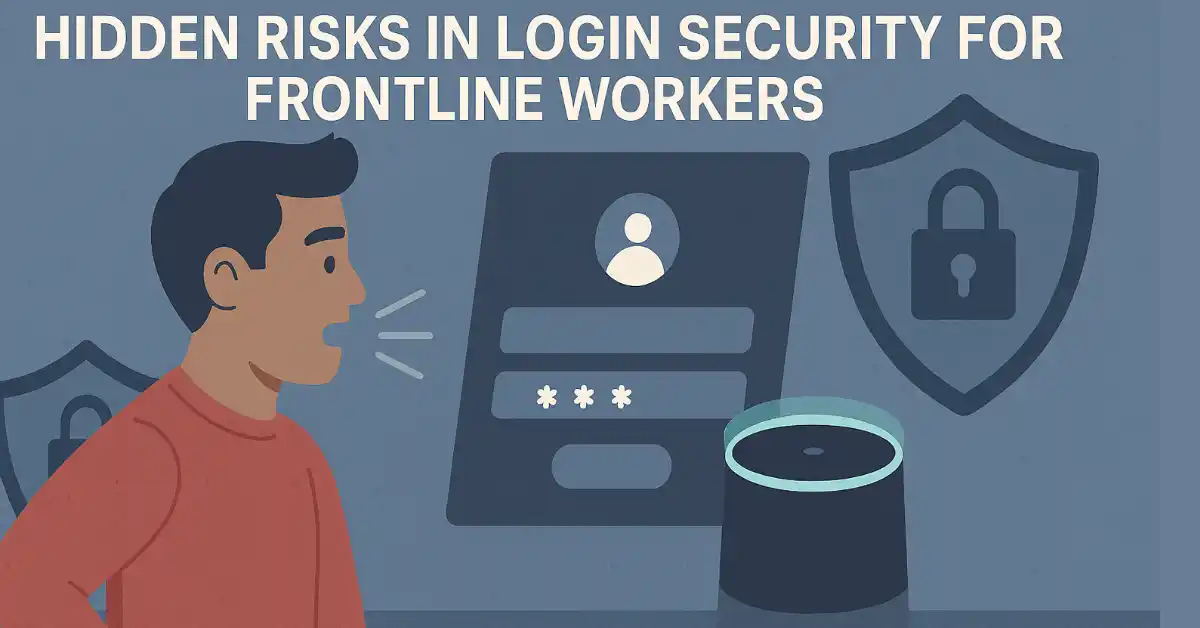
Frontline workers make up nearly 80% of the global workforce. They run factory floors, stock shelves, manage hospital patients, and keep warehouses moving. Yet most login security systems were built for office employees sitting at personal desks with personal devices.
That disconnect creates real problems. Shared terminals, rotating shifts, and time-sensitive tasks make traditional password systems a poor fit for these environments. Workers forget passwords, share credentials, or waste valuable minutes trying to log in at the start of every shift.
This article breaks down why standard authentication fails for frontline teams and what organizations can do to close the gap.
The Password Problem in Frontline Environments
Passwords were designed for a simple scenario: one person, one device, one login. Frontline work looks nothing like that.
In a hospital, nurses rotate between shared workstations across departments during a single shift. In a warehouse, dozens of workers use the same tablets and scanners throughout the day. In retail, cashiers log in and out of point-of-sale systems hundreds of times per week.
Each of these scenarios turns passwords into a bottleneck. According to Gartner, 20% to 50% of all help desk calls are related to password resets. Forrester Research estimates password management costs organizations around $70 per desktop user annually. For organizations with thousands of frontline workers, those numbers add up fast.
But the cost goes beyond help desk tickets. A warehouse worker locked out of a scanner for 15 minutes during a peak shipping window slows down the entire line. A nurse unable to access patient records at a critical moment puts care quality at risk. These are not minor inconveniences. They are operational failures caused by a security model that was never designed for this type of work.
Organizations evaluating the best passwordless authentication solutions are finding that methods like biometrics, NFC badges, and QR codes remove this friction entirely. Workers authenticate with a face scan or a badge tap, and they are in. No passwords to forget. No help desk calls. No wasted time.
Why Shared Devices Make Traditional Security Risky
Office workers typically have a laptop assigned to them. They log in once in the morning and stay logged in throughout the day. Frontline workers do not have that luxury.
Shared devices are the norm in manufacturing plants, hospitals, retail stores, and distribution centers. Multiple workers use the same terminal across different shifts. This creates a unique set of security risks that traditional password policies cannot address.
The most common problem is credential sharing. When logging into a shared device takes too long, workers start sharing passwords to save time. A 2024 survey by the Ponemon Institute found that 49% of employees admitted to sharing credentials with colleagues. In frontline settings where speed matters, that number is likely even higher.
Shared credentials destroy accountability. If five workers use the same login on a warehouse terminal, there is no way to know who performed a specific action. When something goes wrong, whether it is a data access violation or a compliance audit failure, the trail goes cold.
Then there is the problem of stale sessions. Workers often forget to log out when their shift ends. The next person walks up to the terminal and has full access to the previous user’s applications and data. In healthcare, this is not just an inconvenience. It is a HIPAA violation waiting to happen.
Compliance Pressure Is Growing
Regulatory frameworks are tightening their requirements around authentication. Organizations that rely on frontline workers in regulated industries face increasing pressure to prove individual accountability for every system access event.
HIPAA requires healthcare organizations to implement unique user identification and audit controls. Every access to patient data must be traceable to a specific individual. Shared logins make this impossible.
PCI-DSS mandates that retail and payment processing environments assign unique IDs to each person with computer access. Using a single shared account for a point-of-sale terminal violates this requirement outright.
NIST’s updated Digital Identity Guidelines (SP 800-63B) now promote phishing-resistant authentication and have downgraded SMS-based methods for high-assurance scenarios. The guidelines actively encourage organizations to adopt stronger, passwordless authentication protocols.
For frontline-heavy organizations, meeting these requirements with traditional passwords becomes an exercise in workarounds. Password rotation policies create more resets. Complex password rules lead to more forgotten credentials. And enforcing unique logins on shared devices without a fast authentication method just pushes workers back toward credential sharing.
The compliance argument alone makes a strong case for rethinking how frontline workers authenticate.
What Passwordless Authentication Looks Like on the Floor
Passwordless authentication replaces typed credentials with identity verification methods that are faster, more secure, and better suited to shared-device environments.
Here is how it works in practice across different frontline settings.
Manufacturing floors: A shift worker walks up to a shared terminal and taps an NFC badge. The system recognizes the worker, grants access to the correct applications based on their role, and logs the session. When the worker moves to a different station, they tap again. No typing. No delays.
Healthcare facilities: A nurse approaches a shared workstation and authenticates using facial recognition. The system pulls up patient records and clinical applications tied to that nurse’s permissions. When they step away, the session locks automatically. The next nurse authenticates with their own face and sees only their assigned data.
Retail environments: A cashier starts their shift by scanning a QR code on their employee badge. The POS terminal loads their profile, tracks their transactions, and logs every action. At shift change, the next cashier scans their badge and starts fresh.
In each case, the worker authenticates as an individual without passwords. The organization gets a clear audit trail. And the entire process takes seconds instead of minutes.
These methods also integrate with existing enterprise systems. Platforms that support SAML and OIDC protocols can connect passwordless authentication to existing SSO providers like Okta, Microsoft Entra ID, or Ping Identity. This means organizations do not need to rebuild their identity infrastructure from scratch.
The Security Argument Goes Beyond Convenience
Removing passwords does more than save time. It eliminates entire categories of attacks.
Phishing is the number one entry point for data breaches. Attackers trick employees into entering credentials on fake login pages. When there are no passwords to steal, phishing attacks lose their primary weapon. A badge tap or a face scan cannot be copied through a fake email.
Credential stuffing attacks rely on stolen username-password combinations from previous data breaches. Attackers test these stolen credentials against corporate systems, hoping employees reused their passwords. Passwordless methods make these attacks irrelevant because there are no credentials to stuff.
Brute force attacks systematically guess passwords until they find the right one. Biometric and token-based authentication methods do not have a “guessable” component. There is nothing to brute force.
For frontline environments where workers may not be trained to spot phishing emails or create strong passwords, removing passwords from the equation is the most effective risk reduction strategy available.
How to Evaluate Passwordless Options for Frontline Teams
Not every passwordless solution is built for frontline use cases. Many were designed for office workers with personal devices and corporate email addresses. Frontline workers often have neither.
Here are the key factors to consider when evaluating solutions for frontline environments.
Device independence matters most. Frontline workers share devices. The authentication method must work across any terminal without being tied to a specific phone or laptop. Solutions that require a personal smartphone for push notifications will not work for a factory worker who cannot carry a phone on the production floor.
Speed of authentication is critical. A login process that takes 30 seconds might be acceptable for an office worker starting their day. For a warehouse picker who logs into scanners dozens of times per shift, every second counts. Look for methods that authenticate in under three seconds.
Offline capability is important. Not every frontline location has reliable internet. A cold storage facility, a remote construction site, or a basement stockroom may have limited connectivity. The authentication method should work even when the network is down.
Integration with existing identity systems saves deployment time. The solution should connect to your current identity provider and HR systems. Automated user provisioning from HRIS platforms like Workday or ADP means IT teams do not have to manually create accounts for every new hire.
Compliance reporting must be built in. Audit trails, access logs, and compliance reports should be available out of the box. If the solution cannot generate the documentation your compliance team needs, it will create more work rather than less.
Conclusion
Frontline workers deserve security systems that work with their reality, not against it. Passwords were never designed for shared devices, rotating shifts, and high-turnover environments. They slow people down, create security gaps, and generate unnecessary costs.
The shift to passwordless authentication is not just a technology upgrade. It is a fundamental rethinking of how organizations secure access for their largest workforce segment.
Organizations that make this shift will see fewer help desk tickets, stronger compliance posture, faster worker onboarding, and a significantly reduced attack surface. Those that do not will continue fighting the same password battles while their frontline teams find workarounds that put security at risk.
The tools to solve this problem exist today. The question is whether your organization is ready to move beyond passwords.
FAQs
Why do frontline workers need a different approach to login security?
Traditional passwords assume one user per device, but frontline roles involve shared terminals and rotating shifts, leading to forgotten credentials, sharing, and delays. This causes operational bottlenecks, like 15-minute lockouts, and increases risks in sectors like healthcare. Passwordless methods like biometrics or NFC badges provide fast, secure access tailored to these environments, reducing help desk calls by up to 50% and ensuring accountability.
What are the risks of using shared devices for login in frontline settings?
Shared devices in warehouses, hospitals, and retail lead to credential sharing (49% of employees admit it), lost audit trails, and stale sessions that expose data, risking HIPAA or PCI-DSS violations. Passwords encourage insecure workarounds, amplifying phishing and breach threats. Passwordless authentication assigns unique, quick verifications per user, maintaining security without friction on communal hardware.
How does passwordless authentication improve compliance for frontline teams?
Regulations like HIPAA, PCI-DSS, and NIST guidelines require unique IDs and phishing-resistant methods, which passwords often fail due to sharing and resets. Passwordless options, such as facial recognition or QR scans, enable individual tracking, automatic logouts, and audit logs. This simplifies compliance in high-turnover settings, reducing risks and costs while integrating with systems like Okta for seamless enforcement.
What passwordless options are suitable for frontline workers?
Options include NFC badge taps for manufacturing (role-based access in seconds), facial recognition for healthcare (auto-locking sessions), and QR code scans for retail (tracking actions on shared POS). These are device-independent, offline-capable, and fast (under 3 seconds), eliminating phishing and brute-force attacks while integrating with HR systems like Workday for easy onboarding.
Why is passwordless security better than traditional passwords for efficiency?
Passwords waste time on resets (20-50% of help desk calls) and cost $70 per user annually, delaying shifts in frontline operations. Passwordless eliminates these by using biometrics or badges for instant access, shrinking attack surfaces and improving workflows. It boosts productivity in environments with poor connectivity or high turnover, cutting risks like credential stuffing without sacrificing speed.