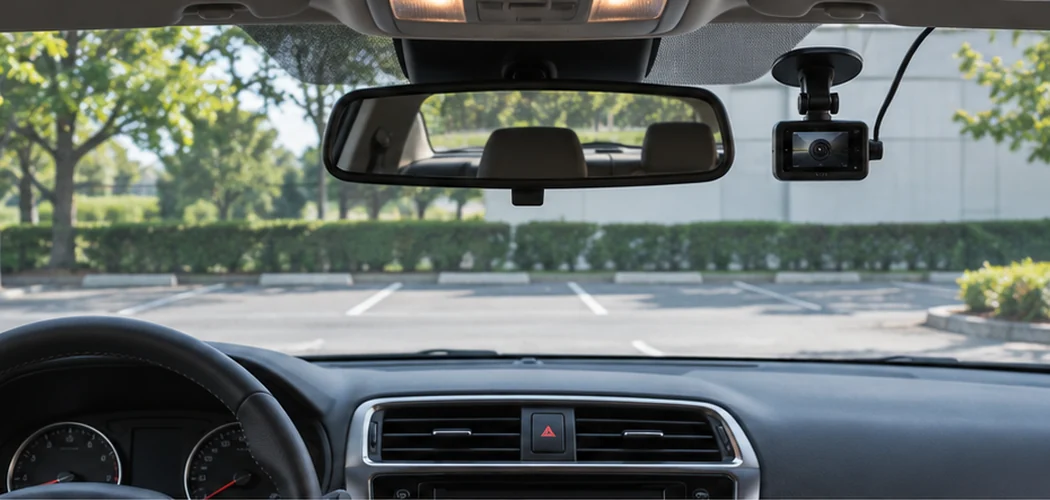
Dash cam parking mode records or monitors for events while your vehicle is parked. Depending on the camera, it can save a clip after an impact, record when something moves in view, or build a time-lapse of the parking session.
The feature needs compatible power after the ignition is off. It also needs a clear view and working storage. A camera can appear fine while you drive and still save nothing after you park. Check each part of the setup before relying on it.
How Dash Cam Parking Mode Works
A compatible camera changes its recording behavior when it determines the vehicle is parked. Some setups use an ignition signal. Others use a model-specific method described in the camera manual. Allow for the transition delay when you test it.
Driving mode typically records footage while the camera is powered, including when the car is stopped in traffic. Parking mode can use a different trigger, frame rate, or power setting. If you’re also choosing a camera for road use, see our guide to dashcams and driving safety.
The camera can only show what its lens captures. A front-facing camera might record a car pulling in ahead of you, while missing a scrape on the rear quarter panel. A rear camera extends coverage, but both lenses can still miss activity alongside the doors.
Compare Parking Recording Modes
| Mode | What it saves | What to check |
|---|---|---|
| Buffered event recording | A clip that can include footage from before and after a supported trigger | Check what triggers a clip and how many seconds the buffer covers. |
| Impact-triggered standby | A clip when the camera detects an impact and wakes to record | A sleeping camera may miss the approach or the initial contact. Light contact may fail to trigger it. |
| Motion-triggered recording | A clip when the camera detects activity in its field of view | Passing traffic, reflections, or shadows may create extra clips. Check whether the model buffers footage. |
| Time-lapse | A continuous sequence sampled at a lower frame rate during the active session | Fast movement can happen between frames. Check whether impacts also create separate clips. |
These labels describe different parts of the recording process. Motion or impact can trigger a clip, while buffering determines whether the camera can include footage from before that trigger. A model may offer several of these features in one mode. Thinkware’s parking mode overview shows examples of motion detection, low-power impact standby, and time-lapse. Check your model for the actual frame rate and clip length.
Choose based on where you park. In a busy garage, motion detection may save many clips of people walking past. At a quiet curb, a buffered clip could help show a vehicle approaching before it makes contact. For longer stays, check the camera’s power use and recording limit before choosing a mode.
Power Options After You Turn Off the Ignition
An accessory socket may shut off immediately or stay on for a short time after you turn off the car. Some remain powered. Check the vehicle manual and confirm what happens after you lock the doors and wait through any accessory delay. A screen that goes dark can indicate sleep, so check the camera’s status and saved files as well.
Depending on the camera and vehicle, compatible options may include an always-on socket, a manufacturer-supported constant-power cable, a hardwire kit, or a dedicated dash cam battery pack. Garmin’s Parking Guard support guidance lists examples of compatible constant-power options. Check the manual before buying a cable or pack. A camera’s small internal battery should only be counted on for parking recording if the manufacturer documents that capability.
What a low-voltage cutoff does
A compatible battery protection feature can stop the camera when vehicle battery voltage reaches a specified threshold. Some systems also let you limit parking runtime with a timer. These features can reduce battery drain. A low-voltage cutoff does not guarantee that an aging battery will have enough charge to start the car.
Follow the camera and vehicle guidance for cutoff and timer settings. Runtime varies with the battery’s condition, temperature, recording mode, and how often you drive. If the camera shuts down sooner than expected, check the timer and battery protection settings before changing them. Avoid routing power cables where they could interfere with airbags or vehicle controls.
How to Test Dash Cam Parking Mode
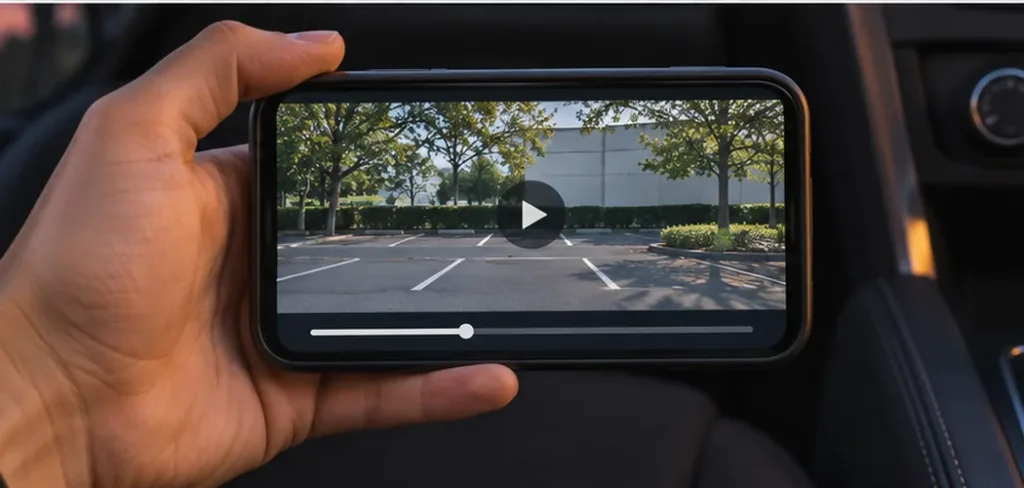
- Confirm the mode and storage. Enable your preferred parking mode, check the time and date, and confirm that the memory card is working and meets the manufacturer’s requirements.
- Park, turn off the ignition, and lock the car. Wait through the expected accessory-power delay and parking-mode transition. Use the camera’s documented indicator, app, or voice prompt to check its status.
- Create a safe test event. For motion detection, walk through the camera’s view. For time-lapse, leave the camera running briefly. For impact-only mode, follow the manufacturer’s test procedure if it provides one. Avoid striking the vehicle.
- Play back the parking file. Confirm that the timestamp matches the test and that the relevant area is visible. If you expect pre-event footage, check where the saved clip begins.
- Check coverage after a normal parking session. Verify that the camera recorded for the period you expected. Repeat the test in the lighting conditions where you normally park.
If there’s no clip, start with power. Then check whether the camera entered parking mode, whether the selected mode would have saved your test event, and whether the card recorded it. If the image is too dark or too narrow, review the angle and parking location. When a clip matters, export a copy promptly and confirm that it plays on another device.
Parking mode is most useful when you know what it records, how long it runs, and where to find the footage. A short test answers those questions for your camera and vehicle.