Home Technology, networking, cybersecurity, AI Microsoft Takes Down Malware-Signing Service Behind Ransomware Attacks
Technology, networking, cybersecurity, AI

Microsoft Takes Down Malware-Signing Service Behind Ransomware Attacks

Microsoft Takes Down - Microsoft Takes Down Malware-Signing Service Behind Ransomware Attacks

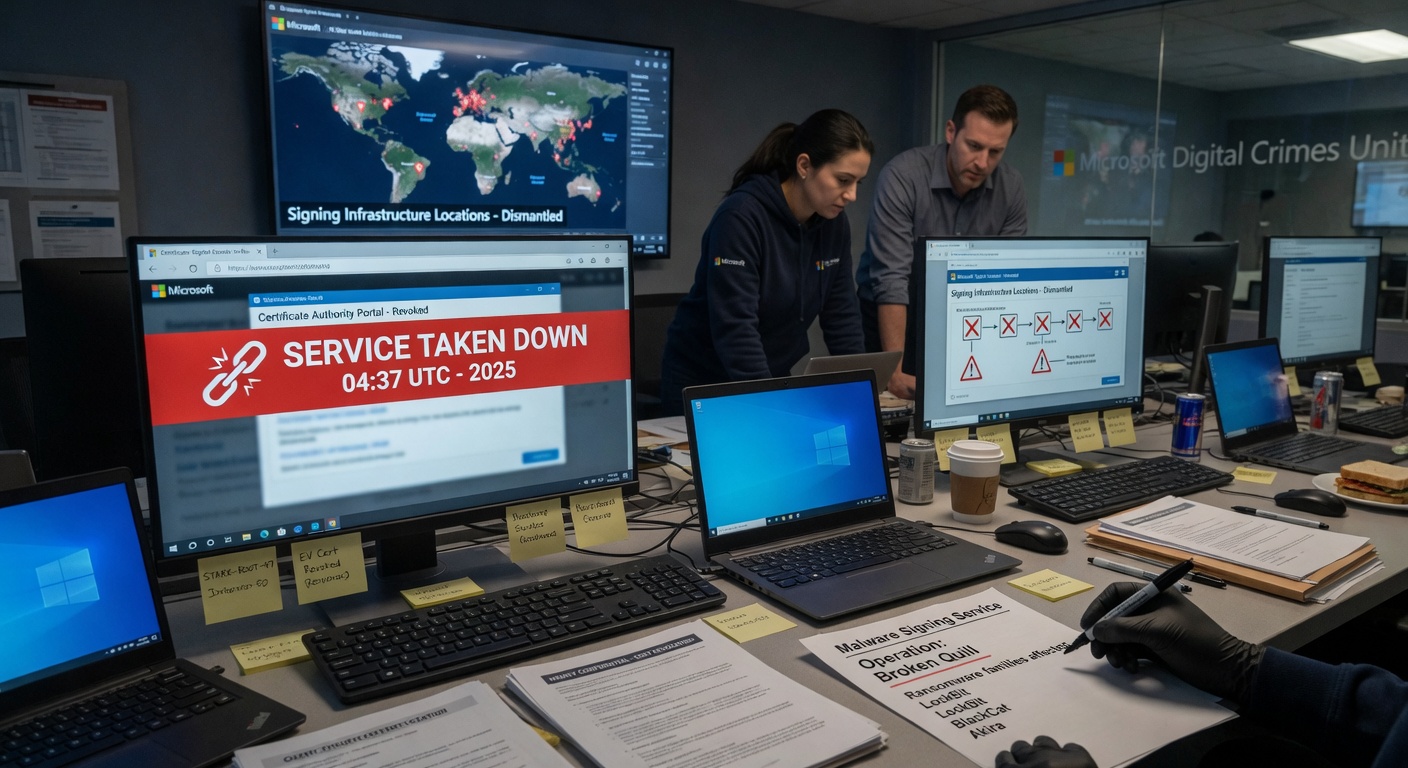
Microsoft has disrupted a malware-signing service used to distribute ransomware in multiple campaigns. The company said the operation targeted a network of accounts and digital certificates that attackers relied on to make malicious software appear legitimate to security tools. The action focused on infrastructure that supplied signed executables for ransomware groups. According to Microsoft, the certificates allowed attackers to bypass some security checks and increase the success rate of their payloads. The company did not name the specific ransomware families or groups tied to the service.

Details of the Operation

Microsoft reported that es

Frequently Asked Questions

How do I remove malware signed by the ransomware service after Microsoft takedown?

Run a full system scan with Microsoft Defender and update Windows immediately after the Microsoft takedown of the malware-signing service. Remove any suspicious certificates in the local machine store and reset affected passwords. Reinstall applications from official sources to prevent re-infection from remaining ransomware payloads.

What is the malware-signing service Microsoft removed from ransomware attacks?

The malware-signing service was a fraudulent certificate authority used by attackers to sign ransomware with trusted-looking digital certificates. Microsoft revoked these certificates and blocked the service to stop new infections. This action disrupts the ability of ransomware groups to bypass security warnings during distribution.

Why does ransomware still work after Microsoft takes down malware-signing service?

Ransomware can still spread through unsigned or older certificates that have not yet been revoked by Microsoft. Attackers often switch to new signing services or exploit unpatched vulnerabilities to continue operations. Users must keep systems updated and use additional security layers beyond certificate checks to stay protected.

What tools should I use after Microsoft ransomware malware takedown to stay safe?

Use Microsoft Defender Antivirus with real-time protection and enable tamper protection after the takedown. Combine it with a reputable password manager and multi-factor authentication for all accounts. Regularly back up files to offline storage to reduce damage if ransomware bypasses the disabled signing service.

How does the Microsoft malware-signing service takedown compare to previous ransomware operations?

This Microsoft takedown specifically targeted the certificate infrastructure rather than just the ransomware binaries used in past operations. Earlier actions focused on domain takedowns or botnet disruptions, while this approach blocks trusted distribution channels at the source. Organizations should monitor certificate transparency logs for similar threats in the future.
Avatar Of Zia Khan

Zia khan

NetworkUstad Contributor

📬

Enjoyed this article?

Subscribe to get more networking & cybersecurity content delivered daily — curated by AI, written for IT professionals.