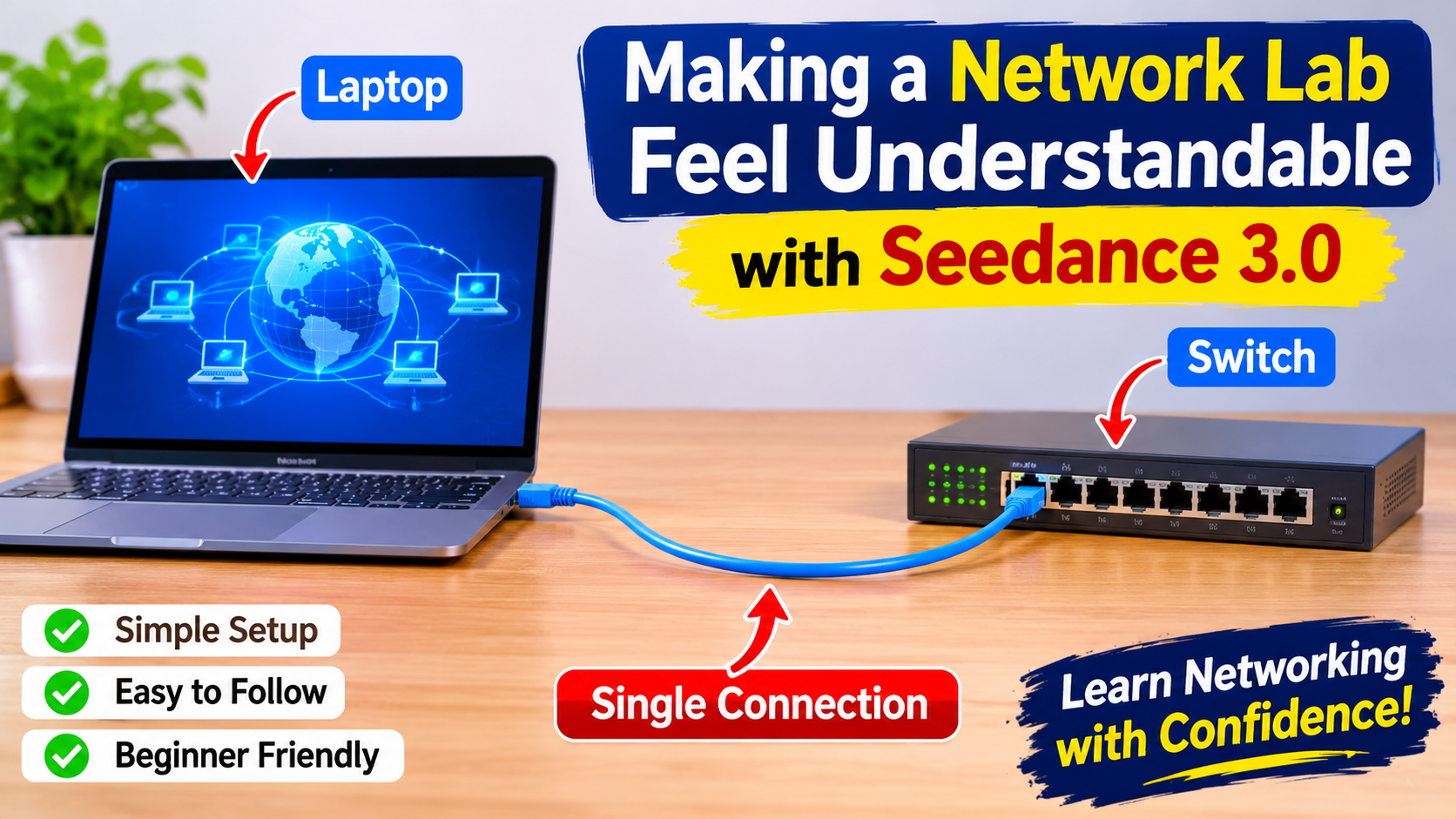
A beginner sees a rack of equipment and cannot tell which cable belongs to the exercise. I would open an introductory networking video with that uncertainty, then reduce the scene to one laptop, one switch and a single clearly identified connection. The proposed film would introduce a practical lesson, not replace its technical demonstration. Its job would be to make a small lab feel approachable before the instructor starts explaining commands.
I would begin by photographing the actual teaching setup from a fixed angle. A clean view of the laptop, a front view of the switch and a photograph of the work surface would establish the visual vocabulary. I would remove passwords, labels containing private addresses and unrelated equipment from the frame. The resulting references would describe a real arrangement without exposing a production network or implying that generated footage proves a configuration works.
For the opening, I would keep the camera at desk height and let the laptop occupy one side of the frame. A coloured cable would lead toward the switch, while a small empty area would remain available for an explanatory caption. The viewer should know where to look without needing arrows across every object. I would choose a plain background because the cable’s route matters more than the room’s decoration.
A short movement reference could show the camera gliding from the laptop toward the equipment. It would be filmed slowly and without sudden changes of direction. I would describe its role as camera guidance only, keeping the device photographs responsible for appearance. That separation would help avoid importing an unrelated room or a different piece of hardware into the proposed lesson.
The combination of those references is where seedance 3.0 fits this video project. Its text, image, video and audio inputs can help develop a staged introduction around the instructor’s materials. I would give the generation a narrow brief: reveal the relationship between the two devices with a restrained camera move. Exact port labels, commands and configuration results would remain outside that generated scene.
Build the first shot around one connection
My initial prompt would describe a quiet training desk, a laptop beside a compact network switch, a single blue cable and soft overhead light. The camera would move a short distance across the desk while both devices remain stationary. I would not ask the model to assemble the network, illuminate several ports and animate packets at the same time. Those actions would blur the distinction between a visual introduction and a technical explanation.
In the first Seedance 3.0 result, I would inspect the cable endpoints and the outline of each device. If a cable appears to enter the wrong place or changes thickness halfway through the shot, I would revise the framing. A wider view that suggests the connection without exposing an inaccurate close-up could be more useful. For a genuine port demonstration, the instructor’s real camera footage would be the better source.
The opening would end on a stable composition rather than a dramatic rotation. That gives the edit somewhere to cut into the actual lesson. I would save a reference frame from the approved visual direction and keep the lighting consistent in later illustrative shots. The continuity would help students recognise the same teaching environment, even when the film alternates between a staged overview and a real recording.
Keep the explanation technically accountable
I would record the practical steps separately with the actual equipment or a clearly identified lab simulator. The instructor could demonstrate the relevant connection and show the command output directly. Generated text on a terminal would have no place in that section. An attractive screen full of invented commands can make an introductory video less useful precisely because beginners may not know which details are wrong.
Seedance 3.0 would contribute the opening and perhaps a short transition, while the captured demonstration supplies the evidence. In the edit, I would distinguish those roles with a straightforward change of framing. The staged desk establishes context; the screen capture shows the procedure. A brief caption could identify the opening as an illustration if its appearance might otherwise be mistaken for a recording of the exercise.
Use movement to direct attention
For a second illustrative shot, I would consider a slow approach toward the laptop as the lesson turns from hardware to software. I would keep the screen indistinct and add any heading later. The movement would tell the viewer that attention is shifting, without pretending to show the software itself. A fixed shot could work just as well if the camera move adds visual noise.
If Seedance 3.0 produces a sweeping movement that reveals extra equipment, I would shorten and simplify the direction. The revised brief would keep the camera on one side of the desk and preserve the original device arrangement. I would compare the beginning and ending frames, checking that the laptop remains the same size and the cable follows the same route. Those concrete comparisons matter more than whether the image looks cinematic in isolation.
Make the room sound like a lesson
The soundtrack would be modest: quiet room ambience and a clear instructor voice. I would avoid electronic beeps that imply network activity when no such event has been demonstrated. If a soft equipment hum is included, it should sit behind the narration rather than compete with it. A sound reference could guide the room’s atmosphere, provided it contains no private conversation or unlicensed background music.
With Seedance 3.0, I would review the generated audio as carefully as the camera movement. A loud click at an arbitrary moment could make viewers think a connection has been made. I would remove or replace that sound in the final edit if it creates a false cue. The lesson should communicate its sequence through the real demonstration and the instructor’s explanation, with atmosphere playing a supporting role.
Finish an introduction that earns its place
The final opening would last only as long as it takes to recognise the two devices and the connection between them. I would add an accurate lesson title in the editing application, then cut promptly to the practical exercise. A long montage would delay the material students came to learn. The generated introduction should reduce uncertainty, not become a separate performance before the useful content begins.
My final review of the Seedance 3.0 material would therefore ask a simple question: does this shot make the lab easier to understand? I would watch it on a small screen, check the caption’s contrast and compare the equipment with the real setup. If the answer is yes, the clip has a clear teaching purpose. If not, I would simplify it until the student’s attention returns to the connection and the exercise ahead.