
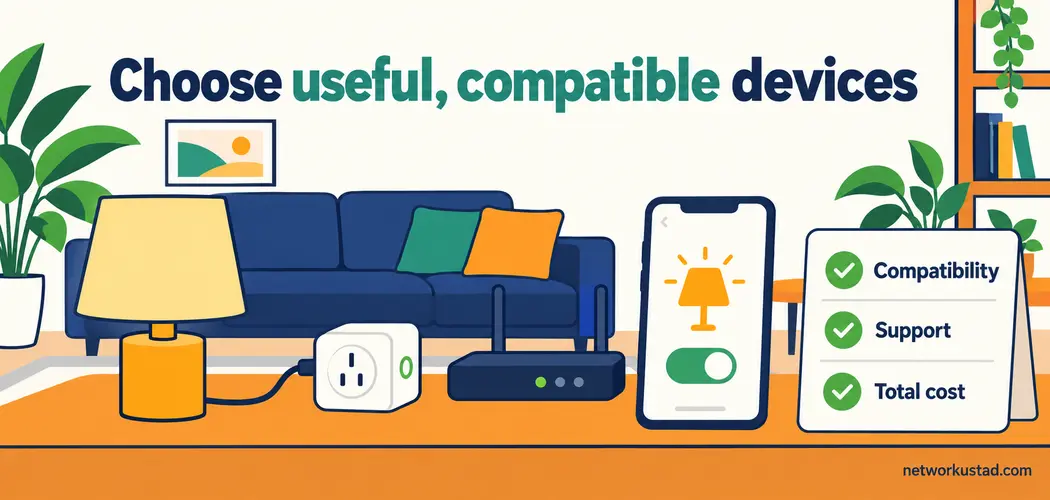
Useful smart home gadgets solve a problem you can name. A light turns on when you enter a dark hallway. A sensor warns you about water beneath a sink. A thermostat follows a sensible schedule. The value comes from how reliably that task works in your home, not from the number of features on the box.
Buying several smart home gadgets at once can hide important differences. One may need a bridge, another may charge for recordings, and a third may lose convenient controls when its cloud service is unavailable. A familiar compatibility badge helps, but it does not answer every question.
Start with one manageable project, check the requirements, and test the result before expanding. This guide explains what to compare, how the main connection methods differ, and which decisions can prevent an inexpensive purchase from becoming an expensive replacement.
Choose smart home gadgets around a specific task
Write down what you want to improve before choosing a brand. “Make the home smarter” is difficult to evaluate. “Turn on a hallway lamp after sunset without opening an app” gives you a clear test.
Decide who will use the device and what happens when the usual person is away. A voice command may suit one household member but frustrate another. A physical switch, a readable display, or a simple button can make the system more practical than an elaborate automation.
Separate convenience from essential functions. An automated lamp can be a forgiving first project. A door lock, heating controller, or device relied on for an urgent warning deserves more careful assessment, including manual operation and suitable installation.
For each proposed purchase, record the intended task, required accessories, recurring charges, and fallback behavior. If you cannot explain what the device adds to your existing routine, postpone it. There is no requirement to connect every appliance.
Understand the connection before buying
Wi-Fi devices connect to a compatible wireless network, but supported bands and security modes vary. Many small devices use 2.4 GHz; that does not mean every connected product requires it. Check the exact model’s specifications instead of assuming that a newer router supports every older device automatically.
Bluetooth may support nearby control or initial setup. Zigbee and Z-Wave products commonly work through a compatible hub or bridge. Thread is an IP-based mesh networking technology used by some low-power devices; it is not another name for Matter.
A Matter controller manages Matter devices for a platform. A Thread border router connects a Thread network with the home IP network. One product can provide both roles, but the labels describe different functions. A Wi-Fi router is not necessarily a Thread border router.
When comparing smart home gadgets, list the required roles rather than counting boxes. Your existing equipment may already supply a compatible controller or border router. Verify the model and software version before buying another hub.
Treat Matter as a compatibility aid, not a universal promise
Matter provides a shared way for supported devices and platforms to communicate. It runs over networking technologies including Wi-Fi, Ethernet, and Thread. Bluetooth Low Energy can assist setup; it is not the usual Matter control network after commissioning.
The Connectivity Standards Alliance’s Matter FAQ explains that Matter supports local connectivity and can connect a device to multiple platforms. Remote access can still depend on an internet-connected controller or a manufacturer’s separate service.
Check the specific device type and features supported by your chosen platform. Basic switching might be available while advanced settings remain in the manufacturer’s app. Matter support does not guarantee that every vendor feature appears everywhere.
For Thread-based smart home gadgets, confirm that a compatible border router is available and included in the setup plan. For older Zigbee or other devices, check whether a supported bridge exposes the functions you need. Do not assume a future software update will add compatibility unless the manufacturer has committed to it for your model.
Start with lighting, plugs, and simple sensors
Simple smart home gadgets, such as a lamp or plug, can provide a useful first test of an ecosystem. Check whether a smart bulb needs permanent power to remain reachable. If somebody routinely switches it off at the wall, an automation may appear unreliable even though the network is working.
For smart plugs, match the product to the local supply, socket type, and connected load. A plug’s maximum rating is a limit, not permission to connect every appliance. Follow the manufacturer’s restrictions, especially for heaters, motors, and equipment with high startup demand. Obtain qualified advice for fixed wiring.
Contact, motion, temperature, and water sensors serve different purposes. Consider placement, battery replacement, alert routing, and what the system does with the reading. A water sensor provides little practical benefit if its only notification goes to an account nobody checks.
Try one complete routine: a sensor detects an event, the controller applies the rule, and the intended light or notification responds. Test normal household use as well as the demonstration case. Record which components must remain powered.
Assess thermostats and large appliances carefully
Connected climate controls must suit the heating or cooling system. Check the equipment type, control voltage, wiring requirements, supported stages, and any manufacturer-specific restrictions. A compatibility checker can help, but uncertainty about wiring or controls calls for a qualified installer rather than experimentation.
Do not assume smart home gadgets will reduce bills by a fixed percentage. Savings depend on the previous schedule, climate, insulation, equipment, occupancy, and settings. A device can provide convenience without producing a meaningful financial return.
For refrigerators, ovens, washing machines, and similar appliances, compare the ordinary appliance first. Capacity, repairability, energy performance, warranty, and local service availability remain important even when an app is included. Ask which functions remain available if the app or account stops working.
Treat guided cooking, inventory reminders, and automatic programs according to their actual limits. A recipe library does not mean an appliance independently obtains ingredients, prepares every component, or removes the need for supervision. Read operating instructions rather than inferring autonomy from marketing language.
Check cameras, locks, and household access
Before adding smart home gadgets with cameras, decide what you need to observe and who should have access. Consider the view into neighboring properties, shared spaces, and private rooms. Installation should respect applicable local rules and the people who use the space.
Compare live viewing with recording. Storage may be local, subscription-based, or a combination. Check retention, export, event-detection features, account sharing, and what happens after a trial ends. A low purchase price can conceal a recurring charge for the feature that motivated the purchase.
For locks, confirm the physical fit, power arrangements, manual entry method, and process for granting and removing access. Keep an appropriate way to enter if the phone, battery, or network is unavailable. Do not assume every model behaves the same way during an outage.
Smart home gadgets should support an existing safety plan rather than silently replace it. An app notification is not automatically a monitored emergency service. Check the product’s intended use and any relevant certification before relying on it for a critical purpose.
Evaluate the network you already have
Internet speed and wireless coverage are different questions. A fast broadband plan does not repair a weak signal behind a thick wall, congestion near an access point, or a device configured for an unsupported band.
Check coverage where the device will actually sit. A doorbell outside a masonry wall and a sensor inside a cabinet may behave differently from a phone next to the router. Test before assuming that a mesh system or a faster subscription is necessary.
Bandwidth needs depend on the devices and their use. Video uploads can matter for cameras, while small sensor messages are a different workload. There is no universal requirement to buy gigabit internet simply because you add smart home gadgets.
For local-network planning, NetworkUstad’s home network security guide provides additional context. Keep a record of your router model, wireless settings, controller, and device locations so troubleshooting starts with evidence instead of repeated resets.
Separate devices without breaking required communication
A guest network can isolate devices from your main network, but isolation may also prevent a phone, controller, or accessory from discovering another device. That is a tradeoff to understand, not a universal instruction to place everything on guest Wi-Fi.
Consult the platform’s networking requirements before changing segmentation. Matter systems depend on local IP communication, including IPv6 support, and discovery can be affected by router policies. Local IPv6 support is a different question from whether your internet provider supplies public IPv6 connectivity.
If your router offers a dedicated IoT network, examine what that setting actually permits. Different products use the label differently. Prefer supported configurations that preserve the required communication while restricting unnecessary access. More complex network separation may need knowledgeable configuration.
Do not troubleshoot by disabling security features indiscriminately or exposing devices directly to the internet. Identify the failed step first: wireless association, account sign-in, device discovery, or control. Those problems have different causes and remedies.
Decide how much cloud dependence is acceptable
Ask what each function needs. Local switching, remote access, voice processing, video storage, account sign-in, and software updates may have different dependencies. A product can support some local functions while still using cloud services for others.
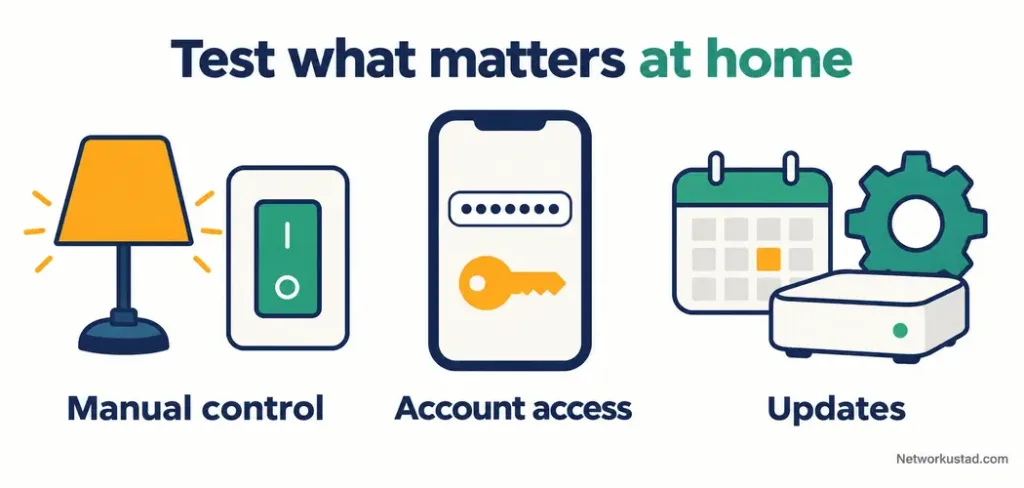
Read the documentation for internet outages and service interruptions. Then test a noncritical routine in a controlled way if practical. Confirm the behavior you actually care about, including whether physical controls continue to work. Avoid interrupting equipment that somebody currently depends on.
When comparing smart home gadgets, include the possibility that a service or subscription changes. Check whether schedules are stored locally, whether recordings can be exported, and whether essential settings are accessible without a permanent paid plan.
Power remains another dependency. A local routine can still fail if its controller or network equipment loses electricity. Think through the complete system, and retain ordinary ways to perform important tasks. A promise of local control is not a promise of operation under every failure condition.
Review privacy, accounts, and security support
Check how long the manufacturer intends to provide security updates and how to find that information for the exact model. Support lifespan matters alongside physical durability. An appliance may keep running after its connected features become difficult to maintain securely.
The UK’s National Cyber Security Centre offers guidance on using smart devices safely, including checking support, changing insecure default settings, enabling two-step verification where available, and installing updates promptly. Use automatic updates when supported and review notices rather than relying only on an occasional calendar reminder.
Review who can access the household account. Give separate users appropriate access where the platform allows it, remove former users, and protect recovery details. Keep setup codes somewhere private and recoverable rather than posting them in public photos.
Also examine collection and retention of recordings, voice requests, location, and usage history. Disable unnecessary access and permissions where the service permits. Compare published controls with your household’s expectations; a privacy label alone does not explain every consequence of a feature.
Recognize fake setup and support requests
Unpackaging smart home gadgets often involves scanning codes and installing software. Use the manufacturer’s verified instructions and check the app publisher. Be cautious about search advertisements or unsolicited messages claiming that a device needs a paid activation or emergency repair.
Do not give a stranger remote control of your phone or computer simply because they know a device brand. A convincing logo and an urgent explanation do not establish that the person represents the manufacturer. Contact support through a verified channel you locate independently.
NetworkUstad’s explanation of phishing attacks describes how deceptive requests seek passwords or other sensitive information. Apply that same caution to account-verification messages and links supposedly sent by a smart-home provider.
Keep purchase records, model identifiers, and support details together. If an unfamiliar charge appears, check it through the real service and your payment provider. Avoid returning to a suspicious message to resolve the problem it claims to describe.
Calculate the complete cost before expanding
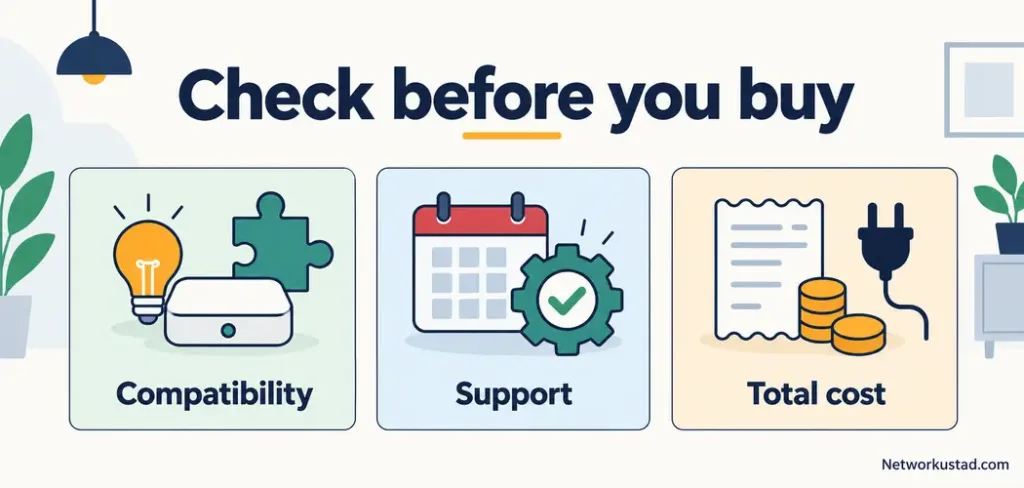
The cost of smart home gadgets includes more than the device. Add any required controller, bridge, border router, installation, subscription, replacement batteries, storage, or accessories. Compare the total over a period that makes sense for the purchase.
Use the actual local checkout price and available support arrangements. A price quoted for another country may omit taxes, delivery, subscription differences, or a warranty that does not apply where you live. Confirm the return policy before testing an uncertain compatibility combination.
Measure benefits against a baseline you understand. If the goal is energy savings, compare similar periods and account for weather, occupancy, and tariff changes. A lower bill after installation does not establish that the device caused the entire difference.
Keep a short list of ongoing responsibilities. Someone must replace batteries, review notifications, handle updates, and remove unused devices. A system that saves a small daily effort but creates constant troubleshooting may not be the right purchase for that household.
Set up one routine and test the handover
Choose a modest first routine and name its components clearly. A location-based name such as “Hall lamp” is easier for other household members to recognize than an unexplained model number. Avoid names that are easily confused with each other in voice control.
Follow the exact setup instructions, complete updates, and check the intended settings. Test the routine with the people who will use it. Confirm that manual controls, notifications, and permissions behave as expected before adding more devices.
Document the essentials in a private household note: what controls what, which account owns it, where recovery information is kept, and how to get help. Include how to pause an unwanted routine without dismantling the entire system.
Expand only when the first setup is dependable. The best smart home gadgets fit the household’s needs, equipment, and willingness to maintain them. A small system that everyone understands can be more useful than a large collection of features that nobody trusts.
Frequently asked questions
Do I need a hub for every device?
No. Requirements depend on the device and platform. Some products connect through Wi-Fi, while others need a compatible hub, bridge, or Thread border router. Existing equipment may already provide a required role; verify the model rather than assuming it does.
Can I mix brands?
Often, but check the specific functions you need. A shared standard can enable basic control while leaving advanced features in the manufacturer’s app. Test the intended combination before buying several identical accessories.
Will everything stop working if the internet fails?
Not necessarily. Some local controls and routines may continue, while remote access and cloud-dependent features may stop. Read the documentation and test noncritical functions. Internet independence also does not remove the need for electrical power.
Should every appliance become connected?
No. Compare the useful function with the cost, support period, privacy implications, and maintenance. A reliable conventional appliance may be the better choice when connectivity adds little practical value.
What should I do before selling or disposing of a device?
Follow the manufacturer’s removal and reset instructions. Remove household access, unlink the device from relevant accounts and platforms, handle stored recordings appropriately, and check whether a new owner can set it up. Deleting an app alone may leave the device associated with your account.



