
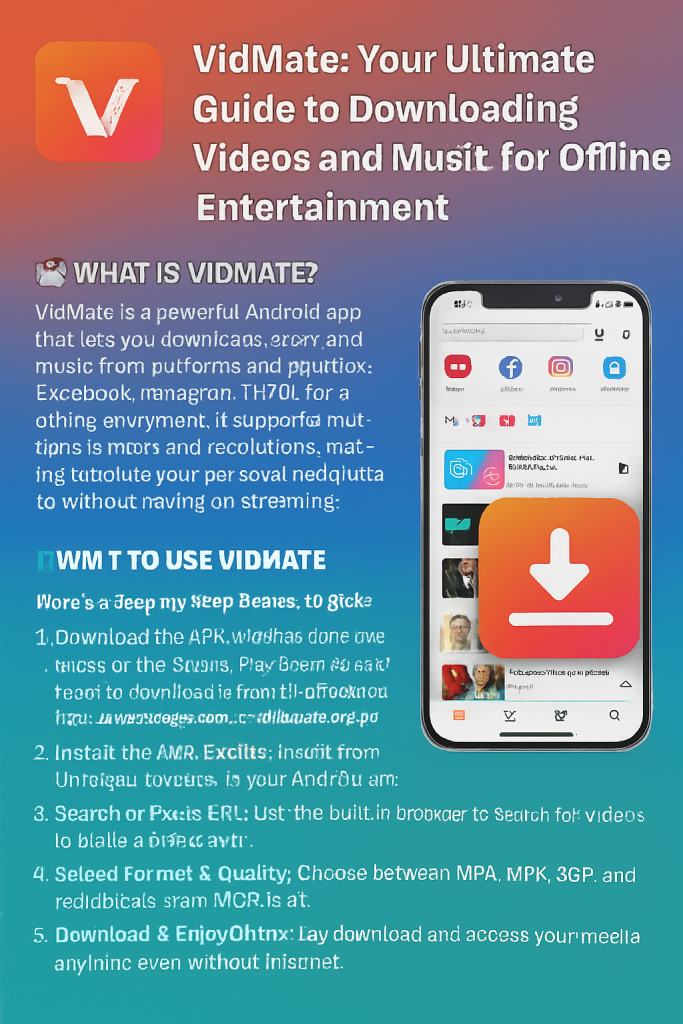

In today’s digital age, streaming content has become the norm, but there’s still a strong demand for downloading videos and music for offline access. Whether you’re preparing for a long flight, commuting through areas with poor internet connectivity, or simply want to save on mobile data, having your favorite content stored locally on your device is invaluable. This is where VidMate comes into play—a powerful, free application that has revolutionized how millions of users download and enjoy multimedia content.
What is VidMate?
VidMate is a comprehensive video and music downloader application designed to help users download content from numerous popular platforms. This versatile app supports downloads from major social media networks and video-sharing websites including YouTube, Facebook, Instagram, TikTok, Dailymotion, Vimeo, and hundreds of other platforms. What sets VidMate apart is its user-friendly interface combined with powerful downloading capabilities that cater to both novice and experienced users.
The application offers flexibility in terms of format and quality options, allowing users to download videos in various resolutions ranging from standard definition to high-definition quality, and even convert video files to audio formats like MP3. This makes VidMate not just a video downloader but also an excellent tool for building your offline music library.
Key Features of VidMate
Multiple Platform Support
One of VidMate’s strongest advantages is its extensive platform compatibility. The app supports content downloading from over 1,000 websites, making it a one-stop solution for all your downloading needs. Whether you want to save educational videos from YouTube, entertaining clips from Facebook, short-form content from TikTok, or music videos from various streaming platforms, VidMate Download functionality covers it all seamlessly.
Flexible Format and Resolution Options
VidMate understands that different users have different needs and device capabilities. The app offers multiple download options:
- Video Formats: Download videos in MP4, AVI, MOV, and other popular formats
- Audio Extraction: Convert videos to MP3, M4A, or AAC audio files
- Resolution Choices: Select from 144p, 240p, 360p, 480p, 720p, 1080p, and even 4K quality where available
- File Size Management: Choose lower resolutions to save storage space or higher quality for better viewing experience
Fast Download Speeds
VidMate employs advanced downloading technology that maximizes your internet connection’s potential. The app uses multi-thread downloading, which breaks files into smaller segments and downloads them simultaneously, resulting in significantly faster download times compared to conventional downloading methods.
Built-in Browser and Search
The application features an integrated browser that allows you to navigate to your desired platform directly within the app. You don’t need to switch between different applications or copy-paste URLs manually. Simply search for the content you want, and VidMate will detect downloadable media automatically.
Batch Downloading
For users who want to download multiple videos or entire playlists, VidMate offers batch downloading capabilities. This feature is particularly useful when you’re building a collection of educational content, music videos, or entertainment series.
How to Download Videos Using VidMate
Getting started with VidMate is straightforward. Here’s a comprehensive step-by-step guide to downloading your favorite content:
Step 1: Download and Install VidMate
Since VidMate is not available on conventional app stores due to platform policies regarding third-party downloaders, you’ll need to download the APK file from the official VidMate website. Before installation:
- Go to your device’s Settings
- Navigate to Security settings
- Enable “Unknown Sources” or “Install from Unknown Sources”
- Download the VidMate APK from the official website
- Locate the downloaded file and tap to install
Step 2: Launch and Explore the Interface
Once installed, open VidMate. You’ll be greeted with a clean, intuitive interface featuring:
- A search bar at the top
- Platform shortcuts (YouTube, Facebook, Instagram, etc.)
- Trending videos and recommendations
- A built-in browser for direct navigation
Step 3: Find Your Desired Content
There are multiple ways to locate the video or music you want to download:
Method 1: Using the Search Function Simply type the name of the video, song, or content creator in the search bar. VidMate will display relevant results from multiple platforms.
Method 2: Platform Navigation Tap on any platform icon (like YouTube or Instagram) to browse content directly within that platform using VidMate’s integrated browser.
Method 3: URL Pasting If you already have a link to the content, you can paste the URL directly into the search bar, and VidMate will process it immediately.
Step 4: Select Download Options
Once you’ve found your desired content, tap on it. VidMate will analyze the media and present you with various download options:
- Choose your preferred video resolution or audio format
- Select the quality that best suits your storage capacity and viewing needs
- Review the file size before proceeding
Step 5: Start Downloading
After selecting your preferred format and quality, tap the download button. VidMate will begin downloading the file, and you can monitor the progress in the app’s download manager. The application allows simultaneous downloads, so you can queue multiple files without waiting for each one to complete.
Step 6: Access Your Downloaded Content
Once the download completes, you can find your files in VidMate’s download section or in your device’s default download folder. Videos and music can be played directly through VidMate’s built-in media player or through any media player app on your device.
Tips for Optimal VidMate Experience
Manage Storage Wisely: High-definition videos consume significant storage space. Regularly review and delete content you’ve already watched to free up space for new downloads.
Use Wi-Fi for Large Downloads: While VidMate Downloa speeds are impressive, downloading high-quality videos over mobile data can quickly exhaust your data allowance. Connect to Wi-Fi for larger files.
Keep the App Updated: Regular updates bring new features, improved compatibility with platforms, and bug fixes. Check for updates periodically.
Respect Copyright Laws: Only download content that you have the right to download. Respect creators’ intellectual property and use downloaded content for personal use only.
Why Choose VidMate?
VidMate has earned its reputation as one of the most reliable downloading tools available. Its combination of extensive platform support, flexible download options, fast speeds, and user-friendly interface makes it an essential app for anyone who regularly consumes online content. Whether you’re a student downloading educational materials, a music enthusiast building an offline library, or simply someone who wants entertainment available anytime, anywhere, VidMate delivers a solution that’s both powerful and accessible.
The app continues to evolve, adding support for new platforms and improving existing features based on user feedback. With millions of users worldwide trusting VidMate for their downloading needs, it remains a top choice in the video and music downloading category.
Conclusion
VidMate represents the perfect balance between functionality and simplicity in the video downloading space. Its ability to download content from virtually any popular platform, combined with its flexible format and quality options, makes it an indispensable tool for modern digital content consumption. By following the straightforward steps outlined in this guide, you can start building your offline content library today and enjoy your favorite videos and music without worrying about internet connectivity or data limitations. Download VidMate and experience the freedom of having your entertainment available whenever and wherever you need it.