The transition from experimenting with AI to integrating it into a production pipeline is rarely a straight line. For indie makers and prompt-first creators, the initial “magic” of seeing a prompt turn into a visual often fades when faced with the requirements of a real-world project: consistency, resolution, and granular control. As we move into an era where tools like Nano Banana Pro offer specialized environments for these tasks, the evaluation criteria for a generative stack must shift from “what can this do?” to “how does this fit my workflow?”
Building a reliable pipeline requires an honest assessment of model latency, output fidelity, and the actual utility of the editing interface. It isn’t just about the underlying model; it is about how that model is accessed and manipulated within a dedicated AI Image Editor environment.
The Architecture of Choice: Nano Banana vs. Banana Pro
When evaluating a new generative tool, the first point of friction is often the variety of models available. Most creators make the mistake of assuming the “largest” model is always the best for every stage of a project. In reality, production speed often dictates a tiered approach.
The Nano Banana model is typically tuned for speed and conceptual sketching. It serves the purpose of rapid prototyping—seeing if a composition works or if a color palette feels right before committing significant time or credits. However, once a concept is locked, creators usually require the enhanced depth and detail of Banana Pro. The difference between these two isn’t just in “pixel quality” but in how the model interprets complex prompt weights and lighting nuances.
A common limitation often ignored in marketing materials is that switching between a “fast” model and a “pro” model mid-stream can lead to stylistic drift. A character design that looks perfect in a lightweight model may lose its core features when upscaled or reimagined through a more robust architecture. This uncertainty means that professional workflows often require staying within a specific model family for the duration of a project to ensure visual cohesion.
The Significance of the Canvas Workflow
For a long time, AI generation was a “slot machine” experience: enter a prompt, pull the lever, and hope for the best. For professional creators, this is inefficient. The shift toward a canvas-based workflow is perhaps the most significant development in the space.
A canvas allows for spatial reasoning. Instead of generating a whole new image because one corner is slightly off, a canvas-led system enables localized editing. This is where Nano Banana Pro attempts to differentiate itself. By treating the generation as a layer rather than a final product, creators can use image-to-image techniques to iterate on specific sections.
However, users should be aware that canvas workflows introduce their own set of complexities. There is a learning curve in understanding how to mask areas effectively and how to manage prompt “leakage,” where a prompt intended for one part of the image begins to influence the surrounding pixels. If your workflow requires high-speed, one-off social media assets, a complex canvas might actually slow you down. If you are building a brand identity or a web UI, the canvas is non-negotiable.
Evaluating Multi-Modal Transitions
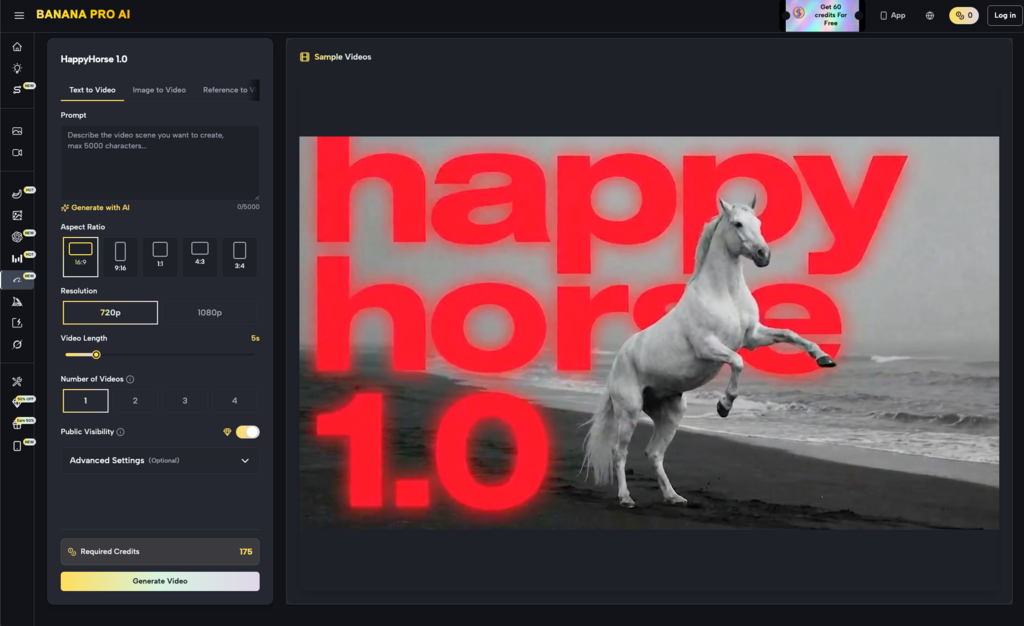
The jump from image to video is the current frontier for many indie makers. When we look at the integration of tools like Seedance 2.0 or Seedream 5.0 within the Banana AI ecosystem, the evaluation metric changes from static composition to temporal stability.
Professional-grade video generation from text or image is still in its infancy. One of the primary limitations creators face is “hallucination” between frames. You might have a perfect static image of a product, but as soon as you apply a video generation model, the physics or the geometry of that product may warp.
When evaluating these tools, look for how well the system maintains the “seed” of the original image. The goal isn’t just to make things move; it’s to make them move in a way that respects the source material. A tool that provides excellent static images but fails to translate them into coherent video is only doing half the job for a modern performance marketer.
Precision Control and the Image-to-Image Loop
The term “Image to Image” is often used loosely, but for an operator, it represents the primary method of control. Instead of relying on the vagaries of English prose, you provide a visual guide. This is the core of a professional-grade AI Image Editor.
In a production environment, you are rarely starting from zero. You might have a rough sketch, a 3D block-out, or a low-fidelity photo taken on a phone. The ability of the AI to interpret the geometry of your upload while applying the stylistic “skin” of a model like Grok Image Maker or Midjourney is vital.
The uncertainty here lies in the “influence” slider. Finding the sweet spot—where the AI respects your layout but adds enough creative polish—is an iterative process that varies by model. You will likely spend more time tuning these parameters than actually writing prompts. This is the reality of professional AI work: it is more like being a director or an editor than a writer.
Infrastructure and Cost: The Hidden Variables
Beyond the creative output, creators must evaluate the “boring” aspects of the tool. Credits, subscription tiers, and processing times (latency) are the variables that determine if a tool is sustainable for a business.
-
Latency: If a model takes 60 seconds to generate a single iteration, and you need 20 iterations to get a “hero” shot, that’s 20 minutes of idle time. High-performance models need to balance quality with a speed that doesn’t break the creative flow.
-
Credit Transparency: Some platforms are opaque about how much a specific “Pro” generation costs compared to a “Nano” generation.
Export Options: A high-fidelity image is useless if the export compression is too high or if you can’t get the specific aspect ratio required for your distribution channel (e.g., vertical for TikTok vs. 16:9 for YouTube).
It is also worth noting that no single tool is likely to solve every problem. A realistic generative stack might involve generating a base layer in one model, refining the details in another, and using a third for final video animation. Relying on a single “black box” solution often leads to a “same-y” look that lacks the edge needed in a competitive market.
Strategic Implementation: Building Your Pipeline
To implement these tools effectively, start by auditing your current bottlenecks. Are you spending too much time on stock photo searches? Or is it the retouching of existing assets that eats your hours?
If you are an indie maker, your priority is likely “good enough” at high volume. In this case, lean into the speed of Nano Banana. If you are a designer for a brand, your priority is “perfect” at lower volume, requiring the more intensive features of the Pro-tier models.
Expect to encounter failures in text rendering. Despite advancements, most AI models still struggle to place specific, legible text into an image. This is a moment where you must reset expectations: the AI should handle the “vibe” and the lighting, while traditional tools (like Photoshop or Figma) should still be used for typography and final layout. Over-relying on the AI to do everything usually results in a product that feels slightly “off” to the human eye.
Practical Judgment in an Evolving Field
The field of AI visuals moves faster than most creators can keep up with. New models appear monthly, each claiming to be the new standard. The key to staying productive is not to jump at every new release but to build a workflow around a stable core.
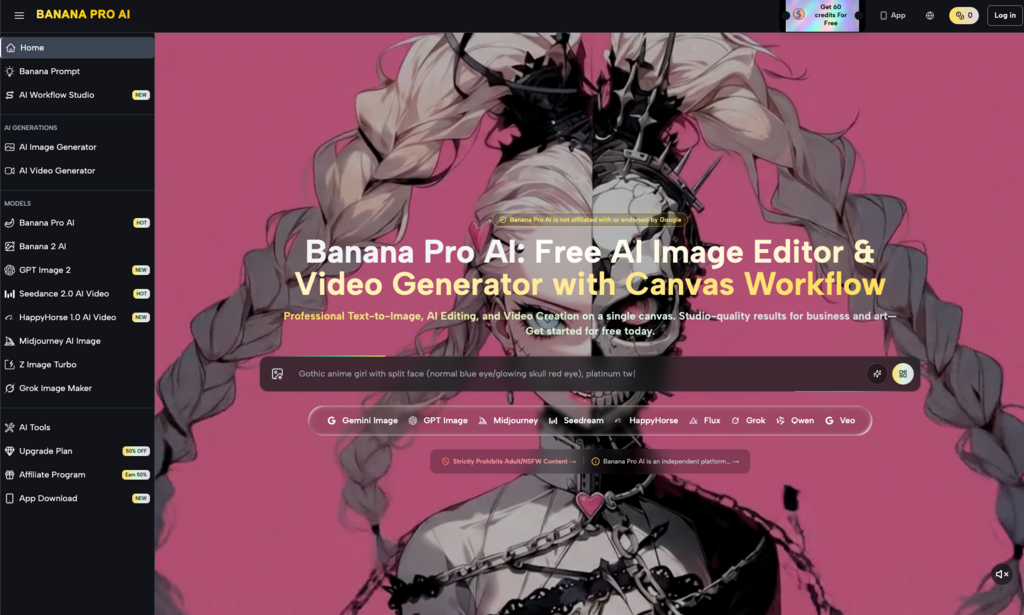
Tools that provide a comprehensive “studio” or “workflow” environment are generally more valuable than standalone models. They offer the context—the canvas, the history, the image-to-image controls—that makes the AI useful for actual work. As you evaluate the landscape, look past the shiny sample images on the landing page. Look instead at the interface: is it built for an artist, or is it built for a hobbyist?
The reality of production-grade AI is that the human is still the most important component. The AI provides the raw material, but your ability to curate, edit, and direct the output is what creates value. By choosing tools that prioritize this control—balancing the speed of a lightweight model with the power of a pro-tier engine—you can build a stack that actually delivers results rather than just demonstrations.
In the end, the best tool is the one that stays out of your way and allows you to iterate until the vision in your head matches the pixels on the screen. Whether you are using a basic AI Image Editor or a multi-modal video generator, the goal remains the same: moving from a prompt to a finished asset with as little friction as possible.