Content creation in 2026 moves faster than ever. Video quality keeps rising, audiences expect consistency, and platforms reward speed and clarity. A basic setup no longer keeps up with these demands. Creators now rely on smarter tools that reduce effort and improve output.
At the same time, file sizes have grown due to 4K, 8K, and AI-assisted editing. This shift forces creators to rethink how they store, edit, and deliver content. Many now invest in better gear instead of relying only on smartphones, as dedicated tools offer stronger performance and control.
Smart investments are not about buying everything new. They are about choosing tools that solve real workflow problems. The right tech saves time, protects work, and helps creators stay consistent.
So, if you’re a content creator wondering what you should invest in, this article is for you.
High-Performance Editing Laptops
You need a strong editing laptop to keep up with modern content demands. In 2026, working with 4K or 8K footage requires a system that can handle large files without slowing you down. A powerful processor helps you edit smoothly and export projects faster, while a capable GPU supports tasks like color grading and visual effects.
RAM also plays a major role in your workflow. You often run multiple apps at once, such as editing software, browsers, and design tools. With enough memory, you can switch between tasks without delays. Fast internal storage also improves how quickly your files load and save.
Fast and Reliable Storage Solutions
Your storage setup directly affects how efficiently you work. High-resolution videos, RAW images, and layered files take up a lot of space. Without enough storage, you may find yourself deleting files often or moving them around, which disrupts your workflow.
This is why investing in a 2TB SSD is a smart move for most creators. It gives you enough space to manage active projects without constant cleanup. This capacity works well for handling ongoing work while still leaving room for backups. It also offers a good balance between cost and performance.
Speed is another key factor. SSDs load files much faster than traditional hard drives, which helps you edit large projects without delays. Durability also matters if you move your gear often. SSDs have no moving parts, so they handle travel better and reduce the risk of damage. This makes them a reliable option for your setup.
AI-Powered Editing Tools
AI tools can now simplify your editing process. Many platforms now include features that handle repetitive tasks such as cutting clips, adjusting audio, and generating captions. This allows you to focus more on creative decisions instead of manual work.
These tools also help you save time. Tasks that once took hours can now be done in minutes. Features like automatic scene detection and smart resizing make it easier to prepare content for different platforms.
Even with AI support, you stay in control of your content. These tools assist your workflow rather than replace your creative input. They help you maintain consistency, especially if you publish content regularly.
Professional Microphones for Clear Audio
You should not overlook audio quality. Even if your visuals look great, poor sound can push viewers away. A good microphone improves clarity and helps reduce background noise.
If you want a simple setup, a USB microphone works well. It connects directly to your computer and requires minimal setup. If you want more control over your sound, you can choose an XLR microphone, though it requires extra equipment like an audio interface.
Compact 4K Cameras and Creator Cameras
You may start with a smartphone, but dedicated cameras give you more control as your content grows. They allow you to adjust settings like exposure, focus, and color, which improves overall quality.
Compact 4K cameras are a practical option. They offer high-quality visuals while staying easy to carry. Features like fast autofocus and built-in stabilization help you capture steady and sharp footage.
Many creator-focused cameras also include flip screens and perform well in low light. These features make recording easier, especially if you don’t have someone else to help you out.
Smart Lighting Systems
You need proper lighting to make your content look clean and professional. Poor lighting can reduce video quality, even if you use a good camera. A simple lighting setup helps you control how your subject appears on screen and keeps your visuals consistent.
Adjustable LED lights work well for most creators. You can control brightness and color temperature based on your environment. This helps you match natural light or create a specific tone for your content. Ring lights are another popular option, especially if you record close-up videos or face the camera often.
Content Planning and Workflow Software
You need a clear plan to stay consistent. Content planning tools help you organize ideas, schedule posts, and manage your workflow. Without a system, it becomes harder to keep up with deadlines and maintain quality.
These tools allow you to map out your content in advance. You can plan scripts, track progress, and adjust your schedule when needed. This reduces last-minute stress and helps you stay focused.
Multi-Device Setups and Second Screens
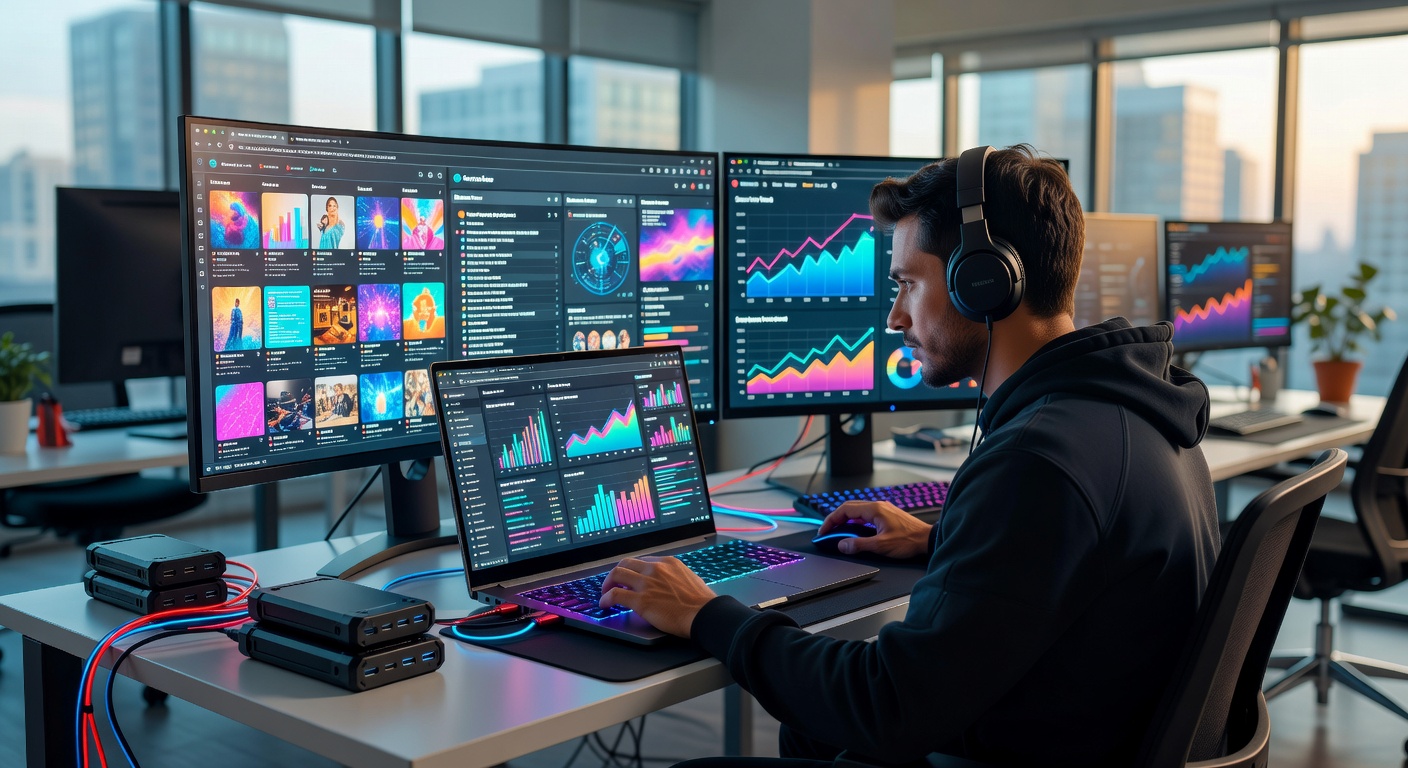
You can improve your efficiency by using more than one screen. A second monitor or tablet gives you extra space to manage your work. This setup makes editing timelines easier to handle and reduces the need to switch between windows.
With a multi-device setup, you can keep reference material on one screen and edit on another. This helps you stay focused and speeds up your workflow. It also makes tasks like color correction and detailed edits more comfortable.
You do not need a complex setup to benefit from this. Even a simple second screen can improve how you work.
Stabilization Gear and Smart Accessories
You need stable footage to maintain quality. Shaky videos can distract viewers and reduce the impact of your content. Stabilization tools help you capture smoother shots, even when you move.
Gimbals are useful if you shoot while walking or recording dynamic scenes. Tripods provide steady support for stationary shots and long recordings. Simple accessories like mounts and clamps also improve how you set up your equipment.
These tools may seem small, but they play an important role in production quality. With the right accessories, you can focus more on your content instead of fixing technical issues.
You build a stronger creative process when you invest with intention. Each tool you choose should support how you work and remove friction from your routine. When your setup feels reliable, you stop worrying about technical limits and start focusing on ideas. When your tools align with your workflow, you create with more clarity, confidence, and control.