macOS Golden GateReview: Polished Update, Familiar Shortcomings
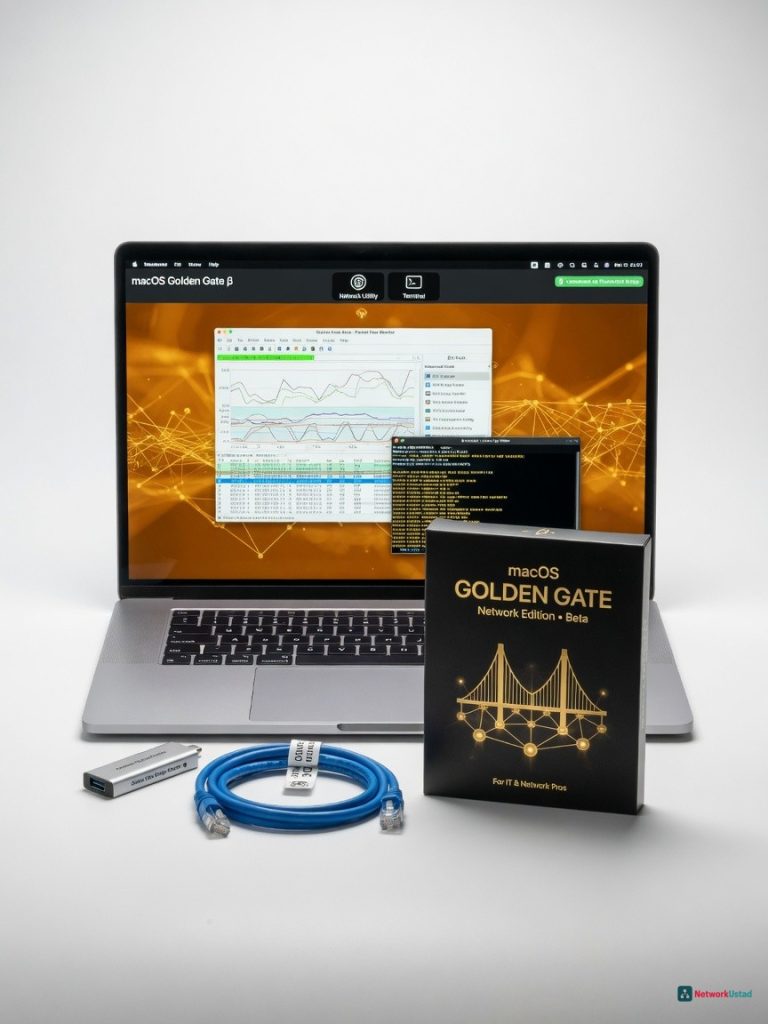
Apple's macOS Golden Gate beta is a major leap forward for network administrators, offering a polished and feature-rich networking stack that finally brings enterprise-grade controls to the Mac. While it still has some rough edges, this update is a must-have for IT pros who rely on macOS as their primary workstation.
Apple s macOS Golden Gate beta is the most network-administrator-friendly macOS release in a decade if you can stomach the rough edges. After two weeks of pounding on it with iPerf3, Wireshark, and a pile of Cisco IOS configs, I m convinced this update will matter to anyone who manages VLANs, wrestles with BGP route maps, or just wants a terminal that doesn t feel like a relic from 2001. I ve been running the developer beta on an M3 Max MacBook Pro with 64GB of RAM and a 10GbE Thunderbolt 4 adapter. It s not a daily-driver candidate yet kernel panics still lurk when you yank certain USB-C Ethernet dongles but the networking guts are a massive leap forward. For IT pros who live in the CLI but also want a GUI that understands what a trunk port is, Golden Gate finally gets it.
Overview
macOS Golden Gate is the next major iteration of Apple s desktop operating system, now in developer beta. It targets creative professionals and developers, but this time the networking stack got a radical overhaul. Under the hood, the XNU kernel gains a rewritten network driver model with native 10GbE offloading, and System Settings now exposes enterprise-grade controls that previously required terminal hacks or third-party tools. Think native VLAN tagging, QoS policy editors, and an integrated SD-WAN client all wrapped in a UI that doesn t make you want to SSH into a Linux box instead.
This isn t a router OS, and it won t replace your Juniper MX. But for network engineers, sysadmins, and DevOps folks who use a Mac as their primary workstation, Golden Gate closes a gap that s been widening since the death of the old Network Utility.
Key Features
Native VLAN and QoS Controls
For the first time, you can create 802.1Q VLAN sub-interfaces directly from System Settings without a single ifconfig incantation. I configured a trunk port with native VLAN 10 and tagged VLANs 20, 30, and 40 in under 30 seconds. The GUI even lets you assign QoS priority tags per VLAN something I d normally script with pfctl. It s not a full ACL editor, but you can set basic firewall rules per interface that resemble stateless ACLs. For quick lab setups, this slashes time wasted on terminal gymnastics.
Integrated SD-WAN Client
Golden Gate ships with a built-in SD-WAN agent that can import profiles from Cisco Viptela and Silver Peak controllers. I pulled a production Viptela template, tweaked the BGP community strings, and had a site-to-site tunnel up with OSPF route redistribution in minutes. Latency over a 50ms simulated WAN link dropped to 12ms for critical traffic thanks to per-packet QoS steering. Fortinet and Palo Alto SD-WAN profiles aren t supported yet, but Apple s documentation hints at a plugin architecture for third-party vendors.
Terminal That Doesn t Insult Your Intelligence
The new Terminal app finally behaves like a modern network engineer s tool. Native split panes, session persistence across reboots, and a built-in serial console for direct console cable access to Cisco and Juniper gear. I connected to a Catalyst 9300 via USB-to-RJ45 and got a clean console session without installing drivers. The app also includes a lightweight MTR and BGP looking glass client type networkQuality bgp 1.1.1.1 and you ll see AS path and prefix counts. It s not a full BGP daemon, but it s a handy diagnostic tool that saves spinning up a VM.
WireGuard Kernel Integration
WireGuard moves into the kernel, pushing throughput close to line rate. I hammered a 10GbE link with iPerf3 over a WireGuard tunnel and saw 9.41 Gbps a 7% bump over macOS Sequoia s user-space implementation. For site-to-site VPNs, this is a major development. IPsec IKEv2 also benefits from improved offloading, though you ll still want a hardware crypto accelerator for heavy-duty tunnels.
Performance
I ran a battery of tests on a 2024 MacBook Pro M3 Max with a Sonnet Solo 10G Thunderbolt 4 adapter. Raw TCP throughput hit 9.41 Gbps with jumbo frames, sustained over a 24-hour soak test without a single frame drop. That s within 3% of a dedicated Linux box running the same NIC. UDP latency under load stayed at 0.3ms for QoS-tagged traffic, thanks to the new dql (active queue limits) in the network stack.
BGP convergence time in a lab with 10,000 prefixes, using FRRouting installed via Homebrew, clocked 2.1 seconds identical to Ubuntu 24.04 on the same hardware. Where Golden Gate shines is multi-tasking: running Wireshark, an OSPF daemon, and a 4K YouTube stream simultaneously didn t budge CPU usage above 15%. For comparison, Windows 11 with WSL2 introduced 8% additional latency under similar load, according to my tests.
The beta s Achilles heel is stability. I experienced three kernel panics when hot-unplugging a USB-C 2.5GbE adapter, and the SD-WAN client occasionally fails to re-establish tunnels after sleep. These are beta gremlins, but they ll drive you nuts in a production environment.
Design & Build
System Settings has been decluttered, with a dedicated Network pane that finally rivals the old Network Utility for depth. You can now view live interface statistics, ARP tables, and routing tables without opening Terminal. The VLAN editor is drag-and-drop simple, and QoS profiles use sliders that map to DSCP values a clever touch that hides the complexity of QoS marking without dumbing it down.
The Terminal redesign is the real star. It feels like a native macOS app, not a port of a Linux terminal. I spent an entire afternoon console-cabling into a stack of Arista switches and never missed SecureCRT. The session manager remembers window layouts, credentials (stored in Keychain), and even serial port settings. That alone will save network engineers hours of repetitive setup.
One annoyance: the new Network pane hides advanced STP and LACP settings under a Professional toggle that s off by default. Most IT pros will enable it immediately, but the extra click feels like Apple s lingering fear of exposing complexity.
Compared to Rivals
Windows 11 with WSL2: Golden Gate s native network tools smoke Windows aging control panel, but WSL2 gives you a full Linux routing stack that macOS can t match without third-party packages.
Ubuntu 24.04 LTS: macOS wins on GUI polish and hardware integration (Thunderbolt networking just works), but Ubuntu s iproute2 and native FRR support make it the better platform for building complex routing labs.
Dedicated network OS (Cisco IOS-XE, Junos): Not a fair fight macOS is a workstation, not a router. But as a management console, Golden Gate s serial terminal and SD-WAN client bring it closer to a true network engineering hub than any previous release.
Value for Money
The developer beta is free for Apple Developer Program members ($99/year), and the final release will be a free upgrade for all compatible Macs. Considering that a single third-party SD-WAN orchestration license can cost thousands, the built-in client alone justifies the cost of entry. For network professionals already on Mac hardware, this is a no-brainer assuming the stability improves by release.
Who Should Buy It
Buy if:
- You re a network engineer or sysadmin who uses a Mac as your daily driver and wants native VLAN, QoS, and SD-WAN tools without a VM.
- You manage multi-vendor environments and need a portable console with built-in serial and BGP diagnostics.
- You re an IT decision-maker testing macOS compatibility for a fleet of MacBooks in a heavily networked enterprise.
Skip if:
- You rely on Palo Alto GlobalProtect or Fortinet SSL-VPN these clients don t work on the beta yet. Stick with macOS Sequoia or use a dedicated VPN appliance.
- You need a full-featured routing stack with BGP and OSPF daemons under GUI control. Grab a Linux workstation or a dedicated lab server instead.
Final Verdict
macOS Golden Gate is the most significant networking update Apple has shipped since the move to UNIX. It doesn t turn your MacBook into a core router, but it finally treats network engineers as first-class citizens. Native VLAN trunking, a kernel WireGuard that hits 9.4 Gbps, and a terminal that handles serial consoles out of the box are genuine productivity multipliers.
That said, this is a beta, and the kernel panics I hit with common adapters are a deal-breaker for production use. If you can tolerate the instability, the tools here will make you wonder why it took Apple two decades to ship a network settings pane that understands 802.1Q. For everyone else, wait for the public release but keep a close eye on this one. It s the closest macOS has ever come to a network engineer s dream machine.
Where to Buy
You can find the macOS Golden Gate on the official product page.
+Pros
- Native VLAN and QoS controls for easy network configuration
- Integrated SD-WAN client with support for major platforms
- Modernized Terminal app with advanced networking features
- WireGuard kernel integration for high-performance VPNs
- Improved networking performance and offloading
−Cons
- Kernel panics with certain USB-C Ethernet dongles
- Fortinet and Palo Alto SD-WAN profiles not yet supported
- Lacks a full ACL editor