Blade and rack servers are the most commonly used server types in data centers, as today’s technology demands better hardware and IT infrastructure. This article provides detailed information on both servers.
Rack Servers
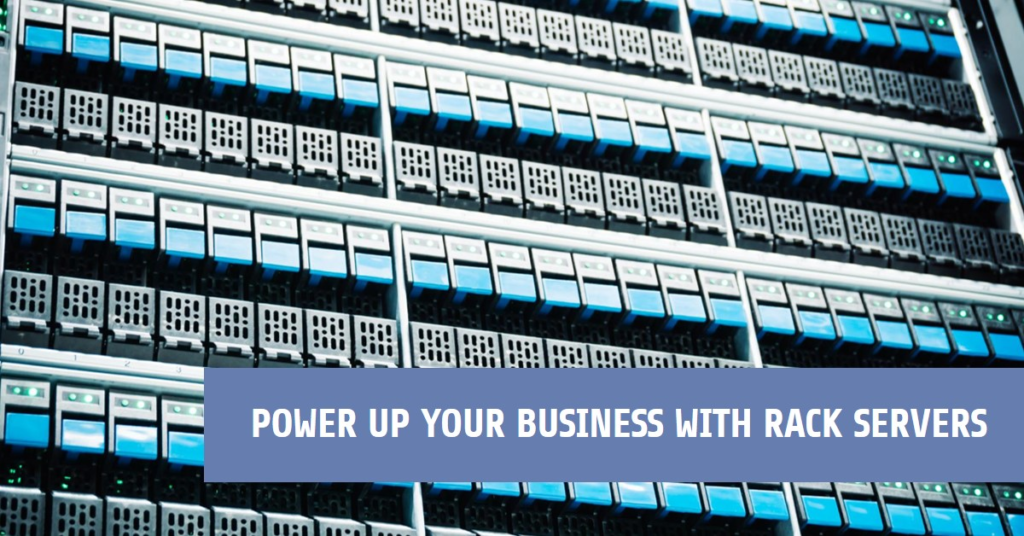
Rack servers are standalone computing units designed to be mounted in standard server racks. They are versatile and deployed in diverse applications, allowing customizable hardware configurations and straightforward scalability. Rack servers are built to fit neatly into standardized frames (racks) and are easily upgradable with swappable components. They often have backup power supplies and cooling systems for reliability. These servers are Ideal for websites, big data processing, and hosting virtual machines.
Blade Servers
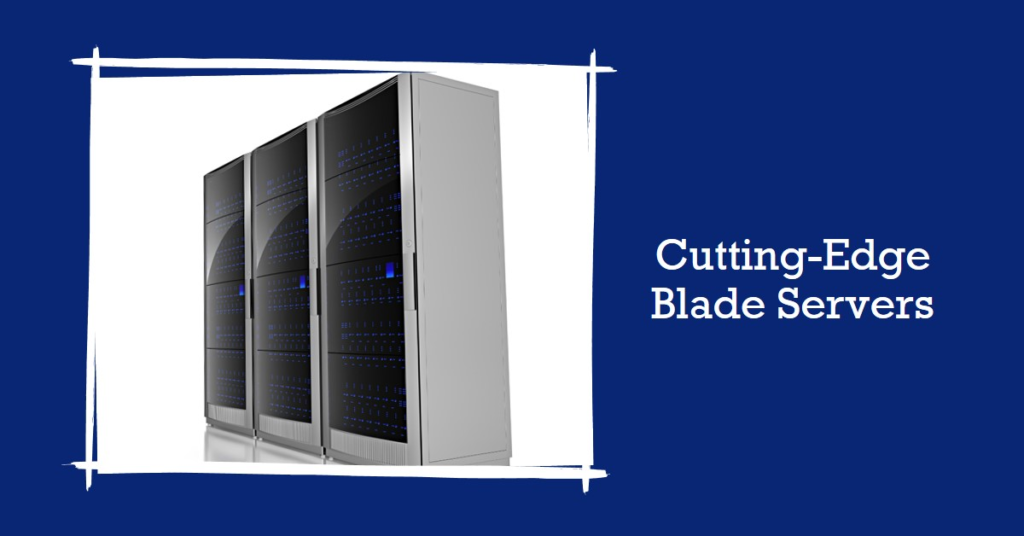
Blade servers are compact modular computing devices housed within shared enclosures. They are designed for high-density computing environments where space efficiency and centralized management are crucial. Blade servers pack processing power, memory, and storage into sleek chassis, like ultra-slim server blades. Blades slide into slots within a blade enclosure, maximizing efficiency and minimizing footprint. Perfect for data centers with limited space and high processing demands.
Comparison Between Rack & Blade Server:
Brands
Both blade and rack servers are available from leading brands like Dell, IBM, HP, Cisco, etc. These brands offer almost the same features and benefits but differ in costs and configurations. Choose your server configuration according to your business needs and budget limitations.
Features
Rack servers are powerful and can run high-end applications. They also fit easily in space-constrained environments as they occupy less physical space. For example, Dell servers are highly efficient due to their lower chassis configuration and power cooling equipment.
Blades feature a huge chassis and are hot-swappable, which could provide data redundancy and reduced power consumption. They also provide higher processing power and need minimal space.
Cost
When the number of blades in the chassis gradually increases, the rack server is more cost-effective than the blades. Blades are costlier than rackmount servers. Dell servers with a blade chassis typically cost between $4500 and $9000, which is more expensive than a 1U rack.
Reliability
A rack server can cause many potential issues, including a huge network of cabling systems and power cords. Blade server systems have reduced power supply points, hence less cabling, and a common network source that could enhance the overall system reliability.
Durability
Blades are more durable than rack servers due to their higher-density configuration and cooling features. The power supply of blades is common for all components, which could improve their performance and longevity. In contrast, the power supplies to all servers in the rack separately increase the operations each server must handle.
How do you choose the Suitable Rack and Blade Server for Your Business?
Rack servers are general-purpose servers better suited for small, micro, or medium-level businesses where information technology is the strategic priority. Blades are the ideal solution for large enterprises to compute high-end processing workflows.
Before choosing a rack or blade server for your business, you must check the key points or features you need in a server. These include network connectivity, bandwidth flexibility, a continuous power supply, software integration capabilities, storage expansion, greater speed, and scalability needs. You must sort out these requirements and select a suitable server based on your business needs.
What are the Pros and Cons of using Rack and Blade Servers?
Pros and Cons of Rack Servers
Pros:
Space-efficient
Rack servers require CPU, memory, power supplies, and hard drives. They suit less spacious enterprises and perform intensive computing operations for business tasks.
Efficiency
Rack-mounted servers have been used in restricted data center space, and they can be easily extended with additional storage, memory, and processors.
Cost-effective
These servers can be deployed at a lower cost without compromising on providing energy efficiency and effective management.
Cons:
Power usage
The energy cost would be increased with the densely populated racks that demand more cooling units. For example, as will the costs, Dell servers’ energy needs will increase for more racks.
Maintenance
Rack maintenance, troubleshooting, and management are more complex and time-consuming.
Pros and Cons of Blade Servers
Pros:
Processing Power
Although blades require limited space, they provide high-end processing power capabilities.
Low energy consumption
Blade chassis, which supply power to multiple blade servers, will reduce energy spending, unlike rack servers, where the powering and cooling of multiple servers occur in separate racks.
Multi-purpose
Blades can be designed to host enterprise-level applications, databases, hypervisors, software, and other high-end processes and applications.
Availability
A blade server’s environment simplifies due to centralized maintenance and monitoring, clustered failover, and load balancing. Hot-swapping capability improves the system’s availability.
Cons:
Upfront costs
Blade chassis consume less energy and have streamlined management interfaces, so operating expenses are rational over time. However, initial capital, configuration, and deployment costs are higher.
Energy costs
Blades with higher density require advanced cooling equipment or climate control. Maintaining blade servers’ cooling, heating, ventilation, and efficiency requires more expenses.
Conclusion
Choosing a blade or rack server completely depends on the type of business case or needs. Both racks and blades are configured to perform similar functions. Purchase a suitable server type that is the best one economically and meets your office space layout and processing requirements. When selecting an optimal server, consider important aspects like electrical and thermal, computing, and carrying capacity.