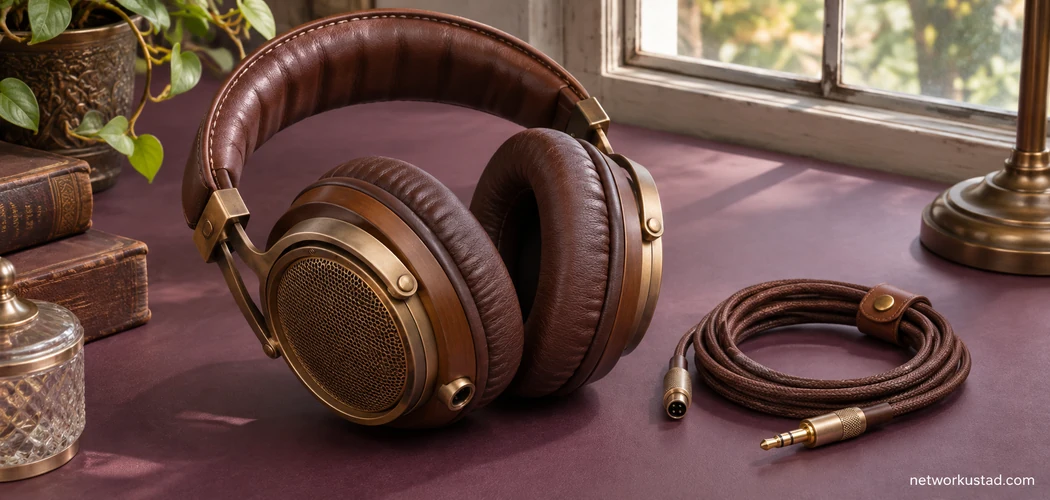
The Polk Audio Buckle is a wired over-ear headphone with a detachable cable and controls near the right earcup. A used pair makes the most sense for listening at a desk or at home, where a cable is easy to manage and outside noise is modest. The decision depends on the pair in front of you. Worn pads can change the fit, a loose socket can interrupt one channel, and a working headphone output tells you very little about whether the microphone will work.
This Polk Audio Buckle review walks through the checks you can do before paying. Start with the cable and both channels, then wear the headphones long enough to judge the fit. If you plan to take calls, bring the device and adapter you actually use.
Polk Audio Buckle Review for Used Buyers
| What to check | What to do | Why it matters |
|---|---|---|
| Cable and sockets | Play a track and move the cable gently near each plug. | Brief dropouts or crackles can point to a worn cable or jack. |
| Left and right channels | Play a track that announces each channel separately. | You can hear if a driver is silent or if the channels are reversed. |
| Pads and headband | Look for uneven compression, cracks, or a loose cup. | Wear can make the fit uncomfortable or leave gaps around one ear. |
| Microphone and rocker | Record your voice and try volume and playback on your own device. | Audio playback and control support can differ on the same adapter. |
| Included accessories | Confirm which cable comes with the pair and what the seller tested. | Missing parts and return shipping can change the real cost. |
A seller who can show a clear photograph of the plugs and demonstrate sound in both ears gives you something concrete to evaluate. If the listing says only “tested,” ask which device was used and whether the seller checked the microphone as well as music playback. A pair can pass one test and fail the other.
What to Expect From the Sound and Isolation
RTINGS’ independent Polk Audio Buckle testing describes the sound as somewhat dark and bass-heavy. If you like a warmer presentation, try familiar recordings with clear vocals and a bass line you know well. Listen for whether the bass stays distinct from the voice, and whether you can hear cymbals and consonants without turning up the volume. Keep the first test at a comfortable level. A small difference in volume between two pairs can change which one sounds fuller.
The same testing found limited isolation from outside noise and low sound leakage. These are separate properties. Low leakage can be useful in a shared room because people nearby hear less of your music. Limited isolation means you may still hear the room around you. If your main use is on a noisy train or plane, make isolation part of the buying decision before you start comparing prices.
Fit also affects the sound you hear. Wear the headphones with your usual glasses if you use them. Reposition the cups once and listen to the same short excerpt again. A noticeable change as the pads settle tells you how sensitive the experience is to placement. Repeat the check on both sides, particularly if one pad looks flatter than the other.
Inspect the Pads, Headband, and Cable
Look at the seams where the pads meet the cups. Check for splits, peeling, flattened foam, and gaps along the rim. Compare both sides in good light. Pads may look fine straight on while showing wear along the edge that touches the head. If you plan to replace them, check that you can buy pads specifically compatible with this model before committing to the purchase.
Extend and retract the headband on each side. You want both sides to hold their adjustment when you put the headphones on and take them off. Examine the points where the cups join the headband and look for cracks, uneven movement, or signs of a previous repair. Then wear the pair for several minutes. Notice pressure at the top of the head, around the jaw, and behind the ears. A short test can reveal a pressure point that a product photo never shows.
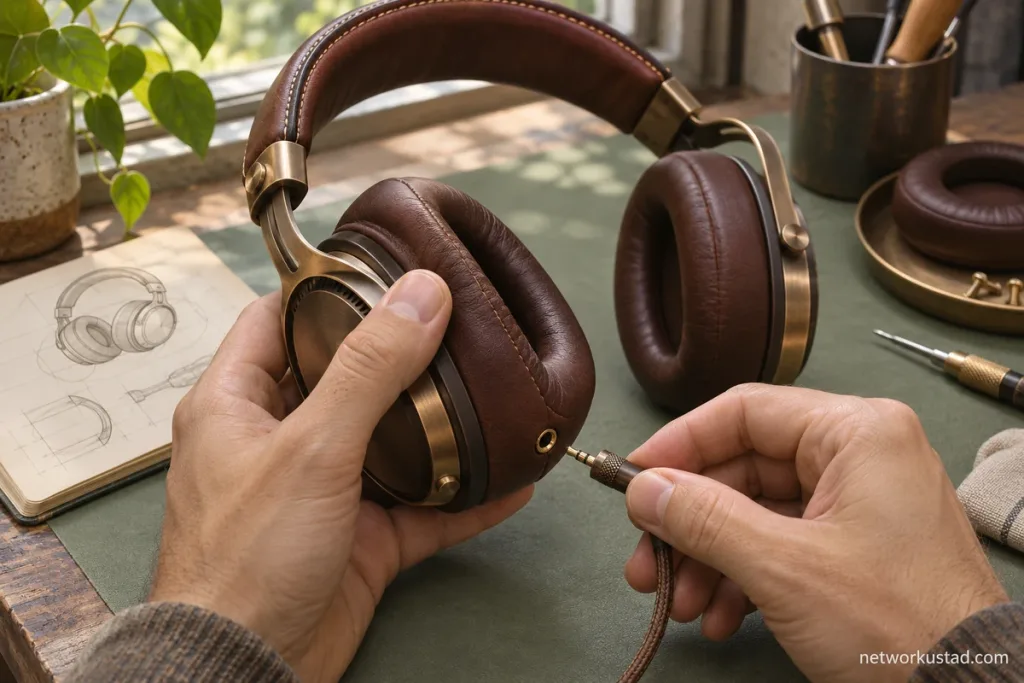
Next, unplug the cable and inspect both ends. Look for bent plugs, deep kinks, and splitting where the cable meets each connector. Reconnect it fully, then gently move the cable near the plugs during playback. If one channel cuts out, try a known working compatible cable or another source to narrow down the fault. An intermittent jack in the headphone itself is harder to address than a bad cable, so price the pair only after you understand what you would be taking on.
Test Your Device, Adapter, and Microphone
The Polk Audio Buckle user manual describes a wired connection to a 3.5 mm output and a control rocker for supported playback and phone functions. Think of the rocker as a device remote. If you want to adjust the tonal balance, check the equalizer in your player or device.
Begin with a device that has a headphone output you know works. Play a left-and-right channel test, then a recording you know well. Listen for a steady level in both ears and for rattles or distortion at a comfortable volume. If the issue occurs only with an adapter, try a known working pair on that adapter before assuming the Buckle is faulty.
If your phone or laptop needs a USB-C adapter, check its specifications for support for a headset microphone. Playback alone does not confirm that the adapter carries microphone input. A desktop computer may also have separate headphone and microphone sockets. In that case, check what kind of adapter the computer and headset require before relying on the microphone for calls.
Try a voice recording with the headphones connected. Select the external microphone in the recording app if it offers that choice. If the device also has built-in microphones, keep the device a short distance away and speak near the headset mic. Play back the recording and check for clear speech and connection noise. Then try volume, play and pause, and any call controls you care about. Test them with your intended app because a button that works in a music player may behave differently in a meeting app.
You can use the same sequence if you only want the Buckle for a stereo, computer, or portable player. Verify playback and fit first. Treat the microphone and controls as separate features when weighing the seller’s asking price.
What to Ask When Buying Online
Request photographs of the actual headphones, including the underside of the headband, the pad seams, both cable ends, and the area around the headphone jack. Ask whether the pair includes the cable shown and whether either pad has been replaced. For a pair with aftermarket pads, ask for the brand or model so you can check what was fitted and whether matching replacements are available.
A short video can help if the seller shows the adjusters moving and demonstrates that the controls respond on a named device. It cannot tell you how the pair will feel on your head or whether the microphone will work on your setup. Confirm the return window, the condition that qualifies for a return, and who pays return shipping before placing the order.
When the pair arrives, repeat the channel and connection checks before doing any cleaning or parts replacement. Keep the original packaging while you test it. If there is an issue, document which device, adapter, and cable you used and describe when it occurs. That makes the problem easier to reproduce if you need to contact the seller.
Compare the Total Cost Before Paying
Add up the asking price, shipping, a replacement cable or pads if needed, and any adapter you would have to buy. Compare that total with a wired pair you can return easily. A used Buckle with intact pads and a stable cable is a different purchase from one with unknown channel balance, missing accessories, and a final-sale listing.
For desk listening, give sound and fit the most weight. For a headset you will use in meetings, put microphone compatibility and stable connections near the top. For commuting, consider how much outside noise you need to block. A candidate can be a good fit for one of these uses and a poor fit for the others.
A practical cutoff is to decide which shortcomings you would accept before you shop. Surface scuffs may matter little if the headband, pads, and jack are sound. An intermittent channel is a larger compromise, especially if the seller cannot tell you whether the cable or the headphone is responsible. Compare the full cost again once you know which parts need attention.
Verdict
Consider a used Polk Audio Buckle if you want wired over-ear headphones for a quiet room and can verify the fit, the cable, and both channels. If calls matter, confirm the microphone and controls on the exact setup you use. A clear condition description and a workable return policy make it easier to judge a used pair on what you will actually receive.