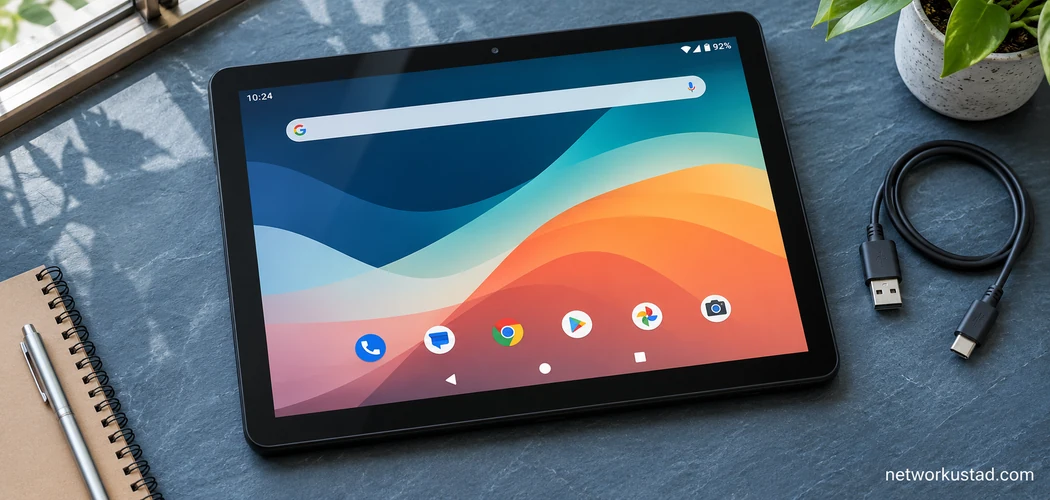
A used MAGCH tablet can look like a bargain until you find out it cannot run the app you bought it for or that the charging port cuts out when you move the cable. Start with the exact model and the condition of the unit. Those details matter more than a long list of features copied into a listing.
If the title says M101 and the description says X10, ask the seller for photos before deciding. A photo of the device label and a screenshot of its settings give you something to compare. If you cannot resolve the difference, you cannot reliably choose a case, confirm the advertised specifications, or check whether the software is still supported.
MAGCH Tablet Review Checklist for Used Buyers
| Check | What to verify |
|---|---|
| Model | Compare the label and Settings screen with the listing. |
| Charging | Confirm the connector from a photo and test charging with a compatible cable. |
| Battery | Ask for an unplugged demonstration using the type of app you plan to run. |
| Software | Check the Android version, security patch date, and available updates. |
| Apps | Confirm that your required apps install and run on that unit. |
| Return terms | Find out whether you can return it if an advertised feature fails. |
Begin with the task you expect the tablet to handle. A device for reading offline PDFs needs different checks from one you plan to use for video calls. Pick one app and one accessory you cannot do without. Test those before spending time on optional features.
Identify the Tablet, Display, and Ports
Ask for the model number shown under Settings → About tablet and any label on the back. Menus can vary. If the listing includes a keyboard or stylus, confirm whether the seller is including that accessory with this unit. A photograph of a bundle does not tell you what is in the box you will receive.
For the display, ask for the resolution from documentation that matches the model. If you can see the unit in person, open a page of small text and check whether you can comfortably read it at your usual distance. Try a light screen and a dark screen. Look for discoloured patches and obvious damage, then test touch response near the edges.
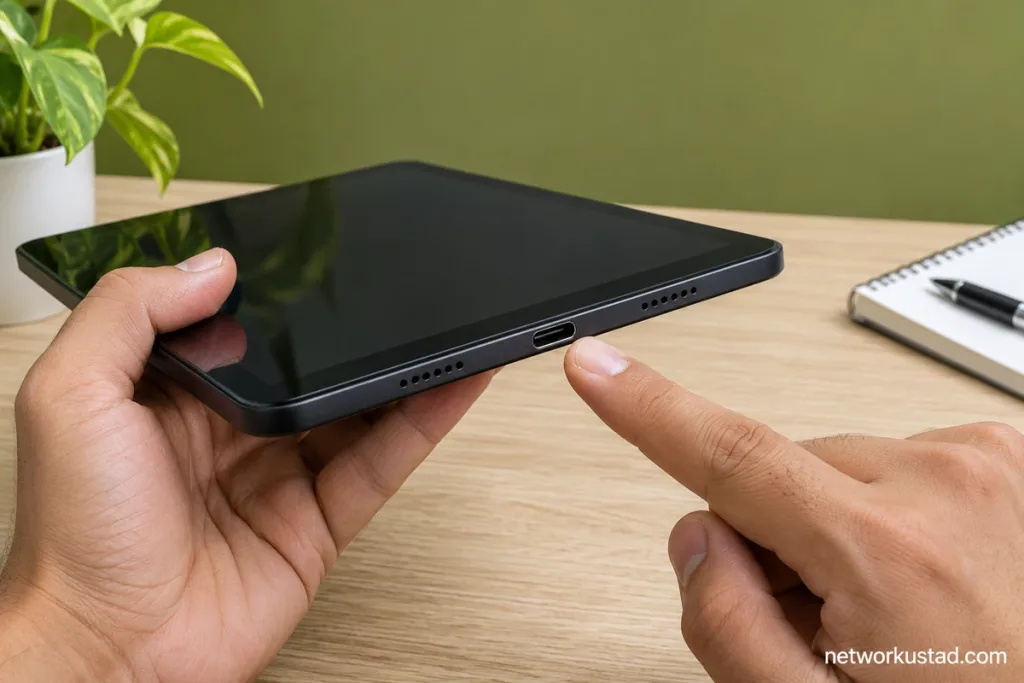
Get a clear photo of the charging port. If you need a specific connector, verify it before buying a cable or dock. Also check what the port supports. The connector shape alone does not tell you whether a tablet supports video output or a particular accessory.
Test Charging and Battery Condition
Ask the seller to show the tablet charging while turned on. If you test it in person, place it on a table and make sure the charging indicator stays on during ordinary handling. A damaged cable can give similar symptoms to a loose port, so use a known working compatible cable if you can. Avoid forcing the plug.
A battery capacity figure tells you little about the runtime of a used unit. To get a rough sense of its condition, note the battery percentage, unplug the charger, and run a typical task for 20 to 30 minutes. Keep the screen at a brightness you would actually use. Watch for sudden percentage drops or unexpected shutdowns. That short check can reveal obvious problems, but it cannot predict a full day’s runtime.
Check Android Updates and App Compatibility
Use Google’s Android update instructions to find the Android version and security update date. Ask the seller to check for updates while connected to Wi-Fi. A message that the tablet is up to date can mean it has the latest update available for that model. Compare the patch date and look for a published support policy if regular updates matter to you.
If you rely on the Google Play Store, check the tablet’s Play Protect certification status in the Play Store settings. Test your most important apps separately. For streaming, confirm playback on the service you use and at a quality you find acceptable. For calls, try the front camera, microphone, and speakers together.
If a listing says “5G Wi-Fi,” ask what the seller means. A 5 GHz Wi-Fi connection is separate from 5G cellular service. If you need mobile data away from Wi-Fi, confirm the exact model supports cellular service and works with your carrier.
Decide Whether the Price Makes Sense
Add the cost of a charger, case, or keyboard you would need to buy. Then compare the total with a used tablet that has documented software support and a clear return policy. Even a low price is hard to judge when the seller cannot confirm which model you will receive.
Before paying, ask the seller to remove their accounts and demonstrate that the tablet can complete setup after a reset without asking for the previous owner’s credentials. Agree on what is included and how long you have to report a fault. A unit you can identify, charge, update, and test for your intended task is easier to evaluate than a listing that promises long battery life or broad app support.