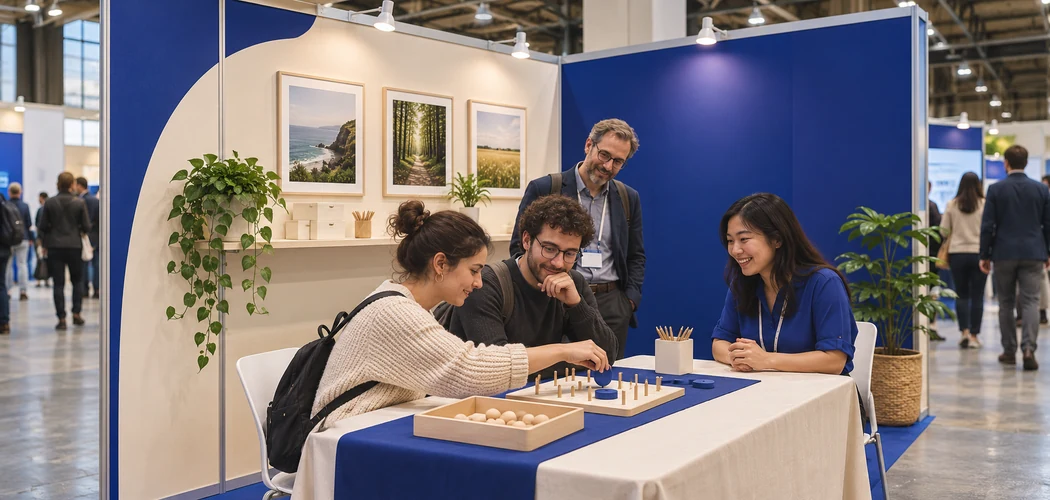
A booth game can give visitors a reason to stop and give your team a natural way to start a conversation. It can also fill your stand with people who are waiting for a prize while the visitors you came to meet walk past. Decide what someone should learn or do in the few minutes they spend with you. Then pick a format that works in the space and with the staff you’ll have.
Branded exhibition games use a short activity, such as a quiz, a prize wheel, or a product challenge, to introduce a business or its products. The branding can be as simple as a familiar colour or logo on the materials. The stronger connection comes when the activity itself gives visitors something specific to remember about what you do.
Choose Branded Exhibition Games Around One Goal
Name one primary goal before you choose the game. If you sell software that helps shops manage stock, you might want visitors to understand how quickly they can spot a missing item. If you are launching a service at the show, you may want people to see how it solves a problem they already recognise. If the main goal is awareness, a short, easy activity that many people can try may serve you better than a detailed demo.
Write down the next step you want for an interested visitor. A salesperson might answer one question about how the product works. A technical specialist might offer a five-minute demonstration. A visitor who is in a hurry might prefer a card with a link they can open later. Choose a next step your staff can deliver even when several people arrive together.
Think about the visitor’s schedule. People often go from a talk to a meeting or visit several stands in a short window. They may stop only if they can tell how long the activity takes. NetworkUstad’s trade show field guide shows how attendees fit booth visits into a crowded day. Use that perspective when writing instructions and laying out your stand.
Compare Three Booth Game Formats
A short product quiz
Use two or three questions based on a problem your audience knows. For example, a company that sells industrial labels could show three sample materials and ask which one they would use on a cold-storage bin. After the answer, show the label that suits the use case and explain why in one sentence. The visitor leaves with a useful detail even if they answer incorrectly.
A printed quiz can work with one host and a small table. A digital version is useful if you need to change questions between sessions. Have printed cards or a local copy ready if the venue Wi-Fi is unreliable. Give the person running the activity an answer sheet so every shift explains the product facts consistently.
A prize wheel
A wheel makes the activity easy to understand from a few steps away. It works best when the spin is quick and visitors can tell what they might receive. Give the prizes an obvious relationship to the stand where possible. A sample, a useful small tool, or a printed resource can reinforce the topic without requiring a long explanation.
Plan for the moment after the spin. Ask one optional question that relates to the event, such as what the visitor came to compare. Leave space for them to step aside if they want to talk. Check the event’s rules and the promotion terms before using chance, prizes, or any entry requirement.
A hands-on demo challenge
Give visitors one small task they can complete with the product or a simple demonstration unit. A tool supplier might let someone compare two ways of fastening a sample piece using an approved demonstration setup. A software team might give a visitor a mock order and ask them to locate it in a demo account. Use sample information throughout.
A demo takes more time, but the conversation can be more useful when visitors are already interested in the product. Budget time for resetting the station and prepare another way to show the result when a visitor prefers to watch. Keep a staff member available to explain the activity without making every visitor wait for the same person.
Estimate Capacity Before You Design the Queue
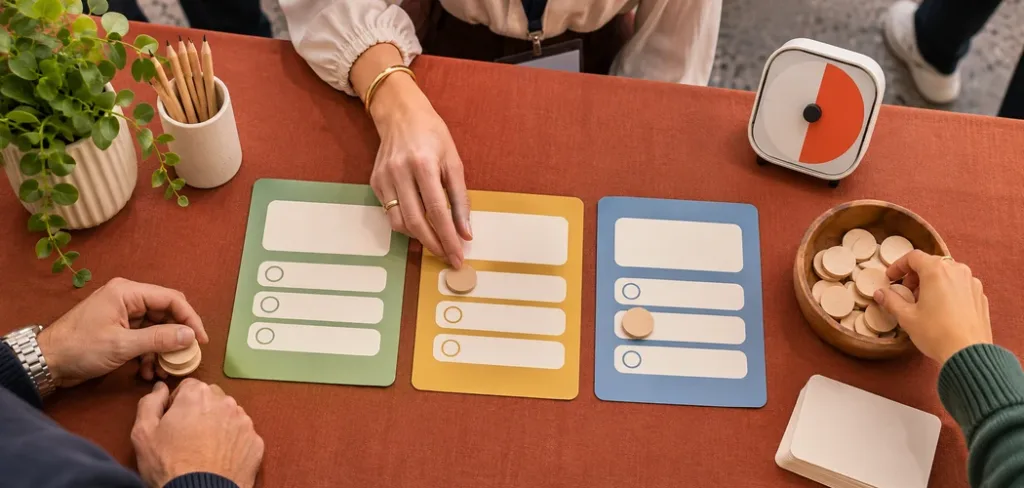
Time a complete round from the first instruction until the station is ready for the next person. Include handing over a prize, wiping or tidying equipment where needed, and recording a result if you track scores. A game that takes one minute to play can still occupy the station for two minutes.
For example, a two-minute full cycle gives one station a theoretical capacity of 30 plays an hour. If 12 people arrive at once and each needs a full turn, the last person waits about 22 minutes before starting. In practice, help requests and conversations can make the wait longer. To serve a group more quickly, use a second station, shorten the activity, or let several people answer the same quiz at once.
Decide where the queue starts and how people will leave the stand. Check the final plan with the organiser so you know what space is yours to use. Keep demonstrations away from the main path and avoid placing instructions where the next person has to lean over someone who is already playing. If a queue begins to spill into the aisle, switch to a shorter version or pause sign-ups until it clears.
Make the Activity Easy to Join
Show the game’s purpose and expected time before someone joins. A sign that says “Match the three samples · about 60 seconds” gives visitors enough information to decide. Print instructions in large, readable type and use visual examples where they help. Give staff a short version they can explain aloud if needed.
Offer a way to participate without relying on a particular movement, a colour distinction, or a spoken instruction alone. A tabletop activity might use large tiles with both labels and shapes, and a digital quiz can have a printed or staff-assisted option. Leave space for someone who takes part seated. If the format uses a timer or a leaderboard, offer an untimed round or a way to play without appearing on the board.
Run a rehearsal with someone who has never seen the booth. Watch where they hesitate. If people miss the start button, misunderstand the rules, or enter from the wrong side, change the setup before printing more signs. A short practice run can also reveal whether you have enough supplies for a busy period.
Keep Prize Entries and Marketing Follow-Up Clear
Tell participants what information you need and what you will use it for. If the game works without names or contact details, let visitors play that way. If a prize draw needs a way to contact a winner, decide what minimum information will do the job. Present an optional marketing sign-up clearly and separately when consent is required.
For UK events, the ICO’s guidance on collecting information and generating leads explains why you need to tell people how you intend to use their information and determine which rules apply to the marketing channel. A prize entry or badge scan has its own purpose. Before adding someone to a marketing list, check the basis for the follow-up and record any permission you rely on.
If you offer a prize, publish the important terms where people can see them before entering. Make clear who can enter, what the prize is, when entries close, and how the winner is chosen and contacted. For Great Britain, check the Gambling Commission’s guidance on free draws and prize competitions before deciding how chance, skill, and payment will work. Check the rules in the event’s jurisdiction and the venue’s own terms.
Measure What Happened After the Show
Choose a few counts you can collect without slowing the activity. Plays tell you how often the game ran. Product conversations tell you how often someone stayed to ask about what you sell. Agreed follow-ups tell you where there is a clear next step. Decide what counts as a product conversation before the show so staff record it consistently.
At the end of each shift, capture a simple tally and note what changed. A long queue might mean instructions were slow, staff were short-handed, or the venue let out a large session nearby. Record the change you made and see what happened afterward. If you switch from a demo to a one-question quiz during busy periods, keep the two counts separate so you can judge what each format did.
After the event, compare the tally with the goal you chose. If many visitors played but few asked about the product, look at the transition after the game. Staff may have been busy resetting the station, or the game may have had too little connection to the product. If fewer people played but several asked for a useful demonstration, the format may be right for a more focused event. Keep the timing notes, staffing plan, and one change you would test next time.