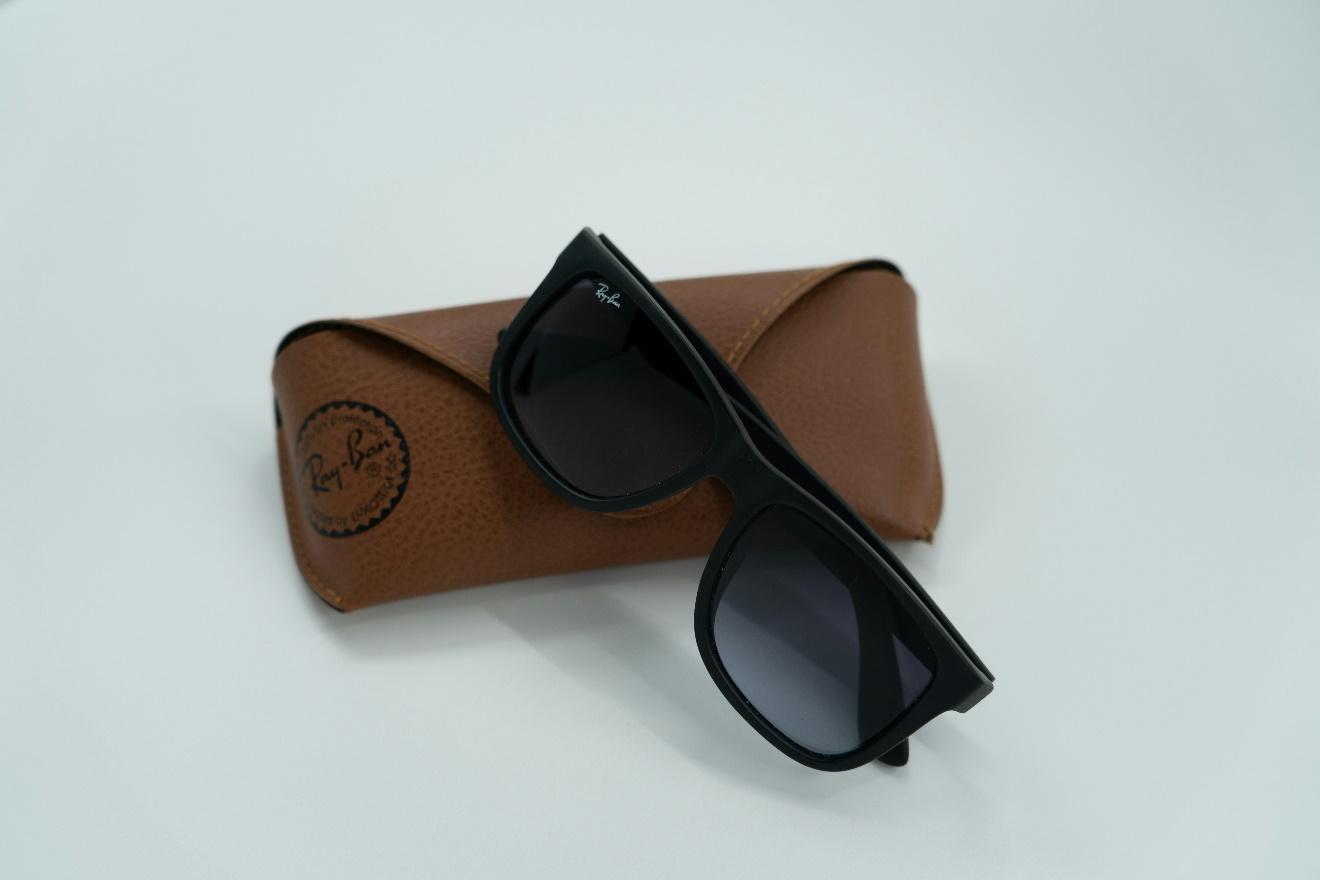
Ray-Ban Meta smart glasses let you take a photo, listen to music, or answer a call while your phone stays in your pocket. The standard models fit a camera, microphones, and open-ear speakers into an eyewear frame. Before buying, consider what you would use them for, how often you would need the charging case, and where you feel comfortable wearing a camera.
Start by checking the generation. The first Ray-Ban Meta glasses arrived in 2023. Gen 2 improved battery life and added 3K video capture. Both standard generations deliver information through audio. If you want to see information inside the lens, look at the separate Meta Ray-Ban Display product line.
What Can Ray-Ban Meta Smart Glasses Do?
The camera captures the scene in the direction you are facing. That makes it useful when your hands are occupied. You could film a short clip while kneading dough or take a photo while carrying bags. With voice controls enabled, you can start a capture with a command. The physical capture button is useful when you want to stay quiet.
The speakers sit near your ears and leave the ear canals open. This works well for a podcast on a quiet walk or a short call while doing chores. In a crowded station, background noise can make speech hard to follow. In a quiet room, someone sitting close to you may hear your audio, especially at higher volumes.
A camera on the frame also changes how you compose a shot. With a phone, you can check what is inside the frame before pressing the shutter. With standard Ray-Ban Meta glasses, you aim by turning your head and check the result afterward. Take a few test photos before relying on the glasses for an event. Check what happens when you look down at a work surface, turn toward someone beside you, or tilt your head up to capture a building.
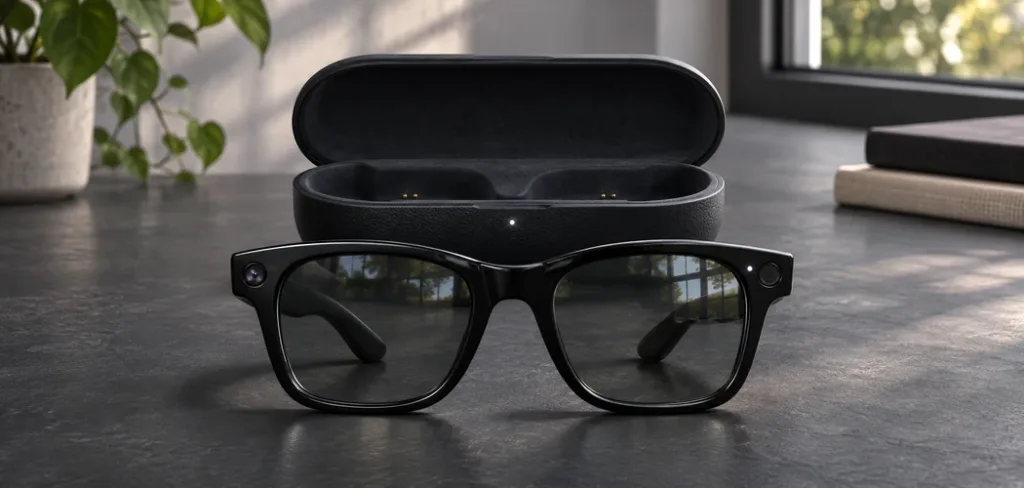
Ray-Ban Meta Gen 1 vs. Gen 2
Gen 1 and Gen 2 share the same basic functions. Both offer hands-free capture, open-ear audio, and voice controls. Gen 2 is more useful if you shoot video often, stream audio for long periods, or spend several hours away from the case.
| Buying factor | Gen 1 | Gen 2 |
|---|---|---|
| Battery life | Shorter rated runtime. Suits occasional sessions when the case is nearby. | Up to eight hours of typical use according to Meta. Actual runtime depends on how you use the glasses. |
| Video | Suits casual clips where resolution is a secondary concern. | Supports 3K video capture, which is useful if you regularly record clips and want more detail. |
| Best reason to buy | A meaningful discount on a pair with a working case and a clear return policy. | Longer stretches away from the case or frequent hands-free video capture. |
Watch for the generation label in retail listings. “Ray-Ban Meta Wayfarer” identifies a frame style and may leave the hardware generation unclear. Ask the seller for the exact model and a photo of the box label. For a used pair, confirm the seller can remove the glasses from their account and that the matching charging case is included. Meta lists its battery and video specifications in the Gen 2 announcement.
How to Set Up Ray-Ban Meta Smart Glasses
Before ordering, make sure your phone can install the Meta AI app and your country supports the features you plan to use. A retailer may be able to ship you the hardware even when some connected features differ from those advertised in another market. If translation, messaging, or a particular music service is the reason you are buying, verify that feature by name.
- Charge the glasses and case. Check that the glasses charge when seated properly in the case.
- Install the Meta AI app. Sign in with your Meta account on a compatible phone.
- Pair the glasses. Follow the prompts in the app and install any available firmware update.
- Review permissions. Check what the app requests when you enable calling, import photos, or connect other services.
- Test the controls. Take a photo, record a short clip, and place a call in private. Try the capture button and touch controls before using voice commands in public.
Keep your phone nearby while you test connected features. If music or calling stops working, check the charge and Bluetooth connection first. Then verify the app has the permissions and network access it needs. Testing one feature at a time helps you identify whether the problem is pairing, permissions, or service availability.
Music, Calling, and Translation in Everyday Use
Music and podcasts
The glasses behave like open-ear Bluetooth audio for everyday listening. Apple Music streams from your paired phone. Once the integration is set up, you can control playback with the touchpad or supported voice commands. You can leave the phone in your pocket while you pause a track or skip to the next one.
If your favourite music or podcast app has no direct integration, test its ordinary Bluetooth playback controls. Check whether you can adjust volume and resume playback comfortably with the frame controls. If you regularly listen on noisy buses or trains, try the glasses in that setting before deciding whether they suit your commute.
Hands-free calls and messages
Hands-free calling can be useful on a walk or while your hands are busy. Check which calling and messaging apps are supported in your setup. Availability can vary by service and market.
Try a call in a quiet room first. Then test it somewhere you expect to use the glasses regularly. Ask the person on the other end how clearly they hear you, especially if there is wind or traffic. For a private conversation, consider who is within earshot because the speakers sit outside your ears.
Live translation and questions about your surroundings
Supported camera-based AI features can answer questions about what you are looking at. For example, you might ask about a landmark or try to understand a sign. Live translation is a separate feature. Check which languages it supports, and test the language pair you need before travelling. Background noise, place names, and local expressions can affect the conversation.
Use a map for turn-by-turn directions or to double-check a route. Standard Ray-Ban Meta glasses have no in-lens map display. NetworkUstad’s guide to common computing devices, including AR and VR explains how display-based wearables present information in your field of view.
Camera Privacy and the Capture Light
The front-facing capture light signals when the glasses take a shareable photo, record video, or livestream. Ray-Ban says some camera-based AI requests on newer models can use the camera without turning on that indicator. If you want to understand how the light behaves on your model, check the official Ray-Ban Meta FAQ.
Tell people when you plan to record them, especially if they will appear prominently in something you intend to share. Give them time to decline. At a school, medical facility, workplace, or private event, follow the venue’s camera policy and the rules that apply where you are. Keep a regular pair of glasses handy if you often visit places that restrict cameras.
Before posting a clip, review what is in the background and listen to the audio. A name badge, home address, computer screen, or private conversation can be easy to miss when you are paying attention to the main subject. If you use camera-based AI, review the product’s current privacy settings and documentation to understand how it handles the data involved in a request.
Fit, Prescription Lenses, and Charging
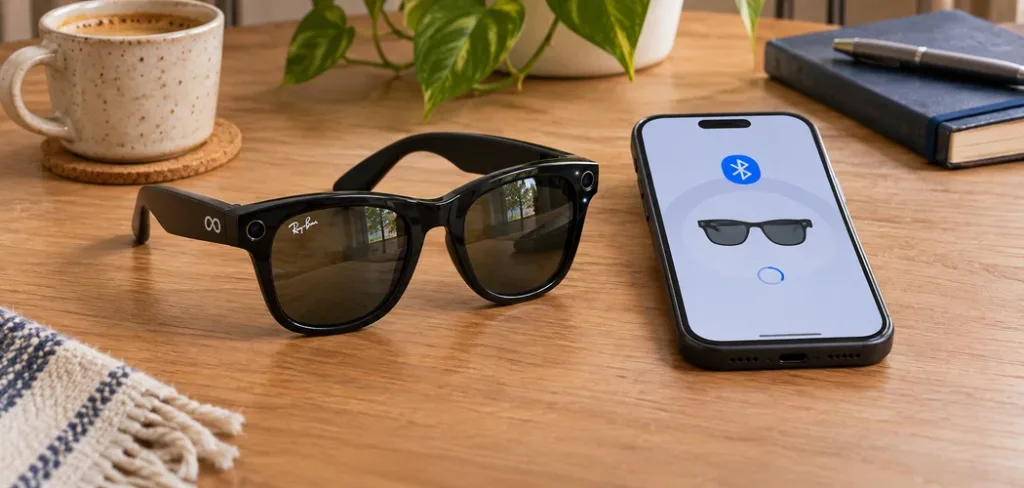
Try on the exact frame if you can. Check how it feels at the temples, across the bridge of your nose, and behind your ears. Look down and turn your head a few times. If the glasses slip while you walk or work, the camera angle can shift as well. When buying online, check whether the seller accepts returns on your particular frame and lens combination.
For prescription lenses, ask the retailer or optician to verify that the exact frame supports your prescription. Get the full price with lenses included. If you expect to use the glasses mainly indoors for calls, choose lenses you can comfortably wear inside. If you want them for outdoor photos, consider the lighting conditions you encounter most often.
Plan for the way you actually spend a day. A few photos and a short call put different demands on the battery than hours of music and repeated video capture. During the first week, track when you reach for the case and whether you are comfortable carrying it. If you bought the glasses for one specific activity, test them during a full session while you are still within the return window.
Are Ray-Ban Meta Smart Glasses Worth Buying?
Ray-Ban Meta smart glasses make the most sense when you already do something regularly and want to keep your hands free while doing it. That might be filming a recipe, taking calls on a walk, or listening to podcasts during chores. Gen 2 is the better fit if battery life and video detail are priorities. A discounted Gen 1 pair may be enough for occasional photos, short clips, and listening.
If you primarily want music and calls, compare the fit and audio with headphones you already own. If you want to see captions or directions inside the lens, check a display-equipped model and verify the exact feature before buying. For a used pair, test charging and setup as well as the camera and audio. A good price matters only if the glasses handle the tasks you are buying them for.
Before placing an order, confirm the generation, frame fit, phone compatibility, and the two features you expect to use most. That gives you a clear way to decide whether the glasses will earn a place in your daily routine.
Product information disclaimer
Features and availability can vary by generation, firmware, phone, language, and country. Check current product documentation before purchasing. Follow local rules and venue policies when using the camera or microphones.