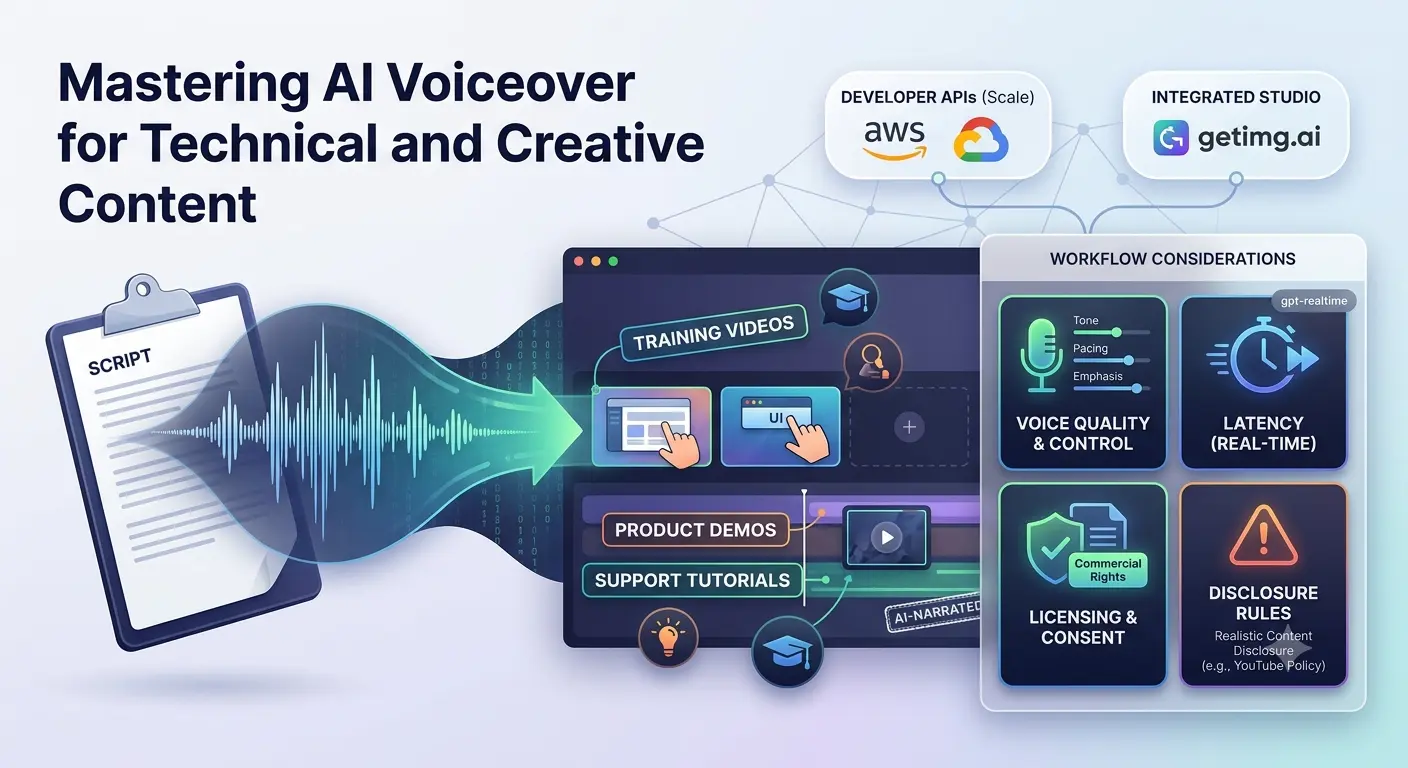
Training videos, product demos, and support tutorials move quickly, and many teams now use AI voiceover tools for narration. For technical and creative teams, natural sound is not enough. Latency, licensing, disclosure rules, and workflow fit matter too.
YouTube asks creators to disclose realistic AI-generated or AI-altered content, so that expectation should shape how you choose and use voice tools. This guide explains the pricing models, features worth checking, and how voiceover fits into a practical production pipeline.
How AI Voice Over Tools Work in 30 Seconds
Text-to-speech (TTS) converts written scripts into spoken audio. Modern models add pauses, emphasis, and tone cues that make narration sound less mechanical.
Pricing Models You Need to Compare
Most billing falls into three buckets: per character, per second, or plan-based credits. Knowing the model helps you estimate real spend before you commit.
Per-character pricing is common with cloud providers. Google Cloud prices its Neural2 voices at US$0.000016 per character, or US$16 per one million characters. Amazon Polly lists its Neural voices at $16 per one million characters outside the free tier.
Per-second pricing works differently. Resemble AI’s Flex plan lists text-to-speech at $0.0005 per second, so cost depends on audio duration. Credit models bundle usage into plans. ElevenLabs lists a Pro plan at $99 per month with 600k credits and a Business plan at $990 per month with 6M credits, and it notes low-latency TTS from $0.05 per minute.
Studio bundles often charge by character too. getimg.ai prices speech per 1,000 characters, with text-to-speech allowances at 150k, 750k, 1,750k, and 5,000k characters. The Entry plan is shown at $10 per month, or $8 per month billed yearly with a 20% saving noted.

Voiceover usually sits beside footage, captions, music, and export settings. If you want to see how narration connects to a broader production flow, this walkthrough of an AI video workflow shows where the audio layer fits.
What to Look For: A Short Checklist
- Voice quality and control. Look for tone cues, pacing options, and style controls so narration matches your tutorial or demo.
- Latency. Batch voiceovers can run in the background, but real-time voice agents need low latency. OpenAI’s gpt-realtime is positioned as a production voice model for interactive use cases.
- Language and consistency. Keep a consistent sound across modules and languages.
- Licensing. Confirm commercial use rights and platform disclosure rules before publishing.
- Security and compliance. For enterprise use, look for clear data handling terms and compliance signals such as SOC 2 where they apply.
Tool Snapshots by Use Case
No single tool fits every scenario. Match the tool to the job and the way your team already works.
Integrated Studio for Voice and Visuals
When voiceover, images, and video need to stay in one project, an all-in-one studio can reduce handoffs. For teams that want narration, visuals, and export in the same workspace, the text to speech generator inside getimg.ai supports script-level tone cues and keeps the audio layer close to the creative work.
Commercial rights for generated audio are included on every paid getimg.ai plan, and the voice feature is billed by 1,000 characters rather than a separate per-tool surcharge.
Developer APIs at Scale
Amazon Polly and Google Cloud TTS suit teams that generate large volumes through code. Both price neural voices at around $16 per million characters, which makes forecasting easier for high-volume tutorial libraries.

Responsible Use and Platform Rules
Disclosure is now part of the workflow. YouTube requires creators to disclose realistic AI-generated or AI-altered content and applies labels after disclosure. Policy is also changing in the United States, where lawmakers have considered rules such as the NO FAKES Act to address abusive uses of digital replicas, including synthetic voices.
Keep your practice simple. Disclose when content is realistic, get consent before cloning any voice, and store consent records. This summary is not legal advice, so review the source rules and your platform terms.
Quick Picks
- Fast multi-language tutorial voiceovers: Google Cloud TTS or Amazon Polly for predictable per-character cost.
- All-in-one creative workflow: getimg.ai, where voice and visuals can share one project.
- High realism and cloning: ElevenLabs or Resemble AI, after you confirm rights and usage terms.
Mini How-To: Script to WAV in Five Minutes
- Draft your script and add bracketed tone cues where emphasis or pauses matter.
- Generate a preview, then adjust pacing and pronunciation.
- Export a WAV file and check loudness and sibilance before import.
- Disclose AI narration where required and archive your voice rights and consent records.
For video-heavy projects, review the voice track alongside visuals in an AI video generator workflow before publishing.
Frequently Asked Questions
Is AI voiceover legal to use in ads?
Commercial rights are included on every paid getimg.ai plan, and many tools offer similar terms. Still, review each tool’s license and the disclosure rules of the platform where the ad will run before publishing.
Do I need consent for a real voice?
Get consent before cloning or imitating a real person’s voice.