
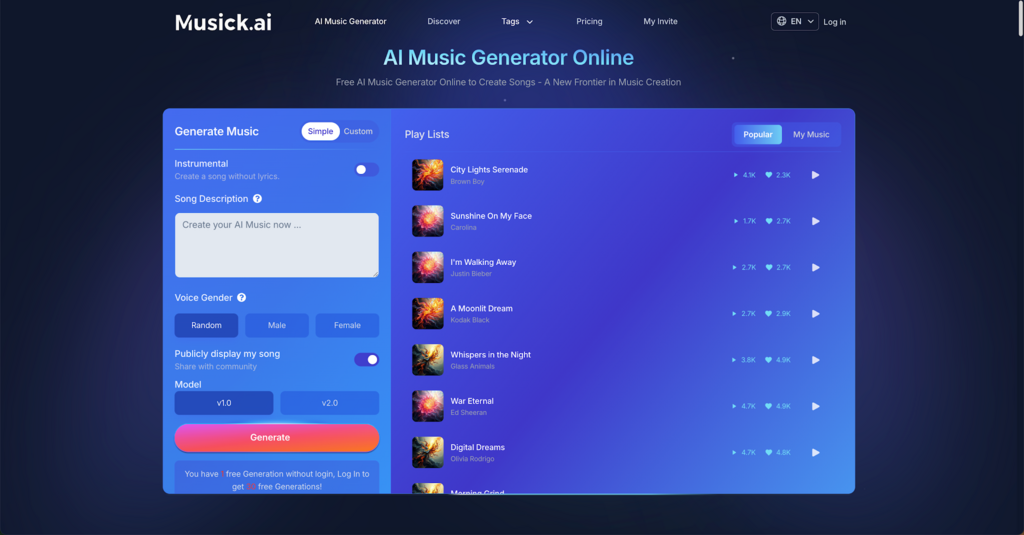
A good melody idea can fade if it stays in the head for too long. Musick AI helps creators turn early ideas into listenable tracks through its AI Music Generator, where users can describe a style, topic, mood, genre, or instrumental direction and generate music from that prompt.
I. Start with a Clear Musical Direction
Before generating a track, define the genre, mood, subject, and possible instruments. Musick AI supports many directions, including Pop, Rap, EDM, Jazz, Rock and Roll, Hip-hop, Blues, Reggae, K-pop, Classical, Disco, Country, Metal, R&B, and Saxophone styles.
Use concrete prompt details
A weak prompt might say, “make a happy song.” A stronger prompt might say, “create an uplifting pop track with bright synths, dynamic percussion, lively bassline, a catchy chorus, and a positive summer mood.”
II. Turn Rough Ideas into a First Draft
The main value of Musick AI is speed at the drafting stage. The site lets users describe the style and topic they want, including genres and vibes rather than naming specific songs. It also includes an instrumental option for creating music without lyrics.
This makes the tool useful when a creator has a hook, scene, campaign mood, or video idea but not a full composition. An AI Music Maker can help build a first version quickly enough to test whether the direction works.
III. Choose the Right Format for the Goal
Not every project needs the same kind of song. A creator making background music for a video may need something different from someone drafting a rap verse or classical piece.
Musick AI presents use cases for YouTube content, filmmaking, podcasts, game development, education, entertainment, commercial content, and musical practice. It also includes tools and pages related to lyrics, beats, rap, genre-based generators, instrumental tracks, song extension, remixing, and music covers.
Match the output to the use case
For a short video, a focused loop or instrumental idea may be enough. For a full song concept, lyrics, vocal preference, structure, and genre details matter more. For a classical piece, style and mood choices such as baroque, romantic, chamber, or orchestral direction can guide the result.
IV. Use Discovery as a Creative Reference
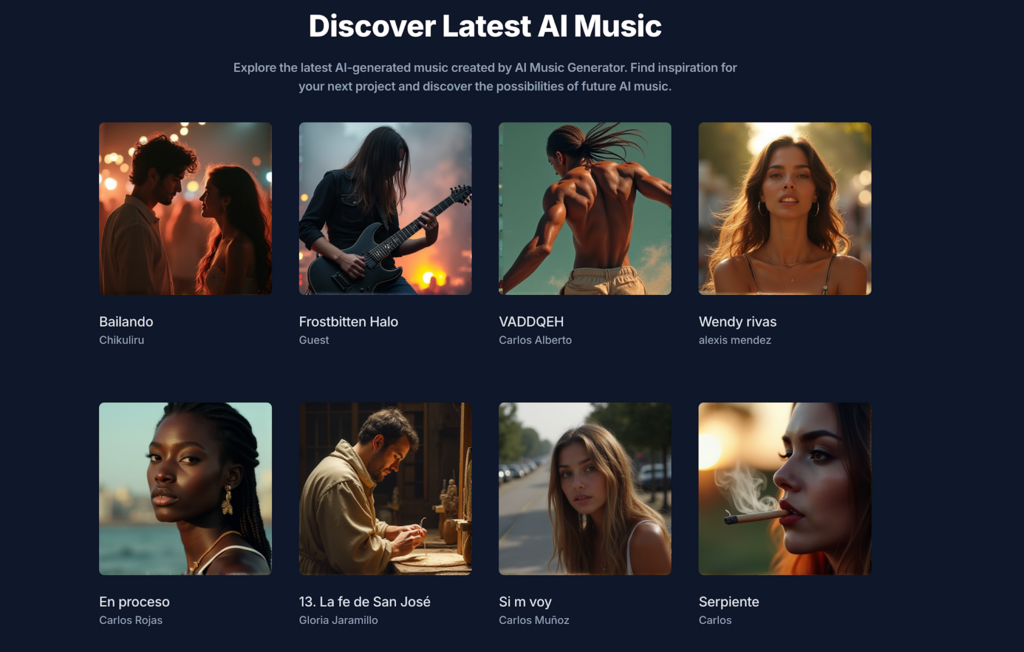
The Discover section on Musick AI shows AI-generated tracks with titles, creators, and prompt-style descriptions. This can help before writing a prompt because it shows how other users describe mood, vocals, instruments, structure, and language.
Some examples include details like male or female vocals, tempo, key, piano, pads, strings, choir, drums, verse-chorus-bridge structure, and emotional tone. Reviewing these examples can help a creator write a cleaner prompt for AI Music, especially when the first idea feels too broad.
V. Refine by Listening, Not Guessing
After the first generation, the next step is not to accept or reject the song too quickly. Listen for the parts that match the original goal. Check the hook, rhythm, vocal direction, instrumental balance, emotional tone, and whether the track fits the intended use.
Musick AI describes a practical flow on its genre pages: input a description, wait for processing, check whether the composition matches the desired result, then download the produced track for listening. That sequence is helpful because it treats generation as a draft, not a final answer.
VI. Build Better Prompts with Musical Ingredients
A faster workflow depends on prompt quality. Musick AI encourages details such as genre, mood, instruments, topic, tempo, and structure. It also mentions adding descriptive adjectives to instrument names, such as “powerful” or “reverberated,” to guide the sound more clearly.
An AI Song Maker works best when the prompt includes the job the song needs to do. A podcast intro may need a short, clean, memorable feel. A game scene may need tension or energy. A brand video may need warmth, confidence, or motion. Clear purpose leads to fewer wasted drafts.
VII. Move from Draft to Finished Song with a Repeatable Process
A fast song workflow does not mean skipping taste or judgment. It means reducing the blank-page stage and spending more time on useful decisions. With Musick AI, the practical process is simple: define the idea, choose the genre, describe mood and instruments, generate a draft, listen closely, refine the prompt, and keep the version that fits the project.
The best results come from treating the tool as a composition assistant. It can help shape ideas into tracks across many styles, but the creator still decides what feels right, what needs revision, and where the song will be used. That balance is what turns a passing melody idea into a finished piece faster.