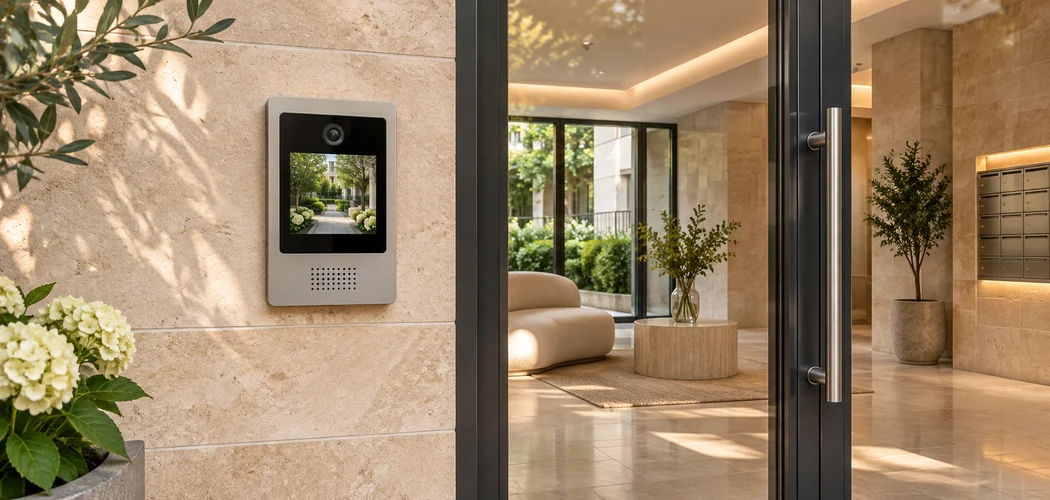
A video intercom lets someone at an entrance call a resident, receptionist, or other designated person. The person answering can see and speak with the visitor. On a system connected to compatible access-control hardware, they may also be able to release the door.
Start with the people who will answer and the door the system will serve. A single household may need a chime and phone notifications. An apartment building needs a way to route calls to individual units. An office may need calls to go to reception during the day and to a different team after hours.
Video Intercom Options by Building Type
| Building or entrance | Typical setup | What to confirm |
|---|---|---|
| Single home or private entrance | Door station with an indoor screen, chime, or mobile app | Who can answer, how alerts work, and whether you need door release |
| Apartment or multi-tenant building | Shared entry panel with a directory or unit selection | Call routing, resident turnover, and access permissions |
| Office or staffed entrance | Entry panel connected to a reception station or approved phones | After-hours routing, backup answering, and compatibility with existing door hardware |
These are building requirements. IP networking and smartphone answering are features that can appear in any of the three setups.
Decide Who Answers the Door
List the people who should receive calls and the devices they already use. An indoor station can be useful for someone who prefers a fixed screen or keeps their phone on silent. Mobile answering can help residents who are away from home or staff covering more than one entrance.
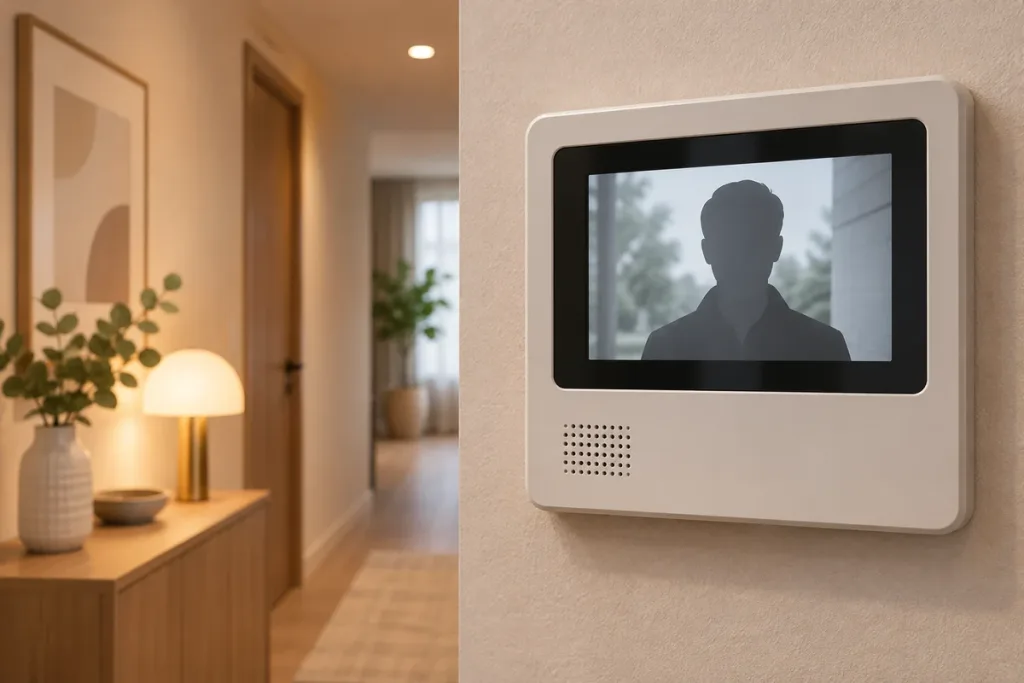
Ask the installer to demonstrate what happens when nobody answers. Can the call go to a second person or return to reception? In an apartment building, check how visitors find the right unit and what information the public directory displays. In an office, test the reception schedule and the after-hours route separately.
Give each person their own account or role where the system supports it. Decide who can answer calls, release doors, change the directory, or view logs. Document how an administrator removes access when a resident or employee leaves.
Check the Wiring, Network, and Door Hardware
Ask the installer to inspect the existing cables and identify what can be reused. Some systems use dedicated wiring. Others connect over Ethernet and may support Power over Ethernet, or PoE. Check the requirements for the entry panel and each indoor station. If the system uses Wi-Fi at the entrance, assess coverage with the door closed and under normal building conditions.
If the building already uses a phone system, confirm whether the intercom supports its calling platform. Some IP models support SIP, but the devices and software still have to work together. The Axis network video intercom datasheet is one example of a model with network calling and entry-control features.
Have the installer confirm whether the intercom can work with the existing lock and controller. Ask which functions stay available if the internet connection or power goes down, and how authorised occupants can enter during an outage. The answer can differ for local answering, mobile notifications, and door release.
Review Visitor Data and Ongoing Costs
Ask what the system stores. A call log may show that a visitor called a unit. An unlock event may show that a release command was issued. Those records alone cannot confirm who walked through the door. If the system saves images or clips, decide who can view them, how long they’re kept, and who can change those settings.
Compare the full price. Include equipment, installation, any monthly software or mobile access fees, and support. Ask which functions continue if a subscription ends and how long the manufacturer provides updates for the model.
Test the Setup Before Signing Off
- Place calls from the entrance. Try them in daylight and after dark. Check whether the intended person receives the call and can hear the visitor clearly.
- Test the answering devices. Try the indoor station, reception phone, or app that staff and residents will actually use.
- Check the access rules. With the installer, verify that only designated roles can release the door and that a removed account loses access.
- Review failure behaviour. Ask the installer to demonstrate the agreed procedure for an outage or an unanswered call.
- Record the handover. Keep the model details, support contacts, and instructions for adding or removing users where building staff can find them.
Choose the setup that makes a visitor call easy to answer and gives the building a clear way to manage access over time.