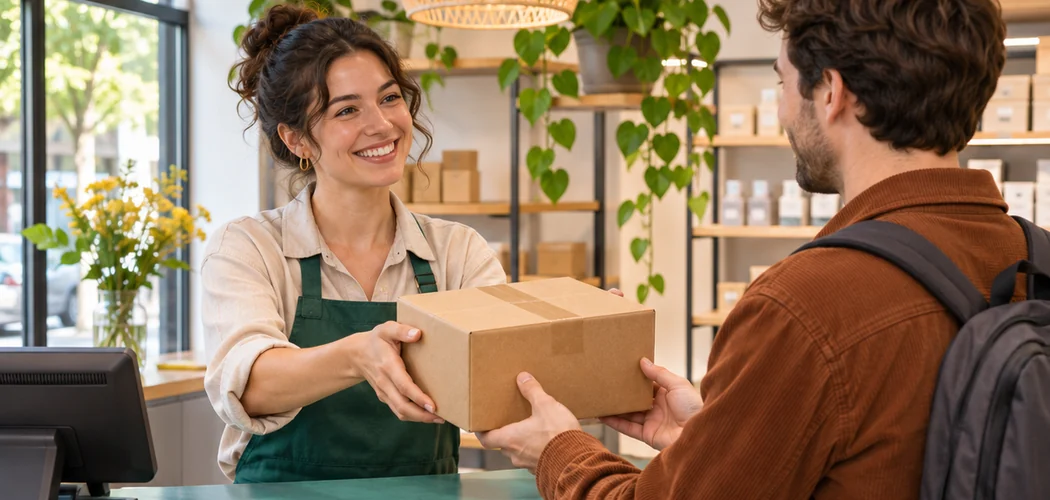
Amazon Hub Counter is a staffed pickup point for eligible packages. It lets you collect an order at a participating shop or other location instead of having it sent to your home. A staff member retrieves the package when you show the pickup details from Amazon.
A Counter can be useful if nobody is home during the day or if you have somewhere convenient to stop on your usual route. Before choosing one, make sure you can get there during the pickup window. A location a little farther away may be more convenient if its hours match your schedule.
Amazon Hub Counter vs. Amazon Locker
| Option | How pickup works | What to check |
|---|---|---|
| Amazon Hub Counter | Show your pickup details to a staff member, who retrieves the parcel. | Where the desk is and when it handles pickups. |
| Amazon Locker | Follow the instructions for the self-service locker assigned to your order. | How to access the locker and whether you need the Amazon app or a code. |
| Home delivery | The parcel goes to the delivery address you select. | Whether someone can receive it or there is a suitable delivery spot. |
Some locations offer several Amazon services. A store could handle returns at one desk and pickups at another. Go to the place named in your pickup message, even if you see other Amazon signs inside the building.
How to Choose an Amazon Hub Counter at Checkout
- Look for a pickup location during checkout. In the delivery address section, look for a pickup option. Search near your home, workplace, or another place you expect to visit.
- Open the location details. Check the full address, the hours shown, and any instructions about finding the desk. If the location is inside a large store, note which entrance makes sense for your trip.
- Select the Counter and review your order. Confirm that the pickup location appears as the delivery destination before placing the order.
- Wait for the pickup notification. Check your order details or the message from Amazon. A shipment update tells you the parcel is on its way. The ready-for-pickup message tells you when to go and what to bring.
Amazon’s U.S. Counter instructions for participating stores describe how customers select a location at checkout and how staff handle the parcel when it arrives. If the Counter does not appear for your order, try a different pickup location or choose another delivery method shown at checkout. Typing the shop’s street address into a normal delivery-address field does not select its Counter service.
If your order contains several items, check whether they are shipping separately. Before leaving, verify which packages are ready. A notification about one shipment does not tell you whether the rest of the order has arrived.
How to Pick Up Your Package at Amazon Hub Counter
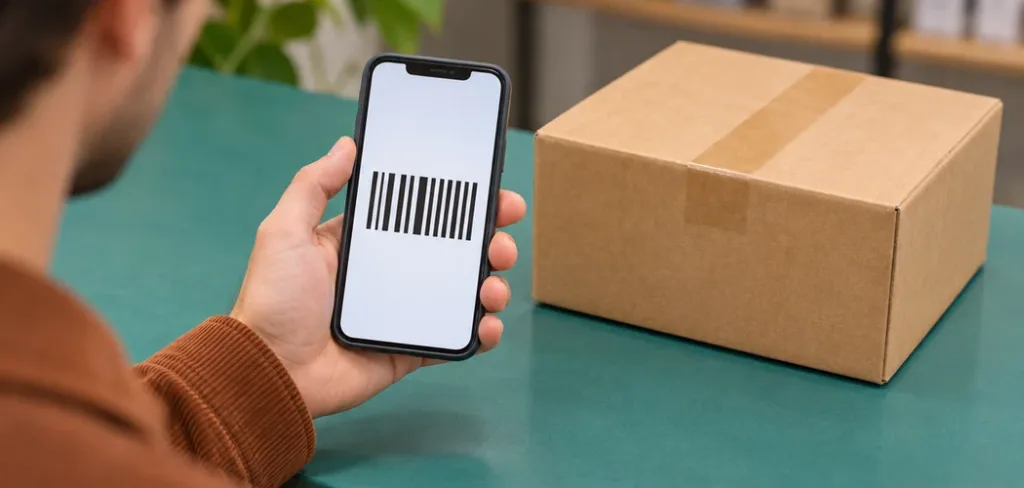
Open the pickup message before you get to the desk. Check the location and the date by which you need to collect the parcel. Bring the barcode, code, or other information the message asks you to show. If it specifies an identification requirement, follow that instruction.
At the Counter, tell the associate you are collecting an Amazon order. Show the pickup details when asked. If you have more than one package waiting, open the details for each shipment so you can show the correct code. Before leaving, check that you received the packages you came for.
If someone else may collect the order for you, check the order instructions first. Share the pickup details only with the person you intend to collect it. Keep the barcode off public posts and group chats.
What to Do if Pickup Does Not Go as Planned
| Problem | What to check first |
|---|---|
| You see a delivery update but no pickup code | Open the order details and check whether Amazon says the parcel is ready for pickup. Look for the order’s pickup message. |
| Staff cannot find the parcel | Verify the address, shipment, and pickup code. If the details match and the parcel is still unavailable, contact Amazon through the order page. |
| You cannot get there before closing | Check the Counter’s next opening time against the deadline in the pickup message. |
| You missed the pickup deadline | Check the order status for the next step and contact Amazon if you need help with that shipment. |
Use the deadline shown for your parcel. Amazon’s U.S. store training describes a seven-day pickup window, but the order message is the practical reference for planning your trip. Check holiday hours if the pickup window includes a public holiday.
Can You Return an Item at an Amazon Hub Counter?
Start the return in your Amazon account and choose from the options shown for that item. Follow the selected location’s instructions for the return code, packaging, and label. The pickup barcode belongs to the pickup transaction. Use the code generated for the return when the return instructions request one.
Whole Foods Market’s Amazon pickup and returns guide gives one example of how services can differ by location. It lists staffed Amazon Counters, customer service desks, and self-service return kiosks. Use the location and desk named when you set up your return. If you collected the item at a Counter, that alone does not confirm you can return it at the same desk.
Before placing your next order, compare the pickup location with your usual route. If the location appears at checkout and its hours work for you, select it and keep the ready-for-pickup message handy. That message is what you will use to find the desk, show your pickup details, and collect the right parcel.