Asad Ijaz
NetworkUstad's lead networking architect with CCIE certification. Specializes in CCNA exam preparation and enterprise network design. Authored 2,800+ technical guides on Cisco systems, BGP routing, and network security protocols since 2018. Picture this: I'm not just someone who writes about tech; I'm a certified expert in the field. I proudly hold the titles of Cisco Certified Network Professional (CCNP) and Cisco Certified Network Associate (CCNA). So, when I talk about networking, I'm not just whistling in the dark; I know my stuff! My website is like a treasure trove of knowledge. You'll find a plethora of articles and tutorials covering a wide range of topics related to networking and cybersecurity. It's not just a website; it's a learning hub for anyone who's eager to dive into the world of bits, bytes, and secure connections. And here's a fun fact: I'm not a lone wolf in this journey. I'm a proud member and Editor of Team NetworkUstad. Together, we're on a mission to empower people with the knowledge they need to navigate the digital landscape safely and effectively. So, if you're ready to embark on a tech-savvy adventure, stick around with me, Asad Ijaz Khattak. We're going to unravel the mysteries of technology, one article at a time!"
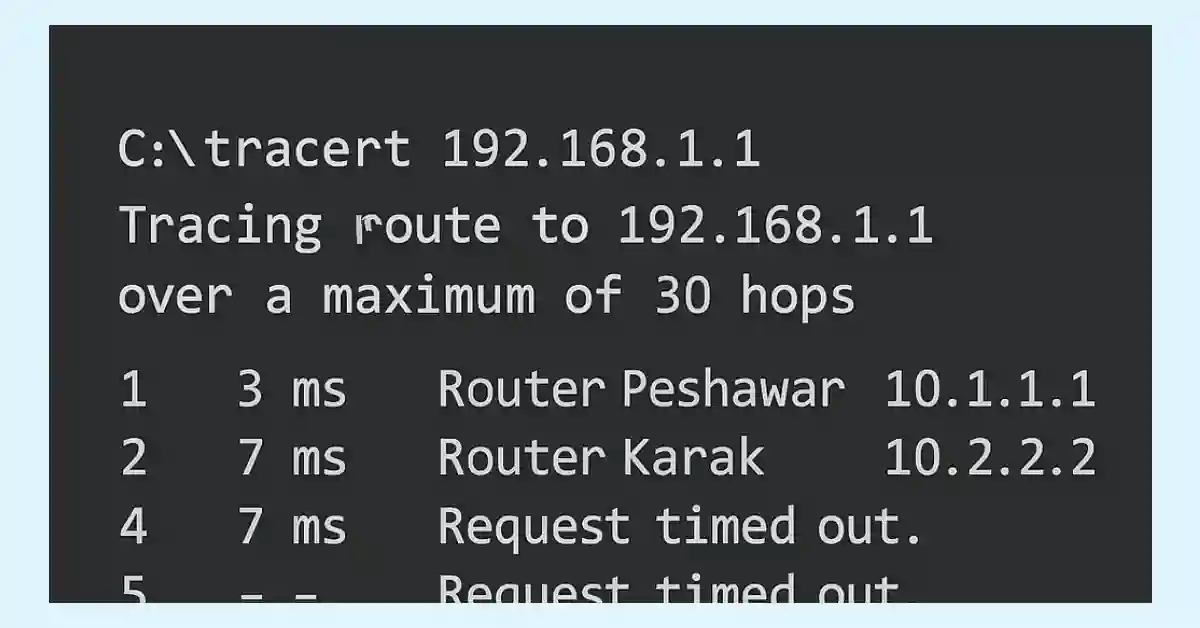
Traceroute and Tracert – 2 Important command
Traceroute (or Tracert on Windows) is a diagnostic tool that maps the route of packets from a source to a destination using ICMP Echo Request packets. It displays each hop (router) along the path, helping network engineers troubleshoot connectivity issues. This guide is tailored for CCNA and CCNP students to master Traceroute for exams and...
Master Network Baseline (Updated 2025)
Do you know your standard network throughput volume and the types of traffic used in your network? You should require a network baseline if you don’t know the answers to the above questions. The network baseline is one of the most valuable tools for monitoring and troubleshooting network performance. For an influential network, a baseline...
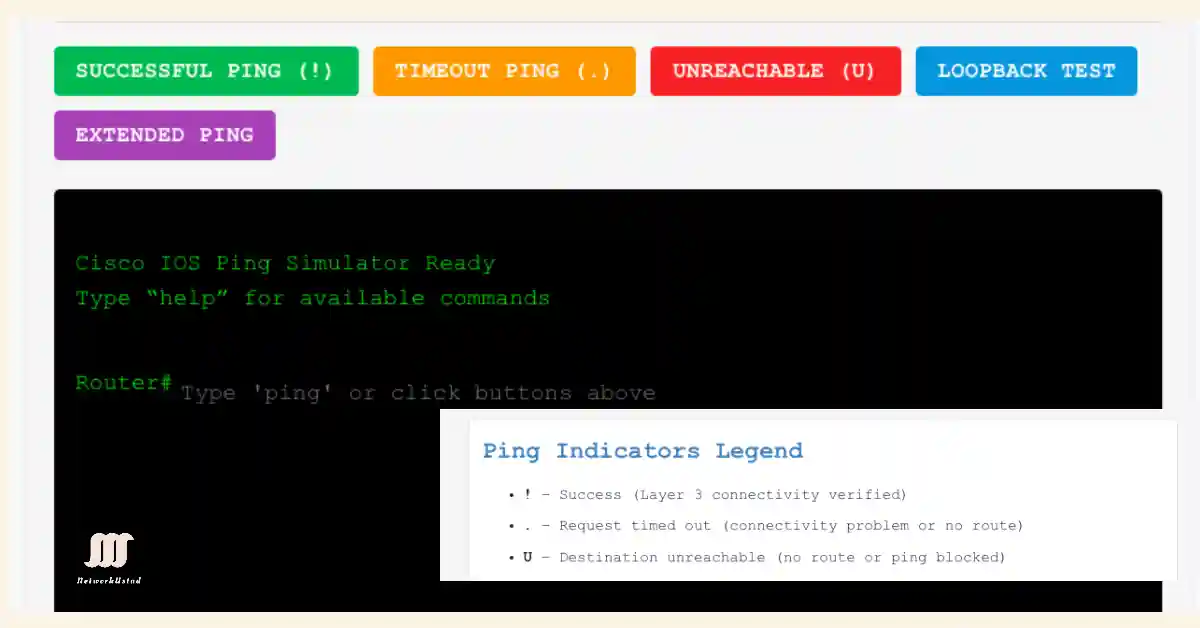
Understanding Ping Indicators and Ping Results in Cisco IOS (Updared 2025)
The ping command is a fundamental network troubleshooting tool that uses the Internet Control Message Protocol (ICMP), as defined in RFC 792, to test connectivity between devices. It is essential for CCNA (ICND1, ICND2) and CCNP (ROUTE, SWITCH, TSHOOT) exam preparation, helping students verify Layer 3 connectivity by the ping results. This utility has evolved...
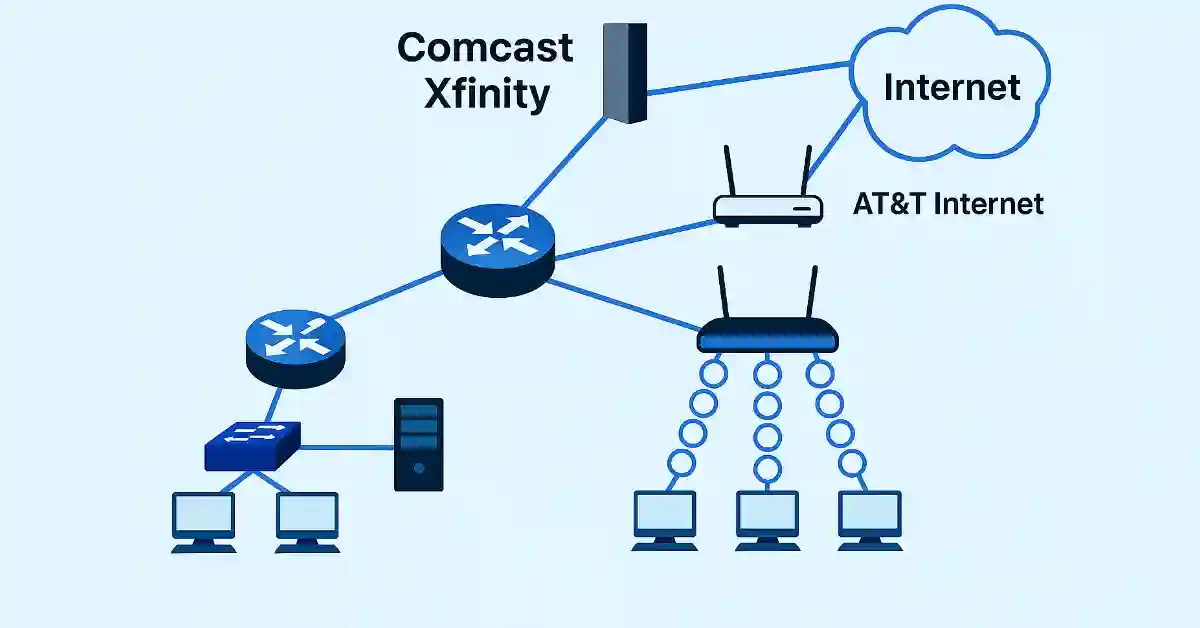
Master Network Uptime with Powerful Redundancy Strategies For Small Network (Updated 2025)
Redundancy In a Small Network Redundancy is a critical factor in network design, ensuring reliability and minimizing costly downtime in a business. It eliminates single points of failure, enhancing small network resilience. There are several ways to achieve redundancy in a small network. Network redundancy can be achieved by installing standby and alternate network devices,...
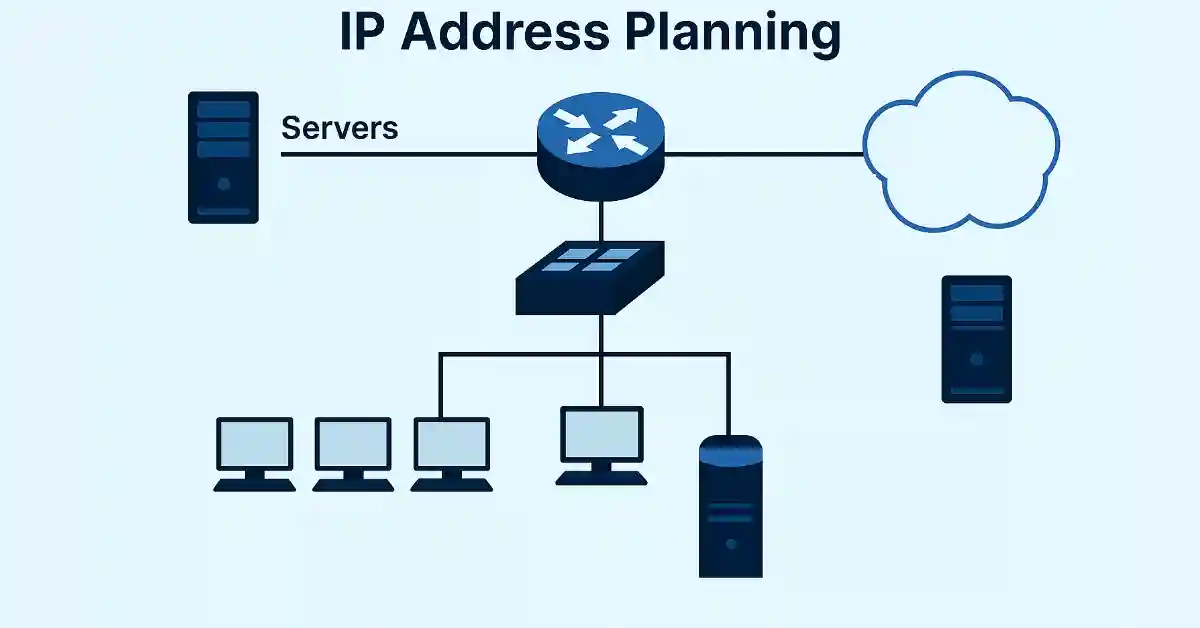
Master IP Address Planning for Unbeatable Small Network Success (Updated 2025)
IP address planning is crucial for implementing a small network, ensuring all hosts have unique addresses. The network administrator must document the IP addressing scheme. The administrator should also maintain IP addresses based on the type of device to configure the addresses. The different types of devices that require IP addresses are:- Servers: Host critical...
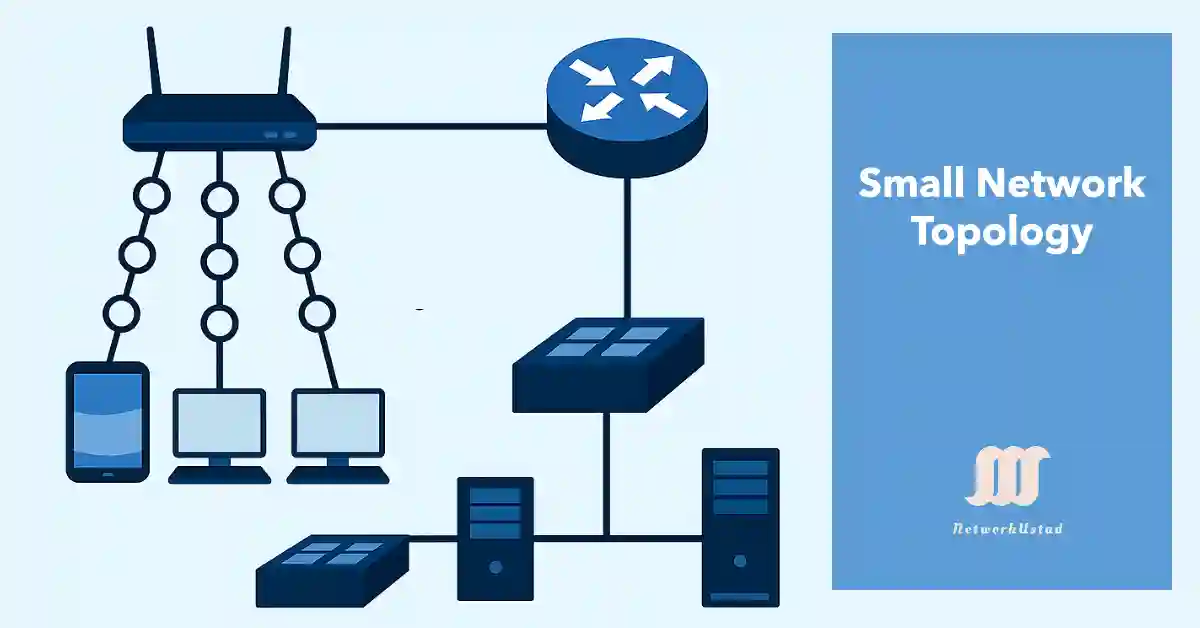
Small Network Topologies – Exclusive Details (Updated 2025)
This guide is designed for network professionals using Windows (e.g., 10/11) or Linux (e.g., Ubuntu 22.04) systems. Network configuration can be managed via Command Prompt (cmd) on Windows or terminal (Ctrl + Alt + T) on Linux, with tools like ipconfig (Windows) or ifconfig (Linux) for IP management. These OS platforms are essential for implementing...
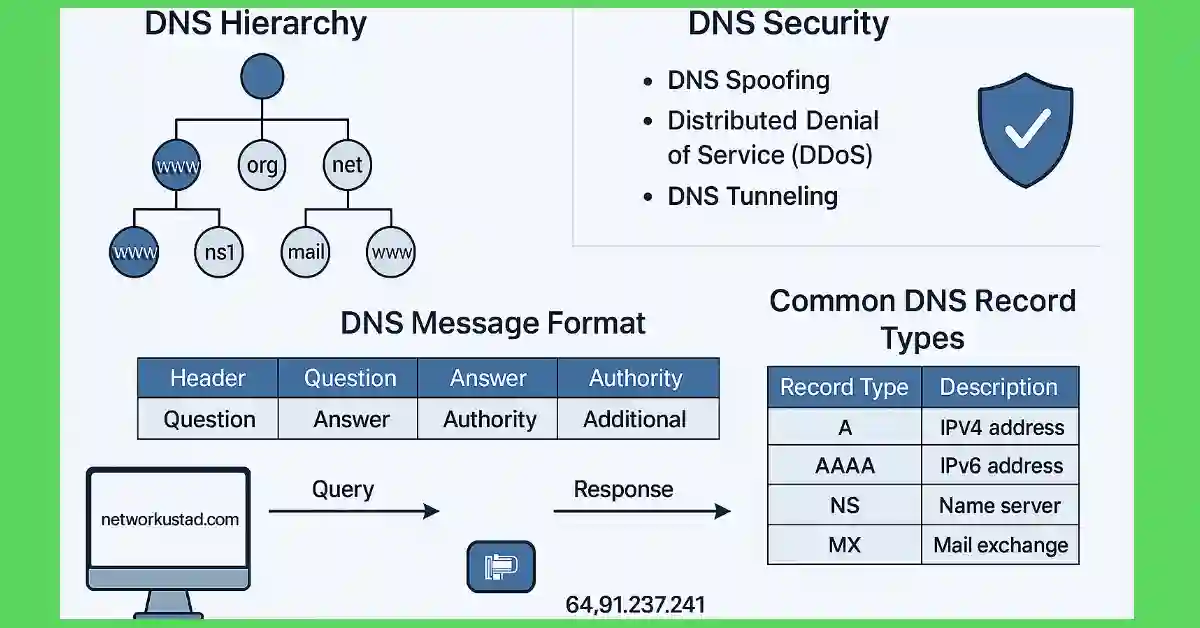
DNS-Domain Name System
The Domain Name System (DNS) is the backbone of modern networking, translating human-readable domain names like networkustad.com into machine-readable IP addresses such as 64.91.237.241. For CCNA and CCNP students, understanding DNS is critical because it underpins how devices communicate in IP networks, including Cisco-based infrastructures. Think of DNS as the Internet’s phone book, enabling seamless...
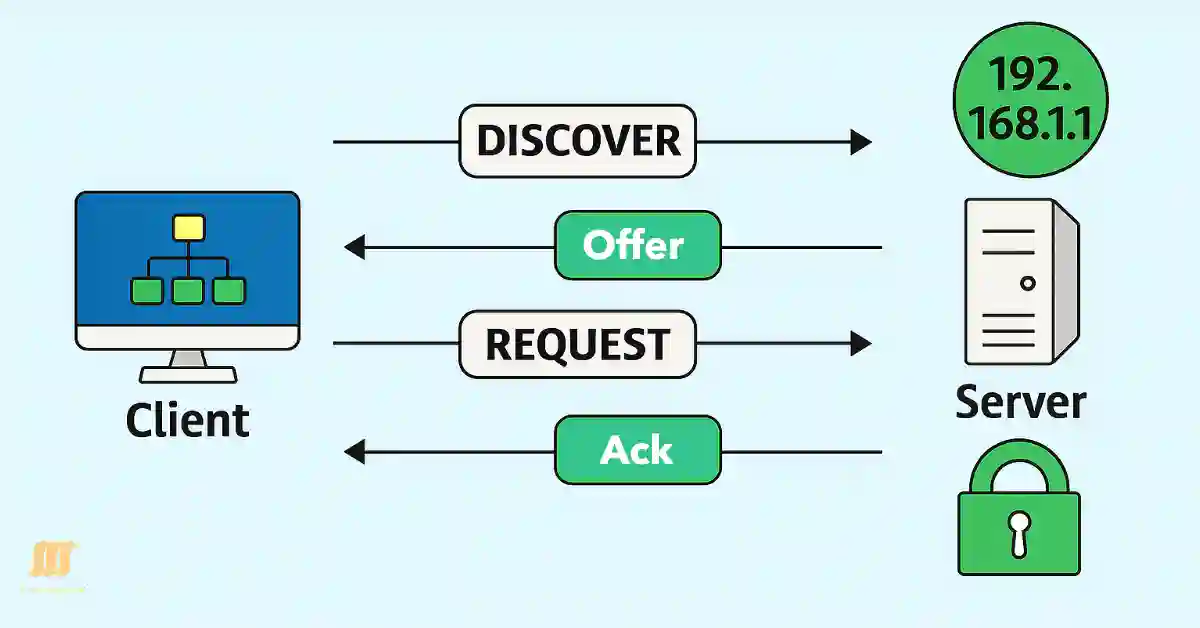
Dynamic Host Configuration Protocol(DHCP) Updated 2025
The Dynamic Host Configuration Protocol (DHCP) is a cornerstone of modern networking, automating IP address allocation to streamline network management. For CCNA and CCNP students, understanding DHCP is critical, as it simplifies the configuration of IP addresses, subnet masks, default gateways, and DNS servers in both small and large networks. Unlike static IP addressing, which...

Master File Transfer Protocol (FTP) Secure Your FTP Protocol Today (Updadted 2025)
This guide is tailored for network administrators and students using Windows (e.g., versions 10 or 11) and Linux (e.g., Ubuntu 22.04 or CentOS 7) operating systems. FTP operations can be performed using the built-in ftp command on both platforms, accessible via the Command Prompt (cmd) on Windows or the terminal (Ctrl + Alt + T)...
Master Server Message Block (SMB) Protocol and Boost Your Network Skills (Updated 2025)
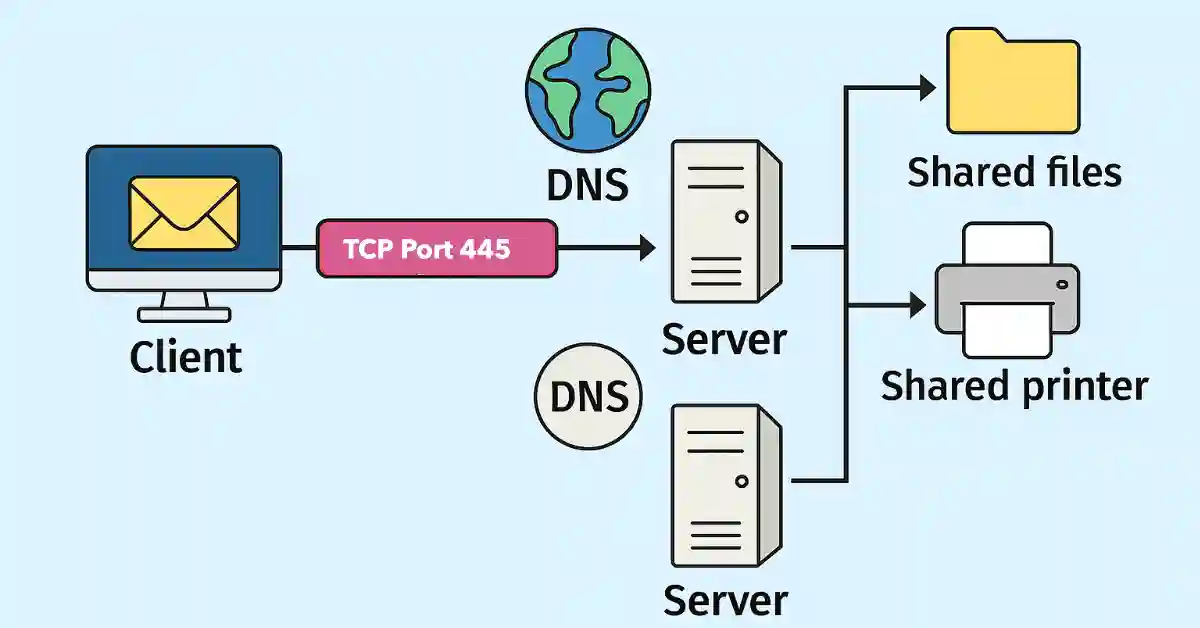
The Server Message Block (SMB) is a network protocol that allows the host to share data within the same network. It shares directories, files, printers, and serial ports as quickly as on the local computer. It is a request-response protocol that uses TCP port 445 for communication. All the messages of the SMB protocol have...