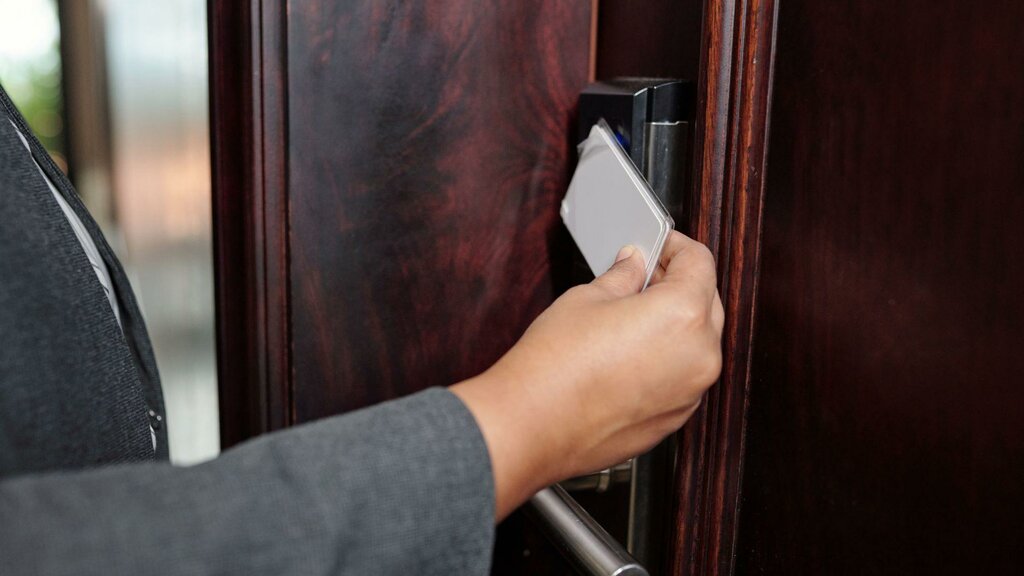
Let’s be honest, physical badges are a headache. They get lost on Monday, forgotten on Tuesday, and quietly duplicated by someone who shouldn’t have access at all. Meanwhile, your admin team spends hours managing replacements and permissions. There has to be a better way. Fortunately, there is.
Mobile credential solutions are fundamentally reshaping how organizations control who gets through the door, swapping plastic cards for smartphones and encrypted digital IDs. According to Security Today, more than 60% of security professionals now rank mobile access as a top priority. If you’re still running legacy systems, this is your signal to pay attention.
What Modern Mobile Credential Solutions Actually Are
So what does this technology look like in practice? Let’s get specific, because the term “mobile credentials” gets thrown around loosely.
The Core Concept
A mobile credential solution is essentially a digital access key stored securely on a smartphone or wearable that replaces your physical card entirely. Users authenticate through their devices to unlock doors. No tap of a badge required. Credentials are issued, updated, and revoked entirely through software, often from a single dashboard.
For organizations managing multiple locations, departments, or large campuses, commercial building access control systems bring this all together through a unified platform that eliminates the inefficiencies of manual card administration. The difference in overhead is immediately noticeable.
The underlying technologies driving these systems include Bluetooth Low Energy (BLE), Near Field Communication (NFC), Wi-Fi, QR codes, and cloud-based credential management platforms.
How the Workflow Actually Functions
Deloitte puts it plainly: “Smartphones could substitute for access cards. Alternatively, Bluetooth could be used to communicate with the reader.” In practice, an administrator issues a digital credential to a user’s phone. The user approaches a reader. Access is granted or denied in real time. Clean. Fast. Auditable.
Offboarding is equally efficient. When someone leaves the organization, their credentials are disabled instantly, no physical card to track down, no awkward conversation at the front desk.
From Keys to Mobile Credential Solutions: A Security Evolution Worth Understanding
Physical security didn’t arrive where it is today overnight. The journey from metal keys to proximity cards to full digital credentials spans decades of iteration, each step solving one problem while revealing the next.
The RFID Era: Fast, But Flawed
RFID cards were a genuine improvement when they arrived. Fast, easy to issue, and convenient for high-traffic environments. But their weaknesses were always lurking. Cards get cloned. Employees leave them at home. Terminated staff sometimes keep theirs. These aren’t edge cases; they’re everyday vulnerabilities.
Why the Industry Is Moving On
The numbers tell a clear story. Nearly 40% of respondents are already using mobile credentials, up 7% from 2022. Commercial sectors, healthcare networks, university campuses, and government facilities are all accelerating the transition. The operational advantages aren’t marginal; they’re substantial.
Understanding this trajectory isn’t just interesting history. It’s the context you need to make smarter decisions about where your organization goes next.
The Real Benefits: Security, Savings, and Simplicity
Stronger Security Without the Complexity
Multi-factor authentication changes the game here. Modern systems layer biometric verification, fingerprint recognition, face ID, with device PINs and real-time push notifications. Every access event generates an audit trail automatically. Security teams get instant alerts on anomalous activity, and the data supports compliance with HIPAA, GDPR, and SOC 2 frameworks. Zero-trust architecture is built into the platform’s foundation, not bolted on afterward.
Genuine Cost Reductions
Here’s something worth calculating: the cumulative cost of badge production, replacement cards, manual administration, and on-site permission updates across a mid-sized organization adds up to real money. Mobile access control removes most of that entirely. Onboarding a new employee takes seconds. Remote management across multiple sites means no travel just to update access permissions. The time savings alone justify the investment for many teams.
A Better Experience for Actual Users
Smartphone building entry is simply less friction. No fumbling through a bag for a badge. No embarrassing card-left-at-home moments. Many platforms integrate natively with Apple Wallet, Google Wallet, and Samsung Wallet, so your credential lives right next to your boarding pass. Intuitive and familiar.
Critically, good systems don’t force an all-or-nothing transition. Mobile and physical credentials can coexist, which makes migrations far less disruptive for employees and IT teams alike.
Comparing the Core Technologies
Choosing What Fits Your Environment
Each technology earns its place depending on context. NFC shines at high-traffic entry points where speed is non-negotiable. BLE handles hands-free or longer-range scenarios, such as parking garages or loading docks. QR codes are practical and cost-effective for visitor management and temporary access needs. None of them is universally superior. The right answer depends on your specific site requirements.
Hybrid Systems Keep Transitions Manageable
Most organizations don’t make the switch overnight, nor should they. Universal readers that accept both mobile and traditional credentials allow gradual migration. Start with one department, learn from it, then expand. Backward compatibility isn’t optional for enterprise deployments; it’s essential.
Implementation: Where to Start and How to Scale
Audit Before You Act
Begin with a thorough site assessment. Which readers are already installed? Is cloud connectivity reliable across all locations? What compliance requirements apply to your industry? Answering these questions upfront prevents costly surprises during rollout. A small pilot group reduces risk and generates the internal proof points leadership needs before committing to full deployment.
Connect to Your Broader Digital Ecosystem
Mobile access control becomes significantly more powerful when it integrates with video surveillance, alarm systems, and building automation. Modern APIs and cloud platforms make unified management possible from occupancy analytics to visitor logs, all within one interface. This is where operational visibility really compounds.
Temporary Access for Contractors and Visitors
Contractors, vendors, and guests don’t need permanent credentials. Time-limited digital credentials can be issued via a simple link or QR code and expire automatically when the visit concludes. For hybrid workplaces and multi-tenant buildings, this flexibility is invaluable.
What’s Coming Next in Mobile Credential Technology
AI-driven behavioral analytics are already emerging as a meaningful layer of protection. Unusual access patterns, like a first-time 2 a.m. entry to a restricted server room, can trigger automated alerts before anything goes wrong. Proactive, not reactive.
Sustainability is also entering the conversation in a meaningful way. Eliminating plastic card production and reducing waste from expired credentials supports green building certifications. For organizations with environmental commitments, it’s a tangible win.
And the horizon extends beyond smartphones. Smartwatches, rings, and embedded wearables are being tested as access credentials. The direction is clearly toward passive, device-agnostic authentication, where simply approaching a door is sufficient.
Common Questions, Answered Directly
Does this work without internet?
Yes. NFC and BLE operate independently between device and reader. Cloud sync resumes when connectivity returns.
What if a phone is lost or stolen?
Revoke the credential instantly from the management platform. Built-in biometric locks on the device add another layer of protection before revocation occurs.
Can this coexist with legacy card systems?
Absolutely. Universal readers support both simultaneously. No forced hardware replacement required.