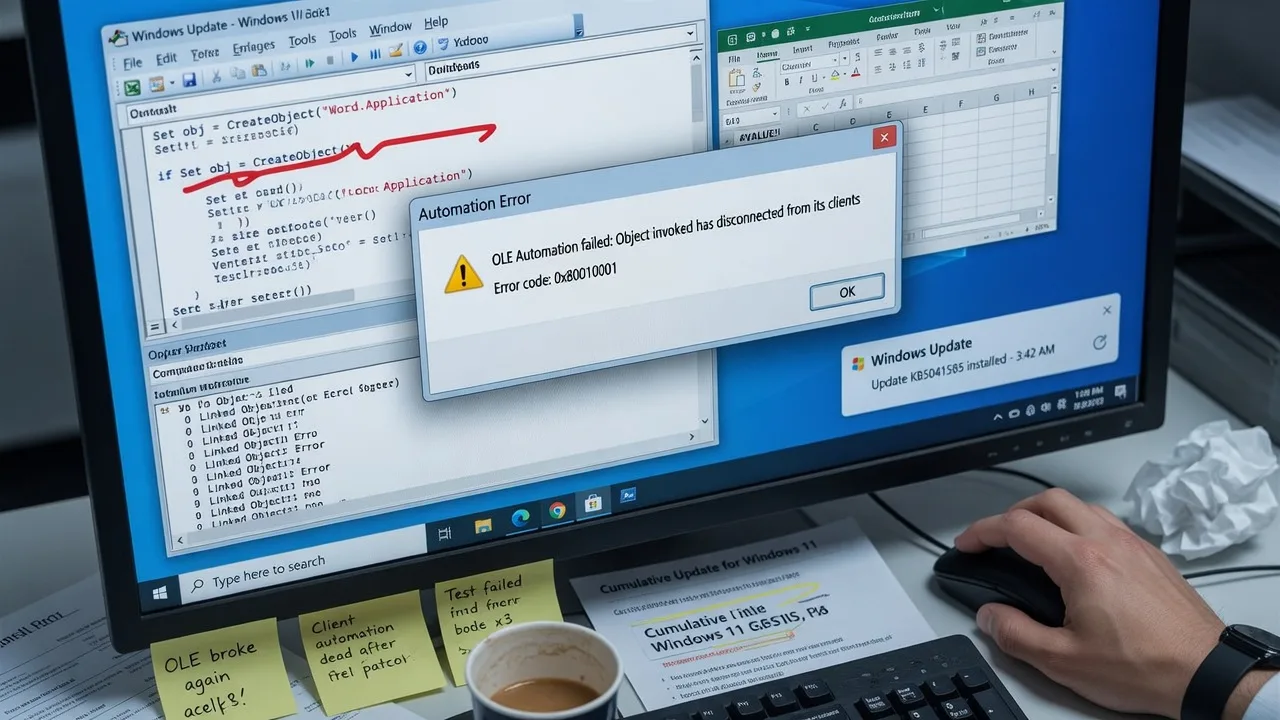
Microsoft has confirmed that its latest Windows update has broken some OLE (Object Linking and Embedding) automation features, causing disruptions for developers and enterprise users. The issue has sparked concerns among the Windows community, as OLE automations are widely used for integrating applications and automating various tasks.
OLE Automation Breakages in Windows Update
According to Microsoft’s official statement, the recent Windows update has introduced changes that have impacted the functionality of OLE automations. This means that some applications and scripts that rely on OLE to communicate between different software components may no longer work as expected.
Impact on Developers and Enterprises
The OLE automation breakages have reportedly affected a wide range of enterprise-level applications and custom-built automation tools. Developers who have integrated OLE-based functionality into their software are facing challenges in maintaining compatibility with the latest Windows version.
Microsoft’s Response and Mitigation Efforts
Microsoft has acknowledged the issue and is working to address the problem. The company has stated that it is actively investigating the root cause of the OLE automation breakages and is committed to providing a solution in a future Windows update. In the meantime, Microsoft has advised affected users and developers to seek temporary workarounds or consider alternative integration methods.
Importance of OLE Automations in Windows Ecosystem
OLE automations have been a important part of the Windows ecosystem for decades, enabling easy integration and automation between various software applications. The disruption caused by the latest Windows update highlights the reliance of many enterprise-level systems on these legacy technologies, and the challenges faced by Microsoft in balancing innovation and maintaining backward compatibility.
Frequently Asked Questions
How can I fix OLE Automation issues after the latest Windows update?
To fix OLE Automation issues caused by the latest Windows update, try disabling the affected application, reinstalling the application, or rolling back the Windows update. Consulting Microsoft's support documentation can also provide guidance on resolving OLE Automation problems.
What is OLE Automation and how does it work in Windows?
OLE Automation is a Microsoft technology that allows applications to control and automate other applications. It enables inter-application communication and the exchange of data. The latest Windows update has reportedly broken some OLE Automation functionality, causing issues for users.
Why is the latest Windows update causing problems with OLE Automation?
The latest Windows update has introduced compatibility issues with OLE Automation, a core component of the Windows operating system. This is likely due to changes or updates made to the underlying OLE Automation framework, which has caused breakages in applications that rely on this technology.
What are the best practices for managing OLE Automation in Windows?
Best practices for managing OLE Automation in Windows include keeping your system and all installed applications up-to-date, regularly backing up your data, and being cautious when applying major Windows updates. Monitoring for OLE Automation-related issues and having a plan to address them can also help minimize the impact of problems.
Is there an alternative to OLE Automation that can be used instead of the broken functionality?
While OLE Automation is a widely-used Microsoft technology, there are alternative methods for inter-application communication and automation, such as using web services, APIs, or other middleware solutions. Depending on the specific requirements of your application, these alternatives may provide a workaround for the OLE Automation issues introduced by the latest Windows update.