Home Cybersecurity Microsoft Introduces Windows Clipper Malware Campaign Using USB LNK Worm and Tor-Based C2
Cybersecurity

Microsoft Introduces Windows Clipper Malware Campaign Using USB LNK Worm and Tor-Based C2

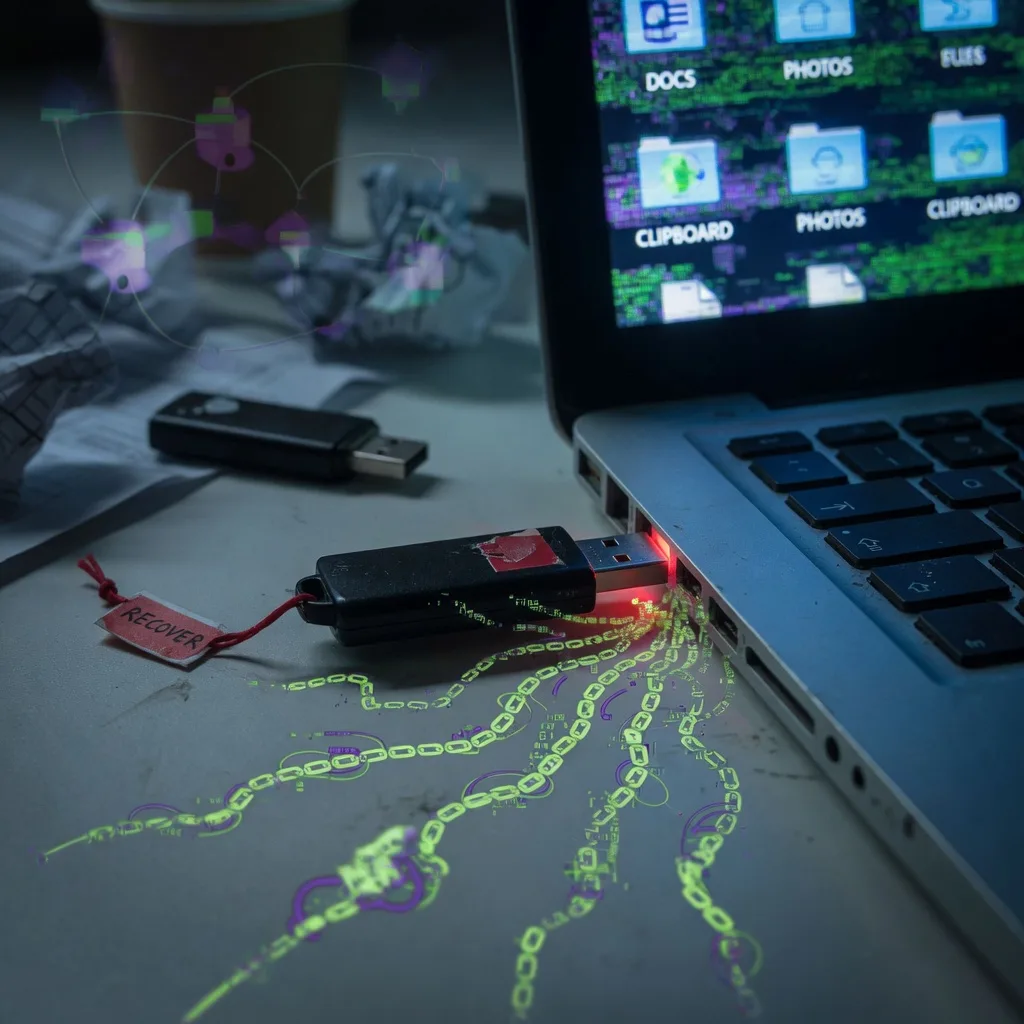
Microsoft has announced details about a malicious campaign targeting Windows systems using a combination of a USB-based worm and a Tor-based command-and-control (C2) infrastructure. The campaign, dubbed “Windows Clipper,” is designed to infect systems through malicious LNK files on USB drives and establish persistent remote access through a Tor-based C2 network.

The Windows Clipper Malware Campaign

According to Microsoft’s security researchers, the Windows Clipper malware campaign uses a USB-based worm to spread across systems. The worm is distributed through malicious LNK files, which are a type of Windows shortcut file. When a user opens an infected LNK file, the malware is executed, and it then attempts to copy itself to all connected USB drives, propagating the infection.

Tor-Based Command-and-Control

The Windows Clipper malware also establishes a connection to a Tor-based command-and-control (C2) server, allowing the attackers to maintain persistent remote access to the compromised systems. The Tor network is used to obfuscate the location of the C2 infrastructure, making it more difficult for security researchers and law enforcement to identify and shut down the operation.

Potential Impact and Mitigation Strategies

The Windows Clipper malware campaign poses a significant threat to Windows users, as it can spread rapidly through USB drives and provide attackers with remote access to infected systems. Microsoft has advised users to exercise caution when opening files from unknown sources and to keep their systems and antivirus software up-to-date to help mitigate the risk of infection.

Collaboration with Law Enforcement

Microsoft has stated that it is working closely with law enforcement agencies and security researchers to investigate the Windows Clipper campaign and disrupt the attackers’ operations. The company has pledged to provide regular updates on the ongoing efforts to combat this threat and protect its customers.


Frequently Asked Questions

How to identify and remove Windows Clipper malware?

To identify and remove Windows Clipper malware, scan your system with a reputable antivirus software, check for suspicious USB devices, and monitor your system for any unusual network activity. If detected, safely remove the malware and take steps to secure your system against future attacks.

What is the Windows Clipper malware campaign?

The Windows Clipper malware campaign is a new threat that uses a USB LNK worm and Tor-based command and control to infect systems. It targets users by exploiting vulnerabilities in the Windows operating system and steals sensitive information from infected devices.

Why is the Windows Clipper malware dangerous?

The Windows Clipper malware is dangerous because it can steal sensitive information, such as login credentials, financial data, and personal files, from infected devices. It also uses a Tor-based command and control infrastructure, making it difficult to detect and trace the source of the attack.

What are the best practices to prevent Windows Clipper malware?

To prevent the Windows Clipper malware, keep your operating system and software up-to-date, use strong antivirus protection, be cautious when using USB devices, and regularly back up your important data. Monitor your network activity and be vigilant for any suspicious behavior on your system.

How does the Windows Clipper malware compare to other USB-based malware?

The Windows Clipper malware differs from other USB-based malware by its use of a Tor-based command and control infrastructure, which makes it more difficult to detect and trace. Additionally, it targets a wider range of sensitive information compared to some other USB-based threats.
πŸ“¬

Enjoyed this article?

Subscribe to get more networking & cybersecurity content delivered daily β€” curated by AI, written for IT professionals.

Related Articles