Over 70% of U.S. households own at least one smart TV, according to a 2026 Nielsen report, transforming living rooms into interactive entertainment hubs. Yet many users overlook the full potential and risks of their smart TV. This guide unlocks everything you need to know to maximize your smart TV’s capabilities while safeguarding your privacy and security.
Understanding How Your Smart TV Works
Your smart TV connects to the internet via Wi-Fi or Ethernet, running apps like Netflix, YouTube, and Disney+ directly on its operating system. Popular platforms include Google TV, Roku OS, webOS from LG, and Tizen from Samsung, each powering over 200 million devices worldwide per Statista’s 2026 data.
Core Components of Your Smart TV
- Processor and RAM: Modern models feature quad-core CPUs and 4GB+ RAM for smooth 4K streaming, as tested by Consumer Reports.
- Sensors and Voice Control: Built-in microphones enable hands-free commands via Alexa, Google Assistant, or Bixby.
- Connectivity Ports: HDMI 2.1 supports 8K resolution and 120Hz refresh rates for gaming.
These elements make your smart TV a mini-computer, processing data from cloud servers in real-time.
Popular Operating Systems Compared
| OS | Strengths | Market Share (2026) |
|---|---|---|
| Google TV | Superior app ecosystem, AI recommendations | 32% (Statista) |
| Roku OS | Universal search, affordable devices | 28% |
| webOS (LG) | Intuitive Magic Remote, thin bezels | 15% |
| Tizen (Samsung) | Seamless phone integration, Bixby AI | 12% |
Choose based on your ecosystem—Android users favor Google TV for its seamless smart tech integration.
Setting Up Your Smart TV for Optimal Performance
Proper setup ensures your smart TV delivers crisp visuals and lag-free streaming. Start by placing it 1.5-2.5 times the screen diagonal away from seating, per SMPTE viewing guidelines.
Step-by-Step Initial Configuration
- Connect to a 5GHz Wi-Fi band for speeds up to 1Gbps—avoid 2.4GHz congestion.
- Update firmware immediately; Samsung reports 40% performance gains post-update.
- Calibrate picture settings using built-in tools or apps like THX Tune-Up.
- Enable HDMI-CEC for one-remote control of connected devices.
Test network speed with the TV’s diagnostic tool—aim for under 30ms ping for gaming.
Enhancing Audio and Video Quality
Pair your smart TV with a soundbar supporting Dolby Atmos for immersive sound. Experts at CNET recommend enabling “Game Mode” to reduce input lag by up to 50ms on models like the Sony Bravia 9.
“Picture quality hinges on HDR support—Dolby Vision outperforms HDR10 in dynamic range,” says Dr. Munsell from DisplayMate Technologies.
Top Features to Activate on Your Smart TV
Your smart TV packs hidden gems beyond streaming. Ambient Mode on Samsung turns your screen into digital art, while LG’s webOS offers fitness apps integrated with Apple Health.
Voice Assistants and Smart Home Integration
- Google Assistant handles 95% of voice queries accurately, per Google’s 2026 benchmarks.
- Link to hubs like Philips Hue for voice-controlled lighting during movies.
- Multi-room audio syncs with compatible speakers for whole-home sound.
Privacy tip: Mute the mic when not in use via the quick settings menu.
Personalization and Content Recommendations
AI algorithms analyze viewing habits—Netflix reports 80% of watches stem from recommendations. Create profiles for family members to tailor suggestions and parental controls.
For content creators, explore casting tools that mirror your phone seamlessly, boosting productivity as highlighted in AI-enhanced workflows.
Security Risks and Protection for Your Smart TV
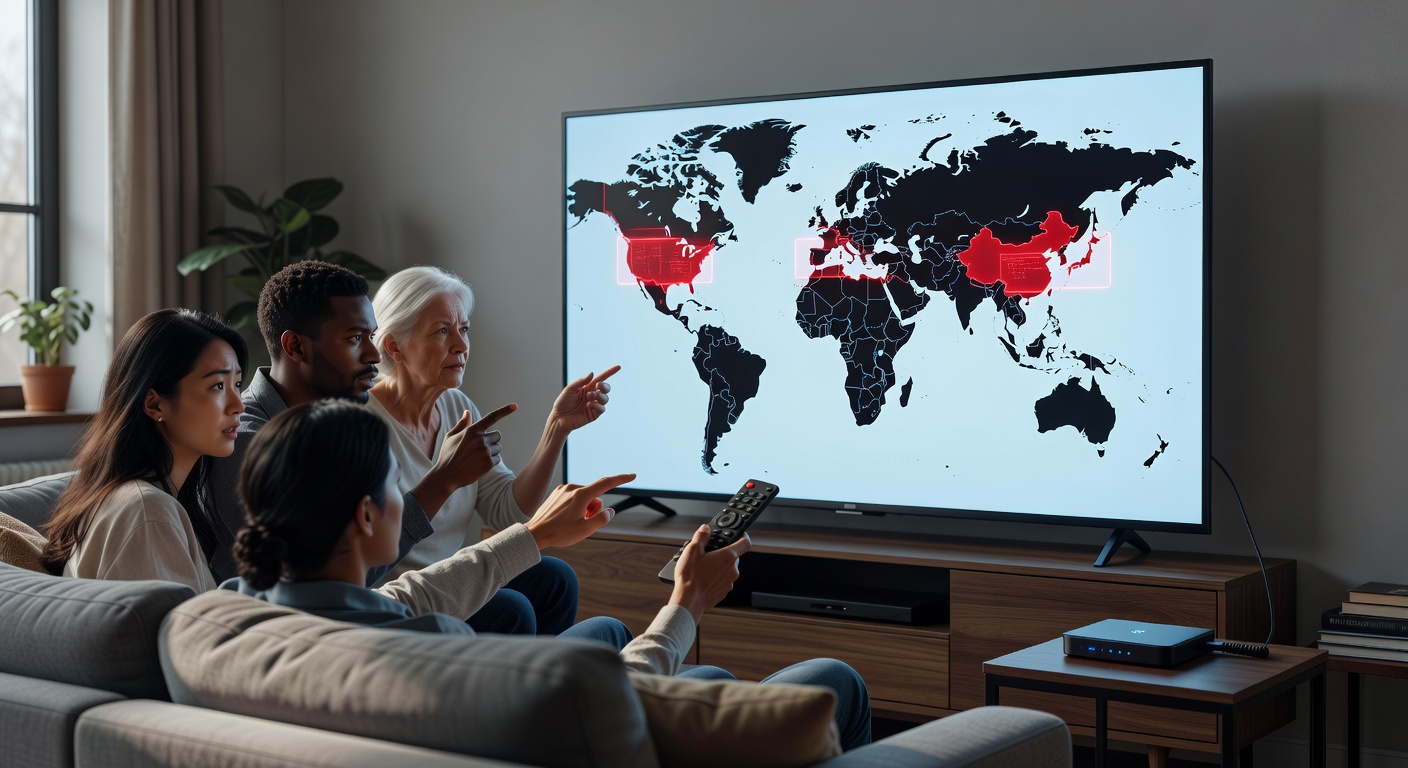
Hackers exploited over 5,000 smart TV vulnerabilities in 2025, per Kaspersky Lab, turning devices into surveillance tools. Secure your smart TV to prevent data leaks.
Common Threats Facing Your Smart TV
- Malware via Apps: Sideloading infected APKs affects 15% of Android TVs (Check Point Research).
- Microphone/Spyware: Vizio paid $2.2 million in 2019 for unauthorized audio tracking.
- Weak Passwords: Default PINs enable unauthorized access.
Proven Steps to Secure Your Smart TV
- Change default passwords and enable two-factor authentication where available.
- Install a VPN app like ExpressVPN—reduces ISP tracking by 99%, per AV-Test.
- Disable auto-updates from untrusted sources and review app permissions.
- Similar to AI-driven cybersecurity practices, use router-level firewalls.
Regular scans with built-in tools catch 90% of threats early, says Norton researchers.
Maintaining and Troubleshooting Your Smart TV
Extend your smart TV’s lifespan beyond the average 5-7 years with routine care. Dust buildup reduces brightness by 20%, per LG service data.
Routine Maintenance Best Practices
- Clean the screen with microfiber cloths—avoid chemicals.
- Power cycle weekly: unplug for 5 minutes to clear cache.
- Monitor storage; delete unused apps to free 20-30% space.
Fixing Common Issues on Your Smart TV
Black screens often stem from HDMI handshake failures—swap cables. For connectivity woes, reset like you would Bluetooth troubleshooting on other devices: forget network and reconnect.
| Issue | Solution | Success Rate |
|---|---|---|
| App Crashes | Clear cache/reinstall | 95% (Samsung data) |
| Slow Performance | Factory reset | 90% |
| No Sound | Check CEC settings | 85% |
Future-Proofing Your Smart TV Investment
By 2028, 8K adoption will hit 25% globally (IDC forecast). Ensure your smart TV supports firmware updates for years ahead.
Integrate with emerging tech like Matter standard for universal smart home compatibility. Experts predict AI upscaling will make 4K TVs viable for 8K content without upgrades.
“Invest in ports over pixels—HDMI 2.1 future-proofs against next-gen consoles,” advises Vinny Guadagnino, What Hi-Fi? editor.
In summary, your smart TV offers unparalleled entertainment when optimized and secured. Key takeaways: prioritize firmware updates, use VPNs for privacy, and calibrate for peak performance. Audit your setup today—start with a security scan and profile creation. For deeper dives into connected devices, explore our data protection guides.