
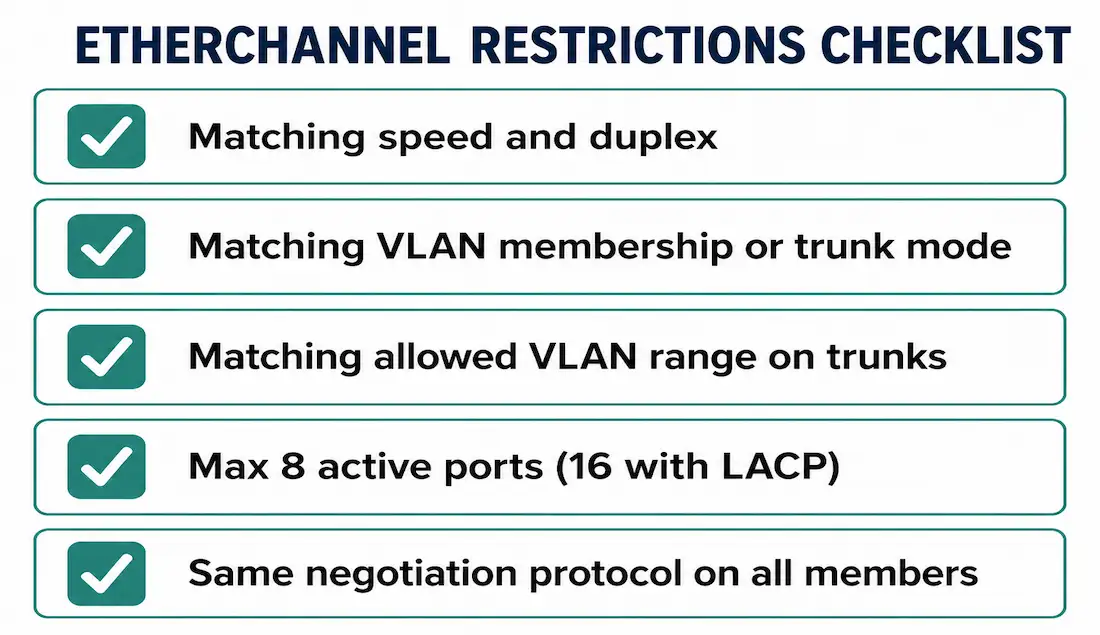
Before building an EtherChannel bundle, it’s worth knowing the restrictions that determine whether it will actually form — most failed or partial bundles trace back to one of these being overlooked. This guide covers the restrictions, the exact configuration steps, and the verification commands to confirm it worked, building on the link aggregation, EtherChannel, and PAgP/LACP articles earlier in this series.
EtherChannel Restrictions
- No physical adjacency requirement. Member interfaces don’t need to be next to each other or on the same module — EtherChannel support just needs to exist on each interface involved.
- Matching speed and duplex. Every interface joining the same channel group must run identical speed and duplex settings.
- Matching VLAN membership or trunk configuration. All interfaces in one bundle must belong to the same VLAN, or all be configured as trunks — not a mix of the two.
- Matching allowed VLAN range on trunks. For a trunking EtherChannel specifically, every member interface needs the identical allowed VLAN range. If the ranges don’t match, the interfaces won’t form a bundle at all, even with
autoordesirablemode configured correctly on both sides — this is a subtle failure mode that shows perfectly reasonable negotiation mode settings while the actual VLAN mismatch is what’s silently blocking the channel. This restriction exists because a bundle’s whole point is presenting multiple physical links as one consistent logical path, and inconsistent VLAN visibility across member links would break that consistency at the exact layer STP and the switching fabric rely on it for. - Maximum 8 ports per channel group, with LACP allowing up to 16 configured ports total — 8 active, 8 in hot-standby — as covered in detail in the PAgP/LACP article. PAgP has no equivalent standby capability, capping out at 8 active ports with nothing held in reserve.
- Vendor interoperability. PAgP is Cisco-proprietary; LACP is the open standard. Building an EtherChannel with a non-Cisco switch on the other end requires LACP, since a non-Cisco device has no way to speak PAgP at all — attempting PAgP toward such a device won’t produce a partial or degraded bundle, it simply won’t negotiate.
Getting the Negotiation Modes Right
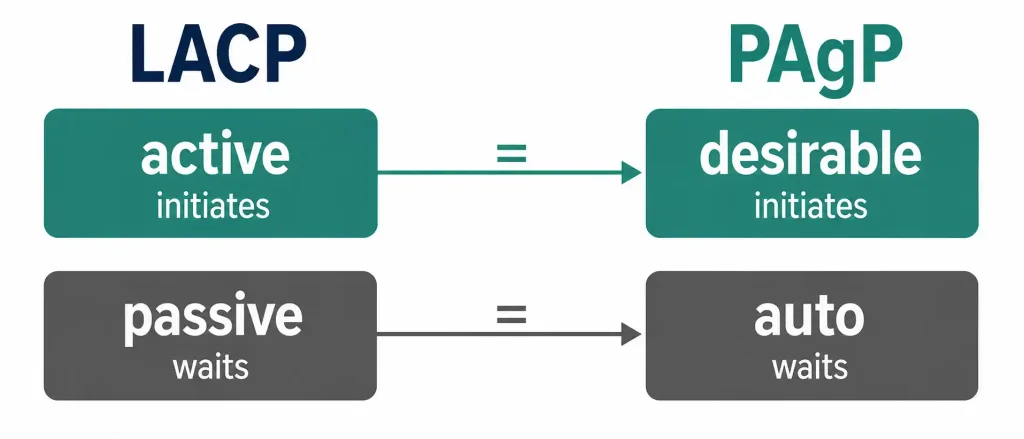
This is worth being precise about, since it’s easy to get backward. EtherChannel uses two negotiation protocols — LACP and PAgP — each with an active and a passive mode:
| Protocol | Active (initiates negotiation) | Passive (responds only) |
|---|---|---|
| LACP | active | passive |
| PAgP | desirable | auto |
An active LACP port sends LACP packets to start a session; a passive LACP port only replies to packets it receives and never initiates on its own. PAgP works the same way, just with different keywords: desirable is PAgP’s active, initiating mode, and auto is PAgP’s passive, responding-only mode — desirable maps to LACP’s active, and auto maps to LACP’s passive, not the other way around.
Getting this pairing backward in your head is a common source of confusion, since both protocols use two different words for the same active/passive concept. The reliable way to remember it: in both protocols, the mode that sounds more assertive (active, desirable) is the one that actually starts the conversation, and the mode that sounds more passive (passive, auto) is the one that waits — pairing two passive-style modes together on both ends of the same link, in either protocol, guarantees the bundle never forms, since neither side ever sends the first negotiation packet.
Configuring EtherChannel Step by Step
Two steps cover the actual mechanics of bringing a bundle up, though the trunk and VLAN configuration from the restrictions above needs to be applied consistently across every member interface first.
Step 1: Select the interfaces.
Switch(config)# interface range GigabitEthernet0/1 - 2The range keyword lets you configure multiple interfaces with the same commands in one pass, rather than repeating configuration on each interface individually — this also helps guarantee consistency across member ports, since every command that follows applies identically to all of them.
Step 2: Assign the channel group and mode.
Switch(config-if-range)# channel-group 1 mode activeThe number (1) identifies the channel group. The mode determines which protocol negotiates the bundle: active or passive for LACP, desirable or auto for PAgP, or on for a static bundle with no negotiation protocol at all.
EtherChannel is disabled by default on Cisco switches — no channel group exists until you explicitly create one with channel-group.
Verifying the Configuration
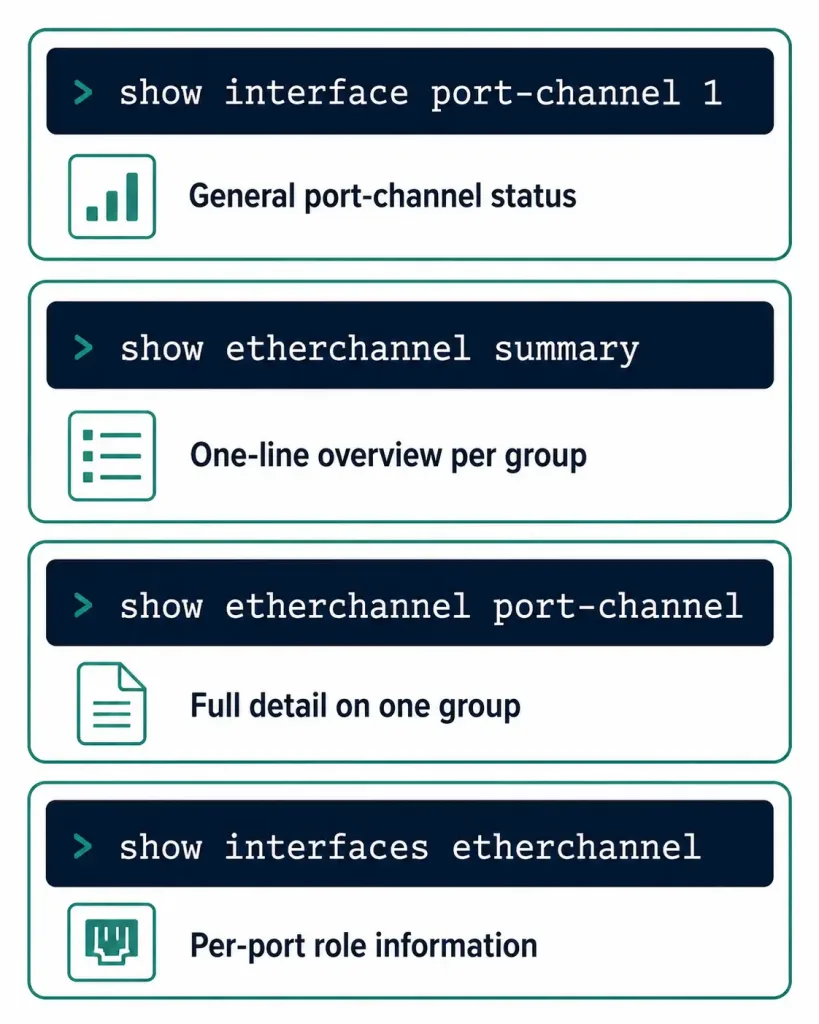
Four commands cover nearly everything needed to confirm an EtherChannel bundle formed correctly:
show interface port-channel 1Shows the general status of the logical Port-channel interface itself.
show etherchannel summaryThe fastest overview when multiple port-channel interfaces exist on the same device — one line per channel group, showing the protocol in use and each member port’s status.
show etherchannel port-channelFull detail on a specific port-channel interface, useful when summary shows a problem and you need to dig into exactly which member port isn’t behaving as expected.
show interfaces etherchannelShows role information for any individual physical interface that’s a member of a bundle — useful for confirming a specific port’s status from the physical-interface side rather than the logical Port-channel side.
Worked Example: Full LACP Configuration
Bringing the restrictions and steps together, here’s a complete configuration for two switches forming an LACP EtherChannel across four Gigabit interfaces each, configured as a trunk:
Switch1:
Switch1(config)# interface range GigabitEthernet0/1 - 4
Switch1(config-if-range)# switchport trunk encapsulation dot1q
Switch1(config-if-range)# switchport mode trunk
Switch1(config-if-range)# switchport trunk allowed vlan 10,20,30
Switch1(config-if-range)# channel-group 1 mode active
Switch1(config-if-range)# exit
Switch1(config)# interface port-channel 1
Switch1(config-if)# switchport mode trunk
Switch1(config-if)# switchport trunk allowed vlan 10,20,30
Switch1(config-if)# exit
Switch2:
Switch2(config)# interface range GigabitEthernet0/1 - 4
Switch2(config-if-range)# switchport trunk encapsulation dot1q
Switch2(config-if-range)# switchport mode trunk
Switch2(config-if-range)# switchport trunk allowed vlan 10,20,30
Switch2(config-if-range)# channel-group 1 mode passive
Switch2(config-if-range)# exit
Switch2(config)# interface port-channel 1
Switch2(config-if)# switchport mode trunk
Switch2(config-if)# switchport trunk allowed vlan 10,20,30
Switch2(config-if)# exit
Notice the allowed VLAN range (10,20,30) is configured identically on both the physical member interfaces and the logical Port-channel interface, on both switches — this is exactly the detail that silently breaks bundle formation if it’s inconsistent anywhere in the chain. Switch1’s active mode and Switch2’s passive mode form a valid LACP pair, matching the same active/passive logic covered above.
Common Configuration Mistakes
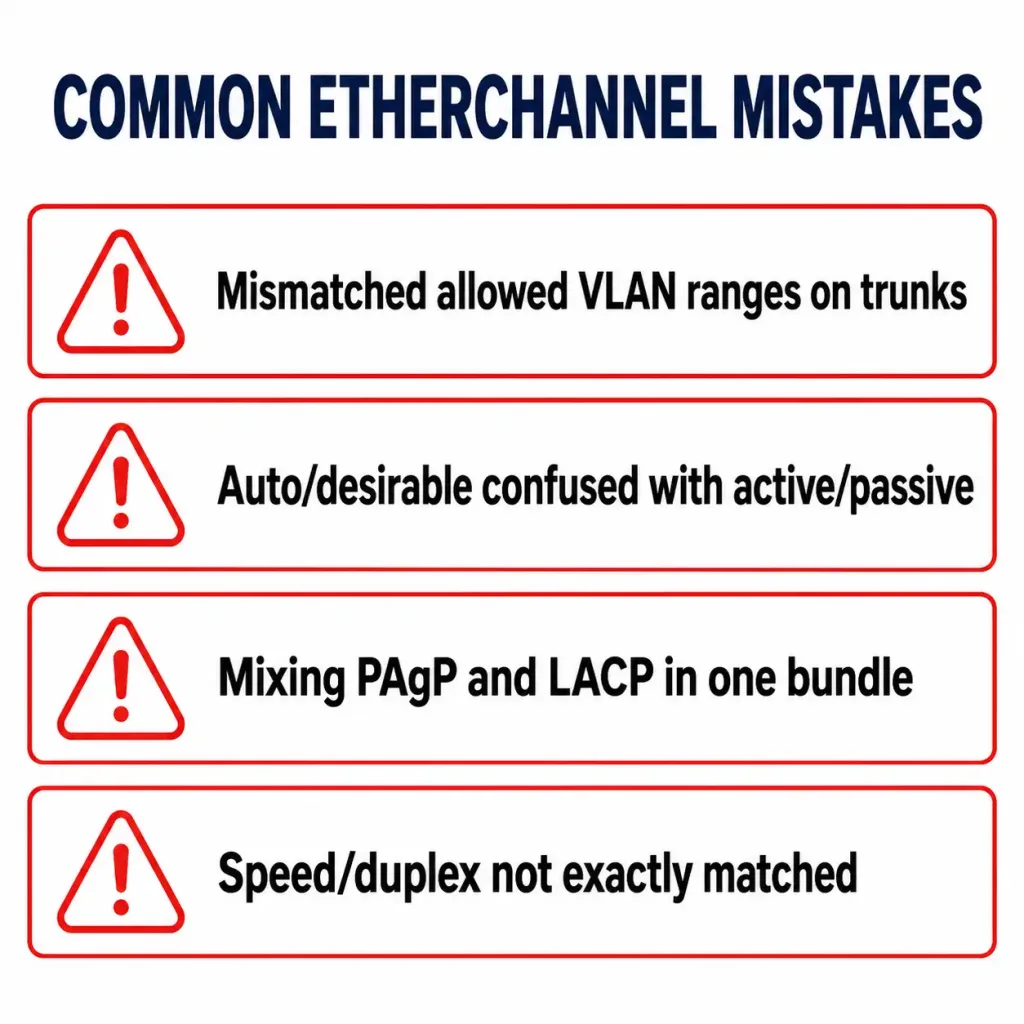
- Mismatched allowed VLAN ranges on trunk members. As covered above, this silently blocks bundle formation even when negotiation modes look correctly paired — always double-check
switchport trunk allowed vlanmatches across every member interface. - Getting
desirableandautobackward relative to LACP’sactive/passive. Sincedesirableis PAgP’s active mode andautois its passive mode, pairingautoon both ends (thinking one side needs to “start” the process) will never form a channel — neither side ever initiates. - Mixing negotiation protocols on the same bundle. One member port configured for PAgP and another for LACP within the same channel group won’t work; every member must use the same protocol.
- Forgetting speed and duplex must match exactly across every member interface, not just be similar or “close enough.”
What a correctly-formed bundle looks like in show etherchannel summary output — member ports show as P (bundled in port-channel):
Group  Port-channel  Protocol    Ports
------+-------------+-----------+-----------------------------------------------
1      Po1(SU)        LACP        Gi0/1(P)  Gi0/2(P)  Gi0/3(P)  Gi0/4(P)
A port showing I (individual) instead of P in that same output is not actually part of the bundle — that’s the fastest visual cue that one of the restrictions above wasn’t satisfied on that specific port.
Frequently Asked Questions
What are the main restrictions on forming an EtherChannel?
Every member interface needs matching speed and duplex, matching VLAN membership or trunk configuration, and — for trunking bundles specifically — an identical allowed VLAN range. A channel group supports a maximum of 8 active ports, with LACP allowing up to 16 configured (8 active, 8 hot-standby).
Which PAgP mode is active and which is passive?
Desirable is PAgP’s active, initiating mode — it sends packets to start negotiation. Auto is PAgP’s passive mode — it only responds to packets it receives and never initiates on its own. This maps directly onto LACP’s active and passive modes respectively.
How do I create an EtherChannel using LACP?
Select the member interfaces with interface range, then apply channel-group [number] mode active (or passive on the other end) to bring the group under LACP negotiation. Verify with show etherchannel summary.
Why might my EtherChannel fail to form even with correct negotiation modes?
The most common overlooked cause is a mismatched allowed VLAN range on the trunk configuration of the member interfaces — this blocks bundle formation regardless of whether the negotiation modes (auto/desirable or active/passive) are configured correctly. Speed and duplex mismatches are the other frequent culprit.
What’s the difference between show etherchannel summary and show etherchannel port-channel?
show etherchannel summary gives a compact, one-line-per-group overview across every configured channel group on the device — the fastest first check. show etherchannel port-channel gives full detail on one specific port-channel interface, useful once summary has pointed you toward a particular group that needs closer inspection.
Is EtherChannel enabled by default on Cisco switches?
No. No channel group exists until it’s explicitly created with the channel-group command on a set of interfaces — there’s no default EtherChannel configuration to disable or work around.
Conclusion
Getting an EtherChannel bundle to form correctly comes down to two things: matching every member interface’s speed, duplex, and VLAN configuration exactly, and pairing negotiation modes correctly — remembering that PAgP’s desirable maps to LACP’s active, and PAgP’s auto maps to LACP’s passive, not the reverse. The restrictions covered here, especially the easy-to-overlook allowed-VLAN-range requirement on trunking bundles, account for the overwhelming majority of EtherChannel configurations that don’t come up as expected on the first attempt. show etherchannel summary remains the single fastest way to confirm whether a bundle actually formed the way the configuration intended.



