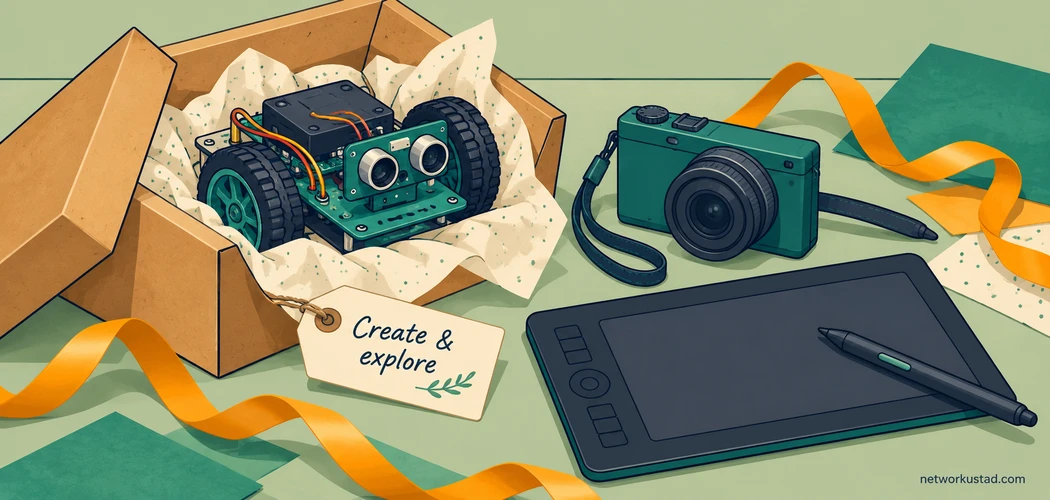
A good technology gift gives a child something they want to do: draw a character, photograph a pet, build a moving model or enjoy a game with friends. The newest or most expensive device is not automatically the best match. A simpler gift can be more useful when it fits an existing interest and works with the equipment already at home.
Choosing technology gifts for tweens also involves the adults who will manage accounts, approve purchases and provide help. Check the child’s actual age, the manufacturer’s guidance and the family’s preferences before buying. The word “tween” is not a substitute for a product’s age requirements.
This list presents categories to investigate rather than a ranked selection of tested models. Features vary within each category. Confirm the exact product, region, software requirements and included accessories before paying, especially when considering older or refurbished equipment.
How to choose technology gifts for tweens before comparing brands
Start with the activity, then work backward to the equipment it needs. A child interested in animation may already have a suitable tablet and need only a stable stand and compatible software. Someone learning to type may benefit more from a comfortable keyboard than a faster entertainment device.
Ask a parent or guardian about school requirements, existing devices and rules for connected products. Avoid surprising a family with a device that needs an unplanned subscription, a personal phone or a parent account on an incompatible platform.
Set a complete budget. Include essential cases, storage, games, replacement parts or lessons where relevant. A lower purchase price can become less attractive if the main activity requires a paid service that nobody intends to maintain.
For secondhand devices, check battery condition, account locks, available updates, charger compatibility and return terms. A familiar brand name does not establish remaining support. Google publishes a model-specific ChromeOS automatic-update policy, for example; support duration should not be assumed to restart when an older Chromebook is purchased.
1. A tablet for drawing, reading and everyday projects
A tablet can suit a child who enjoys several activities and does not need a separate device for each one. Check the applications they actually want to use, the screen size they can handle and the storage needed for downloaded books, drawings or videos.
When comparing technology gifts for tweens, distinguish a basic capacitive stylus from an active pen supported by the exact tablet. An accessory described as a “tablet pen” may not provide pressure sensitivity or work with the chosen device. Check whether a pen, case and charger are included.
Review account and purchase controls before handing it over. A tablet should not arrive with an adult’s email, saved payment methods and private photos exposed through a shared account. Agree on what may be downloaded and who approves purchases.
2. A laptop or Chromebook for school and independent work
A laptop is useful when the main tasks involve typing, research, presentations or a school platform. Confirm the school’s requirements first. Some courses need a particular application or operating system, while others work through a browser.
Do not assume that every Chromebook is identical or that it can only work online. Available applications and offline functions vary with the device, software and setup. Check the actual workflow: can the child open the assignment, edit it, save it and submit it using the available connection?
For a refurbished machine, inspect the keyboard, hinges, ports and battery condition as well as the remaining update period. A lightweight computer with a usable keyboard can be a better everyday choice than a heavier device selected mainly for an impressive specification sheet.
3. A gaming system matched to the games they want
Begin with the games rather than the console’s advertising. Check where the child’s friends play, whether a particular title supports cross-platform play and which accessories are needed for local multiplayer. Not every game or feature is available on every system.
Useful technology gifts for tweens should fit family rules about communication and spending. Nintendo’s parental-controls guidance explains options for compatible Switch systems, including play-time and communication settings. Purchase restrictions may involve account settings as well as the device or companion application.
Verify game compatibility by exact console generation. A remake, subscription catalog or separately purchased port is different from running an older game directly. Add the cost of suitable games, any needed controller and applicable online services before comparing the total price.
4. A drawing tablet for a child who already has a computer
A drawing tablet can give an interested artist a more focused tool without replacing the household computer. There are important differences between a pen tablet that maps movement to another screen, a pen display and a standalone drawing device.
Check which type the child wants and whether the existing computer supports it. Confirm operating-system compatibility, required connections, drivers and available software. A display model may need more than one cable or an adapter that is not included.
Budget for replacement pen nibs or other consumables if the design uses them. Let the child try the drawing method when possible; looking at the computer screen while moving a pen elsewhere feels different from drawing directly on a display. Neither approach is automatically better for everyone.
5. A compact camera for photography projects
A camera can encourage a child to observe details, frame a scene and choose which photographs to keep. Consider the actual project: photographing models indoors, recording outdoor walks and filming short clips place different demands on the device.
Among technology gifts for tweens, a dedicated camera can also be an alternative to buying a phone solely for its camera. Check whether images can be transferred without a public account and whether the computer or tablet at home can read the files.
Do not judge solely by a large megapixel claim. Look for a clear specification, sample images from the exact model, practical controls and a workable return policy. Include the required memory card if one is not supplied, and explain when it is appropriate to photograph or share images of other people.
6. A stop-motion animation kit
A stop-motion setup suits someone who enjoys building characters and telling stories. The essential activity is taking a sequence of still images and playing them together. A stable stand, consistent lighting and usable software can matter more than an elaborate collection of accessories.
Check whether the kit includes a camera or requires a separate phone, tablet or computer. Confirm that the application runs on the available device and whether important export features require payment. A free download does not necessarily mean the full project is free.
Start with a short scene using materials the child already has. A small, finishable project gives them a chance to learn the process before committing to a longer film. Review privacy settings and export options before any video is published or shared outside the family.
7. A programmable robot or coding kit
A coding kit can make instructions visible: a short program changes how a robot moves, reacts or displays information. Choose a project that fits the child’s experience rather than assuming an advanced kit will provide a better introduction.
The most useful technology gifts for tweens offer a clear starting activity and room to experiment. Check whether instructions are understandable, parts can be replaced and the required programming environment remains supported. A product relying on an abandoned application may be frustrating even if the hardware looks complete.
Confirm Bluetooth, USB or other connection requirements and any account restrictions. Read the stated age and supervision guidance. Do not promise that a toy will teach a complete programming language or improve school results; the learning opportunity depends on the project and how it is used.
8. An age-appropriate electronics building kit
An electronics kit can introduce circuits through guided projects involving lights, switches or sound. For a beginner, look for clear instructions, suitable components and a design that matches the supervision available at home.
Choose equipment specifically intended for the child’s age and experience. Do not substitute exposed mains-powered equipment or a soldering project simply because it looks more advanced. Follow the manufacturer’s instructions for power supplies, component handling and adult involvement.
Check small parts and battery compartments, particularly where younger siblings share the space. Loose button or coin batteries require careful adult handling and secure storage. Include a labeled container for components so the gift remains usable after the first project instead of becoming a collection of unidentified parts.
9. A digital microscope for supervised exploration
A digital microscope can turn ordinary objects into subjects for investigation. Fabric, leaves, printed paper and other suitable samples provide starting points without requiring a complex laboratory setup.
When selecting technology gifts for tweens, distinguish an optical specification from digital enlargement. A very large advertised magnification number does not guarantee a useful or detailed image. Check sample results, focusing controls, lighting and the distance available for positioning a specimen.
Confirm whether it has its own screen or depends on an application. Verify that the software supports the intended computer or tablet. Follow the equipment’s sample-handling guidance, and avoid unknown chemicals, bodily samples or hazardous materials. A notebook for observations can make the activity more thoughtful than simply collecting enlarged pictures.
10. Comfortable headphones for music, lessons or games
Headphones should fit the intended use. A microphone may matter for lessons, a cable may simplify charging, and compatibility with the exact device is essential. Check the connector and whether an adapter is needed.
Look for a comfortable fit and usable volume controls, including supported listening limits where available. A “kids” label or claimed volume cap is not a guarantee of safe listening under every connection or setting. Sound level, duration and repeated exposure all matter.
Agree on breaks and keep volume modest. Headphones should not replace awareness of surroundings where that matters. If a child finds the fit uncomfortable or keeps increasing volume to overcome background noise, reconsider the setup rather than assuming they should simply get used to it.
11. An e-reader for an enthusiastic reader
An e-reader can be a focused alternative to a general-purpose tablet when reading is the main activity. Check the books the child wants and whether the device supports the family’s preferred store, file types or library service in the relevant country.
Good technology gifts for tweens fit real access arrangements. A library feature available in one market may be absent in another, and children’s profiles can have different purchasing or borrowing options from adult accounts. Verify those details before buying.
Consider screen size, text adjustment, lighting and accessibility needs. Some graphic novels, illustrated textbooks or interactive materials may be better suited to another display. Include a book or explain the borrowing process so the gift is ready for an enjoyable first use.
12. A smartwatch or simple communication device
A connected watch should solve an agreed need, such as limited family communication, rather than create an unexpected tracking or messaging arrangement. Discuss it with the parent or guardian before purchasing.
Check whether the device requires a compatible adult phone, a cellular plan, a subscription or a specific network. Review who can contact the child, who can see location information and how the account is recovered or deleted. Set realistic expectations about coverage and battery life.
A location feature is not a substitute for agreed pickup plans or adult supervision. Explain the controls to the child in language they understand. If the family does not want a connected service, a simpler watch or another non-connected gift may be a better fit.
13. A keyboard or controller for making music
A compact musical keyboard can suit a child interested in tunes, rhythm or recording. Establish whether it produces sound on its own or is a MIDI controller that needs another device and software. The two may look similar in a product photograph.
When choosing technology gifts for tweens who want to make music, check the complete signal path: power, connection, compatible application and speakers or headphones. Verify that the necessary cables and any required licenses are included.
Choose controls and a size appropriate to the intended activity. A gift for learning basic keyboard technique may need a different layout from a controller for composing loops. A simple first project and time to experiment can be more useful than a bundle of advanced software nobody knows how to operate.
Set up technology gifts for tweens with the family
Prepare the gift without removing the child’s opportunity to participate. A parent can check the packaging, confirm accessories and review the account requirements before the occasion. Keep receipts and understand how setup or activation affects return eligibility.
Use a suitable child account where the service supports or requires one. Configure purchase approvals, communication settings and appropriate content restrictions together. Different platforms place controls in different locations, and settings should be revisited when applications or circumstances change.
Review household network settings as well as settings on the gift itself. Network controls and device controls serve different purposes; neither replaces discussion, application settings or supervision. Check which restrictions still apply when a device uses a different network or a cellular connection.
Follow charging instructions and use compatible equipment in good condition. Show the child how to store the device, report a problem and ask before installing unfamiliar software. Keep recovery details with the responsible adult rather than relying on memory.
A short comparison sheet before checkout
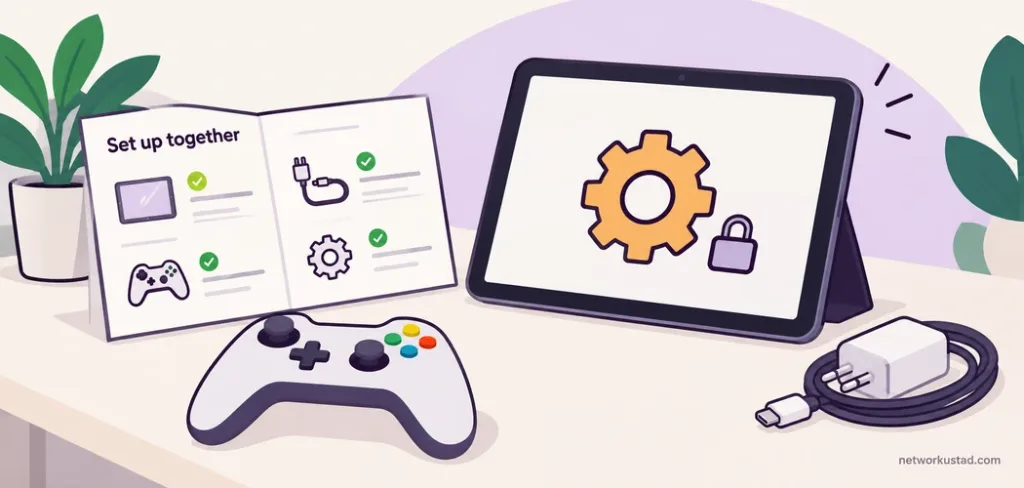
| Question | What to record |
|---|---|
| Does it fit the interest? | A specific activity the child wants to try |
| Is it suitable? | Manufacturer age guidance and required supervision |
| Will it work at home? | Compatible devices, connections and software |
| What else costs money? | Essential accessories, subscriptions and consumables |
| Can it be maintained? | Updates, replacement parts, support and return terms |
Use the sheet to compare a few suitable options, not to produce a supposedly scientific score. If an essential detail is missing from the listing, ask the seller or manufacturer before ordering. For technology gifts for tweens, an impressive description is less useful than a clear answer about the activity the child wants to do.
Frequently asked questions
Should technology gifts for tweens include a smartphone?
Only when the family has agreed on the need, ongoing cost and responsibility. A camera, tablet, watch or shared computer may meet the intended purpose without adding all the functions of a personal smartphone.
Is a VR headset suitable for an 11-year-old?
Do not assume so. Product age requirements differ. Sony states that PlayStation VR and PlayStation VR2 are not for children under 12. Check the current instructions for the exact headset, account and application; a different brand’s rules do not override them.
Are older premium devices always better value?
No. Check remaining software support, battery condition, repairs, compatible accessories and return rights. A lower price can be poor value if the required application no longer runs or the device remains locked to another person’s account.
Does an educational label guarantee learning benefits?
No. Look for a specific project, understandable instructions and a realistic fit with the child’s interests. Some children enjoy open-ended experimentation; others prefer a guided activity. Neither a high price nor an educational claim guarantees a particular outcome.
This article provides general buying guidance, not hands-on product rankings or a guarantee of suitability, safety or educational results. Features, age requirements, software support, prices and availability vary by product and country. Check current manufacturer instructions and service terms, follow required supervision guidance, and confirm purchases with the child’s parent or guardian. Parental controls and safety features do not replace appropriate adult involvement.