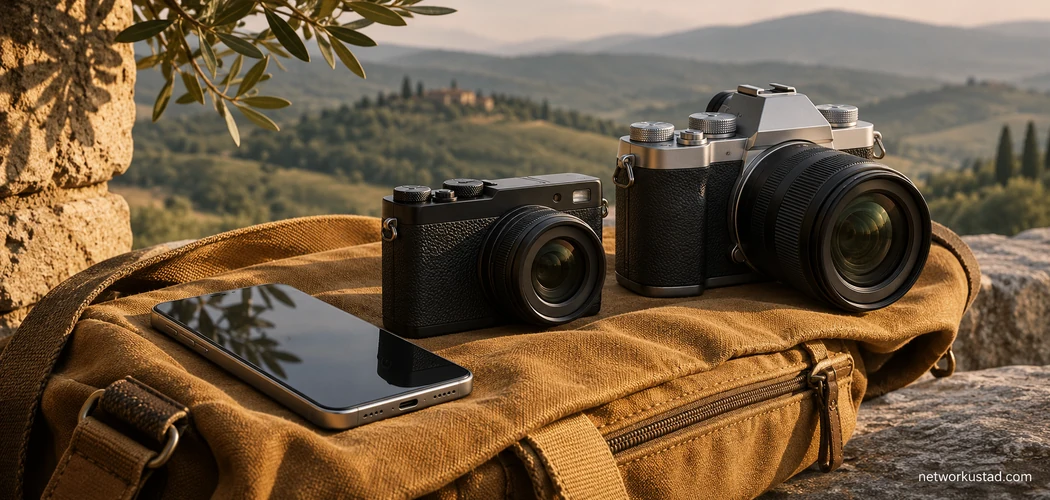
The best camera for photography is the one you’ll carry and know how to use when a picture comes up. That might be your phone, a compact camera with a built-in zoom, or an interchangeable-lens camera with one lens you like. The choice gets easier when you begin with your pictures instead of a long list of specifications.
Look through the photos you took last month. Which ones worked? Which ones did you miss? A phone that handles family photos beautifully may struggle to fill the frame with a bird across a pond. A large camera that handles sports well may stay home on a day when you want to travel light. Start with the gap between what you shoot now and what you want to shoot next.
Choose a Camera for Photography Based on Your Subject
Write down the two subjects you photograph most often. Then add the conditions you usually work in. A child running across a sunny park and a child running through a dim living room are different problems. A camera can be suitable for one without giving you much help with the other.
| What you shoot | What to look for first |
|---|---|
| Everyday life and trips | A setup you can carry all day, simple controls, and a field of view that fits your subjects |
| Portraits and family events | Reliable focus on faces, a useful lens for your working distance, and controls you can reach quickly |
| Sports and wildlife | A compatible telephoto lens, dependable tracking, and a body you can follow action with comfortably |
| Landscapes and interiors | A lens wide enough for the scene, a usable screen or viewfinder, and tripod support if you need it |
| Products and still life | Close-focusing capability, consistent exposure, and a way to control the light |
If you sell products, the NetworkUstad product photography camera guide goes deeper on repeatable setups, lens choice, and lighting. For most other subjects, the table is a starting point. Check that the feature you care about works with the lens you expect to buy and in the conditions you actually face.
Compare Camera Types Before You Buy
A Phone for Everyday Photography
A phone is a good camera for photography when you value quick access and simple sharing. Take it on a walk and see whether it can cover the pictures you have in mind. Try a person in a room, a detail in a shop window, and a subject farther away. Then review the photos on a larger screen if that’s where people will see them.
Consider a separate camera if you repeatedly run into a specific limit. You may need a longer lens, easier manual control, a viewfinder you can use in bright sun, or a grip that feels steadier. Write down the problem before shopping. That gives you a way to tell whether a new camera actually solves it.
A Compact Camera With a Fixed Lens
A compact camera for photography can give you physical controls in a package that’s easy to carry. Some have a zoom, while others have a fixed focal length. Look at the published lens range and take note of how large the camera becomes when it’s ready to shoot. The size with the lens extended can matter more than the dimensions on the shelf.
Check whether the built-in lens covers the subjects you care about. A small camera with a wide lens can suit street scenes and interiors. If distant subjects matter, test how quickly it focuses near the long end of the zoom. With a fixed-lens camera, you’re choosing the lens and the body together.
A Mirrorless Camera With Interchangeable Lenses
A mirrorless camera for photography gives you the option to change lenses as your needs develop. Many models let you frame through an electronic viewfinder, while some rely on the rear screen. Try the exact body you’re considering. Look at how easy it is to adjust exposure and move the focus point without taking your attention off the scene.
Compare the size of the camera with the lens attached. A compact body can feel front-heavy with a large zoom. Price a starter lens and the next lens you expect to use, and check whether both fit the mount. The range of lenses you can afford matters more than the number of lenses listed for the system.
A Used DSLR
A DSLR is a digital single-lens reflex camera. It uses a mirror system for its optical viewfinder. Mirrorless designs omit that mirror and use the imaging sensor to feed the screen or electronic viewfinder. Nikon’s comparison of DSLR and mirrorless designs explains the difference.
A used DSLR can be a sensible camera for photography if you like an optical viewfinder and can find a suitable body and lens in good condition. Check the exact mount and lens features before buying. A lens can physically fit a camera while some functions, such as autofocus, depend on the specific combination. Confirm the battery and charger are included and that you can get replacements.
Film cameras are a separate choice. They record on film, and you’ll need to allow for processing and any scans or prints you want. If you’re curious about film, price a few rolls and local processing before buying the body.
Budget for the Whole Camera Kit
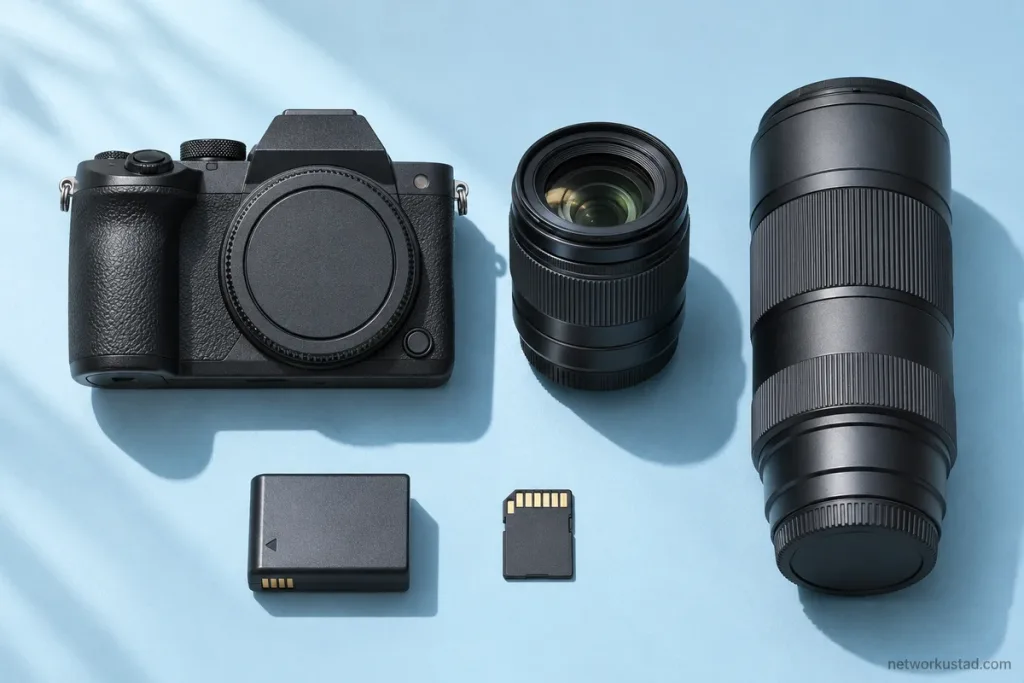
When pricing a camera for photography, compare complete kits. Write down the body, the first lens, a memory card, and any battery or charger you need. Then add only the accessories that solve a problem you can describe. A tripod may matter more than a second lens for indoor still life. An extra battery may be the better purchase if you’ll spend a day outdoors.
| Budget item | What to check |
|---|---|
| Body and lens | The exact models, whether the lens is included, and whether they work together |
| Memory card | The card type and speed the camera needs for your use |
| Power | What comes in the box and how you’ll charge it away from home |
| Carrying and support | The total kit weight and whether you need a strap, bag, or tripod |
| Used purchase | Condition, included accessories, return window, and any written warranty |
Compare like for like. A cheaper body may be listed without a lens or charger. A kit with a spare battery may be better value if it’s the battery the camera actually uses. Save the listing or ask the seller to confirm what’s included. Then compare the total price against another usable kit.
Choose a First Lens That Fits Your Working Distance
Focal length helps determine how much of a scene fits in the frame. A shorter focal length generally gives a wider view on the same sensor format. A longer one gives a narrower view and makes a distant subject larger in the image from the same position. Nikon’s guide to focal length explains how focal length affects framing and how to compare zooms and primes.
A kit zoom can be a useful starting point. Use it for a few weeks before deciding what to buy next. If your favourite images all use the long end and you still crop heavily, you may need more reach. If you keep backing into walls, you may want a wider view. If the pictures work and the lens is easy to carry, there’s no rush to replace it.
For indoor portraits, try the lens at a distance that lets you talk comfortably to the person. For a small object, check how close the lens focuses. For wildlife, look at the reach and weight together. A lens that lets you fill the frame can be hard to use if the full kit is too heavy to hold for long.
Sensor sizes can make lens comparisons confusing. If you’re comparing the framing of cameras with different sensor formats, use the equivalent focal length where the manufacturer provides it. If you can try both setups, stand in the same place and look at the edges of the frame. The practical question is how much of the subject fits in the picture from where you can stand.
Test a Camera for Photography Before Paying
Bring a short shot list to the shop or use it during a return window. Try the pictures you expect to make, not just the displays under bright shop lights. If you can test a used camera, ask whether you can take a few frames with a compatible card and review them at full size.
- Hold the complete kit. Attach the lens you expect to use. Reach for the shutter, focus controls, and exposure settings.
- Focus on a moving subject. If you shoot sport or active children, take a short sequence and see how many frames are sharp where you wanted them.
- Try a dimmer scene. Make a few pictures without flash. Check the sharpness and colour at the size you expect to display.
- Review a bright scene. Check whether the screen or viewfinder is easy to use in the conditions you’ll face.
- Check the files. Open some images on the device where you’ll edit or share them. Confirm that the workflow is comfortable.
For secondhand equipment, check the lens mount, card slot, screen, and battery compartment. Ask about repairs, damage, or intermittent errors. Look through the lens for obvious haze or marks and take a few pictures at different zoom settings if applicable. If you can’t test it before paying, make sure you understand the return terms.
Know Which Specifications Can Wait
Megapixels matter more when you need large prints or crop heavily. Before comparing numbers, look at the photographs you actually make and how large you use them. A sharply focused image with good light is a better starting point than a larger file with motion blur.
A faster burst can help with action, but try the camera’s tracking and the way it behaves through the viewfinder. For still subjects, spend more time checking whether you can place focus precisely. Stabilisation can help with camera movement. For a moving subject, you’ll still need a shutter speed that suits the motion you want to freeze or show.
You can also leave video features down the list if you mainly shoot stills. If you know you’ll record regularly, check the features that affect your actual clips, such as microphone input or recording limits. A separate list for video helps you see which features are worth paying for and which ones you’ll rarely use.
Frequently Asked Questions
Do I Need an Interchangeable-Lens Camera for Photography?
Only if changing lenses helps you make the pictures you want. A phone or fixed-lens compact can be enough for travel, family pictures, and everyday scenes. If you need longer reach or a specific close-up lens, compare interchangeable-lens systems with the relevant lens attached.
Is a Used DSLR a Good First Camera?
It can be a good option if the body and lens are in sound condition, the controls feel comfortable, and you can get the accessories you need. Check compatibility and return terms first. Compare the whole kit price with the alternatives available locally.
How Much Should I Spend on My First Camera?
Set a limit for the kit and compare a few local offers. Work from the subjects you want to shoot and include the lens and accessories needed for those subjects. If nothing fits the budget, borrow or rent a setup first, or keep using what you have while you compare used options.
Should I Buy More Than One Lens to Start?
One useful lens is usually enough to learn what you like to photograph. Use it in the places you normally shoot and note what it can’t do. Buy the next lens when you know whether you need more reach, a wider view, or a closer working distance.
Choose a camera for photography that solves the problem you notice most often. Try it with the lens attached, check the total cost, and ask yourself whether you’ll take it out tomorrow. That last question can settle a close comparison.