
You post a tutorial. People click, but many leave before the first demonstration. The problem could be a long introduction. It could also be that the title promised a quick fix and the opening looked like a product review. Both can produce a similar drop on the graph. To tell them apart, look at what viewers saw just before they left.
YouTube audience retention helps you find those moments. Start with one video and one question. Where does the graph change, and what was happening on screen just before that point?
Where to Find YouTube Audience Retention
On a computer, open YouTube Studio, select Content, and choose the video. Open Analytics, then select Overview or Engagement and look for Audience retention. YouTube’s guide to the audience retention report explains the chart and the highlighted moments. Some videos may have a chart without every highlight.
Read the graph with the video open. Note the timestamp of a sharp change, then replay the section starting several seconds earlier. Write down what you can observe. For example, “The screen switches from the live demo to a title card” gives you a specific edit to investigate.
| Pattern | What to investigate |
|---|---|
| Early drop | Check whether the opening delivers what the title and thumbnail led viewers to expect. |
| Sharp dip later on | Replay the preceding section. Viewers may have left or skipped ahead. |
| Spike | Check for a useful detail viewers may have replayed or a confusing step they may have needed to see again. |
| Gradual decline | Compare with similar videos and look for a change that stands out from the normal taper. |
Check the First 30 Seconds
The intro metric shows the percentage of viewers still watching after 30 seconds. Compare the opening with the promise on the title and thumbnail. A video titled “How to Fix a Black Screen in OBS” should quickly show the symptom and make clear which setup the fix covers. If the opening spends that time explaining the channel or listing features, viewers may leave before they know the tutorial can help.
Watch the intro once without sound and once while listening without looking at the screen. The first pass can reveal small text or an unclear demonstration. The second can expose a long setup, a noisy audio cut, or a missing explanation of what the viewer will learn. If the title attracts people with a different problem, make the title more specific. If the title is accurate, consider bringing the relevant footage forward.
Review the Footage Around a Dip
Suppose a tutorial drops at 2:10, just after the host opens a settings menu. Play the previous 15 seconds. Is the menu legible? Does the narration name the setting before the screen changes? Did the host skip a step? A viewer might also jump ahead because they already know this part. Check where the graph stabilises and what comes next before deciding which explanation fits.
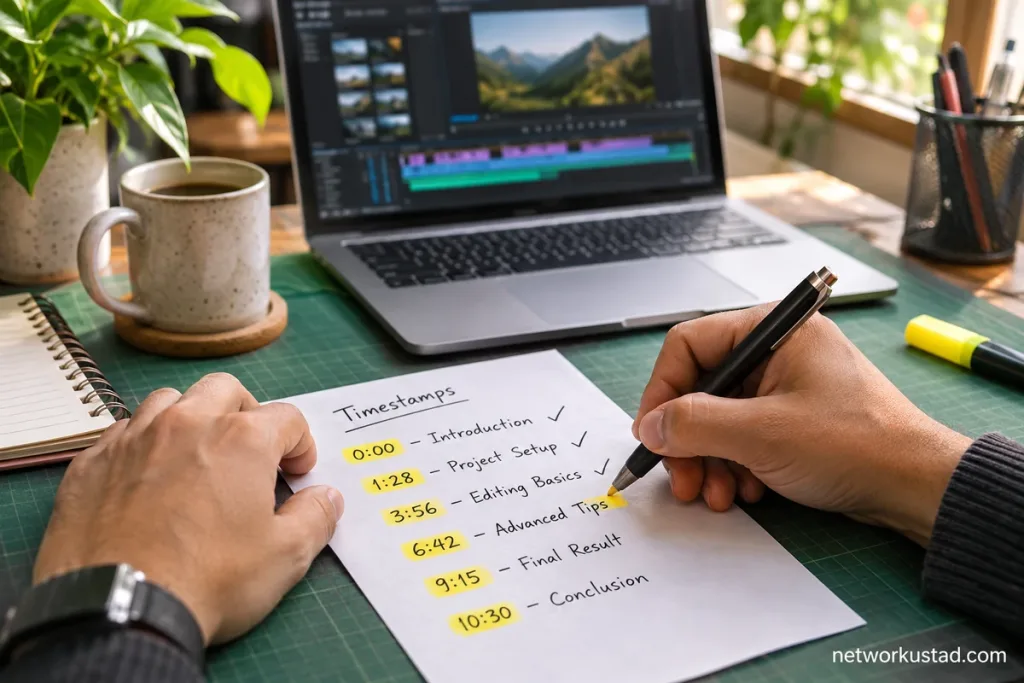
Use a simple review log with the timestamp, what appears on screen, and one edit you want to test. For instance, “2:10, submenu labels are hard to read on a phone, crop in and name the setting aloud.” If the fix calls for a new crop or clearer captions, check both in your video editing and export workflow before publishing.
Separate Reach From Retention
Few views can point to limited reach or a title and thumbnail that viewers pass over. A steep early retention drop tells you what happened after people started watching. These signals answer different questions. If a video reaches few people but holds their attention, shortening the intro may be a lower priority than checking whether the title makes the topic clear.
Keep the comparison fair. A quick answer video and a full workshop serve different purposes. Start with recent uploads of similar length, format, and topic. Where Studio offers a typical-retention comparison, use it as context. If one video reached a different audience or had a different traffic mix, treat that as another possible explanation for the result.
YouTube’s fake engagement policy prohibits artificially inflating metrics, including subscribers. Use genuine viewing data to judge whether an opening or editing change helped.
Test One Change on the Next Upload
Pick one change you can describe in a sentence. Move the demonstration into the opening, cut a repeated explanation, or zoom in on a setting viewers need to read. Note the point in the video the change is meant to improve. Then compare the next upload with a similar one once both have enough data to show a useful pattern.
For a series of screen-recorded tutorials, you could replace a long introduction with a short preview of the finished result. Compare the first 30 seconds of the next few tutorials and check whether viewers stay through the first instruction. One video can differ for reasons unrelated to the edit. A similar result across several uploads gives you more reason to keep the change.
Let the video run as long as it takes to deliver what the title promises. If people leave after they get the answer, the video may have done its job. If they leave before the answer appears, use the footage around that point to decide what to change.