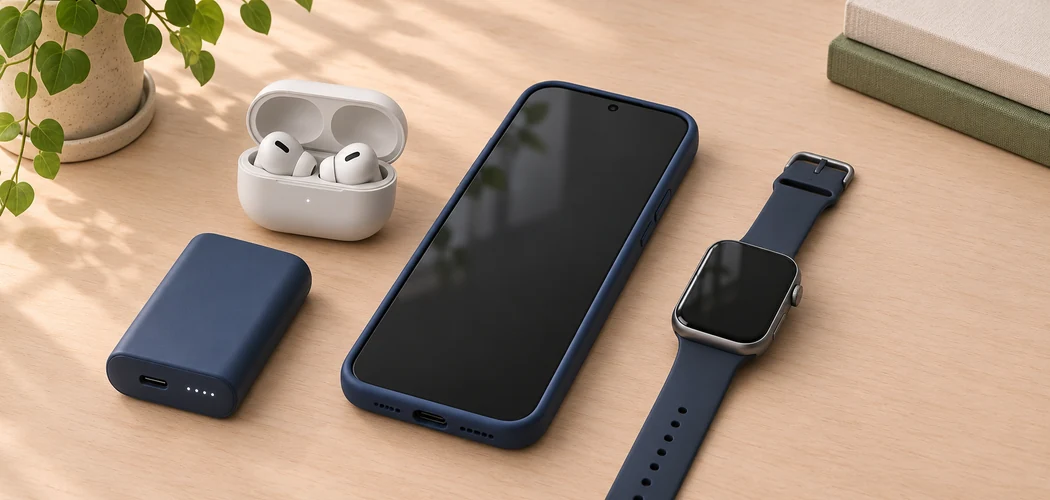
The most useful smartphone accessory solves a problem you notice often. If your phone slips out of your hand, start with a case that improves your grip. If the battery runs low on long days, a power bank may be the better purchase. Use the five checks below to decide what will earn a place in your bag, car, or daily routine.
Which Smartphone Accessories Do You Need?
| Accessory | When it helps | Check before buying |
|---|---|---|
| Phone case | You want more grip or protection from everyday bumps | Exact model, camera cutout, and charging compatibility |
| Power bank | Your battery runs low away from an outlet | Output ports, charging standards, and cable |
| Car mount | You use spoken or on-screen directions | Mounting position, case thickness, and holder size |
| Wireless earbuds | You listen or take calls on the move | Fit, controls, and phone support |
| Smartwatch | You want notifications or activity tracking on your wrist | Supported phones, key features, and charging routine |
1. A Protective Phone Case
Check the exact model name in your phone’s settings before ordering. Phones from the same series can have different dimensions, button positions, or camera layouts. Compare the case listing with your model, including any Plus, Pro, or Max suffix.
Think about how you carry the phone. A slimmer case may slip into a pocket more easily. A textured shell may feel more secure in your hand. If you use a wireless charger, magnetic stand, or plug-in accessory, check whether the case works with it. After fitting the case, try the buttons and plug in your usual cable to make sure the cutout leaves enough room.
2. A Portable Power Bank
Start with the cable your phone uses and check that the power bank has a compatible output. Some products have a port for charging the bank itself and a separate output for charging devices. Read the port labels or specifications. If fast charging matters, check which charging standard and output your phone, bank, and cable support together.
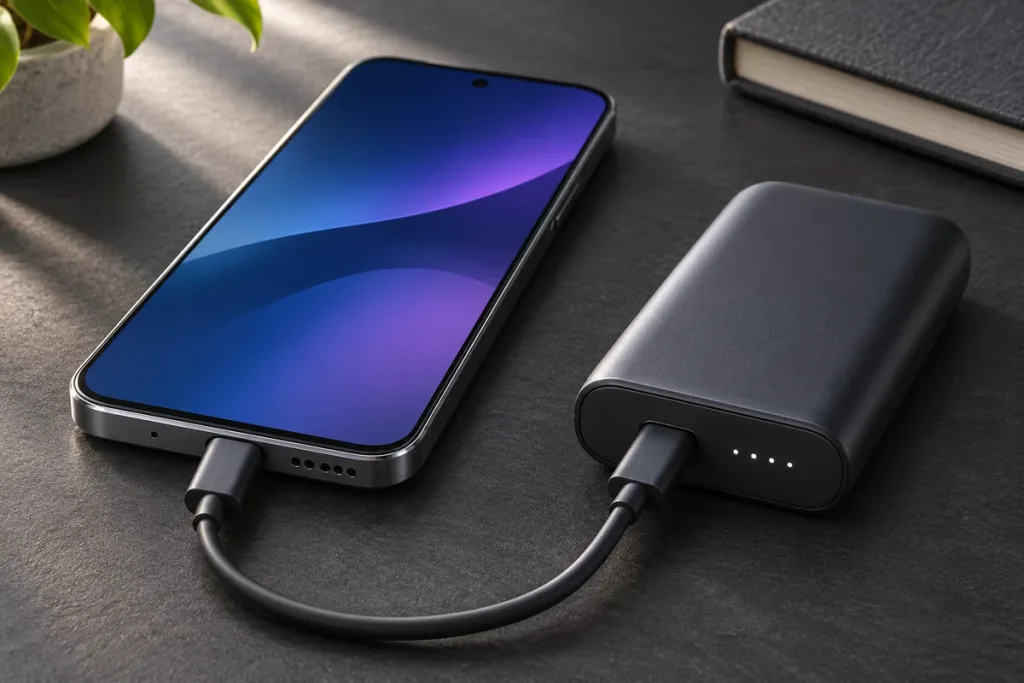
Choose the size you’ll actually carry. A small bank can be enough for a top-up between appointments. For a long day using maps and the camera, compare larger models and their weight. If you plan to charge two devices at once, check the output available when both ports are in use. Test the bank with your usual cable before relying on it away from home.
3. A Car Mount for Navigation
Check that the holder fits your phone with its case on. Try the mounting position while parked. It should leave the road, mirrors, and vehicle controls visible, with the charging cable clear of the controls. If you share the car, check whether the mount can hold both phones.
Enter your destination before moving. Use spoken directions if they help you keep your attention on the road. If you need to adjust the route, pull over safely first. NHTSA’s distracted driving guidance includes interacting with navigation systems among activities that divert attention from driving.
4. Wireless Earbuds
Buy for the way you listen. For calls, check how the microphone sounds in the places you usually work. For music or podcasts, try the fit and see whether the controls are easy to use without taking out your phone. If earbuds tend to feel loose, check which tip sizes the box includes and what the seller allows you to return after trying them.
Confirm that any feature you rely on works with your phone. Basic Bluetooth pairing may be enough for listening, while settings such as control remapping or firmware updates can depend on a companion app. If you switch between a phone and a laptop, verify how the earbuds handle that switch.
5. A Smartwatch
Pick the feature that makes a watch worthwhile for you. It might be checking calendar reminders, starting a workout, or seeing who is calling without taking out your phone. Then confirm the watch supports your phone and check which features work on your specific pairing. Call and text support can vary by model and setup.
Consider how often you’ll need to charge it and whether the size feels comfortable on your wrist. If you want sleep tracking, check when you could charge it during the day. Treat sleep estimates as a way to notice patterns. Consumer trackers estimate sleep from signals they can measure, as explained in Johns Hopkins Medicine’s guide to sleep trackers.
What Should You Buy First?
Choose the accessory that helps with your most frequent problem. A better grip matters every time you pick up a slippery phone. A power bank earns its place when you spend hours away from an outlet. Before paying, verify the exact model, check whether you need a separate cable or app, and read the return terms if fit or comfort will decide whether you keep it.