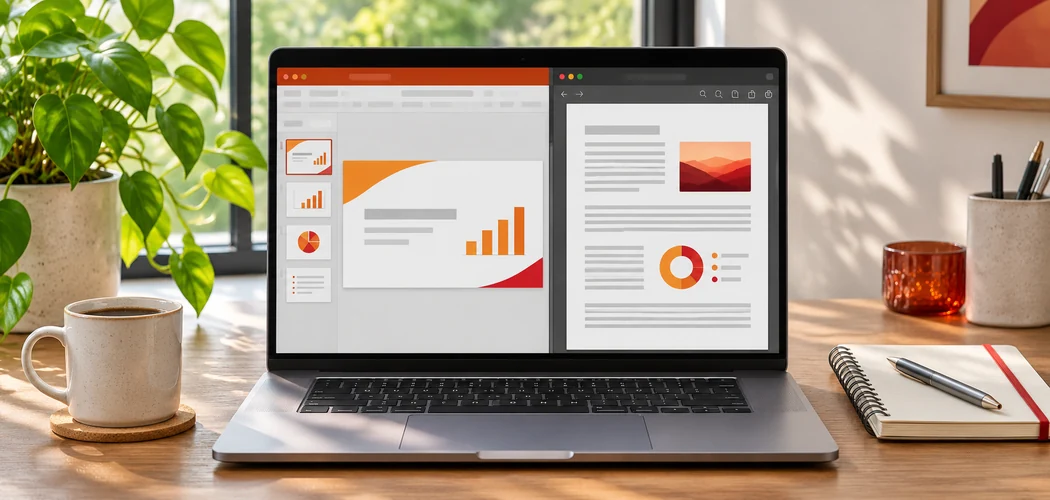
Adobe Acrobat’s PPT to PDF tool converts .ppt and .pptx files in supported browsers. Upload your presentation, convert it, and download the PDF. Open the result to check the slide order, fonts, images, and links before sharing. If your presentation is already in OneDrive, you can also export it directly from PowerPoint for the web.
PowerPoint for the Web: Where to Download a Presentation as a PDF
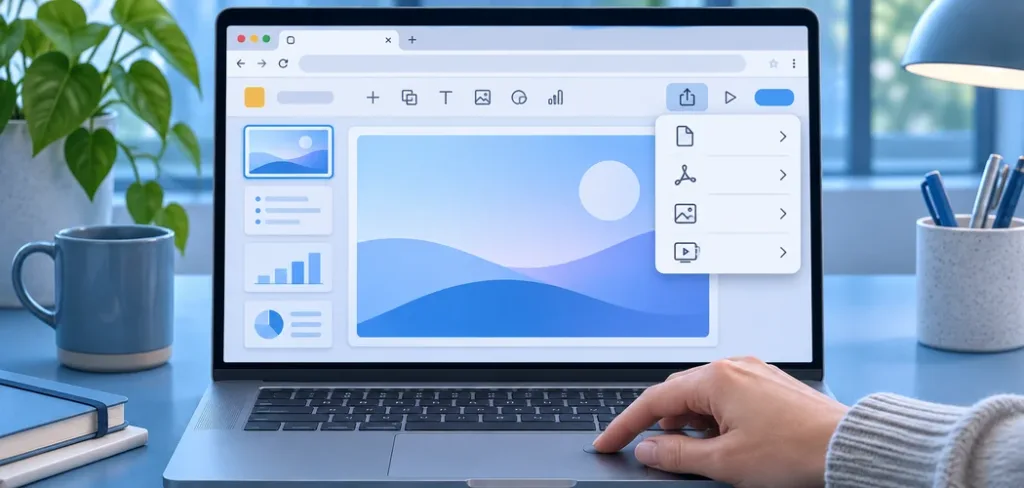
PowerPoint for the web is where you can download a presentation as a PDF straight from OneDrive, with no extra software. Microsoft’s PowerPoint site says you open or upload a PPT or PPTX file, use Export, and download the PDF to your device. It says the PDF is a separate copy, so the original keeps saving in OneDrive. Microsoft’s OneDrive page says you sign in with a Microsoft account to upload a file first. Check the PDF before you send it, and keep the original deck.
- Built in: Microsoft’s PowerPoint site says PowerPoint for the web includes built in PDF export, so no additional software is required.
- Upload first: Microsoft’s OneDrive support page says you sign in with your Microsoft account and upload the file.
- Original untouched: Microsoft’s PowerPoint site says the download is a separate PDF copy and the original keeps saving in OneDrive.
- Mac hyperlinks: Microsoft’s support page says PowerPoint for macOS does not preserve hyperlinks in PDFs, and suggests saving to OneDrive and downloading a PDF from PowerPoint for the web.
- Static copy: Microsoft’s PowerPoint site says animations, transitions, audio, and video playback are not preserved in the PDF.
Free Conversion Limit and File Size: What to Expect Before You Upload
Free conversion limits depend on the tool, the file, and the plan, so check the limit before you upload a large deck. Adobe’s PPT to PDF page does not state a file size limit. PDF Candy’s pages say free use has a limit on operations per hour, and paid plans raise the size per task to 500 MB. CloudConvert has a daily free allowance, and guides disagree on the number. Microsoft’s OneDrive page says browser uploads can be up to 250 GB per file.
- PDF Candy hourly cap: its merge page says free use has a limit on operations per hour, and a review in a technology publication says the free version is limited to one task per hour.
- PDF Candy sizes differ by tool: its merge page says each uploaded file can be up to 200 MB, while its edit page, an older snapshot, says the free version allows up to 50 MB, so the limit depends on the tool.
- PDF Candy paid plans: its pages say paid plans remove hourly limits and raise file size per task to 500 MB.
- CloudConvert: a copy of its pricing page says paid plans include unlimited file size, and guides give different daily free numbers, so check its pricing page.
- PowerPoint for the web: one guide says it opens files up to 2 GB, which is guidance, not a confirmed Microsoft figure.
- OneDrive desktop app: Microsoft’s OneDrive page says files uploaded with the desktop app can be up to 20 GB.
PowerPoint for the Web Export to PDF: Options That Change the Result
PowerPoint for the web export to PDF lets you choose which slides, notes, and quality settings go into the PDF. Microsoft’s PowerPoint site says you can save selected slides, include speaker notes or handouts, and control PDF quality and file size. Microsoft’s desktop support page says you can save the current slide or a slide range, and include hidden slides, comments, ink, and document properties. Pick the options before you download, then open the PDF and compare it with your deck.
- Slide range: Microsoft’s PowerPoint site says you can pick a custom slide range to save only some slides.
- Desktop extras: Microsoft’s support page says the desktop app can include hidden slides, comments, and ink.
- Fonts: Microsoft’s support page on embedding fonts says embedded fonts help a presentation display correctly when shared.
- Adobe’s tie in: Adobe’s PPT page says that when you sign in, you can open a PPT file in PowerPoint for the web to edit it.
- Check the file: open the PDF, check the page count, and compare each slide with your deck.
How to Convert PPTX to PDF for Free: Six Online Options Compared
PPTX to PDF free online converters include Adobe Acrobat’s PPT to PDF tool, Soda PDF, Foxit, PDF Candy, iLovePDF, and CloudConvert, and their free terms differ. Adobe’s page says each slide becomes a PDF page with images and fonts the same. Soda PDF’s page marks free use with an asterisk. Foxit’s page calls its converter free with no hidden fees, though that page is an older snapshot. Read each tool’s current terms, test one real deck, and keep the PPTX.
| Platform | Best For | Key Details |
| Adobe Acrobat PPT to PDF | A free drag and drop PDF you can share | PPT or PPTX, one PDF page per slide, any browser; its page does not state a size limit |
| Soda PDF | Importing from Google Drive or Dropbox | Its page says it keeps the original resolution and orientation, and marks free use with an asterisk |
| Foxit | Drag and drop conversion | Its page says PPT or PPTX, preserving layout, fonts, colors, and images, and no hidden fees |
| PDF Candy | Occasional free conversions | Its pages describe an hourly limit on free operations, and a larger size per task on paid plans |
| iLovePDF | A familiar PDF toolkit | Its home page lists PowerPoint to PDF for making PPT and PPTX slideshows easy to view |
| CloudConvert | Many formats beyond PowerPoint | Its page says it supports PDF, PPTX, PPT, and ODP, and promises Microsoft Office level quality |
No account: a review in a technology publication says most iLovePDF tools can be used for free without creating an account.- Adobe privacy: Adobe’s page says your file is handled by Adobe servers and deleted unless you sign in.
- Source note: these details come from each tool’s own pages and a few reviews, and some pages are older snapshots, so confirm current terms before you upload.

Frequently Asked Questions
Why does a free converter stop after one file?
Many free tools cap how often you can convert. PDF Candy’s merge page says free use has a limit on operations per hour, and a review in a technology publication describes it as one task per hour. Adobe’s page says you can try its free tools, and sign in to try 25 or more. If you hit a cap, wait, sign in, or export from PowerPoint on your own computer.
Can I convert without creating an account?
Often, yes. Adobe’s page lets you convert and download, and says your file is deleted unless you sign in to save it. A review in a technology publication says most iLovePDF tools work without an account. Soda PDF’s page marks its free offer with an asterisk, so read its conditions. Signing in is mainly useful for sharing, saving, and trying more tools.
Is a bigger file more likely to fail?
It can be. Large decks with many images take longer to upload, and some tools set size caps by plan. PDF Candy’s pages show different limits for different tools, and paid plans raise the size per task to 500 MB. For a very large deck, compress the images, or export a PDF from PowerPoint on your own computer, which has no upload step.
Will my animations and transitions survive?
Special animations will not. Adobe’s page says special PowerPoint animations are not available in a PDF, though Acrobat supports transitions between slides, and Microsoft’s PowerPoint site says a PDF does not preserve animations, transitions, audio, or video playback. If motion matters, export a video from PowerPoint and keep the PPTX for presenting.
For a free online PowerPoint to PDF converter, pick a tool that states its limits, or export from PowerPoint for the web.