
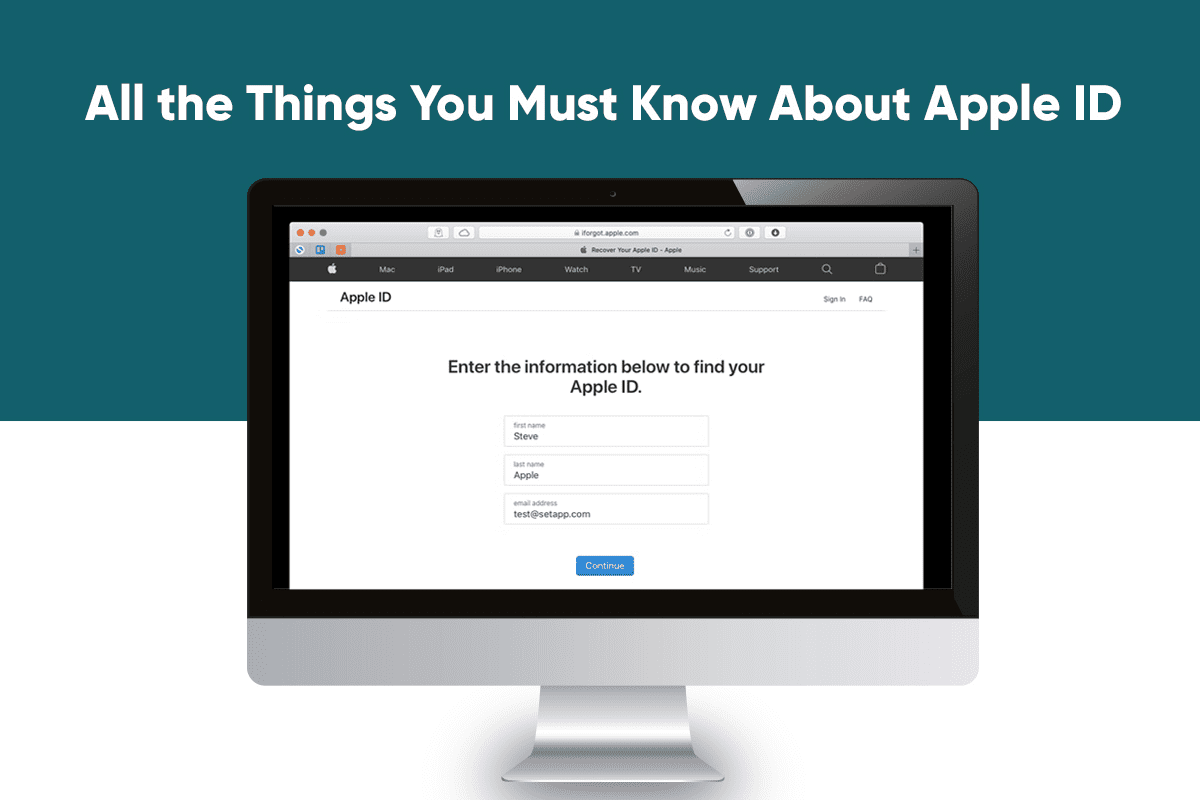
When you’re part of the Apple ecosystem, you need an Apple ID to integrate everything and make them work seamlessly. Basically, the Apple ID is your Apple account, and it is used for everything, from logging in to your iCloud and iTunes to making purchases to finding lost devices.
When you log into your Apple device, the Apple ID helps authenticate user identity. Also, it keeps everything synced up so you can access essential data and documents on any of your Apple devices.
You can make an Apple ID for free, and this article will give you a lowdown of everything you need to know, along with what to do if you forgot Apple ID password.
Why do You Need to Create an Apple ID?
If you are using an Apple device and wish to use Apple services like Apple Music or Apple TV+, you need to create an Apple ID.
By creating an Apple ID, you can access iCloud, track and find your device using Find My, make App Store purchases, sync settings on all your Apple devices, etc.
If an Apple ID is linked to your device, it is easier to sync settings and find lost devices. There’s also a feature called Activation Lock, and this is linked to the Apple ID. This functionality allows nobody to create a new account on a stolen phone. Therefore, the phone is rendered useless.
Creating an Apple ID
When setting up a new device, you can tap on Forgot Password to create an Apple ID or tap on Don’t Have an Apple ID. Then, you need to follow the setup steps on the screen. You can also create an Apple ID in the App Store on your Mac or iOS device.
- iPad and iPhone
You will be prompted to create an Apple ID on your iPad or iPhone. From the setup screen, tap Don’t Have an Apple ID or Forgot Password. Then, tap on Create a Free Apple ID and enter the required information in the forms you’ll see prompted on the screen.
You’ll be asked to enter your first and last name, country, birth date, and password. You might even have to answer several security questions that will be used if you lose your Apple ID password.
Kindly note that the email address you will enter will be your login for the Apple ID. If you do not have an email address, there’s a process that will help you set up an iCloud email address, and then you can sign up for the Apple ID.
- Mac
You can create an Apple ID on your Mac through the System Preferences app.
Go to System Preferences > click Sign In in the empty profile interface > click on the Create Apple ID option at the bottom of the window. Then, follow all the prompts on the screen and provide the required information to finish creating an account.
What to do if You Forget Your Apple ID Password?
It may happen that you don’t remember your Apple ID or password. Then, you can utilize the forgot password feature on your Mac, iPhone, or iPad. You can also reset the password on the web.
There is also the possibility that your Apple ID is locked because you’ve made too many login attempts using the wrong password. In that case, there’s an unlocking process you have to follow.
You can reset the password if you know the email address for your Apple ID. However, you can find it on your Mac if you don’t remember it. One of the ways to find it is by clicking the Apple symbol in the top left corner of the screen and then choosing System Preference or System Settings. Then, click iCloud. If you have logged in to iCloud, you will see your email address.
An alternate way is to open iTunes. Then, select Account > click View My Account. If you are signed in to iTunes using your Apple ID, you will see your email address and account name.
Moreover, you can go to the App Store and choose Store > View My Account > check for your email address.
If these methods don’t help, open Messages > click Messages > Preferences > Accounts. See if your email address shows up there.
Users of iPad, iPhone, or iPod Touch can find their Apple ID by going to Settings and tapping their name in the banner at the top. You can also go to Settings and tap iTunes & App Store to find the email address associated with your Apple ID.
The Bottom Line
To sum up, the Apple ID is essential to being in the Apple ecosystem. It will help you to sync all your important documents, photos, and files so you can access them on all your Apple devices.



