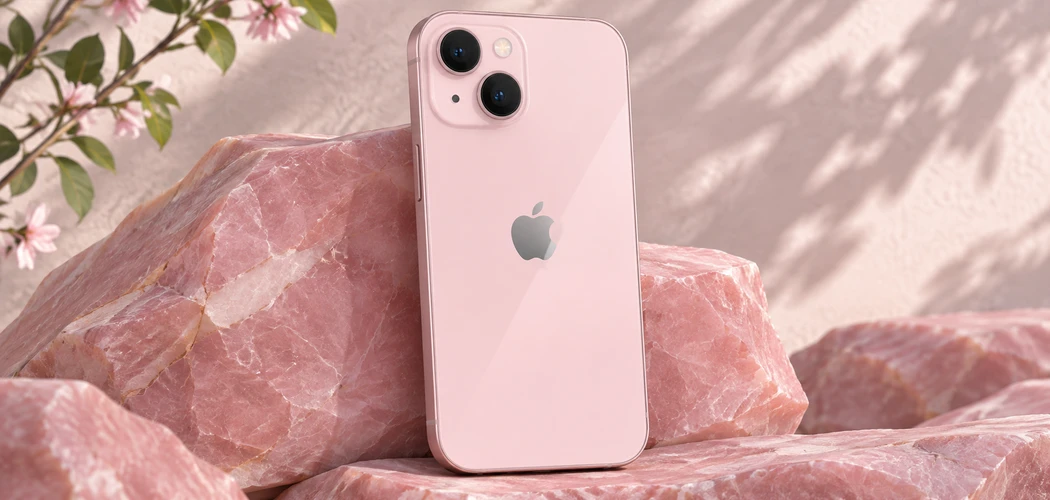
The pink iPhone 13 is the standard 6.1-inch iPhone 13 in Apple’s Pink finish. The color doesn’t change its processor, cameras, display, or storage options. If you’re buying one used, decide how much the color matters to you, then compare the condition and price of the individual phones you can actually buy.
A used listing can look attractive while leaving out the details that affect daily use. Battery wear, carrier restrictions, repairs, and the seller’s return policy matter more than the condition grade alone. Use Apple’s specifications to identify the model and the checks below to decide whether a particular listing is worth pursuing.
Pink iPhone 13 Specifications
Apple’s iPhone 13 specifications list Pink as one factory finish. The standard model uses the A15 Bionic chip and a 6.1-inch Super Retina XDR OLED display. The rear camera system has two 12-megapixel cameras, Wide and Ultra Wide. Storage options were 128 GB, 256 GB, and 512 GB. The phone supports Face ID, 5G, MagSafe charging, and wired charging through a Lightning port.
The iPhone 13 mini and iPhone 13 Pro are different models. Screen size, camera options, and other features can differ even when the listing uses “iPhone 13” in the title. Ask for the model name and storage capacity shown in Settings under General, then About. Check both when you inspect the phone. The color in a photo can help narrow your search, but lighting and cases can make a pink phone look different from one listing to another.
Think about which features you use most. The Ultra Wide camera gives you a wider view for group shots or interiors, while the standard Wide camera suits many everyday photos. If you frequently shoot from a distance or depend on a dedicated telephoto lens, compare the camera systems of other models. A used phone’s camera should also be tested on the unit itself. A clean camera specification says little about whether a particular lens was damaged or whether the camera focuses properly.
Software Compatibility and Everyday Use
Apple lists the iPhone 13 as compatible with iOS 27. Apple Intelligence has separate hardware requirements and the iPhone 13 falls outside the supported model list. If a specific feature matters to you, check its compatibility before buying. Support for an operating system tells you whether the phone can run that version. Individual features may depend on the hardware, language, region, or a supported accessory.
Review the apps you expect to use for work, payments, messaging, or travel. Check their current minimum requirements and decide how long you plan to keep the phone. Apple’s current compatibility list can inform that decision, but future support should be checked when Apple publishes it. If you’re replacing a phone that already handles the same tasks, compare the changes you’ll actually notice. A larger storage allowance, a healthier battery, or a warranty may matter more to you than the finish.
The iPhone 13 uses Lightning for its wired connection. Check which cables and accessories you already own and add the cost of replacements if needed. If you often copy photos or documents between devices, NetworkUstad’s guide to transferring files between an iPhone and a Mac covers ways to move them. Check that your preferred method suits your devices before deciding which accessories to buy.
What to Ask the Seller Before Paying
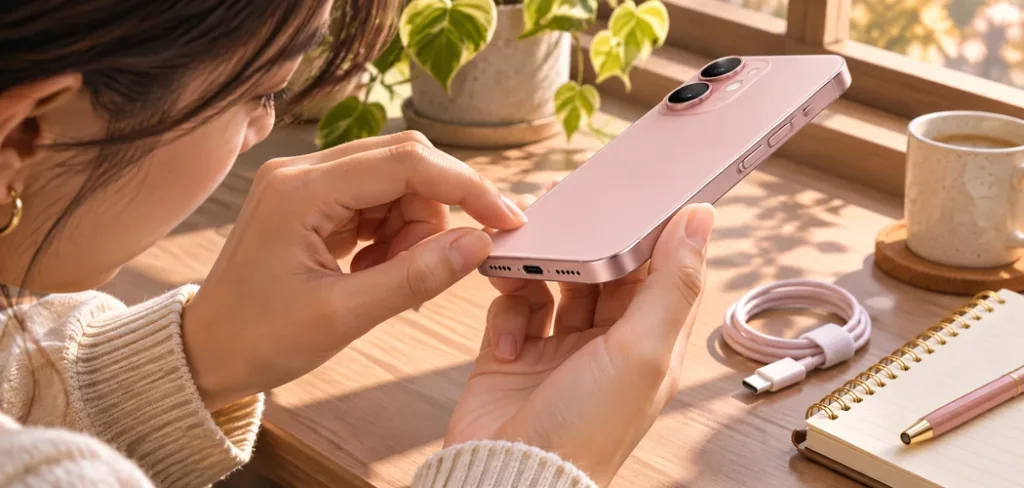
Ask for recent photos with the case removed. Look at the back glass, display edges, corners, and area around the camera lenses. Ask whether the phone has been repaired and whether there is any warranty on the work. Compare the answers with the photographs. A few marks on the frame may be fine if you use a case. Cracked glass, a bent frame, or a camera problem can create a different ownership cost.
Ask whether the exact phone is shown. A retailer may use a stock image and grade units by broad cosmetic categories. Find out what that grade permits, including markings on the display and frame. Ask how the seller handles an order that arrives with a different storage capacity, battery condition, or finish than stated. Save the listing or written confirmation before checkout so you have a record of what you agreed to buy.
Check the return window and when it starts. A warranty may cover failures while a return policy can let you send the phone back when it doesn’t meet the listing or suit your needs. Read both. Check for return shipping, restocking charges, and any conditions about accessories or packaging. If you’re buying locally from an individual, agree on what you can inspect before money changes hands.
Check Activation Lock, Carrier Status, and Repair History
Apple’s pre-owned iPhone buying guide recommends avoiding a phone with Activation Lock enabled. If setup shows that the phone is locked to its previous owner, have the seller resolve it through their own account before you pay. The lock is separate from a screen passcode. A phone that turns on or displays a setup screen still needs to be checked for successful activation.
Carrier restrictions are separate from Activation Lock. In Settings, look under General and About for the carrier lock entry. Apple says “No SIM restrictions” indicates an unlocked iPhone. If you plan to use a particular carrier, confirm compatibility with that provider for the model you’re considering. For an imported unit, ask about supported bands and SIM options. Network availability and data speed also depend on the carrier, plan, location, and conditions where you use it.
In the same About screen, look for Parts and Service History if it is available. Read what the phone says about any listed repair, and ask for details if a part is marked unknown or the seller’s account differs from the device’s record. A replacement part can be acceptable if you understand the repair and can test the feature it affects. The record is one part of the inspection. The condition of the display, camera, battery, and charging port still matters.
Test the Battery and the Features You Rely On
Look at Battery Health in Settings and note the displayed maximum capacity and any service message. A percentage gives you a way to compare the units you’re looking at, but actual runtime depends on screen brightness, signal strength, apps, and usage. Set a minimum acceptable condition for your needs. If your budget would stretch to a replacement soon after purchase, add the expected service cost to the price of the phone when comparing listings.
Use the phone long enough to check the touchscreen, buttons, speakers, and microphones if the seller permits it. Open the camera and switch between the rear lenses. Take and review a photo and a short video. Look for focus problems and listen to the recording. If wireless charging matters to you, check it with a compatible charger. Plug in a Lightning cable and confirm the connection stays stable.
After activation, try Face ID, Wi-Fi, and a call or data connection on the network you intend to use where possible. Inspect the display at several brightness levels and run your finger across the whole screen to check touch response. Older devices may have been dropped or opened for repairs. Treat water resistance as a specification for the model rather than a condition you can assume on a particular used phone. Use ordinary checks and avoid exposing it to water during inspection.
Decide Whether the Pink iPhone 13 Is Worth the Price
Compare phones with the same storage and roughly similar condition. Consider the total cost with shipping, a cable if you need one, any near-term repairs, and the protection you get from the seller. A lower price can make sense if you accept cosmetic wear. The same discount can be poor value if you also have to replace a battery and pay to fix a charging problem.
If you want Pink specifically, decide how much extra you’re willing to spend for a phone in that finish. You might be able to choose between a pink phone with a worn battery and another finish with a better battery and a stronger return policy. Put the details you care about side by side. If you usually use an opaque case, you may see less of the finish than you expect.
Factor in how you’ll use the storage. A buyer who mostly streams and backs up pictures regularly may have different needs from someone who keeps years of videos or downloads media for travel. Check the storage you’re using now and leave room for apps and system updates. The storage capacity in a listing is a hardware choice, so it’s worth deciding on a comfortable amount before committing to a particular phone.
If you’re comparing online offers, include one more detail in your notes: how long you have to test the phone after delivery. A short window can be inconvenient if you need to arrange a SIM, a repair assessment, or a return label. Check whether the seller requires you to report a mismatch within a shorter period than its general return window.
Before checkout, verify the model, capacity, finish, carrier status, and return terms. For an online order, do the hands-on checks as soon as the phone arrives, while you still have time to raise a problem. A pink iPhone 13 can be a reasonable purchase if that exact unit works on your network, meets your battery and storage needs, and costs less than an alternative you’d be equally happy to use.
Buying information
This guide uses published specifications and general pre-owned buying guidance. Condition, repair history, carrier compatibility, and return terms vary by unit and seller. Verify the details of the phone you intend to buy.