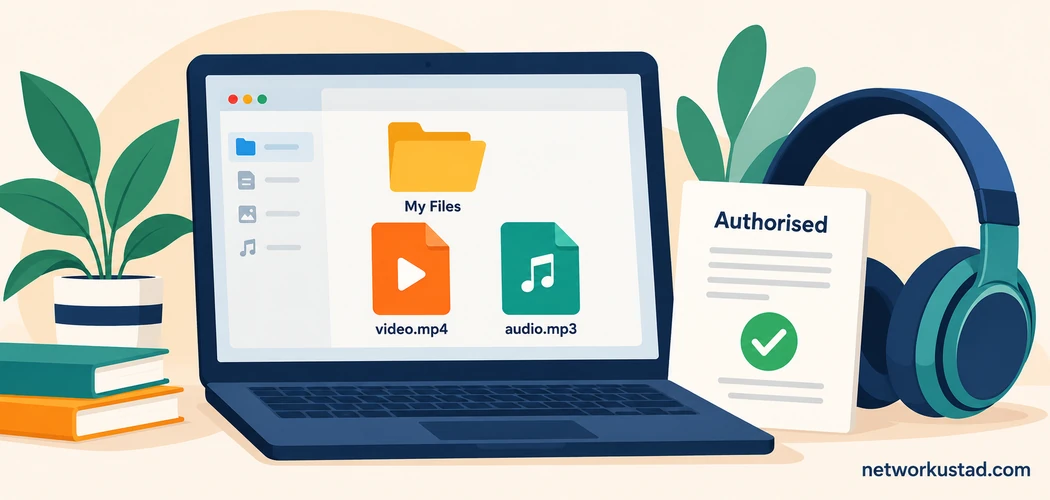
YouTube audio questions often begin with a simple goal: listen to something without keeping a video on screen, save a recording for a journey or make an audio copy of your own work. Those goals can involve very different permissions and technical processes. Treating them all as “paste a link and download an MP3” hides the distinctions that matter.
Official offline playback is a service feature. Downloading a copy of your own upload is another process. Converting a video file already stored on your computer is a local media operation. A tool that performs one of these tasks does not automatically provide permission to perform the others.
This guide replaces a dated ranking of untested converters. It does not recommend sites that extract arbitrary videos from YouTube. Instead, it explains how to define the task, check the relevant permission and convert an authorised local file when MP3 is genuinely the format you need.
YouTube audio: separate the goal from the method
Before choosing software, decide what outcome you actually need. If the aim is simply to listen during travel, an official playback feature may be sufficient. If you are editing your own recorded interview, the original recording may be the best source. If a collaborator has provided a permitted downloadable file, local conversion may be appropriate.
These examples are not interchangeable. A cached video inside an app is not the same thing as a general-purpose audio file you can place in another editor. Likewise, a file received directly from its creator does not need to pass through a public-video downloading service merely because the same recording also appears online.
For YouTube audio, start with the source and intended use. Ask where the file comes from, what permission covers obtaining it and what permission covers the next step. This keeps the software choice connected to the actual task.
The examples below assume ordinary, unprotected local files that you are entitled to obtain and process. They do not explain how to bypass access controls or extract an app’s protected offline downloads.
Check platform rules and content rights separately
YouTube’s terms restrict downloading and other uses except through the routes allowed by the applicable agreement, relevant permissions or applicable law. Wording and provisions can vary by region, so the version that applies to your use matters. A statement that something is for personal use does not, by itself, settle every permissions question.
Copyright and service conditions are related but distinct issues. A creator’s permission may address rights in their work without answering every question about access through a particular platform. Conversely, an official playback feature does not automatically authorise redistribution or incorporation into another production.
The YouTube terms of service are the appropriate starting point for platform conditions. This article does not provide a universal legal determination for every recording or country. Where a project involves publishing, commercial use or unclear rights, resolve those questions before choosing an extraction method.
For YouTube audio, uncertainty should not be filled with a generic disclaimer beneath a conversion button. It should determine whether you proceed, seek permission or use a different source.
What official offline playback provides
YouTube’s help documentation describes offline viewing through supported service features, with availability depending on location and the relevant offering. Its offline FAQ distinguishes those features from downloading standalone audio or MP3 files through the YouTube app.
That distinction is practical. A recording available within a service’s offline playback feature is not necessarily a portable file for another player, an editing application or an external storage library. The feature should be used in the way the service provides it.
The official offline FAQ also explains why downloaded videos may not appear in a device’s gallery: app downloads are stored for playback within the app. This guide does not describe removing that protection or converting those stored downloads.
When deciding how to listen to YouTube audio, check whether you need offline access within the service or an independently usable file. Knowing the difference can prevent unnecessary software installation and incorrect expectations about what a subscription includes.
When the recording is your own work
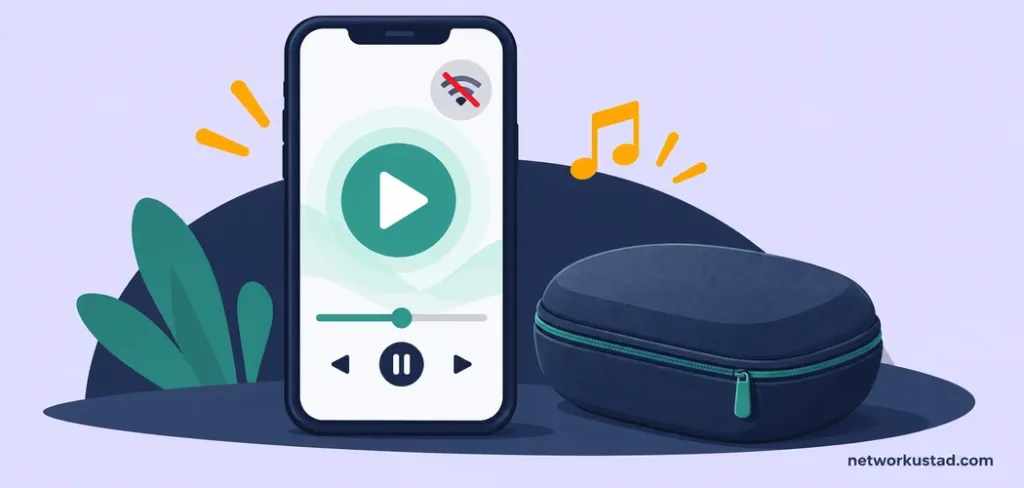
If you created the original recording, look for the original media before considering a converted copy. A camera file, voice recording or editing-project export may avoid an unnecessary additional conversion. Keep that original unchanged while making a separate listening copy.
YouTube’s help centre also documents an account-based route for downloading videos you have uploaded, subject to its stated limitations. That is different from a third-party site claiming it can download any public video. Ownership of an upload account does not necessarily mean you own every component of the recording, such as background music or a guest’s material.
A practical example is a lecture you recorded and have permission to distribute. You might retain the master video, create an audio copy for review and label the two clearly. This is a hypothetical workflow, not a claim that every lecture or uploaded recording is cleared for reuse.
For YouTube audio projects involving your own material, the strongest starting point is a clear source record: which file you created, which permissions apply and what the new copy is intended to do.
A creator-supplied file may be a better source
Sometimes the person responsible for a recording provides a download through their own website, a shared folder or a project-delivery channel. If the relevant permission covers your intended use, receiving that file directly can remove the need to obtain it from a streaming platform.
Keep the permission and source information with the project. A short record can identify the file, the sender, the date and the agreed purpose. This is useful organisation, rather than a substitute for whatever legal requirements apply to the work.
Do not assume that a file labelled “free” has unrestricted uses. The wording may describe price rather than permission. Similarly, a downloadable sample, a complete recording and a licence to publish an edited version can be different things.
The general lesson for YouTube audio is to avoid making the platform URL the centre of every workflow. The appropriate source may be an original file or an authorised delivery from the creator.
MP3 is a listening format, not a quality upgrade
MP3 uses lossy compression. Encoding a recording as MP3 can reduce file size, but it does not recover detail already absent from the source. Converting an existing compressed recording again can introduce another generation of loss.
A larger output or higher selected bitrate is not proof that the result is better than the input. Background noise, clipping, muffled speech and previous compression do not disappear because a converter offers a “high quality” setting. Check the source before assigning significance to the output label.
Keep a suitable original or master for future work, and create a separate MP3 when compatibility or convenient listening makes it useful. Avoid repeatedly converting the MP3 back and forth between formats while treating each new version as an improvement.
For YouTube audio, this is why a ranking based only on advertised bitrate is incomplete. A useful comparison would need a defined source, explicit settings and a listening method, rather than an unsupported claim that one site produces premium sound.
For an editing workflow that needs PCM audio, our guide to MP4 to WAV conversion explains the different output considerations.
Convert an authorised local video with a defined tool
The following example uses FFmpeg to convert the first audio stream in an ordinary local MP4 file into MP3. It assumes the file is named input.mp4, is stored on your computer and is authorised for this processing. It does not accept a YouTube URL or retrieve content from the platform.
Run it in a folder containing a copy of the input file, using an FFmpeg installation that includes the libmp3lame encoder:
ffmpeg -i input.mp4 -map 0:a:0 -vn -c:a libmp3lame -b:a 192k output.mp3Here, -i identifies the local input. -map 0:a:0 selects its first audio stream, and -vn excludes video. The encoder creates MP3 audio at the selected target bitrate. The output filename should be different from the original so that the source remains available.
The example is a practical starting point, not a universal preset. A file without audio, an unsupported codec or an installation missing the encoder will need diagnosis. Multiple audio streams also require care: the first stream may be commentary or another language rather than the track you want.
This command was checked using a short synthetic test video. That verifies the basic local conversion example, rather than establishing performance on every real-world file or ranking FFmpeg against unrelated services.
Check the result by listening, not just by opening it
A successful conversion message is useful, but it does not prove that the output is the right recording. Open the MP3 in the player you intend to use. Check that it starts correctly and contains the expected language or audio track.
Listen at the beginning, somewhere in the middle and near the end. For an important recording, a fuller review may be warranted. Check whether voices remain understandable, whether sound disappears unexpectedly and whether the ending was retained.
Compare the approximate duration with the source. Small differences can arise from encoding and playback behaviour, so a mismatch needs interpretation rather than an automatic conclusion. A substantially shortened result, silence or the wrong track deserves investigation.
For a YouTube audio project, record what was actually checked. “Converted and opened successfully” is a narrower statement than “fully reviewed.” Clear wording helps collaborators understand whether the file is ready for publication or only ready for further checking.
Keep privacy and convenience in proportion
Uploading a local recording to an online converter means providing that file to another service. Before doing so, consider the content and the service’s terms. A private interview, internal meeting or unpublished production can require more care than a synthetic test clip.
A local workflow can avoid handing the recording to an online conversion service, provided the software is genuinely processing it locally. That does not mean every downloadable application is trustworthy or that a local computer requires no security precautions. Software provenance and the processing location are separate questions.
Avoid drawing a safety conclusion from a familiar name alone. The earlier article listed services without identifying every operator or providing a current testing record. It would be misleading to convert that list into a blanket recommendation that all named domains, extensions or similarly branded copies are safe.
For YouTube audio, practical privacy review starts with the particular file and tool. Identify what information would leave your device, whether that transfer is necessary and whether you have permission to share the recording with the service.
What a credible converter comparison would require
A meaningful comparison needs identifiable products. “Converter X” and “Converter Y” are placeholders, not recommendations readers can investigate. Each tested product should have an exact identity, a testing date and a clear description of the version or service used.
The method should also be stated. Were the same authorised source files used? Were settings matched where possible? Was timing measured consistently? Were outputs listened to, or were claims copied from marketing pages?
Costs need similar precision. A page displaying advertisements is not proof of a paid edition, and a free trial is not the same arrangement as a permanently free tool. Claims about registration, limitations or subscriptions need current evidence.
This replacement deliberately provides no “fastest” or “best quality” ranking. It explains an authorised workflow and reports a limited command check. That is a more useful basis for a YouTube audio guide than inventing comparative results that were never measured.
Organise the files so the process is repeatable
Keep the original media, output copy and relevant permission information together in a project folder. Use filenames that make the distinction clear, such as interview-original.mp4 and interview-listening-copy.mp3. These are examples, not required names.
A brief note can record the conversion command and selected audio track. If another person reports a problem, that information helps you reproduce the process instead of guessing which settings were used.
Avoid overwriting the original because a listening copy appears satisfactory. The original may still be needed for editing, a different format or checking a questionable passage. Keeping it makes later corrections easier.
The point is modest: a good workflow should leave you able to explain where the file came from and what you did to it. For YouTube audio, that record matters more than a broad promise that any video can become a perfect MP3.
Frequently asked questions
Is official offline playback the same as downloading an MP3?
No. The YouTube offline FAQ distinguishes app-based downloads from standalone audio or MP3 downloads. Use the feature within its supported limits rather than assuming it provides a portable file.
Does personal use automatically settle permission?
No. Platform terms, rights in the recording and applicable law can raise separate questions. This guide does not give a universal legal clearance for downloading or reusing content.
Can I use the command with a YouTube link?
The example is written for an authorised local file named input.mp4. It is not a URL-downloading workflow and does not bypass protected offline storage.
Does 192 kbps improve a poor recording?
It is an output bitrate choice, not a repair process. It cannot restore detail missing from the source, remove noise automatically or guarantee an improvement over the input.
What if the file has more than one audio track?
Identify the intended track before converting. The example explicitly selects the first audio stream, which may not be the language or version you need.
What was tested for this guide?
A short synthetic local video was converted with the displayed command, and the output was inspected. No third-party YouTube converter, subscription or public-video download was tested.