
Introduction
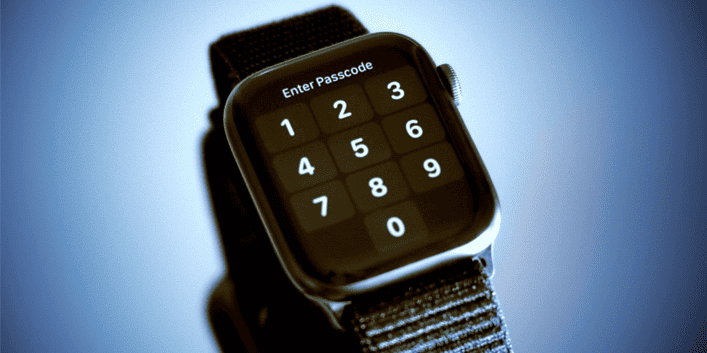
The Apple Watch is a versatile and powerful wearable device that seamlessly integrates with your iPhone, helping you stay connected and track your health and fitness. To ensure the security of your data and privacy, Apple Watch includes a passcode feature. However, if you find yourself in a situation where you’ve forgotten your Apple Watch passcode, it can be a frustrating experience. Don’t worry; in this article, we’ll guide you through the steps to regain access to your watch and return it to working condition.
Is It Forgotten Apple Watch Passcode?
Before you jump into the process of resetting your Apple Watch, make sure that you genuinely can’t remember the passcode. It’s easy to mix up passcodes, so double-check if you have any other numbers or passwords that might work. It’s also essential to rule out typos if your passcode includes letters.
Unlock with Your iPhone.
Apple has made it convenient to unlock your Apple Watch using your iPhone if you still need to remember your passcode. Follow these steps:
a. Ensure Bluetooth and Wi-Fi are enabled on your iPhone.
b. Make sure your Apple Watch is charged and within range of your iPhone.
c. Unlock your iPhone.
d. Place your Apple Watch on your wrist and wake it up.
e. A notification should appear on your iPhone, asking if you want to unlock your watch. Tap “Unlock” on your iPhone; your watch should also unlock.
Use iCloud to Erase Your Apple Watch.
If the iPhone unlock method doesn’t work, you can use iCloud to erase your Apple Watch. Here’s how:
a. Visit iCloud.com on a computer or use the Find My app on another iOS device signed in with the same Apple ID.
b. Select “All Devices” and choose your Apple Watch.
c. Click “Erase Apple Watch.” This action will remotely erase your watch, including the passcode.
d. Once complete, set up your Apple Watch as a new device.
Reset Your Apple Watch from the Watch App
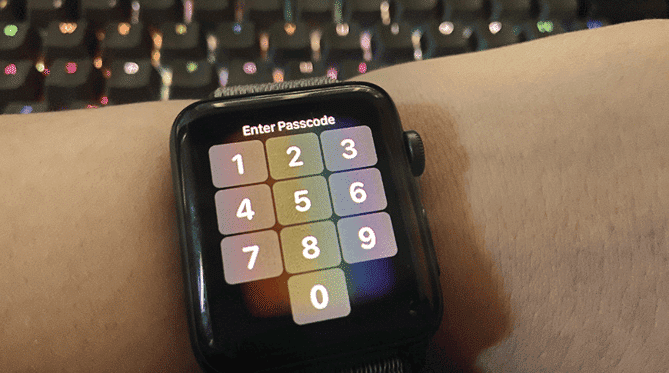
If you’ve tried the above methods and can’t regain access, reset your Apple Watch from the Watch app on your paired iPhone. Here’s how:
a. Open the Watch app on your iPhone.
b. Go to the “My Watch” tab.
c. Tap “All Watches” at the top of the screen, then tap the “i” icon next to your watch.
d. Select “Unpair Apple Watch.” This will erase your watch and remove the passcode.
e. Once the unpairing process is complete, you can set up your Apple Watch as a new device.
Conclusion
Forgetting your Apple Watch passcode can be a frustrating experience, but with the methods mentioned above, you can quickly regain access to your device without losing your data. It’s essential to regularly back up your Apple Watch using iCloud or your iPhone to ensure your data is safe if you ever encounter this situation. Remember to keep your passcodes and passwords secure, and consider using features like Touch ID or Face ID for added convenience and security in the future.

FAQs
1. What should I do if I need to remember my Apple Watch passcode?
If you forget your Apple Watch passcode, you can try unlocking it using your paired iPhone, erase it through iCloud, or unpair it via the Watch app on your iPhone. Follow the steps outlined in the article for detailed instructions.
2. Can I recover my passcode without erasing my Apple Watch Passcode?
Unfortunately, you must reset your Apple Watch Passcode to regain access if you forget your passcode. There is no way to recover the passcode without erasing the device due to security measures.
3. What happens when I erase my Apple Watch Passcode through iCloud?
When you erase your Apple Watch through iCloud, it will remove all data on the watch, including the passcode. After erasing, you can set up your look as a new device and pair it with your iPhone again.
4. Will erasing my Apple Watch Passcode through iCloud affect my iPhone data?
Erasing your Apple Watch Passcode through iCloud will not affect your iPhone’s data. They are separate devices, and the action only affects the Apple Watch.
5. What if I can’t access the paired iPhone or iCloud account?
In this case, you should contact Apple Support for further assistance. They may require proof of ownership and can guide you through regaining access to your Apple Watch.
Related Article:
Best Smartwatches for College Students in 2023



