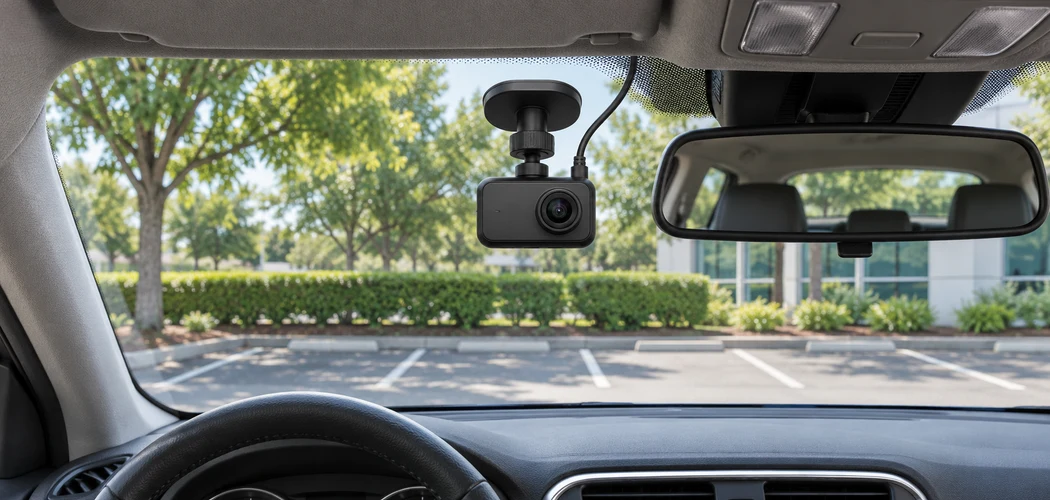
A Nexar dash cam can record your drive and give you footage to review after an incident. The right model depends on which view you need, how you want to retrieve clips, and whether you want alerts while you are away from the car. Those choices affect the hardware you buy and the price you pay over time.
Start with one practical question. If something happens tomorrow, where would you expect to find the footage? Some drivers are happy to walk back to the vehicle and connect their phone to the camera. Others need to check a parked vehicle from a different location. That difference matters more than the resolution printed on the box.
Which Nexar Dash Cam Fits Your Car?
Nexar’s lineup includes road-facing models and versions that record inside the cabin. The following comparison uses the configurations listed in Nexar’s official dash cam comparison. Check the exact bundle before ordering, especially if a retailer shows several kits under the same model name.
| Model | Listed front resolution | What to check before buying |
|---|---|---|
| Beam2 mini | 1080p | Compact, road-facing option. Check the included storage and whether you need paid remote access. |
| Beam2 | 2K | Check whether your exact bundle includes cabin coverage and which parking accessories it needs. |
| Nexar One | 4K | A road-and-cabin configuration is listed. Confirm the kit contents and use Nexar Connect for current app support. |
| Beam4 | 4K | Listed with road and infrared cabin coverage. Confirm availability and which features the seller bundles with the camera. |
You may still see the Beam GPS and Pro GPS in stores. Nexar lists both as 1080p models, with road-facing coverage on the Beam GPS and road plus cabin coverage on the Pro GPS. If you are shopping for older stock, verify the supported app and how you can retrieve footage before ordering. A familiar product name can hide differences in hardware, software support, or accessories.
Choose the view before the resolution
A forward-facing camera records what happens ahead of the car. That is often enough if your goal is to review a vehicle stopping abruptly, a signal change, or traffic entering from a side street. A cabin camera captures activity inside the car. It may suit a fleet or rideshare driver who has a clear reason to record that space and has checked the rules that apply to passengers and audio.
If your main concern is a rear impact, look for a compatible rear-facing camera. A lens pointed into the cabin and a camera aimed through the back window serve different purposes. Check whether the rear camera is included, how its cable reaches the back of your car, and what you can still see once the hatch, window trim, or load area is in the way.
Think about the footage you need
Higher resolution can help preserve detail when you crop a clip, but it is only one factor. Glare, heavy rain, headlight reflections, motion, and a dirty windshield can obscure details in any recording. A 4K label gives you a specification to compare. Use clips from the exact model to judge how it handles moving vehicles at dusk or bright headlights at night.
After installation, view a daytime sample and a nighttime sample with the sound on if you enabled audio. Check whether the mount vibrates. If the dashboard reflects in the glass or a wiper edge blocks part of the view, adjust the angle and record again while following the manufacturer’s mounting guidance.
Does a Nexar Dash Cam Need an LTE Subscription?
Nexar documents a Basic tier for the Beam2 mini, Beam2, and Nexar One. Basic supports local access and streaming over Wi-Fi when you are near the camera. Nexar’s paid LTE Protection Plan adds remote connectivity and certain alerts on supported devices. Check the plan details for the exact model and market before paying. Nexar explains the difference in its Basic and LTE Protection Plan guide.
Start with the three situations that are easiest to confuse.
- Recording a drive. The camera needs power and working storage. Confirm how your model starts a recording and where it saves the files.
- Viewing a clip near the car. The app can connect over local Wi-Fi on supported models. Check how long a clip takes to transfer and whether you can save it outside the app.
- Checking the car from somewhere else. Confirm the hardware, LTE service, coverage, and plan features required for remote viewing or an alert.
Nexar lists cloud backup for important moments among its connected plan features. If your decision depends on cloud storage, ask which clips are uploaded, how long you can access them, and what happens when you pause or cancel the plan. Distinguish the clips available on the memory card, the files exported to your phone, and the files you can retrieve from a cloud account. Test each location separately.
How to Check Parking Mode Before Paying
Parking mode can mean several things. A dash cam may save a clip after detecting an impact. Some setups can also send a phone notification. Ask which events trigger a recording, whether the clip contains footage from before the event, and what you have to do to retrieve it. Check notification support separately from recording support.
The camera also needs a power source that matches the vehicle and the installation. In some cars, the accessory socket turns off when you lock the doors. In others, it may continue supplying power. Check the vehicle manual and Nexar’s instructions for your model. If you choose a hardwired installation, confirm whether the kit includes low-voltage protection and talk to a qualified installer about routing cables and protecting the vehicle battery.
Once installed, test the camera during an ordinary stop. Park where you can safely return after a few minutes. Confirm the indicator or app reports the expected mode, then check whether you can retrieve a test clip. If you pay for remote access, repeat the check from outside the camera’s local Wi-Fi range. Cellular coverage in an underground garage can differ from coverage at street level.
Set Up the Camera and Test Your First Recording
- Check the kit. Match the camera, mount, cable, power adapter, and memory card to the model and bundle you ordered.
- Choose a mounting location. Follow the manufacturer and vehicle guidance, keep the driver’s view clear, and keep cables out of airbag deployment paths.
- Install the supported app. Confirm that your phone can run the required app. Nexar moved the Nexar One to the Nexar Connect app.
- Review recording settings. Verify the time and date, video resolution, cabin recording setting, and microphone preference.
- Save a short sample. Play it in the app, export it, and play the exported copy on another device.
Test again after moving the mount, changing the memory card, or updating the app. Those changes can affect how you retrieve a clip. The NetworkUstad guide to car crashes can help you think about which direction an event may come from when choosing camera coverage.
How to Keep a Clip You May Need Later
Loop recording makes continued recording possible when storage is limited. It can also mean earlier footage is overwritten. If you need a clip, export it promptly once it is safe to do so. Save the original and keep a second copy in a location you can access independently. If you make a shorter version to share, keep the full recording too. The seconds before and after an event can provide context that a short clip misses.
Check what is visible and audible before sharing a clip publicly. Cabin audio may include passenger conversations, and the road view may show addresses, faces, or other identifying details. If you use the camera for work, check who can view recordings, how long they are retained, and how the business tells drivers and passengers about recording.
Is a Nexar Dash Cam Worth Buying?
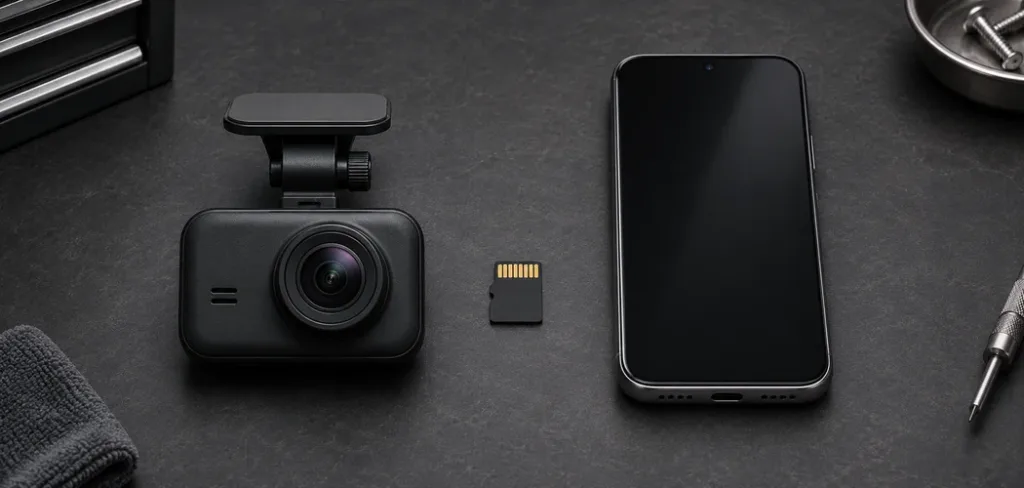
If you mainly want a forward view and can fetch clips while standing near the car, start with a compact model and check how well local export works. If your vehicle spends long periods away from you and remote alerts are important, calculate the full cost of an LTE-capable camera, the plan, and any required parking power kit.
Add up the purchase price, any secondary camera, memory card, installation, and the first year of service. Check the renewal rate and return policy. Use the return period to make a day recording, a night recording, and, if applicable, a parking test. If you can retrieve and save each recording under the conditions you expect to face, you have a better basis for buying than resolution or marketing claims alone.
A dash cam is most useful when it reliably records the view you need and you know how to save a clip. Pick the coverage first, choose how you will retrieve recordings, then decide whether remote access is worth a recurring fee.
Product and recording disclaimer
Features can vary by model, bundle, power setup, coverage, and subscription. Verify current specifications before buying. Use the camera and microphone in accordance with local recording and mounting rules.