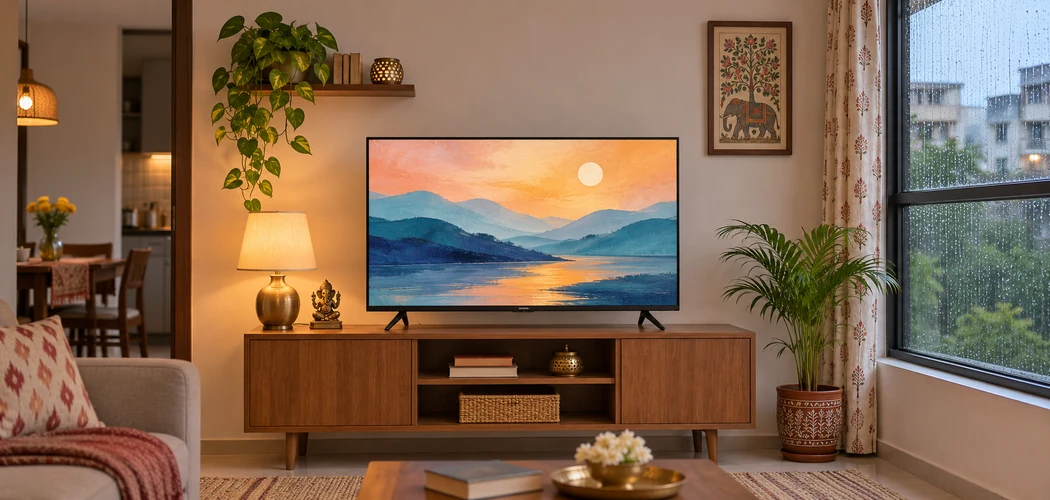
When you compare budget smart TVs in India, begin with the room and the equipment you already own. A 32-inch HD Ready TV can fit a bedroom or a shared flat where you sit close to the screen. A 43-inch 4K TV gives you more room for subtitles, sports, and games, provided you have the furniture and budget for it.
Before you look at a sale price, measure the stand and decide where you will sit. Then make a list of the apps and devices you actually use. Those three steps make it easier to choose between models that look very similar on a product page.
Budget Smart TVs in India at a Glance
| Check | 32-inch HD Ready TV | 43-inch 4K TV |
|---|---|---|
| Room | A bedroom, small rental, or second viewing space | A shared living room or a larger bedroom |
| Picture | Suits casual viewing and a compact setup | Gives compatible 4K content more room to show fine detail |
| Furniture | Usually fits a narrower stand, but check the feet | Measure the cabinet, feet spacing, and available depth |
| Devices | Count HDMI inputs if you use a set-top box or console | Check the same inputs, plus audio return if you use a soundbar |
| Total cost | Include any streaming device, delivery, and installation | Add mounting, cables, or a larger stand if needed |
You can also compare a 43-inch Full HD model if you want a larger screen and mainly watch ordinary HD streams or cable. Read the resolution in the full specifications. Screen size and resolution are separate features, and the headline on a shopping page may emphasize only one.
Measure Your Room Before Choosing a Size
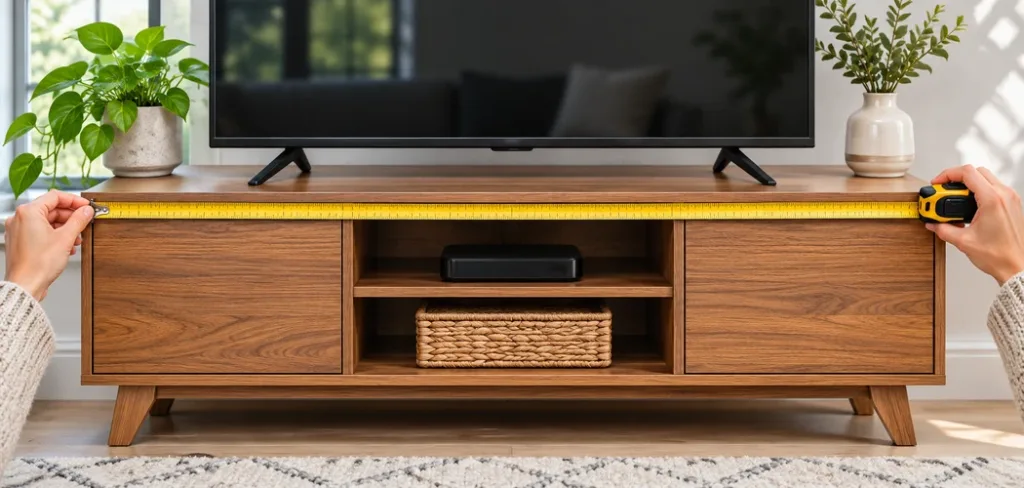
The advertised size is the diagonal of the screen. Your furniture has to fit the width of the TV and the footprint of its feet. Measure the usable surface from edge to edge. Then use the manufacturer’s dimensions to check the space between the feet and their depth. Two 43-inch sets can have different stand designs, even when their screens are the same size.
Leave room for cables, especially if the TV sits inside a cabinet. A rear-facing HDMI plug may need more clearance than a side-facing port. If you plan to wall-mount the set, check the mounting pattern in the manual and ask the seller what the installation fee covers. In a rental, confirm where you are allowed to drill before assuming the wall will solve a space problem.
To compare viewing sizes, sit in your usual spot and mark the approximate screen width on the wall with removable tape. Imagine reading subtitles from the bed or sofa with the lights on. If you often move around the room or share the TV with someone sitting off to the side, check picture quality from that position in a showroom if you can.
Compare Resolution With the Content You Watch
HD Ready models commonly use a panel with 1,366 by 768 pixels. Full HD is 1,920 by 1,080. A 4K UHD TV uses 3,840 by 2,160 pixels. More pixels can help with fine detail, especially on a larger screen or when you sit close enough to notice it. Source quality still matters. A heavily compressed stream can look soft even on a 4K panel.
Consider how you spend a typical evening. If you mostly watch a set-top box, check which channels and output resolutions it supports. If you stream films, check whether your plan and device support 4K for the titles you watch. If you use a console, verify which resolutions and refresh rates it can send and which the TV accepts over HDMI.
A store demo may use footage chosen to look sharp and bright. When possible, ask to see a scene you recognise, a news ticker, or a sports clip. Look for readable text, believable skin tones, and reflections from nearby lights. At home, a window opposite the TV can have a bigger effect on afternoon viewing than a feature listed on the box.
Two India-Market Models to Use as Reference Points
These manufacturer-listed models show how to compare an exact specification. Check stock, the seller, and the delivered price for your PIN code before ordering.
| Manufacturer-listed model | Model code | Verified screen specification |
|---|---|---|
| Samsung H4550 | UA32H4550FUXXL | 32-inch HD, 1,366 by 768 |
| Samsung U8100F | UA43U8100FULXL | 43-inch 4K UHD, 3,840 by 2,160 |
Use the full code when you compare offers. Retailers may show several screen sizes or regional versions on one page. Match the code in the title, specifications, and invoice. Samsung India lists the detailed specifications for the 32-inch H4550 and 43-inch U8100F.
Compare any LG, Croma, iFFalcon, or Redmi model using the same checks. A retailer may list an older model alongside newer sets from the same brand. Confirm the screen resolution, app platform, and warranty against the actual model number. A discount is easier to judge when you know what is included.
Check Streaming Apps and Phone Compatibility
Google TV, Fire TV, Tizen, and webOS organise apps differently. Make a short list of the services you would miss if they were absent. Check each app for the exact model and Indian market. Ask a salesperson to open it if the TV is on display, or look for confirmation in the manufacturer documentation. An app that appears in an advertisement may require a separate subscription.
Casting and screen mirroring also deserve a check if you like to start videos on your phone. Confirm how the TV works with your phone and the particular app you want to use. If you plan to put the television in a room far from the router, test Wi-Fi strength in that spot and check whether the set has an Ethernet port if you need one.
If the TV you already own has a picture you like, an HDMI streaming device may cover the apps you need. Add the price of the device, its power supply, and any cable or adapter to your comparison. NetworkUstad explains the connection options in its guide to TV USB ports and HDMI streaming devices.
Count HDMI Ports and Check the Audio
Write down the devices you plan to leave plugged in. A set-top box, console, and streaming stick can fill three inputs. If you connect a soundbar by HDMI ARC or eARC, that may use another port. Check the port count, which input supports audio return, and whether large plugs will block adjacent sockets. If you wall-mount the set, make sure you can still reach the connections.
For gaming, look at the refresh rate and game features supported by the exact model and HDMI input. Marketing descriptions of motion can use different terms from the panel’s native refresh rate. If you already play on a console, start with what your games and console support. For occasional play, accessible ports and a usable game mode may matter more to you than extra features you rarely use.
Listen to speech at the volume you normally use. If you often watch at night or share a room, try dialogue at a low level. Check the controls for subtitles and any speech enhancement setting you want. You can decide whether a soundbar is worth adding after trying the built-in speakers in your room.
Compare the Price You Will Actually Pay
Enter your PIN code and check the delivered total rather than using a price from a search preview. Compare the same model code at each seller. Some offers depend on a specific card, exchange condition, or finance plan. Check what you pay if you use your usual payment method. A stand, wall mount, installation, or separate streaming device can change which deal costs less.
Read the return and warranty terms before you check out. Ask what happens if the unit arrives with a cracked screen or develops a visible defect after installation. Save the order page and invoice. If the seller asks you to leave the box sealed until an installer arrives, confirm the appointment and ask how that affects the return window.
Once the set is running, open a few apps, test each HDMI device, and play something with subtitles from your usual seat. Try the remote and check whether the TV reconnects to Wi-Fi after a restart. Those checks help you identify setup or hardware issues while you still have time to contact the seller.
Which Size Should You Buy?
Choose a 32-inch HD Ready model if you want a compact set for casual streaming, the screen is easy to see from your seat, and it fits furniture you already own. Put the money saved toward a better fit for your setup, such as a reliable streaming device or a stand that keeps the TV stable.
Choose a 43-inch 4K model if several people use the TV, you want more room for subtitles or games, and you regularly watch content that benefits from the larger screen. When you compare two specific sets, check the price at your PIN code, the apps you need, and the connections you plan to use every day.
Product information disclaimer
Specifications, app support, prices, stock, and warranty terms can vary by model and seller. Confirm the exact model code and current offer before ordering.