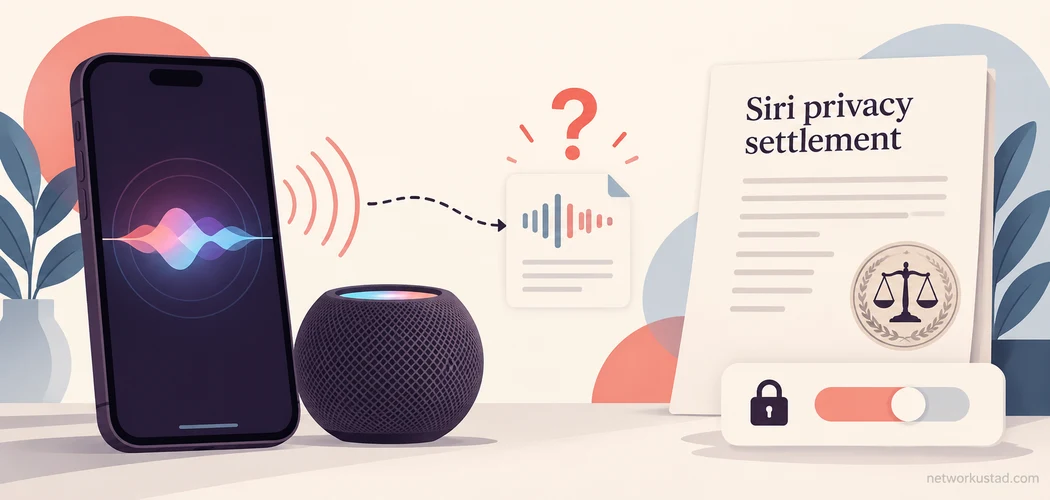
A voice assistant can be useful while cooking, driving or using a device hands-free. It also creates a question that deserves a clear answer: when does the device interpret nearby speech as a request, and what happens afterward? The Siri privacy settlement concerns allegations about unintended activations and private conversations. It should be understood through the case record, rather than dramatic claims that every Apple device secretly records everything.
For readers arriving from an old headline, the most useful starting point is the status of their own situation. Someone who previously submitted a claim needs settlement administration information. Someone concerned about everyday privacy needs device settings and an understanding of their limits. Someone researching the lawsuit needs a distinction between what the plaintiffs alleged, what Apple said, and what resolving a civil case establishes.
This guide separates those tasks. It does not promise compensation, diagnose a security incident or determine anyone’s legal rights. Payment procedures can change, and settings differ across devices and software versions. Check the relevant official notice before acting on a deadline or entering personal information.
What the Siri privacy settlement concerns
The case is known as Lopez v. Apple Inc., filed in the U.S. District Court for the Northern District of California under case number 4:19-cv-04577. Its allegations concerned Siri activating unintentionally, capturing private conversations, and the handling of resulting recordings. Those allegations raise questions about consent, recording and access to voice data. They do not describe a conventional incident in which a criminal necessarily broke into an account or stole a customer database.
Apple agreed to a $95 million settlement and denied wrongdoing. A settlement resolves claims under agreed terms; it does not, by itself, establish that every allegation was proved at trial. Describing the outcome accurately requires both parts of that sentence. Removing the denial can mislead readers, while treating the agreement as proof that no privacy concern existed would also misrepresent the dispute.
The original article blurred these distinctions by repeatedly calling the matter a data security breach. Privacy and security overlap, but they are different questions. A system might operate as designed while collecting information a person did not expect it to collect. Conversely, an account could be compromised without any voice assistant being involved. The appropriate response depends on which problem the evidence actually supports.
Read the timeline without turning old notices into new deadlines
A reliable account of the Siri privacy settlement should identify the source and purpose of every date. The date a lawyer published a news release is not automatically the date a judge signed an order. A scheduled hearing is not necessarily the final approval date. A distribution announcement is not a guarantee that every claimant received money on that day.
The official settlement materials list July 2, 2025 as the claim deadline. That historical deadline should not be republished as an invitation to submit a new claim now. Current administrator search listings also report final reissued payments scheduled for September 21, 2026, with a November 5, 2026 cashing or deposit deadline. These are administration updates for the existing settlement process, rather than a newly opened claim period.
Because parts of the administrator website require JavaScript, this article does not reproduce an account-specific payment procedure or claim to confirm anyone’s eligibility. Visit the official Lopez Voice Assistant Settlement website directly, read its current notices and use its contact options for your own circumstances. If a notice conflicts with an older article, verify the current position with the administrator before relying on it.
Siri privacy settlement eligibility and payment information
Do not assume that owning an iPhone automatically makes someone entitled to money from the Siri privacy settlement. Class definitions and claim requirements contain conditions. A device model, an ownership period or a general concern about privacy is only part of the assessment. The settlement documents control which people and experiences fall within its terms.
Similarly, a headline payment estimate is not a personal award. Settlement funds can involve approved legal fees, expenses, administration costs and distributions calculated under the agreement. A figure described as a possible maximum should never be presented as a guaranteed amount available to every device owner. The practical question is what the administrator has approved for a particular valid claim.
If you previously filed, keep your confirmation and relevant correspondence together. Record the payment method you selected, any notice of a failed delivery, and the dates on which you contacted the administrator. Share identifying details only through the verified process. A public comment thread is not an appropriate place to post a claim number, bank information or a screenshot containing private account details.
What Apple says about Siri and privacy
Apple’s public response matters when explaining the Siri privacy settlement, but it should be attributed to the company. Apple has said it does not use Siri data to build advertising profiles and has denied selling it. It also describes on-device processing, limited data collection and controls over participation in its improvement program. These statements describe Apple’s position and its published design explanations; they are not a substitute for independent testing of every device configuration.
Avoid converting a qualified product statement into an absolute promise. Processing a request locally is different from guaranteeing that no information ever leaves a device. Some assistant functions involve network services. Hardware capability, operating system, language, region and the specific task can affect how a feature works. A general article cannot establish the data flow for every request a reader might make.
There is also a difference between an audio recording, a text transcription, associated request information and an account identifier. Saying that one type of data is handled in a particular way does not answer every question about the others. For a sensitive use case, read the privacy explanation attached to the actual feature and consider whether using that feature is appropriate at all.
Separate activation, improvement sharing and history deletion
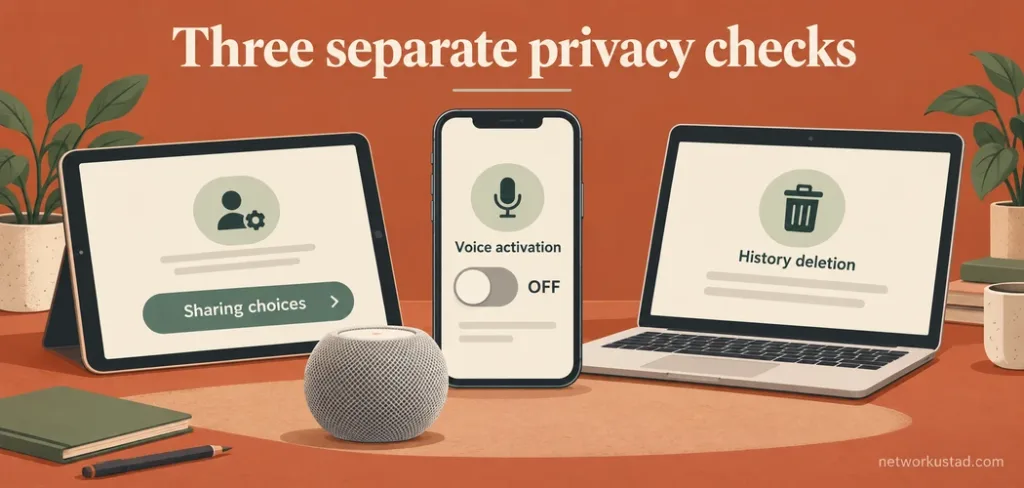
The Siri privacy settlement is a useful reason to review settings, but a single switch does not control everything. Start by identifying the purpose of the setting before changing it. Three common tasks are controlling how the assistant starts, deciding whether to contribute recordings for improvement, and requesting deletion of eligible interaction history.
Activation controls determine how you summon the assistant. Depending on the device, you may have options involving a spoken phrase, a button or typing. Improvement settings concern participation in a program that can involve sharing audio for review. History deletion is a separate action relating to interactions covered by the relevant deletion control. Turning off one option should not be assumed to perform the other two tasks.
Write down what you want to achieve. For example, reducing accidental spoken activation may call for disabling voice activation while retaining another activation method. Leaving an improvement program requires reviewing the separate sharing choice. Removing eligible past history requires finding the deletion control. This approach makes settings changes more deliberate and easier to check afterward.
Review the devices you actually use
Start with the device that most often responds unexpectedly. Open its settings and look for Siri or Apple Intelligence and Siri. Menu names can vary. Read the descriptions displayed on your software version rather than forcing instructions written for a different release. Apple’s iPhone Siri settings guide explains available activation choices and provides a starting point for checking your configuration.
Then review other devices nearby. A phone, tablet, watch, computer and smart speaker can create a confusing experience when several are configured to respond. Identify which device actually activated before deciding that a particular setting failed. Testing with an ordinary, non-sensitive request is more sensible than speaking private medical, financial or workplace information aloud to see what happens.
For HomePod, use the Home app and the applicable Siri listening controls. Do not look for the physical microphone mute switch described in the old article; that advice incorrectly treated different smart-speaker designs as interchangeable. If you need strong assurance that an unplugged speaker cannot operate, disconnecting its power is a clearer action than assuming a software setting physically disconnects its microphones.
Check sharing choices without expecting universal results
When discussing the Siri privacy settlement, it is tempting to promise that opting out makes an assistant entirely private. That would overstate what a settings change can establish. Review the explanation for Improve Siri & Dictation, where available, and decide whether contributing recordings matches your preferences. Treat the choice as a specific permission decision, rather than a general certification of the device’s privacy.
If you use several Apple devices, inspect the relevant controls on each one instead of assuming that a change made in one location has resolved every configuration. Shared household devices deserve particular attention because the person who configured them may have different expectations from visitors or other family members. Explain what is enabled in plain language.
Recheck after a major software update or when setting up a replacement device. This is a practical review habit, not a claim that updates necessarily reset your choices. Record only the settings you need to remember. Screenshots stored for your own reference should avoid exposing account details, notifications or information belonging to someone else.
Handle history deletion as a defined action
If you decide to delete Siri and Dictation history, read the confirmation text before proceeding. It explains the action offered by that device and software version. Do not assume the button erases every copy of everything ever spoken nearby, all information held by other services, or records independently stored by a third-party app.
Deleting history and changing future collection preferences serve different purposes. A reader might reasonably want both, but completing one should not be treated as proof that the other has occurred. Likewise, disabling spoken activation does not necessarily disable every way of invoking an assistant. Check the remaining options if your aim is to stop using it altogether.
For a workplace or legal matter, consider whether records need to be preserved before deleting them. Follow your organization’s retention rules and obtain qualified advice where a dispute or investigation is involved. An everyday privacy checklist should not encourage someone to destroy information they are required to keep.
Avoid payment-message scams and unnecessary data sharing
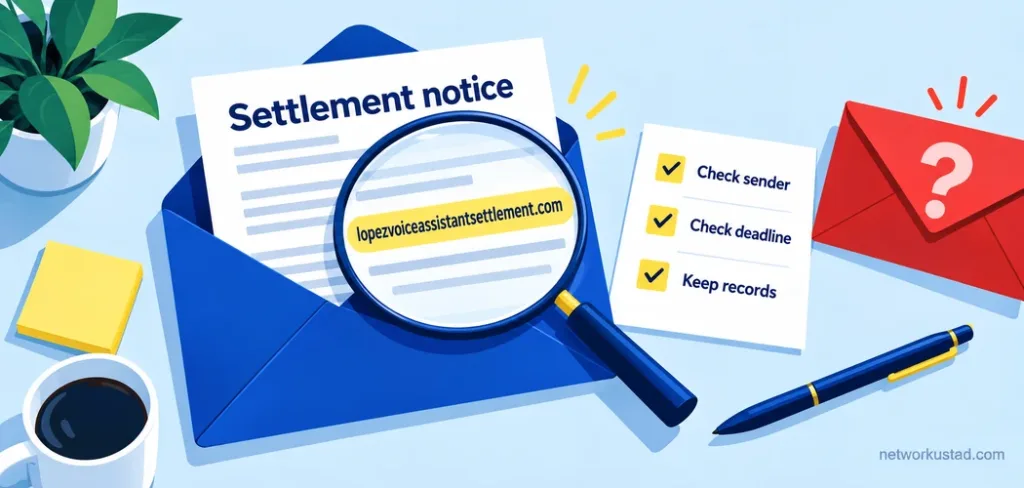
The Siri privacy settlement can attract messages that borrow a real case name to appear credible. A genuine settlement does not make every related email genuine. Inspect the destination address rather than trusting a displayed logo, familiar wording or a search advertisement. Start from the verified administrator site when checking an unexpected message.
Be especially cautious about requests to pay an advance fee to release compensation, disclose an Apple Account password, provide a verification code or install remote-access software. Those actions can create risks unrelated to the original case. Do not send sensitive information to a person who contacts you through social media claiming to accelerate a payment.
If a payment notice asks you to select a method or correct a failed delivery, first confirm that you are using the administrator’s genuine process. Read what information it requests and why. If you are uncertain, stop and use independently verified contact details. Urgent wording should not substitute for verification, particularly when the message threatens that money will disappear unless you act immediately.
Use privacy controls for the problem they can address
A VPN is not a control for preventing a voice assistant from activating accidentally. It can change aspects of network routing, but it does not decide whether nearby speech triggers the assistant or whether you joined a recording-improvement program. Recommending it as a cure for unintended recording confuses separate technical issues.
App microphone permissions also need context. Reviewing them can help control third-party app access, but it should not be presented as a universal replacement for system assistant settings. Check the operating system’s descriptions and identify which application or feature you are changing. If an app has no reasonable need for microphone access, reconsider the permission and whether you need the app.
For highly confidential conversations, make a deliberate decision about the devices present. Household convenience features may be inappropriate in a professional consultation or a meeting governed by confidentiality rules. Ask participants about recording devices and follow the relevant organization’s procedures. No consumer article can promise that a room is private simply because one phone setting was changed.
What the Siri privacy settlement does and does not tell us
The broader lesson of the Siri privacy settlement is the importance of understandable controls and accurate reporting. It does not justify invented percentages about accidental activation, claims that unrelated breaches were caused by artificial intelligence, or a list of privacy laws with incorrect commencement dates. Those additions make a legal story look authoritative while making it harder to trust.
A settlement in one case also does not determine the outcome of every future complaint involving a voice assistant. Applicable law, evidence, consent, jurisdiction and the specific conduct all matter. Readers seeking advice about their own rights should consult a qualified professional with the relevant documents, rather than treating a general technology article as a legal assessment.
For everyday users, the most useful next step is modest and concrete: check the official notice if you previously claimed, review the assistant controls on the devices you use, and remove permissions or features you do not need. Keep the difference between historical allegations and current product behavior clear. That produces better decisions than either alarmist headlines or blanket assurances.
Questions readers commonly ask
Does the settlement prove that Siri sold my conversations?
No. A settlement should not be described as a trial finding that every allegation was proved. Apple denied wrongdoing and has publicly disputed advertising-related characterizations of Siri data use. Evaluating a particular claim requires the actual case documents and evidence, not an inference from an advertisement you happened to see.
Can I still submit a new claim?
The published claim deadline was July 2, 2025. Do not assume that a payment reissue notice opens a new claim window. Check current administrator information for your circumstances, especially if you already filed and have an unresolved payment issue.
Should I disable Siri completely?
That depends on your needs and privacy preferences. Some people rely on hands-free features for accessibility or everyday tasks. Others prefer button activation or to stop using the assistant. Review the available controls, understand what each changes, and choose an arrangement you can verify on your own devices.
Will changing settings affect an existing claim?
Device privacy settings and settlement administration are separate matters. Do not assume that changing a current setting creates eligibility, guarantees payment or replaces the need to follow an administrator notice. Keep relevant claim correspondence and seek qualified advice for questions about your individual legal position.