
How to Use the IP Subnetting Calculator
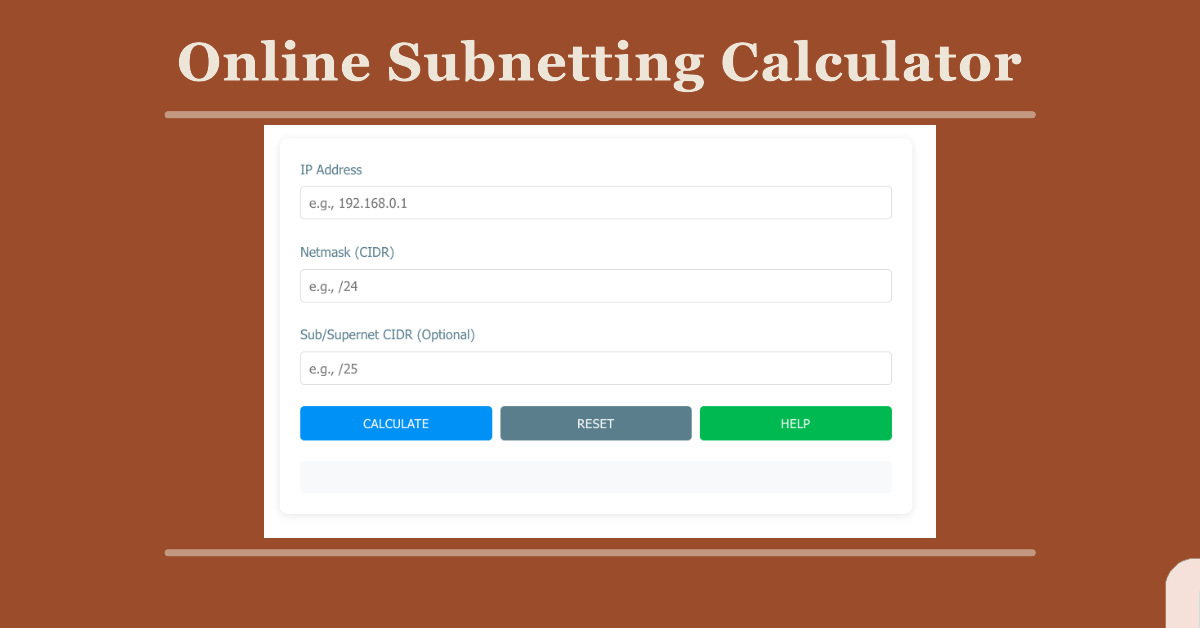
This calculator finds the details of an IPv4 network and divides it into smaller subnets. Results appear in the box below the buttons.
Step by step
- IP Address: Enter an IPv4 address in dotted format, for example
192.168.1.10. Each of the four numbers must be between 0 and 255. - Netmask (CIDR): Enter the current prefix length of your network, for example
/24. It can be any value from 0 to 32, with or without the slash. - Subnet CIDR: Enter the prefix length you want each subnet to have, for example
/26. It must be equal to or larger than the netmask. A larger number means smaller subnets. - Click Calculate to show the results.
- Click Reset to clear all fields and start over.
- Click Help to open this guide.
What the results show
- Network address: the first address of each subnet, which identifies it.
- Broadcast address: the last address, used to reach every host in the subnet.
- Subnet mask: the mask in dotted format, for example
255.255.255.192for a /26. - Usable host range: the first and last addresses you can assign to devices.
- Total and usable hosts: usable hosts are the total minus 2, because the network and broadcast addresses can’t be assigned.
- Number of subnets: how many subnets the original network divides into.



