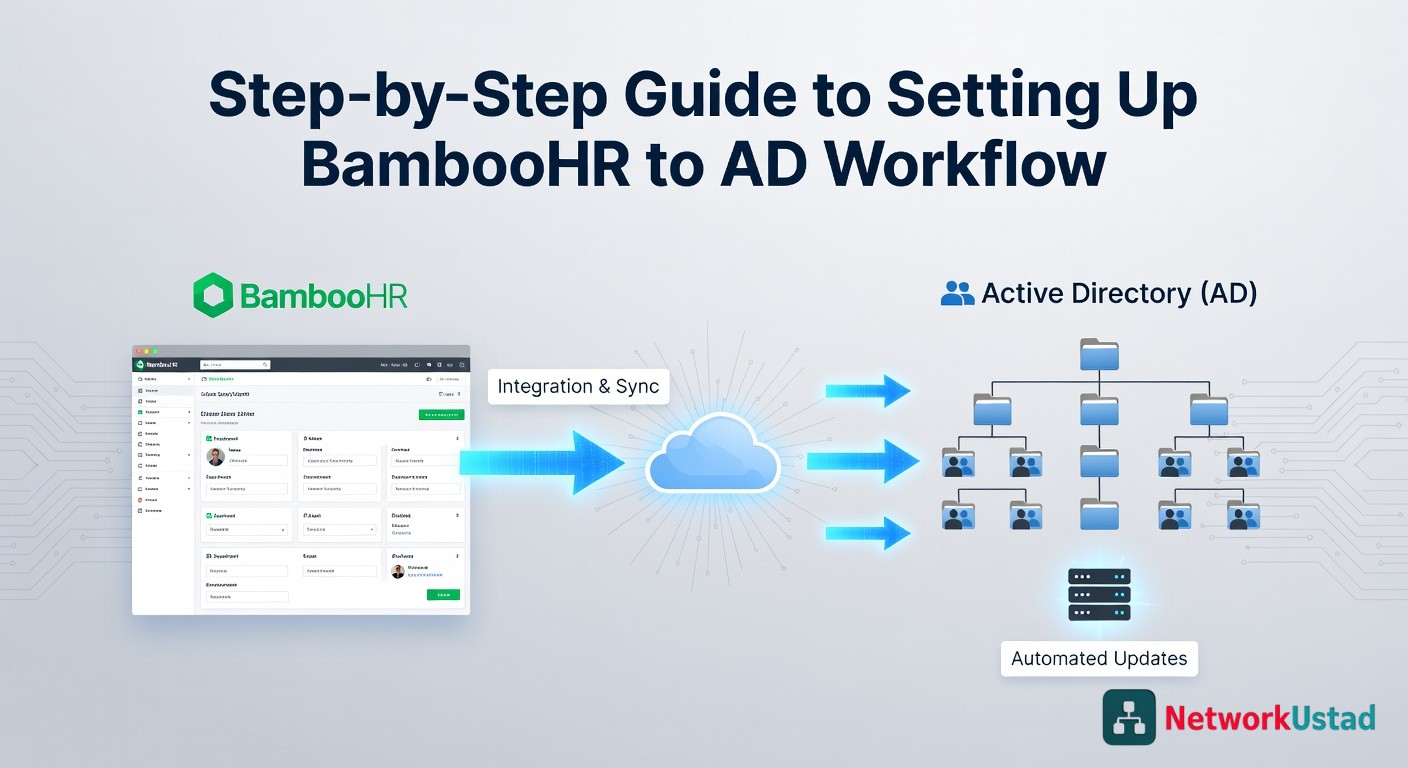
Human resources systems and directory services often operate as separate units, yet both play a vital role in employee lifecycle management. A smooth connection between these platforms reduces manual effort, improves accuracy, and ensures secure access control across the organization. BambooHR serves as a reliable source for employee data, while Active Directory handles authentication and authorization tasks. A proper setup between these systems helps maintain consistency across user records and access rights.
A clear Bamboo to AD workflow ensures that employee data flows accurately from BambooHR into Active Directory. This article presents a step-by-step guide that explains how to configure, connect, and manage this workflow effectively for better identity management and operational efficiency.
Define Data Mapping and Requirements
A successful integration begins with a clear definition of data requirements. Each field in BambooHR must align with a corresponding attribute in Active Directory. Common fields include employee name, job title, department, email, and status.
Accurate mapping ensures that updates reflect correctly across both systems. For example, a role change in BambooHR should update group memberships in Active Directory. Careful planning at this stage prevents mismatches and reduces future errors. Clear documentation of these mappings also supports troubleshooting and future updates.
Configure BambooHR Data Access
Access to employee data from BambooHR requires API configuration. BambooHR provides API keys that allow secure communication between systems. These keys must remain protected and used only within trusted integration tools or scripts.
Select only the required fields during configuration. Excess data transfer can slow performance and create unnecessary complexity. A focused data set improves efficiency and enhances security. Permission settings must also align with organizational policies to ensure that sensitive employee data remains protected.
Set Up Active Directory Structure
Before integration, Active Directory must have a well-defined structure. Organizational Units, groups, and naming conventions should follow a consistent pattern. This structure determines how new user accounts appear and how permissions apply.
For instance, departments in BambooHR can map to Organizational Units in Active Directory. A clear structure simplifies automation and reduces manual adjustments. It also supports scalability as the organization grows.
Choose an Integration Method
Several methods exist for integration between BambooHR and Active Directory. Common options include middleware platforms, custom scripts, or identity management tools. Middleware solutions often provide a user-friendly interface and prebuilt connectors.
Custom scripts offer flexibility but require technical expertise and maintenance. Identity management platforms provide advanced features such as lifecycle automation and audit tracking. The choice depends on organizational needs, technical resources, and the desired level of automation.
Build and Test Automation Rules
Automation rules define how data moves from BambooHR to Active Directory. These rules control actions such as user creation, updates, and deactivation. For example, a new hire in BambooHR can trigger automatic account creation in Active Directory. Similarly, employee termination can lead to account deactivation.
Testing plays a critical role at this stage. Use sample data to verify that each rule works correctly. Check for accurate field mapping, correct group assignment, and proper error handling. A controlled testing phase reduces risks during live deployment.
Monitor, Maintain, and Optimize
After deployment, continuous monitoring ensures that the system works as expected. Logs and reports help identify issues such as failed updates or data mismatches. Regular audits improve reliability and security. Adjustments may become necessary as business requirements evolve.
An optimized bamboo to AD workflow supports faster onboarding, accurate user management, and better compliance with internal policies. Ongoing maintenance ensures that the integration remains effective over time.
A structured approach to BambooHR and Active Directory integration leads to reliable and efficient identity management. Clear planning, accurate mapping, and careful testing form the foundation of success. Each step contributes to a seamless connection between HR data and access control systems. A well-maintained workflow reduces manual effort and supports consistent user management across the organization. This guide offers a practical path to building a dependable integration that aligns with modern operational needs.