
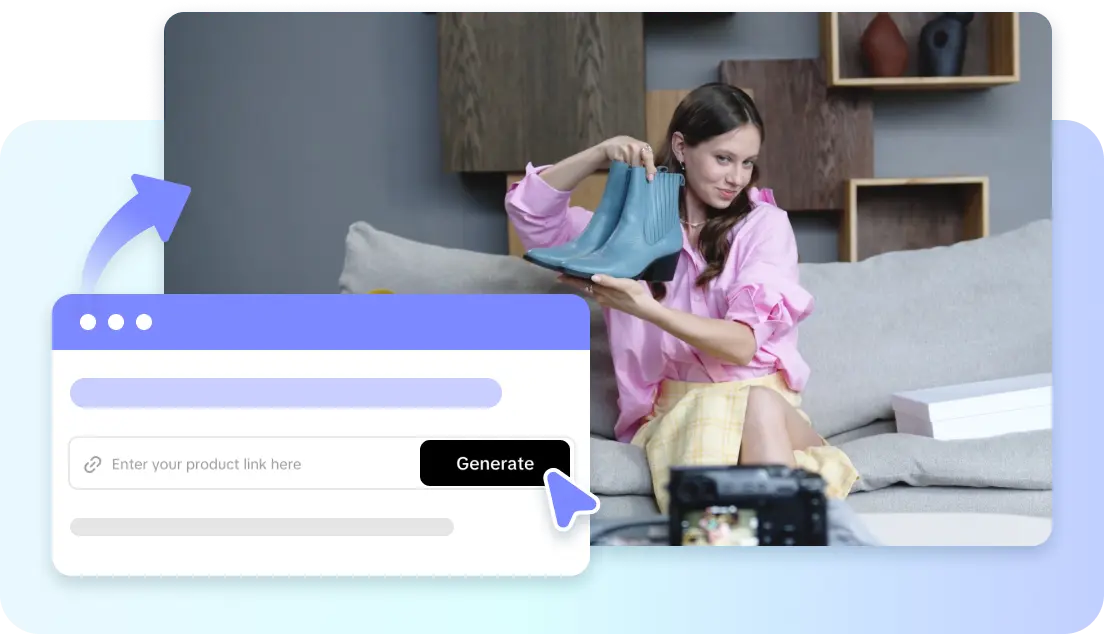
Product review videos have become an important factor in purchasing across a variety of digital channels. Whether it’s a business, a creator, or an online store, video-based presentation is becoming the preferred option for businesses. Today, things can be automated without requiring cameras or advanced editing skills. Pippit converts product information, links, images, and files into beautiful review videos in no time at all. This guide covers effective review techniques, production workflows, platform features, and professional production techniques.
Why AI Product Review Videos Are Becoming the Preferred Content Format
Product review videos grab attention because viewers instantly realize the value of the product through the video. Common questions can be addressed with clear demonstrations, which can help guide purchase decisions. Detailed visual explanations are generally more compelling to audiences than lengthy written explanations. Traditional review production requires filming, scripting, editing, recording, and several software applications. Those tasks add to production time and complexity. Script development, scene creation, narration, captioning, and visual sequencing are made easy with modern automation. An AI video generator automates repetitive production steps, maintains logical storytelling and a consistent presentation quality. Businesses can also develop reviews in a faster way among different products without losing readability or interactivity.
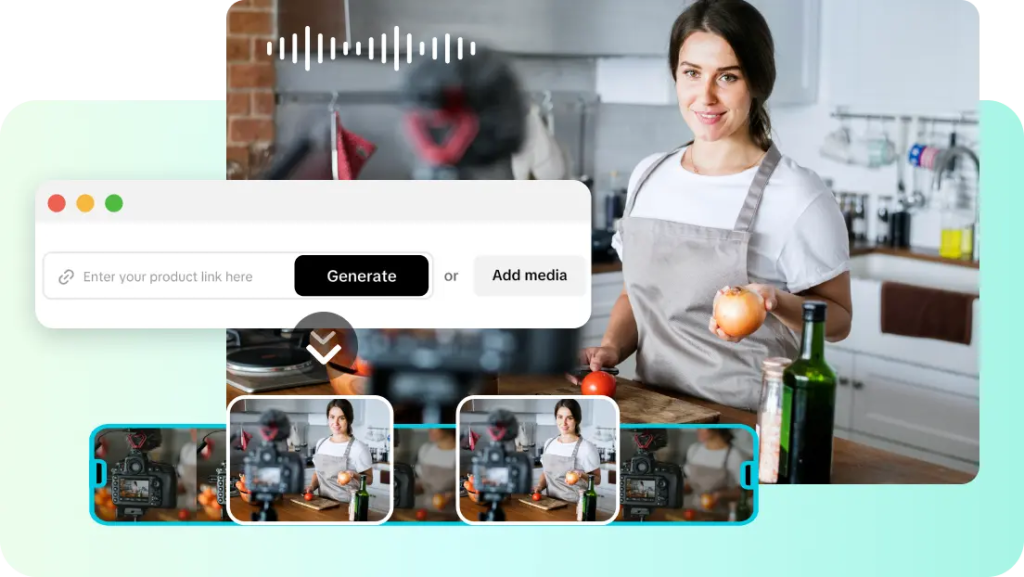
Essential Elements That Make an Effective AI Product Review Video
Good product reviews will provide accurate information and good appearance in each scene. Product features should be shown with close-ups that emphasize design, functions, and usefulness. Logical storytelling is the way information is organized from the introduction to the final summary without confusing viewers. With natural narration and synchronized subtitles, there is a better understanding in various viewing situations. Effective graphics hold attention and aid in fact exposition rather than detracting from it.
Use of appropriate pacing helps to avoid repeating information unnecessarily and helps to keep important information easy to follow. The length of the video should also align with platform requirements for social media, marketplaces, websites, or promotional campaigns. All the while, the AI video generator capabilities complement Pippit’s production goals, while flexible editing capabilities remain. Organisation enhances the viewers’ trust and makes content more effective.
How Pippit Helps Build Professional Product Review Videos Faster
Pippit makes review production easy by converting existing product materials into video drafts that can be edited. Structured review creation is automatic on product pages, and useful information is provided. Scripts generated by the system lay out specifications in a readable narration with logical sequence. Voiceovers and captions, when done simultaneously, cut down on manual editing and keep voiceovers in sync. Dreamina models, such as Seedance 2.5, can be used to create visual content for product presentations, enhancing the creative visual generation. Pippit also supports links, uploads, and product images and existing videos in one workflow. The use of flexible media means less preparation time and allows for consistent production quality of the various review formats.
Steps to Create Product Review Videos Effortlessly with an AI Video Generator
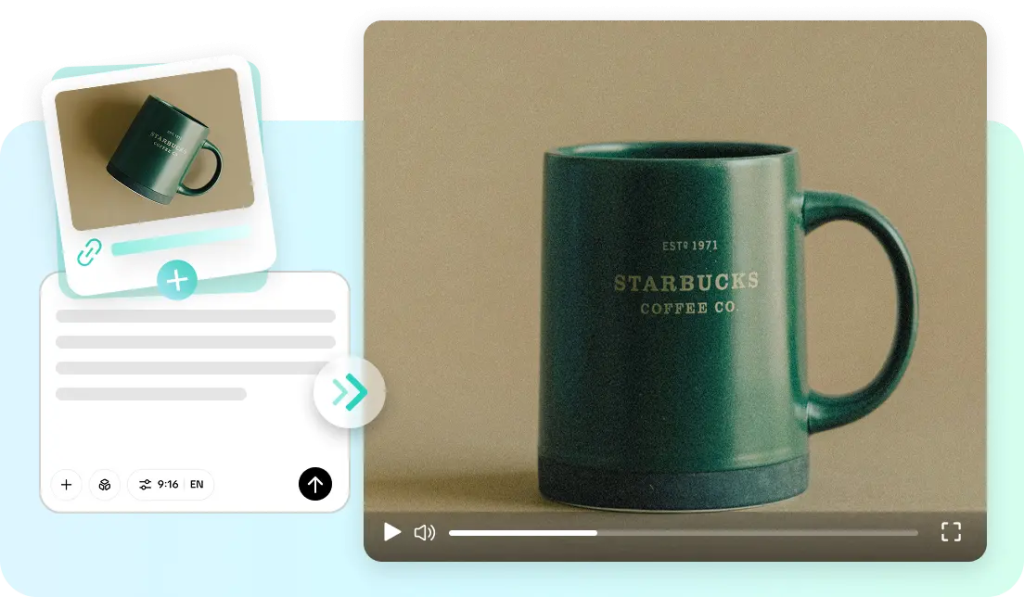
Step 1: Set up your product review video
- Sign up for the AI video generator using your Google, TikTok, or Facebook account info.
- Open the “More” tab from the left vertical menu bar and click “Video generator”.
- Select an AI model like Dreamina Seedance 1.0, Dreamina Seedance 2.0, Dreamina Seedance 2.0 Fast, Dreamina Seedance 2.0 Mini, or Dreamina Seedance 2.5.
- Enter a detailed prompt describing your product review video style and content.
- Select the video length, language, subtitles, and aspect ratio if needed.
- Click “+” to upload product images or videos from your device, phone, Dropbox, or a link. You can also choose assets if you have no reference media.
- Click “Generate” once everything is ready.
Step 2: Generate your product review video
- After clicking “Generate”, the AI creates a video based on your prompt and reference media.
- The AI manages transitions, pacing, captions, avatars, voice, lyrics, and visual enhancements.
- You will receive a video draft to review.
Step 3: Edit and export your video
- Click the “Download” tab at the top right corner to save the video. Click “Regenerate” for a new version or use the “Edit more” tab below the video for customization.
- Edit captions, add text, and adjust size, color, alignment, filters, and effects.
- Add background music, remove backgrounds, and refine visuals.
- Click “Export” when your video is ready.
- Select “Publish” to share on TikTok, Instagram, or Facebook, or click “Download” to save with your preferred format, resolution, frame rate, and quality.
Smart Features That Improve AI Product Review Videos
There are a number of built-in features that enhance the quality of reviews and minimize manual production work:
- Automatic Script Generation: Transforms product information into a structured narration, ensuring logical flow of content.
- AI Voiceovers: Offers natural voiceovers without any recording hardware, and facilitates multilingual content creation.
- Visual Highlight Detection: Automatically highlights key product features and visually emphasizes key selling points.
- Flexible Media Support: Supports links, documents, images, and uploaded videos in one production process.
- Built-in Video Editing: Offers editing suggestions to enhance scenes, even for those who are not video editing experts.
- Direct Social Publishing: Optimizes videos for multiple platforms with integrated publishing options.
Creating More Informative Product Reviews with AI-Generated Enhancements
Further improvements add to the professionalism and understanding of the viewer at each review. The captions can enhance accessibility for viewers who cannot hear the audio. AI avatars deliver information and provide strong visual communication at all times. Automatic scene transitions allow for seamless product feature and demonstration transitions. Background music is carefully selected to complement the presentation, but not overwhelm the narration. Having a consistent brand that is carried out with color, font, and other visual elements increases recognition from one review campaign to another. These enhancements are all wrapped up in one production environment, eliminating unnecessary workflow disruptions and ensuring a consistent presentation.
Different Types of Product Review Videos You Can Create
Various types of reviews serve different marketing purposes and expectations. Videos covering the product overview are helpful to explain general features and intended application. Feature-focused demos delve into individual functions with in-depth visual explanations. Comparison presentations compare several products, provide balanced information, and are organized. Unboxing videos are made using visuals that are created and a logical sequence. Short-form review clips provide short highlights that are appropriate for fast-paced social media platforms. Promotional review videos are a blend of demos and launch messages, but are still informative. Both formats are supported by Pippit’s adaptable workflows, flexible media inputs, and consistent editing capabilities.
Best Practices for Producing High-Quality AI Product Review Videos
A successful product review starts with descriptive prompts that include accurate information about the product and how it is to be presented. The appropriate models of generation must be very carefully matched to the educational, promotional, or demonstration goals that are being achieved. The quality of the images, documents, and videos used as references can greatly enhance the consistency of the images generated. Each of the produced outputs should be carefully reviewed for publication as factual accuracy is essential.
Narration, captioning, transitions, and organization of visuals are often improved with minor adjustments. Exports should be set to the recommended resolution, aspect ratio, and compression for the platform. This helps build trust and confidence on the part of the viewer and helps maintain a professional presentation on each publishing platform using consistent branding, organized storytelling and verified product information.
Conclusion
Product review production is made easy with modern automation, from planning to publication. Comprising generation, editing, customisation, media management and exporting in a single creative workflow, Pippit also features advanced tools for 3D effects, titles, transitions and motion graphics. Integrated features save time and enable accurate storytelling and polished visual presentation. A flexible workflow supports a variety of reviewing styles, publishing objectives, and platform requirements efficiently. Frequent and consistent planning, careful review, and thoughtful customization can help to produce product review videos that have a professional quality and long-term value to the viewer.



