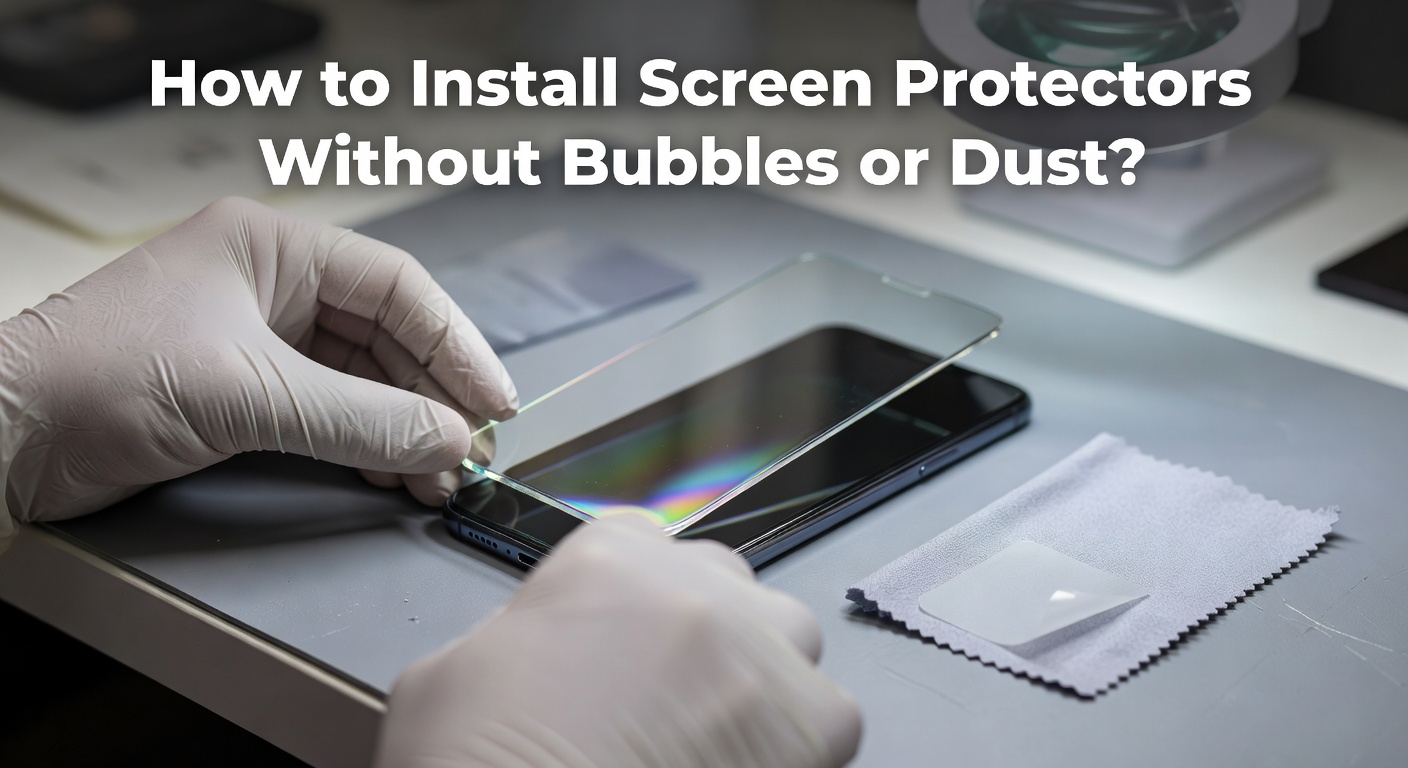
You’ve done it before — carefully peeling back that protective film, lowering the screen protector onto your phone, and then watching in dismay as bubbles bloom across the surface like a bad rash. Maybe a rogue dust particle got trapped underneath, leaving a permanent bump no amount of pressing can fix. It’s one of the most universally frustrating small-scale experiences in modern life.
Your smartphone screen is one of its most vulnerable components. A cracked or scratched display can cost hundreds to repair, making quality phone screen protectors one of the smartest investments you can make. But a poorly applied protector — full of bubbles and dust — defeats the purpose entirely and looks terrible to boot.
This guide is your complete solution for an easy install screen protector experience. Whether you’re a first-timer or someone who’s struggled through multiple failed attempts, you’ll find everything you need here. We’ll walk through proper preparation, a precise step-by-step application process, troubleshooting common problems, and even explore eco-friendly options — so you can protect your device with confidence and get a flawless, bubble-free result every single time.
Essential Preparation for a Perfect Screen Protector Application
The difference between a flawless application and a bubble-riddled disaster almost always comes down to what happens before you ever touch the protector itself. Skipping preparation is the single biggest mistake people make, and it’s entirely avoidable.

Start by gathering your tools: a microfiber cloth, alcohol wipes, dust removal stickers (the small lint-roller style tabs included in most kits), and any alignment tray or hinge guide that came in the package. If your kit didn’t include these, a credit card works as a makeshift squeegee. Having everything within arm’s reach before you begin means you won’t be scrambling mid-application while dust settles on your freshly cleaned screen.
Choosing the right phone screen protectors matters just as much as technique. Tempered glass offers superior scratch resistance and a more natural touch feel, making it the preferred choice for most users. TPU film protectors are thinner and more flexible, better suited for curved-edge displays. Whichever type you select, look for dust-free phone protectors that include self-adhesive layers designed to resist contamination during application — brands like MagicJohn, for instance, engineer their adhesive layers specifically to minimize dust pickup during the install process.
Your environment plays a crucial role. Avoid applying a screen protector near open windows, vents, or carpeted areas — all notorious dust sources. A bathroom immediately after a hot shower is a surprisingly effective workspace: steam settles airborne particles, dramatically reducing contamination risk. Turn off nearby fans and work quickly once your screen is clean.
Step-by-Step Guide to Easy Install Screen Protector
Cleaning Your Phone Screen Thoroughly
Begin with the alcohol wipe, rubbing it across the entire screen in circular motions to dissolve fingerprint oils and stubborn residue. Follow immediately with the microfiber cloth, using firm, straight strokes to lift debris without redistributing it. Work quickly — every second your screen sits exposed is an invitation for dust to settle. Once clean, use the adhesive dust removal sticker to dab any remaining specks, paying extra attention to the corners and edges where particles tend to hide.

Aligning and Applying the Protector
If your kit includes an alignment tray or hinge guide, use it — this single tool eliminates the guesswork that causes most crooked applications. Position the tray over your phone, then slot the protector inside it before peeling the backing. For kits without a tray, peel back just the first inch of the backing film and use your phone’s front camera cutout or speaker grille as alignment anchors. Once positioned correctly, slowly peel the remaining backing while simultaneously lowering the protector onto the screen in one continuous, controlled motion. Moving too fast traps air; a slow, steady approach is the real secret to an easy install screen protector result that sits perfectly flat from the first touch.
Removing Bubbles and Ensuring Adhesion
With the protector laid down, place the microfiber cloth flat on the surface and use a credit card or squeegee to push from the center outward toward each edge. Apply firm, even pressure — think of smoothing a bedsheet, not scrubbing a pan. Small bubbles near the edges will often disappear on their own within 24 to 48 hours as the adhesive fully bonds. For stubborn bubbles in the middle, carefully lift that corner of the protector using a piece of tape, let it re-adhere naturally, and squeegee again. Dust-caused bumps require lifting the protector fully and using a fresh dust sticker before reapplying. Bubble-free screen protectors aren’t just about aesthetics — complete adhesion ensures the glass absorbs impact evenly, giving you the full protective benefit the product was designed to deliver.
Troubleshooting Bubble-Free and Dust-Free Application
Even with careful preparation, things don’t always go perfectly — and that’s okay. Most problems have straightforward fixes if you catch them early. Persistent bubbles that don’t fade after 48 hours are almost always caused by one of two things: a dust particle trapped beneath the surface, or an area where the adhesive never made full contact. Press firmly on the bubble to test it — if it moves, it’s an air pocket you can work out; if it stays fixed, dust is the culprit and you’ll need to lift that section.
For dust specks, slide a piece of tape under the lifted corner of the protector and gently dab the particle away before pressing the protector back down. Avoid touching the adhesive side with your fingers, as skin oils will permanently compromise that area’s bonding ability. If multiple specks appear across the screen, it’s worth removing the protector entirely, recleaning the screen with a fresh alcohol wipe, and starting the application over — a two-minute reset beats living with a bumpy protector for months.
Prevention remains your strongest tool. Before applying, do a final scan of your screen under a bright light held at an angle — this reveals particles invisible in normal lighting. Keep the protector’s adhesive side facing down and covered until the exact moment you apply it. Working swiftly after cleaning, ideally within 30 seconds, dramatically reduces the chance of new dust settling. These small habits consistently produce bubble-free screen protectors that look factory-installed from day one.
Why Choose Durable Bubble-Free Phone Screen Protectors
A screen protector is only as good as its ability to stay in place and perform under real-world conditions. Durability isn’t just about surviving drops — it’s about maintaining clarity, touch responsiveness, and adhesion over months of daily use. A protector that lifts at the corners or develops bubbles over time creates gaps where dust and moisture can sneak in, leaving your screen more vulnerable than if you’d applied nothing at all.
Quality tempered glass protectors, typically rated at 9H hardness, resist everyday scratches from keys, coins, and abrasive surfaces that would otherwise score your display permanently. Beyond scratch resistance, a well-bonded protector absorbs and disperses impact energy across its surface, reducing the chance that a drop translates directly into a cracked screen. That protective function depends entirely on complete, bubble-free adhesion — which is exactly why the application process matters so much in the first place.
Touch sensitivity is another factor worth considering. Premium bubble-free screen protectors are engineered to be thin enough that your device’s touchscreen registers inputs with the same precision and responsiveness as an unprotected screen. Cheaper options with inconsistent thickness or trapped air pockets create dead zones that make scrolling and typing feel sluggish. Choosing a reputable protector — such as those offered by MagicJohn, which are designed for specific phone models — ensures cutouts align perfectly with sensors, cameras, and speakers, preserving full device functionality while delivering reliable, lasting screen protection you can count on every day.

Exploring Eco-Friendly Protection Options
Sustainability is increasingly shaping purchasing decisions, and screen protectors are no exception. Eco-friendly protection options made from recycled materials, bio-based TPU, or responsibly sourced glass are now widely available — offering the same bubble-free performance as conventional protectors without the environmental footprint. Many of these products also come in minimal, plastic-free packaging, reducing waste from the moment you open the box. The application process is identical to standard protectors, so you won’t sacrifice ease of installation for environmental responsibility. When shopping, look for brands that clearly disclose their materials and manufacturing practices, ensuring your choice genuinely delivers on its eco-friendly claims rather than just greenwashing the label.
Protect Your Screen with Confidence Every Time
Getting a flawless screen protector application isn’t a matter of luck — it’s a matter of following the right steps in the right order. Start with thorough preparation: gather your tools, choose a dust-minimal environment, and clean your screen completely before the protector ever comes out of its packaging. Apply slowly and deliberately, using alignment guides whenever possible, then squeegee from the center outward to eliminate trapped air. If bubbles or dust specks appear, address them immediately rather than hoping they’ll resolve themselves.
The payoff for doing this correctly is real and lasting. A properly applied, bubble-free screen protector shields your display from scratches, absorbs impact, and maintains the touch sensitivity you rely on every day — all without the visual annoyance of trapped air or debris. Whether you opt for tempered glass, flexible TPU, or an eco-friendly alternative, the techniques in this guide apply equally to all of them.
You now have everything you need to protect your device with confidence. Pick up a quality protector, set aside five focused minutes, and follow these steps — your screen will thank you for it. Go ahead and give it a try today.