
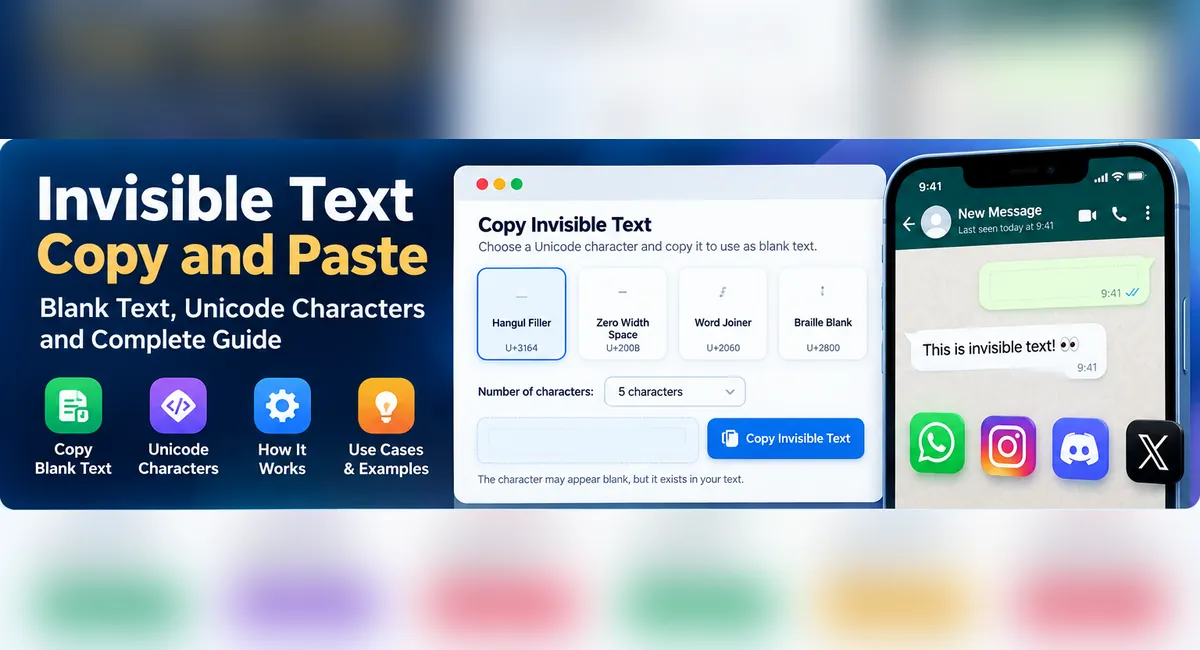
Copy Invisible Text & Blank Characters
Explore invisible Unicode characters, copy blank text, and test which characters work with your favorite apps.
Looking for invisible text copy or blank text to use in a message or profile field? Invisible Unicode characters can appear empty while remaining part of the underlying text. This guide explains how they work, which characters to try, and why support differs between platforms. For more advice on writing and formatting digital content, explore our related guide.
Invisible Text Generator
Select a Unicode character, choose its length, and copy it to your clipboard.
The selected character may appear blank. That is expected.
Hangul Filler selected (U+3164).
Test Your Blank Text
Paste your copied text below to check its character count.
Compatibility note: Copying successfully does not guarantee that another app will accept the character.
What Is Invisible Text?
Invisible text contains Unicode characters that may not display as ordinary visible symbols. The characters still exist in the underlying text, even when the screen appears empty.
People search for blank text, invisible characters, and empty text when experimenting with profile names, messages, spacing, and formatting. An empty string contains no characters; blank-looking text contains actual character data.

How to Copy and Paste Invisible Text
Choose a character
Select one of the Unicode options in the tool.
Set the quantity
Choose how many characters you want to copy.
Copy your text
Use the Copy Invisible Text button.
Paste and test
Check whether the destination accepts it.
If the character is rejected or removed, try another option. You can also explore our other text tools for different text-related tasks.

Types of Invisible Unicode Characters
Unicode includes characters that may appear invisible or blank, but their technical purposes differ. Read this guide to Unicode characters for invisible text for additional examples.
| Character | Unicode | Purpose |
|---|---|---|
| Zero Width Space | U+200B |
Provides a possible line-break location without an ordinary visible space. |
| Word Joiner | U+2060 |
Prevents a line break at its position; it is not a general-purpose blank space. |
| Hangul Filler | U+3164 |
A Hangul-related character that may appear blank in some interfaces. |
| Braille Pattern Blank | U+2800 |
A blank Braille pattern that occupies character space. |
| No-Break Space | U+00A0 |
A space with visible width that normally prevents a line break. |
| Zero Width No-Break Space | U+FEFF |
Historically used for word joining; also used as a byte-order mark. |
| Invisible Times | U+2062 |
An invisible mathematical operator used to indicate multiplication. |

Which Invisible Character Should You Try?
Blank-Looking Text
Try Hangul Filler or Braille Pattern Blank, then test the result in your destination app.
Text Layout
Zero Width Space can provide a line-break opportunity where a regular space is unsuitable.
Keep Text Together
Word Joiner prevents a line break at its position.
Ordinary Spacing
A no-break space may be suitable when visible-width spacing is needed without a line break.
These are technical starting points, not guarantees that an app will accept a character in a username, profile, or message.
Does Invisible Text Work on WhatsApp, Instagram, Discord, and Games?
Support depends on the platform, the specific field, and its validation rules. An app may preserve a character in a message but remove it from a username. Another app may reject the same character entirely.
Searches such as invisible text for WhatsApp, blank text for Instagram, and invisible character copy paste describe different use cases, not a universal solution. Your web browser features can affect how websites display text, but the destination platform’s validation rules remain important.
Why Is My Blank Text Not Working?
Platform removes the character
Some input fields strip or reject specific Unicode characters.
Wrong character for the task
A zero-width format character, a blank-looking letter, and a typographic space behave differently.
Clipboard permission is blocked
Browser restrictions may prevent automatic copying. Try selecting and copying manually.
Different font rendering
A character may look blank in one interface but visible in another.
Input validation rules
A service may require a minimum length or restrict allowed characters.
Are Invisible Unicode Characters Safe?
Invisible characters have legitimate uses in typography, writing systems, and text processing. However, hidden characters can cause confusion in code, search queries, identifiers, and copied text because two strings that look identical may contain different underlying characters.
When debugging text, reviewing code, or comparing identifiers, use a Unicode-aware inspector to reveal hidden code points. Do not use invisible characters to impersonate another user, evade platform restrictions, or disguise malicious content.
Frequently Asked Questions
What is the easiest way to copy invisible text?
Choose a character in the tool above, click Copy Invisible Text, and paste it into your destination field. Test the result because support varies.
Is blank text the same as an empty string?
No. An empty string contains zero characters. Blank-looking text contains one or more characters that may not display visibly.
Why does Zero Width Space sometimes fail?
U+200B provides a line-break opportunity. A platform may remove or reject it, and it is not guaranteed to work as a blank username or message.
What is the difference between U+200B and U+2060?
U+200B allows a line break at its position, while U+2060 prevents a line break there. They serve different text-layout purposes.
Can I use invisible text on every app?
No. Support varies by app, field, operating system, and validation rules. Test the character in the intended location.
Can invisible characters cause problems?
Yes. They can create confusing differences between text that looks identical and complicate text processing, debugging, or searching.



