If you’ve ever sat down at a keyboard and wondered why it feels different from the one you used yesterday at work or at a friend’s house, you’re not alone. The world of keyboards can be surprisingly confusing, especially when terms like “mechanical,” “membrane,” and “switch type” start flying around. At the heart of this confusion lies a critical component that shapes every keystroke you make: the switch beneath each key. Linear switches, in particular, represent one of the most popular switch categories, yet many everyday users have no idea whether their keyboard uses them. This matters because your switch type directly influences how comfortable you feel during long typing sessions, how quickly you can respond in games, and even how much noise you make in a shared space. This guide is designed to help casual users identify whether their keyboard features linear switches and understand how those switches interact with different keyboard layouts. We’ll walk through simple identification methods, explain compatibility considerations, and help you determine if linear switches are the right fit for your daily computing needs.
What Are Linear Switches and How Do They Differ?
Every mechanical keyboard relies on individual switches beneath each keycap to register your keystrokes. These switches fall into three main categories: linear, tactile, and clicky. The fundamental difference comes down to what you feel and hear when you press a key. Tactile switches produce a noticeable bump partway through the keystroke, giving your finger physical confirmation that the input registered. Clicky switches add an audible click sound on top of that bump. Linear switches, by contrast, offer a completely smooth keystroke from top to bottom with no bump, no click, and no interruption in the key’s downward travel.
Think of pressing a linear switch like pushing your finger straight down into a stick of soft butter—there’s consistent resistance throughout the motion without any sudden change in force. This smooth characteristic makes linear-switch keyboards particularly popular among gamers who need rapid, repeated keypresses without any resistance interrupting their input speed. However, they’re equally valued by typists who prefer a quieter, fluid writing experience. For casual users, understanding that your keyboard uses linear switches means recognizing that the uniform feel isn’t a defect or sign of a worn-out keyboard—it’s an intentional design choice that prioritizes smoothness and speed over physical feedback.
How to Identify Linear Switches on Your Keyboard
Figuring out whether your keyboard uses linear switches doesn’t require any technical expertise or special tools. You can determine your switch type through three straightforward approaches: looking at the physical switch components, feeling how the keys respond to pressure, and listening to the sound they produce. Most casual users can identify their switch type within a few minutes using these methods, even without any prior keyboard knowledge. If your keyboard is mechanical—meaning it has individual switches under each key rather than a rubber membrane sheet—the techniques below will help you confirm whether those switches are linear.
Visual Inspection Methods
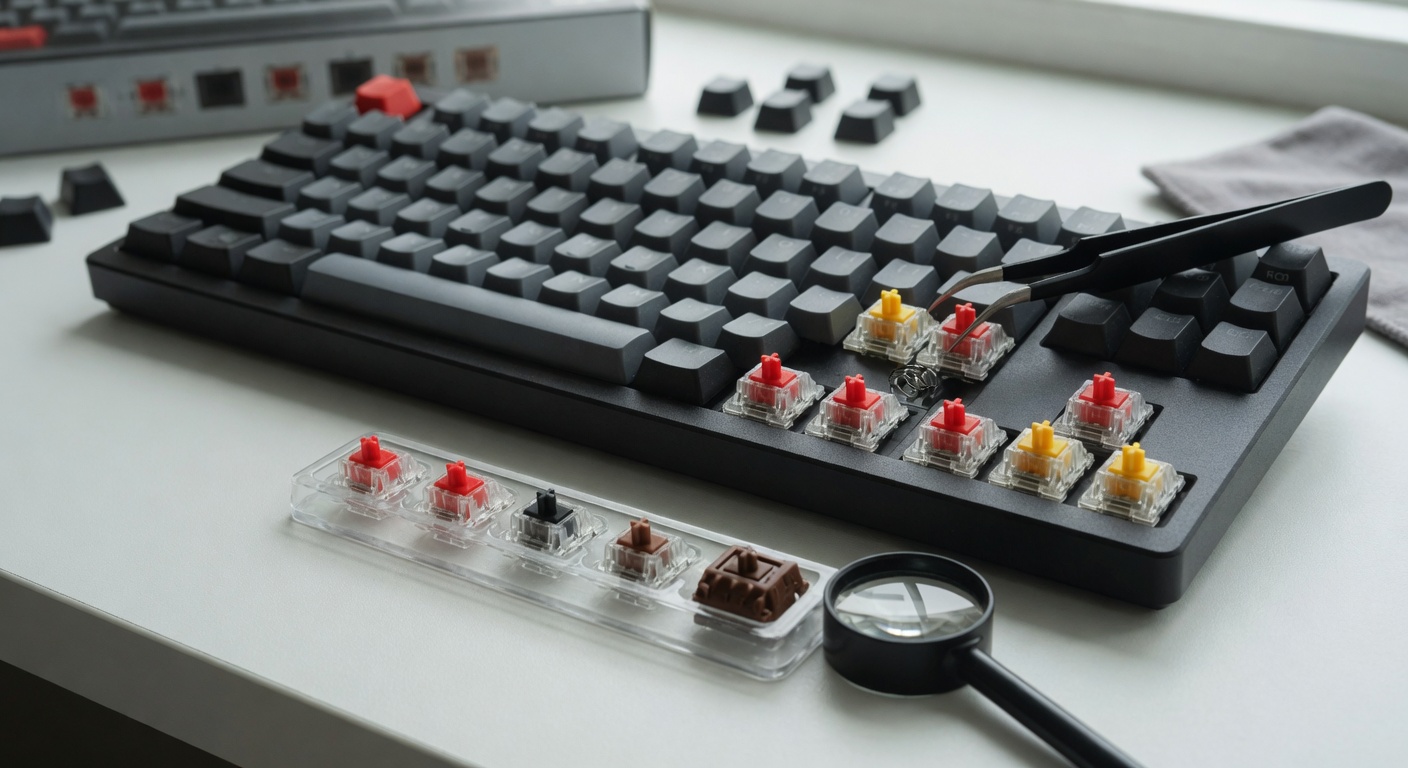
Start by gently pulling a keycap off your keyboard using your fingers or a keycap puller. Underneath, you’ll see the switch stem—a small cross-shaped piece of plastic. Color is your most reliable visual clue: red and black stems almost always indicate linear switches, while brown suggests tactile and blue means clicky. If you can’t remove a keycap, check your keyboard’s original packaging, the manufacturer’s website, or any documentation that came with it. The product listing or manual will typically specify the switch type by name, such as “Cherry MX Red” or “Gateron Yellow,” both of which are linear.
Tactile and Auditory Tests
Press a key down as slowly as possible, paying close attention to what your finger feels throughout the entire stroke. If the key travels smoothly from top to bottom without any bump or resistance change in the middle, you’re dealing with a linear switch. Next, listen carefully—linear switches produce a soft, uniform sound without any sharp click or snap during the keystroke. If you have access to another keyboard with a known switch type, pressing keys on both side by side makes the differences immediately obvious and confirms your identification.
Understanding Keyboard Compatibility with Linear Switches
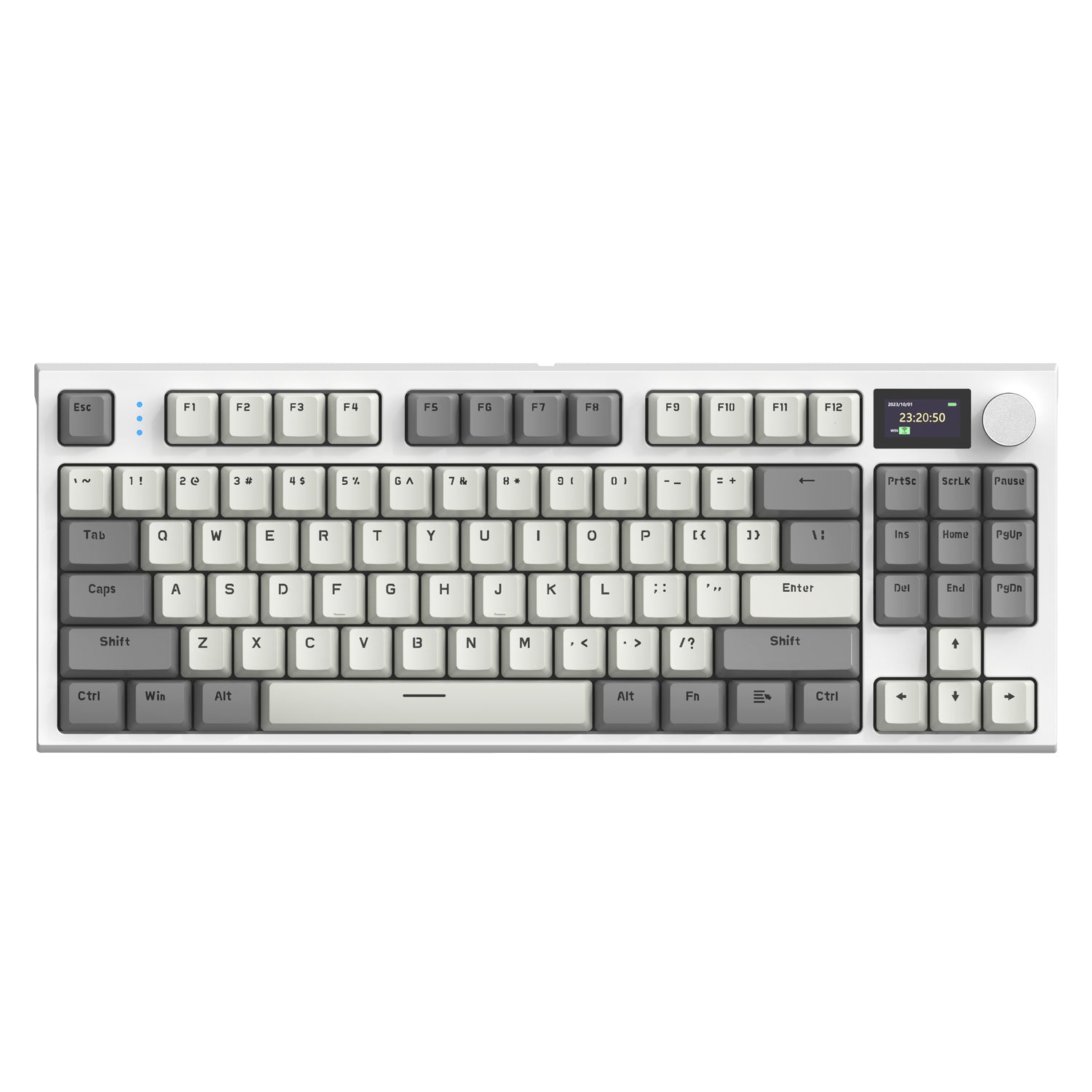
One of the most common concerns among casual users exploring their keyboard options is whether linear switches work with their preferred keyboard layout. The good news is that mechanical switches, including linear ones, are fundamentally layout-agnostic. This means the switch itself doesn’t care whether your keyboard is arranged in QWERTY, AZERTY, Dvorak, or any other configuration. The layout is determined by the keycaps printed on top and the firmware programmed into the keyboard’s controller—not by the physical switch mechanism underneath. However, compatibility becomes more nuanced when you start thinking about swapping switches, replacing keycaps, or upgrading components on an existing keyboard. The physical size of your keyboard (full-size, tenkeyless, or compact 60%), the mounting style of the switches (plate-mounted versus PCB-mounted), and the keycap profile all play roles in determining what works together. Understanding these factors prevents frustrating purchases and ensures that any modifications you make result in a keyboard that functions exactly as intended.
QWERTY Layout and Switch Compatibility
The QWERTY layout remains the dominant keyboard arrangement in English-speaking countries and most of the Western world. If your keyboard uses this standard layout, you’ll find that virtually every linear switch on the market is fully compatible with it. Manufacturers design their switches around standardized dimensions established by Cherry MX decades ago, meaning a Cherry MX Red, Gateron Red, or Kailh Black will all fit the same keyboard PCB and plate without modification. The QWERTY arrangement doesn’t impose any special requirements on the switches themselves—each key position uses the same switch housing regardless of which letter or function it represents.
Assessing Your Keyboard’s Layout for Upgrades
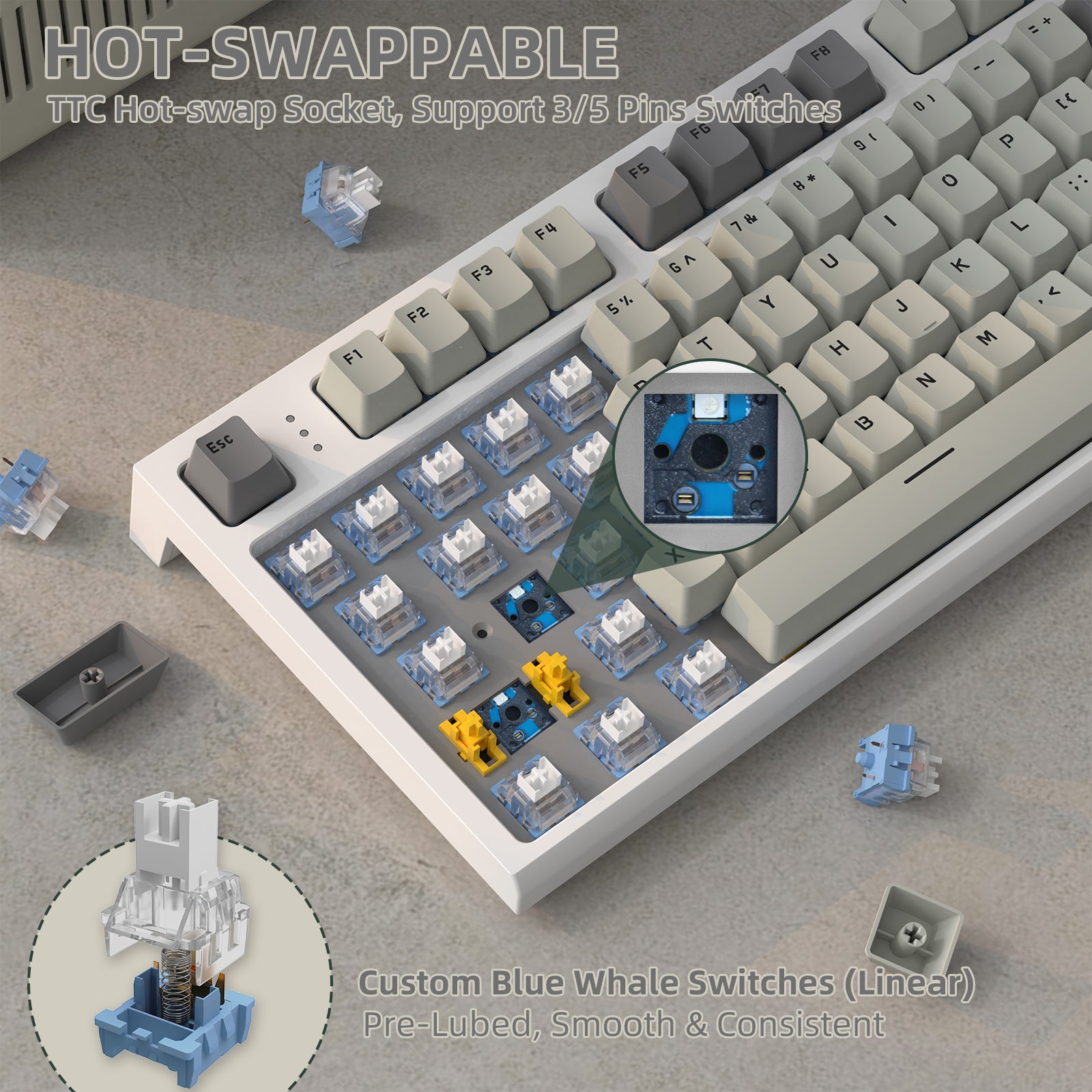
Before modifying your keyboard, check whether it supports hot-swappable switches, which allow you to pull out and replace switches without soldering. Many brands in the mechanical keyboard space, including ATTACK SHARK, offer hot-swappable boards that make experimenting with different linear switches straightforward for beginners. Look at your keyboard’s product page or manual for terms like “hot-swap” or “hot-swappable PCB.” Next, measure your keycap sizes—particularly the spacebar, shift keys, and enter key—since these vary between layouts and manufacturers. Standard bottom-row spacing uses specific unit measurements that determine which keycap sets will fit properly. If you’re replacing keycaps after installing linear switches, confirm that the new set matches your keyboard’s specific layout dimensions to avoid gaps or keys that won’t mount correctly.
Benefits and Drawbacks of Linear Switches for Casual Users
Linear switches bring several advantages that make them appealing for everyday computing. Their smooth, uninterrupted keystroke reduces finger fatigue during extended typing sessions, whether you’re writing emails, working on documents, or browsing the web for hours. The absence of a tactile bump means less force variation per keystroke, which can feel gentler on your hands over time. Linear switches also tend to operate more quietly than their clicky counterparts, making them a considerate choice for shared offices, libraries, or late-night use when others are sleeping nearby. Gamers particularly appreciate the consistent actuation because rapid key presses register without any mechanical resistance slowing down repeated inputs.
However, linear switches aren’t without trade-offs for casual users. The biggest drawback is the complete lack of physical feedback during typing. Without a bump to signal that your keystroke registered, you may find yourself bottoming out keys harder than necessary, which can increase noise and strain. Some typists report making more errors on linear switches because there’s no tactile confirmation that a key activated—your fingers simply can’t tell the difference between a half-press and a full actuation without looking at the screen. If you’re someone who relies on that physical reassurance while typing, or if you frequently type without watching your output, a tactile switch might reduce your error rate. Ultimately, choosing linear switches comes down to whether you prioritize smoothness and quiet operation over the physical certainty that each keystroke landed exactly when you intended it to.
Step-by-Step Guide: Identifying and Ensuring Compatibility
Now that you understand the fundamentals, here’s a consolidated process to identify your switches and verify compatibility. First, remove a keycap and check the stem color—red, black, or yellow typically means linear. If you can’t remove keycaps, press a key slowly and confirm the travel feels completely smooth without any bump or click sound. Second, check your keyboard’s brand and model number, then search the manufacturer’s website to confirm the exact switch specification listed. Third, if you’re planning an upgrade, verify whether your board supports hot-swapping by consulting the product manual or searching your model alongside “hot-swap” online. Fourth, measure your non-standard keys like the spacebar and shift keys to ensure replacement keycaps will fit your specific layout. Finally, if you’re still uncertain after these steps, community forums and keyboard enthusiast groups can identify your switch type from a simple photo. Following this sequence ensures you correctly identify your current switches and avoid purchasing incompatible components when making changes.
Identify Your Switches and Make Informed Keyboard Choices
Identifying whether your keyboard uses linear switches is simpler than most people assume. By removing a keycap to check the stem color, slowly pressing a key to feel for smooth uninterrupted travel, or listening for the absence of clicks and snaps, you can confidently determine your switch type in minutes. Red, black, and yellow stems point to linear switches, while a bump-free keystroke confirms the diagnosis. When it comes to compatibility, linear switches work seamlessly across all standard layouts including QWERTY, since the switch mechanism operates independently of your keyboard’s letter arrangement. Upgrades and modifications simply require attention to hot-swap support and keycap sizing rather than any switch-to-layout matching.
Understanding what sits beneath your keycaps empowers you to make informed decisions about your daily computing experience. Whether you’re considering a keyboard purchase, planning a switch swap, or simply curious about why your keys feel the way they do, this knowledge puts you in control. Apply these identification techniques to your current keyboard today—knowing your switch type is the first step toward a more comfortable and intentional relationship with the tool you use for hours every day.