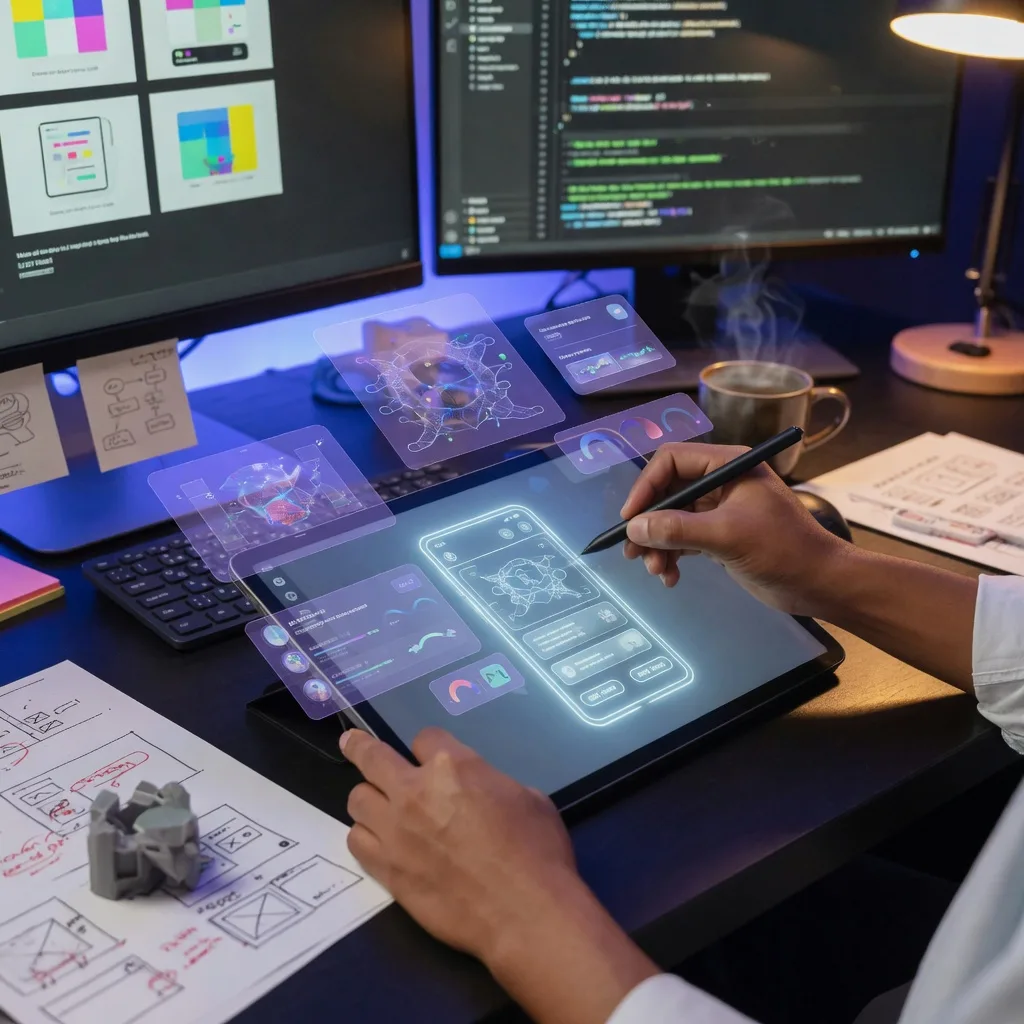
Bringing ideas to life has always been a time-consuming process. In fact, many entrepreneurs and startups have missed funding opportunities due to a lack of technical expertise to build the ideal prototype. Today, AI (artificial intelligence) is transforming this process by enabling startups to build prototypes faster than ever before.
Building a prototype with AI involves using generative AI tools to generate ideas, design the user interface, create content, write code, and test the MVP. Instead of writing code from scratch, developers can use AI tools to fast-track ideation and have a working prototype within hours.
In here, we explore the process of building a prototype with AI, its benefits, and some of the most effective tools available today.
What Is a Prototype, and Why Does It Matter?
A prototype is an early version of a product created to visualize and provide proof of concept before investing time into full-scale development. Prototypes can range from a bare-bones website to an interactive app that resembles the final product.
Prototypes play a important role in product development because they help bring abstract ideas to life. With a prototype in hand, startups can evaluate functionality, user flows, and overall usability before seeking funds for the project.
There are several types of prototypes: low-fidelity, high-fidelity, and functional. Low-fidelity prototypes are quite common because they are fast, cheap, and easy to modify. However, developers can use different prototypes to test assumptions and refine their solutions.
Benefits of Building Prototypes with AI
Whether you are a solo founder building ideas in your parents’ basement or a team of former college mates working on an MVP, AI-powered tools can help simplify the prototyping process. Here are some of the key benefits of building a prototype with AI.
§ Faster Development Cycles
One of the biggest advantages of prototyping with AI is speed. Conventional prototyping is time-consuming, especially when you choose to follow all the steps in the software development cycle.
AI can automate most tasks in the software development cycle, allowing you to move from concept to prototype in a fraction of the time. For instance, you can use an AI design tool to generate multiple wireframes for your website or app using simple text prompts.
§ Reduced Development Costs
Let’s be honest, software engineers and UI/UX designers don’t come cheap. Building a simple prototype can cost a couple of thousand dollars, which is something many founders cannot afford.
AI can reduce costs by automating repetitive tasks and minimizing the need for top-notch developers and designers during the early stages of product creation. Instead of hiring a dev to build a mockup, you can use AI tools to generate designs, content, and even functional components.
§ Accessibility for Non-Techies
A few years ago, founders had to learn a little bit about coding and designing to build a simple WordPress website. Today, AI-powered no-code and low-code platforms make prototyping more accessible to entrepreneurs and product managers with almost zero coding skills.
With most AI tools only requiring simple prompts to generate intuitive designs and functional apps, almost everyone can develop application prototypes without extensive technical expertise. This enables more people to participate in product innovation and idea validation.
§ Better Competitive Advantage
Businesses are always competing for customers, and the fastest to launch in the market carries the day in most cases. Building a prototype with AI makes it easy for entrepreneurs to test, iterate, and launch ideas faster.
By developing a prototype using AI, you can accelerate processes that would have taken weeks, shortening development timelines. AI allows businesses to bring new concepts to market more efficiently without compromising on quality and user experience.
AI Tools for Prototyping
There is an AI tool for everything from designing wireframes to building full-stack apps. Let’s take a look at some of the tools you will use when developing your prototype with AI.
§ AI-Powered Design and UI/UX Tools
Design is always the first step when building a prototype. Most AI-powered design tools can generate user flows, wireframes, and UI designs based on simple text prompts or project requirements.
Some of the popular examples include Figma AI, Galileo AI, and Adobe Firefly. For example, you can ask Figma AI to develop a mobile login screen for an e-commerce app, and it will do so in a matter of minutes.
§ AI Coding Assistants
AI coding assistants help developers transform concepts into functional prototypes by generating code and suggesting improvements. These tools can be used to build everything from frontend screens to interactive databases and APIs.
some AI coding assistants can be integrated into your workflow to automate routine coding tasks as you work through large codebases. These tools often come in handy, especially if you are working on a project that involves multiple programming languages.
§ AI Tools for Content Generation
Your prototype app is ready, but it requires content before you can deploy it. Back in the day, you’d probably have to hire content creators to write marketing copy and onboarding material for your MVP.
However, AI-powered content generation tools have made writing content easy. Rather than filling interfaces with placeholder text, you can use tools such as ChatGPT to generate content for your website or app.
Best Practices for Building a Prototype with AI
Building a prototype with AI can accelerate and reduce development costs. However, to achieve meaningful results, you require more than simply relying on automated tools.
§ Define Your Project
Before you start comparing coding assistant AI tools, have clear objectives about your project. The project objectives will help you pick the right AI assistant, programming language, and framework for your project.
§ Use Detailed Prompts
Remember garbage-in-garbage-out. AI tools are smart, but the results they produce largely depend on your prompts. Describe the desired functionality, design preferences, and technical constraints using clear details to generate accurate and relevant results.
§ Hire Experts
Developing a prototype with AI doesn’t mean you don’t need a technical expert to help you, especially if you have no experience in product development. Product managers, designers, and developers should review AI-generated work to ensure usability, feasibility, and alignment with your project goals.