CCNA
Cisco Certified Network Associate certification resources
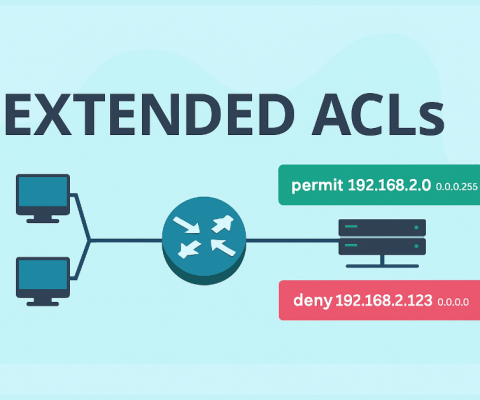
How to Configure Extended ACLs – Exclusive Explanation
The number of extended ACLs ranges from 100 to 199 and 2000 to 2699, providing 799 possible numbered ACLs. The 100-199 range was historically used, while 2000-2699 is recommended for modern networks due to greater flexibility and support for named ACLs. Choose based on your network’s complexity and Cisco IOS version. We can also create...
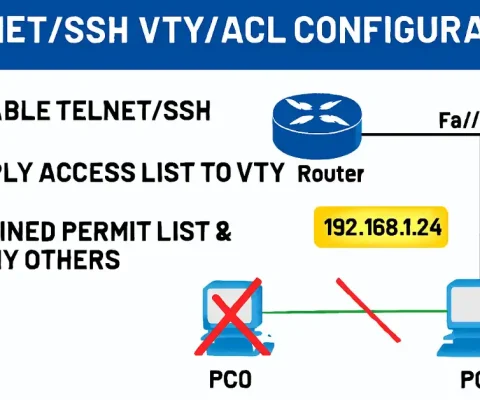
How to Configure Standard ACLs to Secure VTY Ports
All Cisco routers and switches do not allow remote access by default via terminal programs like PuTTY or Tera Term. Remote connectivity options include Telnet (VTY Port) or SSH. SSH provides encrypted sessions and is strongly recommended by Cisco for remote administration due to Telnet’s vulnerabilities. Prerequisites for CCNA/CCNP Students However, if your router’s Cisco...
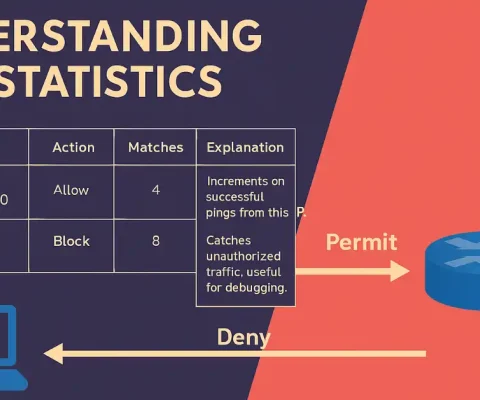
ACL Statistics in Cisco Networks: Monitoring Matches with show access-lists
Access Control Lists (ACLs) are essential for filtering traffic in Cisco networks. For CCNA students, understanding statistics helps verify if rules are working as intended. CCNP candidates should note how stats aid in troubleshooting complex setups like multi-interface ACLs. After an ACL has been configured and applied to an interface, it can block or permit...
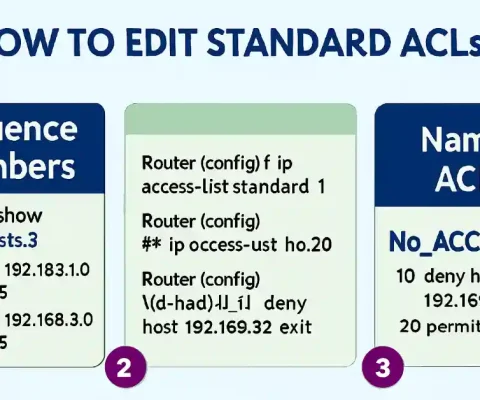
How to Edit Standard ACLs
Network administrators sometimes want to edit standard ACLs. As you know, each new entry you add to the Access Control List (ACL) appears at the bottom of the list, and the router assigns a sequence number to that entry automatically. Standard ACL statements are added to running-config files, but there is no built-in way to...
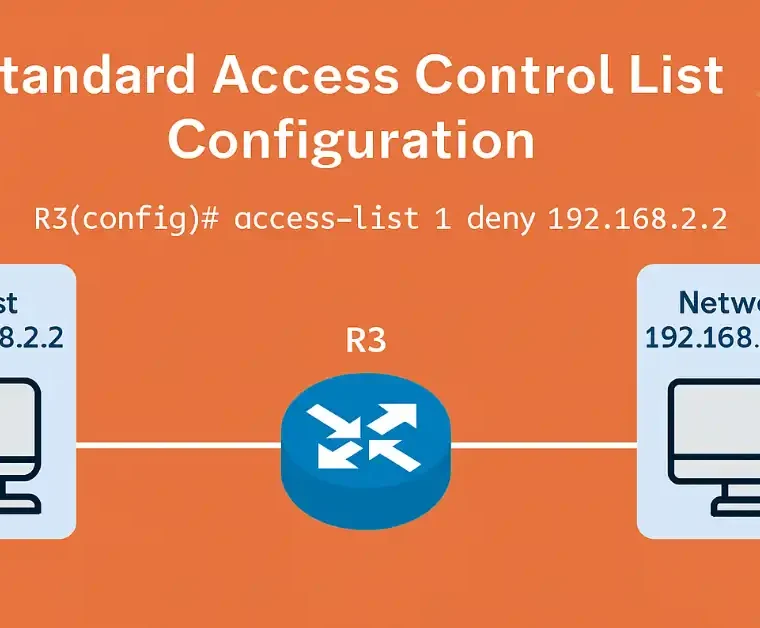
How to Configure standard ACLs
Standard ACLs permit or deny traffic based on source addresses. They differentiate routes on a network using the IP address. The port and destination of the packet are not evaluated. Standard ACLs only contain a list of addresses or address ranges and a statement as to whether access to or from that address is permitted...
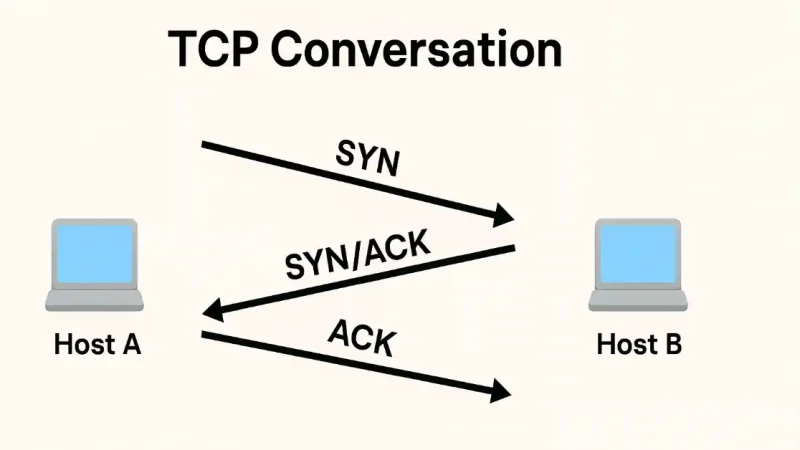
Understanding TCP Three-Way Handshake: A Comprehensive Guide (Updated 2025)
In networking, the TCP three-way handshake (often called a “TCP conversation”) establishes reliable connections, which is crucial for Access Control Lists (ACLs) to filter traffic effectively. ACLs manage inbound and outbound traffic based on IP addresses, ports, and TCP flags. This article explains TCP fundamentals before diving into ACL integration, helping CCNA students grasp transport...

How to Configure OSPFv3: Complete Guide (Updated 2025)
Figure 1 shows the reference topology for configuring OSPFv3. You can also see the commands for configuring OSPFv3 for IPv6 unicast and link-local addresses on the interfaces of Router1. As identified in the referenced topology, assume that Router2, Router3, and Router4 interfaces have already been configured with the global IPv6 and link-local addresses. This topology...
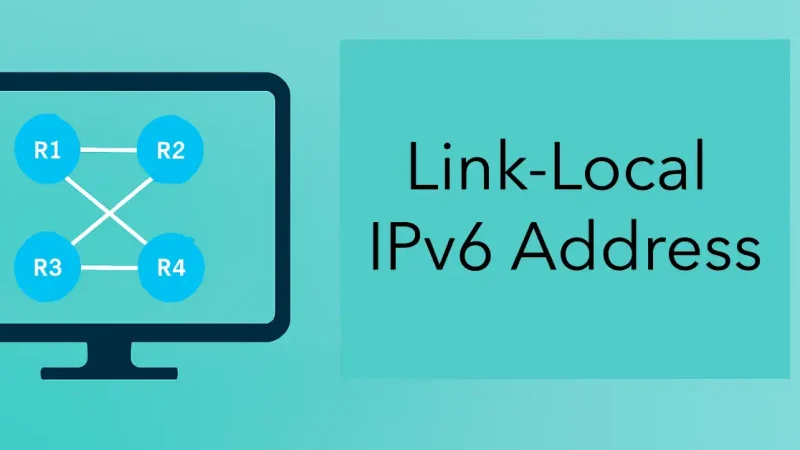
What is a Link-Local IPv6 Address – Exclusive Introduction
Routers configured with dynamic routing protocols such as OSPF or EIGRP must send and receive routing protocol messages with their directly connected neighbors. The routers exchange messages between neighbors on the same subnet. These messages are always sent from the router’s source IPv4 address. Link-local IPv6 addresses are perfect for this purpose. The address also...
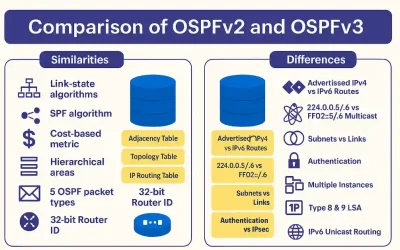
OSPFv2 vs OSPFv3: Key Differences and Similarities
OSPFv3 is a routing protocol for IPv6, just as OSPFv2 is for IPv4. While both share core principles, there are vital differences in their operation. OSPFv3 serves as the IPv6 equivalent to OSPFv2 for exchanging prefixes, making it essential for modern networks handling dual-stack environments. In IPv6, the network address is referred to as the...
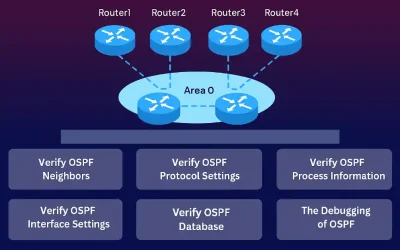
OSPF Troubleshooting and Verification Guide
OSPF (Open Shortest Path First) is a cornerstone of enterprise routing, widely tested in CCNA and CCNP exams. Its complexity stems from link-state operations, making troubleshooting and verification crucial for network stability and certification success. This guide explores real-world scenarios, like multi-area OSPF in large networks, to equip students with practical skills. Therefore, troubleshooting OSPF...