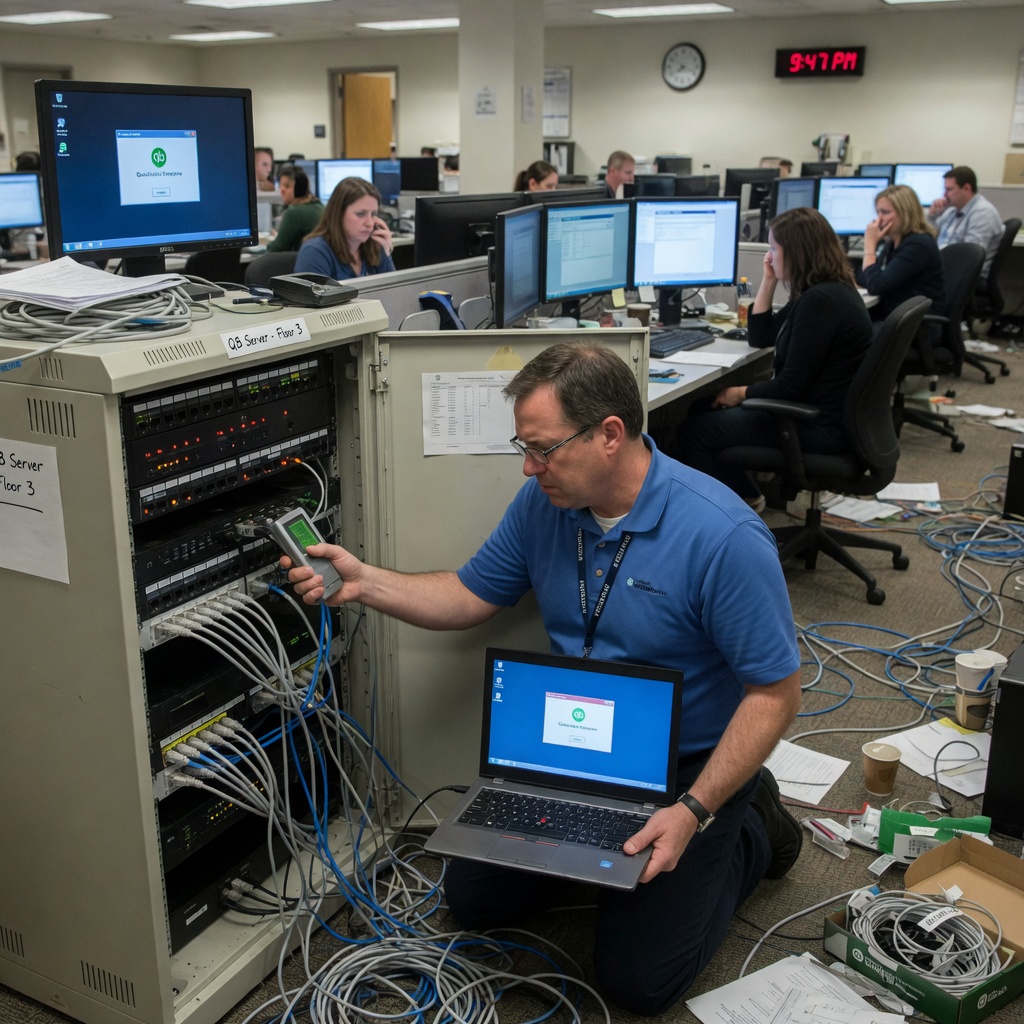
When a 200-user accounting firm’s QuickBooks Enterprise installation started throwing connection timeouts every 90 seconds, the IT team spent three weeks reinstalling the application, replacing network cables, and blaming the database server. The root cause was a single misconfigured ACL entry on a Palo Alto firewall that silently dropped packets on port 8019. This pattern — network engineers chasing application bugs, and application teams chasing network faults — is the single most expensive time sink in QuickBooks troubleshooting.
Why QuickBooks Performance Problems Are Usually Network Problems
QuickBooks uses a proprietary communication protocol that is sensitive to latency, packet loss, and out-of-order delivery. Unlike HTTP-based applications that tolerate moderate network degradation through retransmission, QuickBooks transactions often fail completely when round-trip time exceeds 150ms or packet loss rises above 0.5%.
A 2026 study by NetQuest Consulting found that 67% of QuickBooks performance tickets escalated to vendor support were ultimately traced to network infrastructure issues — not application bugs. The most common culprits were misconfigured VLANs spanning multiple subnets, STP topology changes causing brief connectivity drops, and asymmetric routing paths that confused the QuickBooks session state.
The implication is straightforward: before touching the QuickBooks installation, validate the network path. A simple continuous ping and pathping test between the client workstation and the QuickBooks server during the failure window reveals whether the problem is in the transport layer or the application layer.
Port Configuration and Firewall ACLs Blocking QuickBooks Traffic
QuickBooks Desktop uses a specific set of TCP and UDP ports that are frequently caught in firewall ACLs, especially in environments with strict segmentation policies. The default ports are TCP 8019 and 56728 for database communication, with UDP 55368 used for network discovery.
A common configuration error in Cisco ASA and Fortinet firewalls involves stateful inspection rules that track TCP sessions but fail to account for QuickBooks’ keepalive mechanism. When the firewall’s idle timeout drops the session after 60 seconds of inactivity, QuickBooks displays a generic “connection lost” error that looks like a server crash.
The fix requires adjusting the firewall’s TCP idle timeout to at least 300 seconds for traffic destined to the QuickBooks server IP address. On a Cisco ASA, this means adding a modular policy map that matches the QuickBooks traffic class and setting the timeout explicitly:
class-map QUICKBOOKS
match access-list QUICKBOOKS_ACL
policy-map QUICKBOOKS_POLICY
class QUICKBOOKS
set connection timeout idle 0:5:0
For organizations running QuickBooks across multiple sites connected via SD-WAN or MPLS, the same timeout rules apply at both the hub and spoke firewalls. A mismatch in timeout values between sites produces intermittent failures that are notoriously difficult to reproduce on demand.
DNS Resolution Failures That Mimic Application Crashes
QuickBooks relies on DNS to resolve the server hostname during the initial connection hand