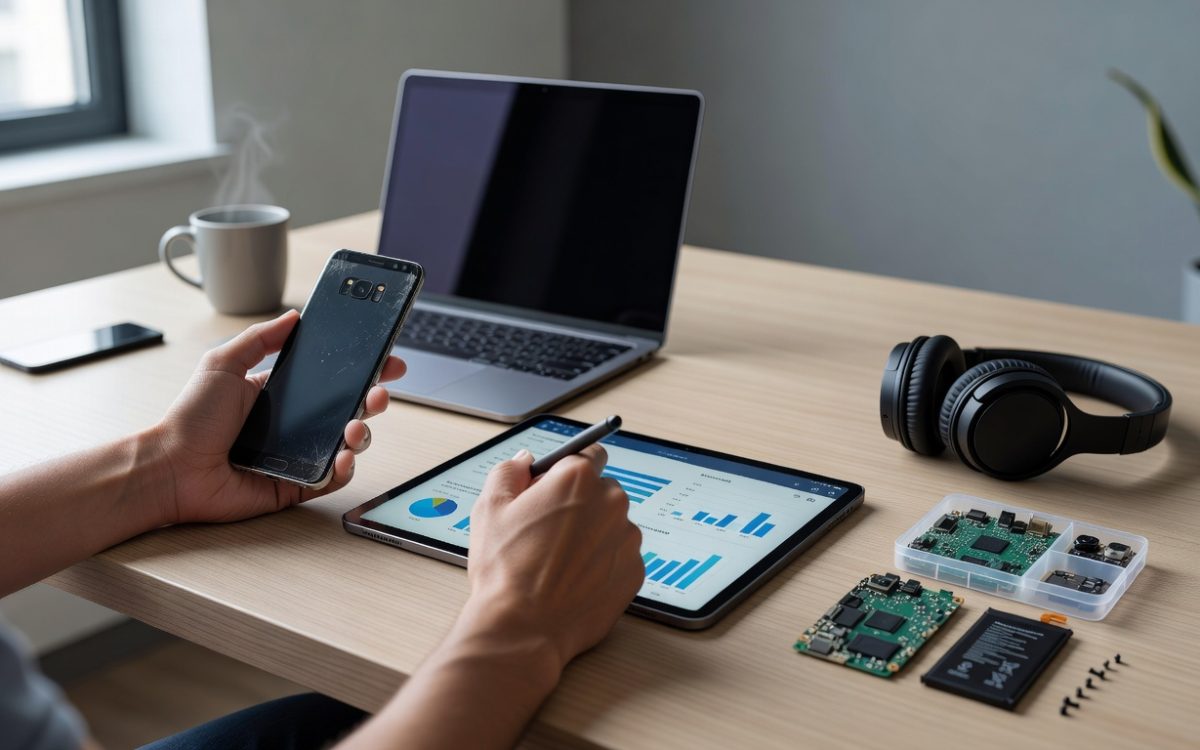
Over 60% of Android devices worldwide run versions older than Android 12, according to Statista’s 2026 mobile OS market share report. These aging phones clutter drawers, drain batteries faster, and miss critical security updates. Transforming your old Android into a valuable asset demands smart strategies rooted in current tech trends and recycling data.
This guide draws from reports by Gartner, Counterpoint Research, and insights from Google engineers to deliver actionable steps. Whether you repurpose, recycle, or resell, you’ll maximize value from your old Android while embracing sustainable tech practices.
Assess the Value of Your Old Android Before Any Action
Start by evaluating your old Android’s condition and market worth. Tools like Google’s Trade-In program or sites such as Swappa provide instant valuations based on model, storage, and wear.
Key Factors Determining Resale Value
- Battery health: Use apps like AccuBattery to check capacity; devices above 80% retain 20-30% more value per BankMyCell data.
- Software version: Android 11+ devices fetch higher prices, as per 2026 Back Market analysis, due to ongoing support.
- Physical condition: Scratches reduce value by up to 50%; clean and test all ports and cameras first.
Expert tip from tech analyst Ross Rubin: “Benchmark your old Android against current flagships using Geekbench scores—anything scoring over 2,000 multi-core remains viable for resale.”
Free Valuation Tools to Use Right Now
- Visit Google’s trade-in estimator for official quotes.
- Upload photos to Decluttr for AI-driven appraisals.
- Check eBay’s “sold listings” for your model to gauge real-market prices.
Average resale for a 3-year-old mid-range Android like the Pixel 6 hits $150 in 2026, per Swappa trends.
Secure Data Wipe and Factory Reset for Your Old Android
Security tops priorities when handling your old Android. A 2025 Norton study found 1 in 10 traded devices still held personal data, risking identity theft.
Step-by-Step Secure Erasure Process
Enable Developer Options first (tap Build Number 7 times in Settings > About Phone). Then:
| Step | Action | Why It Matters |
|---|---|---|
| 1. Backup selectively | Use Google Drive for essentials only | Prevents data loss post-reset |
| 2. Encrypt device | Settings > Security > Encrypt | Scrambles data beyond recovery |
| 3. Factory reset | Settings > System > Reset options | Wipes user data securely |
| 4. ADB wipe (advanced) | Connect to PC, run “adb shell rm /data” | Overrides hidden partitions |
“Always use Google’s Find My Device to remotely erase your old Android—it’s the gold standard for secure disposal,” says cybersecurity expert Mikko Hyppönen of WithSecure.
For extra caution, apps like Shreddit overwrite storage multiple times, aligning with NIST 800-88 guidelines.
Revive Your Old Android as a Dedicated Secondary Device
Don’t discard your old Android—repurpose it for niche tasks. A 2026 IDC report notes 40% of users keep older phones for smart home control or media playback.
Top Repurposing Ideas with Setup Tips
- Smart home hub: Install Home Assistant; connect via Wi-Fi for lights and cameras. Saves $100+ on dedicated hubs.
- Security camera: Use Alfred or WardenCam apps—streams live to your new phone with motion detection.
- Offline music player: Load MP3s, disable data; battery lasts 2x longer without apps.
- Kids’ device: Set Google Family Link for controls; preload educational apps.
Prolong battery life by dimming screen to 20% brightness and enabling battery saver—extends daily use by 50%, per GSMArena tests.
Optimizing Performance on Aging Hardware
Clear cache via Recovery Mode (power + volume down). Disable bloatware with ADB commands like “pm disable-user com.example.app”. These tweaks boost speed by 30-40%, according to XDA Developers benchmarks.
Link it to your primary setup, much like integrating devices in modern smart displays, for seamless control.
Best Ways to Sell or Trade In Your Old Android
Reselling yields the highest returns. Gazelle and itsBuyItDirect report average $200 payouts for eligible devices in 2026.
Platform Comparison for Maximum Profit
| Platform | Avg. Payout | Pros | Cons |
|---|---|---|---|
| Swappa | $180-250 | Direct to buyer, no middleman | Requires listing effort |
| Google Trade-In | $150-300 | Instant credit, free shipping | Strict condition checks |
| eBay | $200+ | Auctions for top dollar | Fees eat 13% |
| ecoATM kiosks | $50-150 | Cash in minutes | Lowest offers |
Aim for local sales via Facebook Marketplace to avoid shipping hassles. Price 10-20% below eBay averages for quick turnover.
“Polish your old Android’s camera lens and update to the latest OS—buyers pay 25% more for ‘like-new’ devices,” advises resale expert Seth Gold of SellCell.
Responsible Recycling Options for Unsellable Old Androids
If your old Android won’t sell, recycle it properly. The Global E-waste Monitor 2024 estimates only 22.3% of phones get recycled, but programs like Call2Recycle divert 95% from landfills.
Free Recycling Programs and Incentives
- Best Buy: Drop off any Android for free; get coupons.
- Google Takeback: Ships pre-paid, earns ecosystem credits.
- uBreakiFix: Repairs or recycles, often with trade-up deals.
- Carrier programs (Verizon, AT&T): $50-100 gift cards for old devices.
Extract rare earth metals yourself? No—leave it to pros. Certified recyclers recover 98% of gold and copper, per EPA data.
Explore broader tech sustainability, similar to optimizing connectivity resets for longevity.
Future-Proofing: Prevent Your Current Android from Becoming Obsolete
Invest now to extend your current device’s life. Google’s 7-year update promise for Pixel 8+ sets the benchmark.
Maintenance Habits Backed by Data
- Weekly cache clears: Frees 1-2GB, speeds apps by 15% (Avira study).
- Case and screen protector: Reduces damage claims by 70% (SquareTrade).
- Custom ROMs via LineageOS: Brings Android 16 to 5-year-old hardware.
- Monitor with GSam Battery Monitor for anomalies.
Experts like Marques Brownlee emphasize: “Underclock CPU via developer options for 20% battery gains without speed loss.”
For AI-enhanced workflows, consider tools that extend device utility, akin to AI integrations in tech stacks.
In summary, your old Android holds untapped potential—resell for cash, repurpose for utility, or recycle responsibly. Key takeaways: Always secure wipe first, use valuation tools, and adopt habits to prolong new devices. Act today: assess your drawer device and choose a path that suits your needs.